
1080p vs 1440p: Which Is Better in 2026?
Disclosure: We may earn a commission when you buy through links on this page, at no extra cost to you. As an Amazon Associate I earn from qualifying purchases. Learn more

1080p vs 1440p on a gaming monitor: sharpness, frame rates, price and the screen sizes where each resolution makes the most sense.
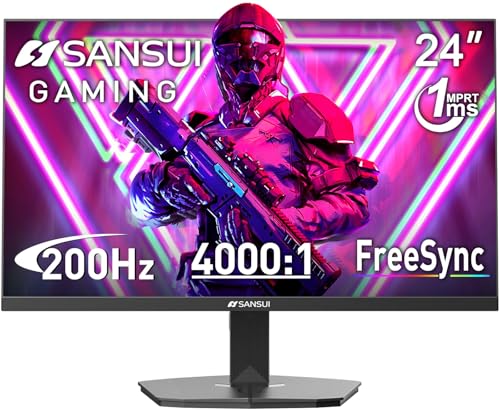
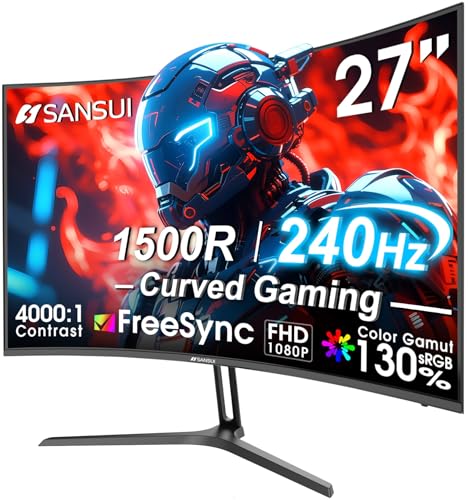
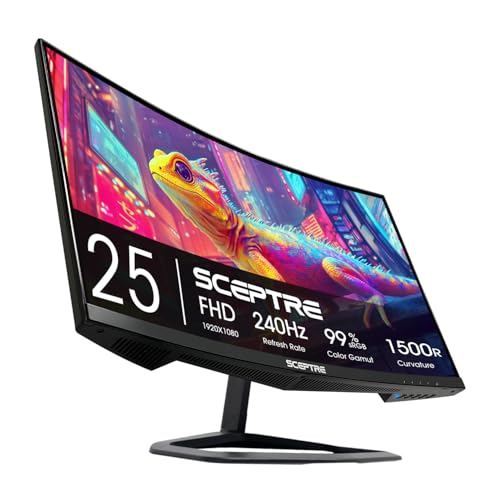
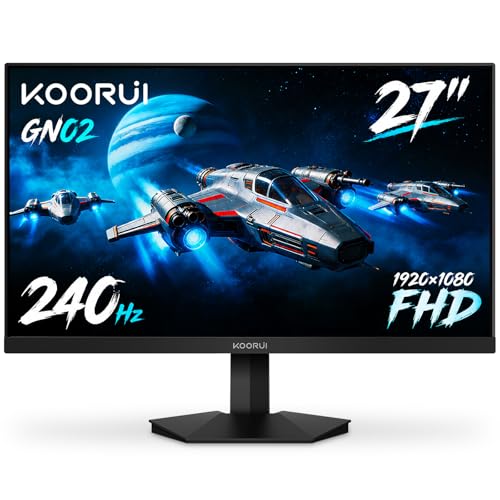
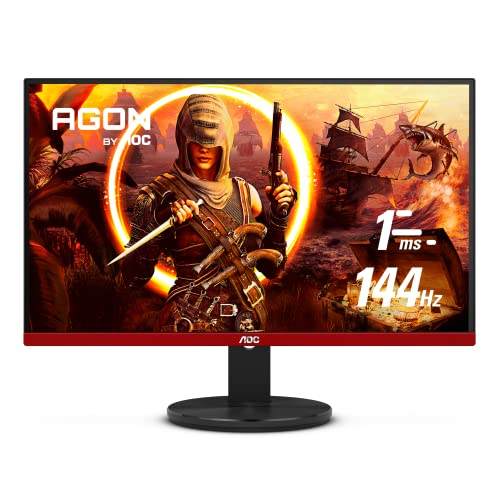
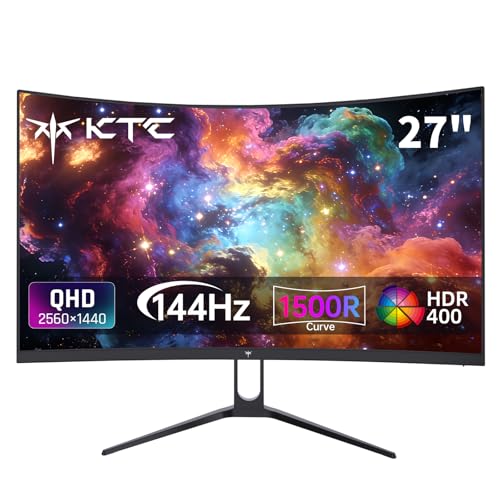
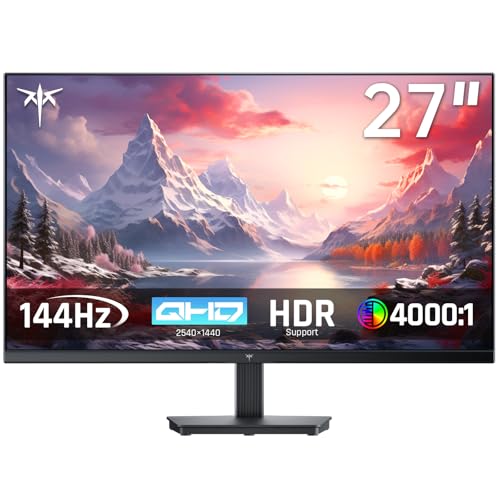
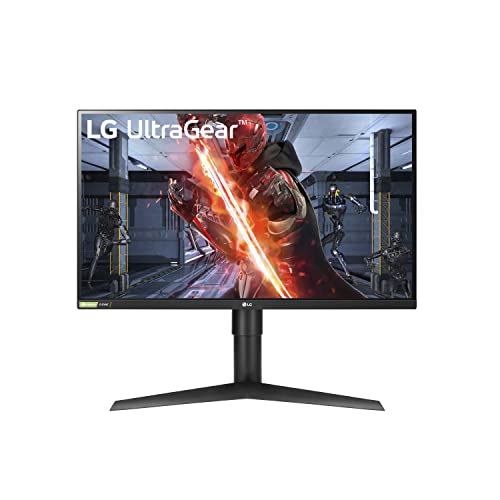
Choosing between 1080p vs 1440p is mostly a question of how big your screen is and how much graphics power you have to spare. Full HD is the cheaper, easier resolution to drive, while 1440p (also called QHD) packs in noticeably more detail on the same panel size. The product table right after this introduction lists monitors at both resolutions so you can compare real prices.
This guide explains what the extra pixels actually buy you, what they cost in frame rate, and which screen sizes make each resolution the sensible pick.



What the Numbers Mean
1080p is 1920 by 1080 pixels, about two million in total. 1440p is 2560 by 1440, roughly 3.7 million, which is close to 78 percent more pixels on the same panel. More pixels means finer text, smoother edges on diagonal lines, and more room on the desktop for windows.
The catch is that your graphics card has to draw every one of those pixels in every frame. As a rough rule, GPU load rises in step with pixel count, so a card that holds a steady 144 frames at Full HD may deliver noticeably fewer at QHD in the same game and settings.
Sharpness by Screen Size
Pixel density is what you see, and it depends on resolution and diagonal together. A 24-inch Full HD panel works out to about 92 pixels per inch, which looks clean at normal desk distance. Stretch the same resolution to 27 inches and density falls to about 82, and at 32 inches it drops to roughly 69, where individual pixels and jagged text become easy to spot.
QHD fixes that. A 27-inch 1440p monitor sits at about 109 pixels per inch, a well-liked balance of crisp text and manageable GPU demands. At 32 inches, 1440p lands near 92, equal to a 24-inch Full HD screen, which is why many people treat 27 inches as the natural home for QHD.
- 24 inches or smaller: 1080p looks sharp and keeps costs low.
- 27 inches: 1440p is the comfortable choice for games and daily work.
- 32 inches and up: 1440p is the minimum for acceptable detail; Full HD looks soft at desk distance.
Performance and Refresh Rate
Competitive players often choose 1080p on purpose. It lets a mid-range graphics card reach very high frame rates, which pairs well with 240Hz and faster panels. If you play fast shooters and care more about response than scenery, a high-refresh Full HD monitor is a legitimate tool, not a compromise.
1440p monitors with 144Hz to 240Hz panels have become common and affordable, so you no longer have to give up speed to gain sharpness. Check that your graphics card can realistically feed the refresh rate you pay for, since a 240Hz screen running at 90 frames wastes most of its potential.
Cost and Value
Full HD still wins on price. You can find sizeable, fast panels for less than a QHD model of similar quality, and you also save on the graphics card needed to power them. The gap has narrowed, though, and a modest step up in budget often buys a 1440p screen with a better panel and stand.
Think about the whole system. If you plan to upgrade the graphics card within a year or two, a QHD monitor is a sound long-term purchase because it will still look good after the GPU improves. If the card is older and budget is tight, put money into the card first and keep the monitor at Full HD.
Everyday Use Beyond Gaming
Spreadsheets, code and web pages benefit from the extra room at 1440p, and text looks cleaner without display scaling tricks. Video watching is less dramatic, since most streaming is 1080p anyway, and upscaling on a QHD screen looks fine. For a quick look at well-regarded options, our best gaming monitor guide sorts models by use case, and the AOC Q27G3XMN review shows what a 27-inch QHD model offers.
Consoles are worth a mention. Most output 1080p, 1440p or 4K depending on the model, and not every console supports 1440p output, so check compatibility before you buy a QHD screen for one.
Upscaling and Staying Power
Modern games ship with upscalers that render at a lower internal resolution and rebuild the image at your screen's native size. On a QHD monitor these tools let a mid-range card produce a picture that often looks closer to native 1440p than to 1080p, while saving many frames. That narrows the performance gap and is one reason the debate of 1080p vs 1440p has tilted toward the higher resolution for new purchases.
Screens also last. Many people keep a monitor for five years or more through two or three graphics card upgrades. A Full HD panel that feels fine today can start to look dated beside a friend's QHD screen, whereas a good 1440p panel stays comfortable for a long time.
Finally, look past resolution to the other features that shape daily use: panel type, brightness, stand adjustment, and the ports on the back. A well-built 1080p monitor with a sturdy stand and good color can be a better buy than a cheap 1440p model with a wobbly base and washed-out picture, so compare the whole package.
1080p vs 1440p: Which Should You Choose?
Choose 1080p if you
- Play competitive games where frame rate beats detail.
- Use a 24-inch screen or smaller.
- Have a modest graphics card and a tight budget.
Choose 1440p if you
- Want a 27-inch screen that looks sharp for both play and work.
- Own, or plan to buy, a mid-range or better graphics card.
- Spend long hours reading text or editing photos.
FAQ
Is 1440p worth it over 1080p?
For a 27-inch monitor, yes. The jump in sharpness is easy to see, and the price premium has shrunk. On a small 24-inch screen the improvement is subtler and Full HD is still very good.
Will my graphics card handle 1440p?
Mid-range cards from recent generations manage QHD well at medium to high settings. Lower the settings or use the upscaling options built into many games if frame rates fall short.
Does 1080p look bad on a 27-inch monitor?
It looks acceptable but soft compared with QHD, especially for text. Many people notice it within a day of switching from a sharper screen.
Is it better to buy 1440p at 144Hz or 1080p at 240Hz?
If you mainly play single-player or mixed games, take the sharper 1440p panel. If competitive shooters are your main focus and your graphics card is modest, the faster Full HD screen is the smarter match.
In the end, 1080p vs 1440p comes down to screen size and graphics power: 1080p for small, fast and affordable setups, 1440p for 27-inch screens where sharpness is worth the extra GPU effort.


