
Computers

Best Android Tablets of 2026: Complete Buying Guide

The Best Pre Built Gaming PC: Buying Guide and Top Picks
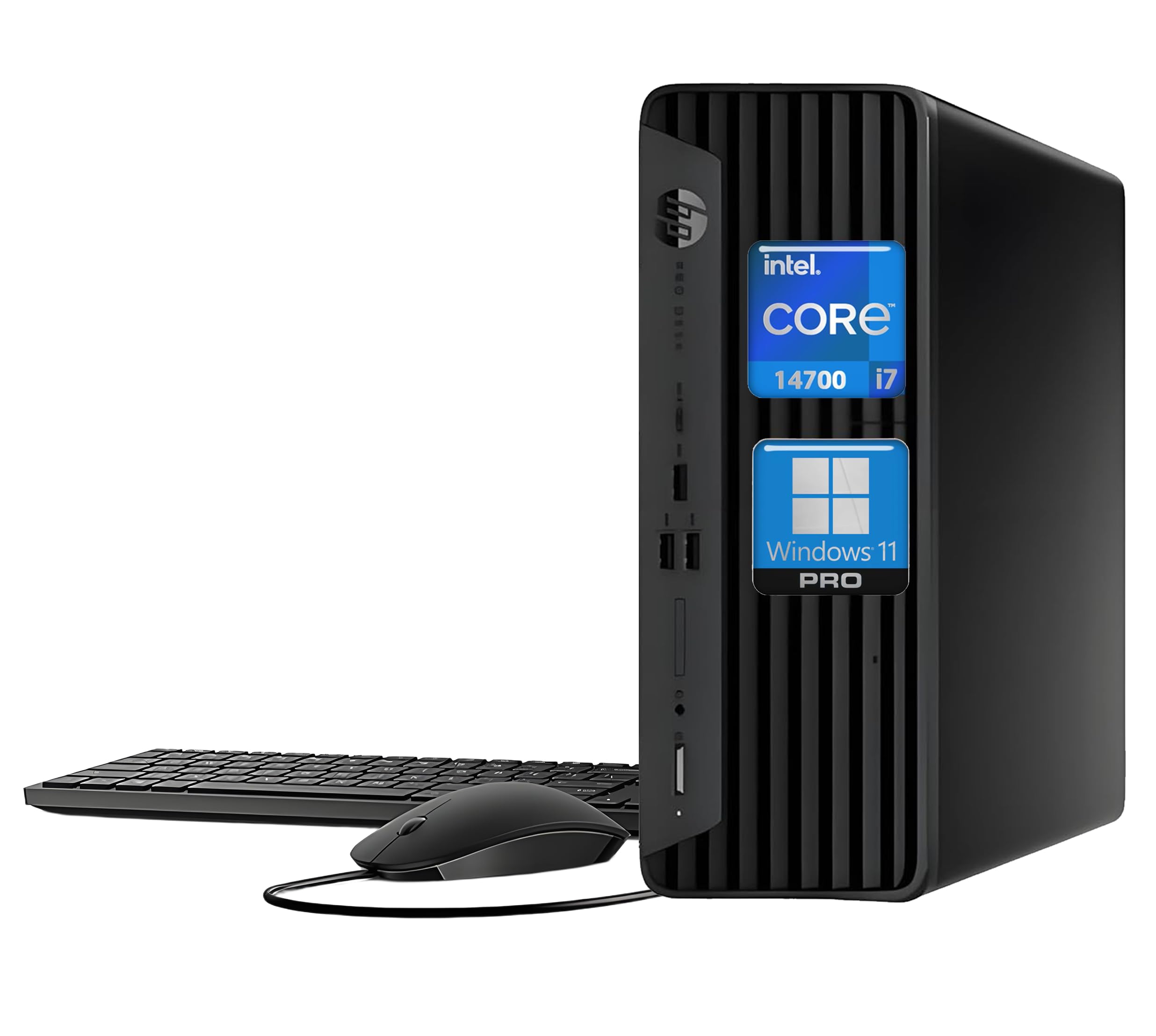
Best Desktop Computer for Small Business in 2026
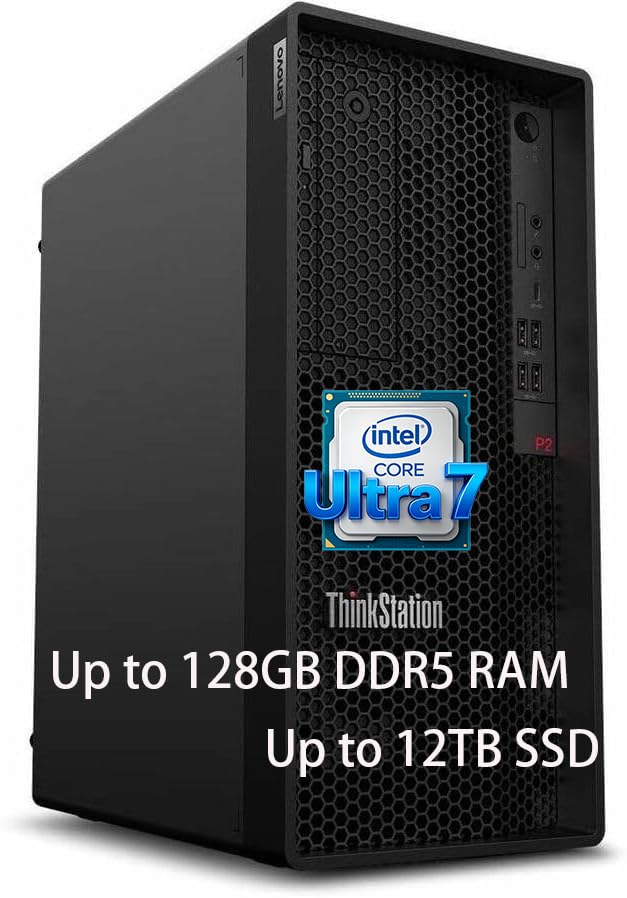
Best Workstation Desktop in 2026: What to Look For
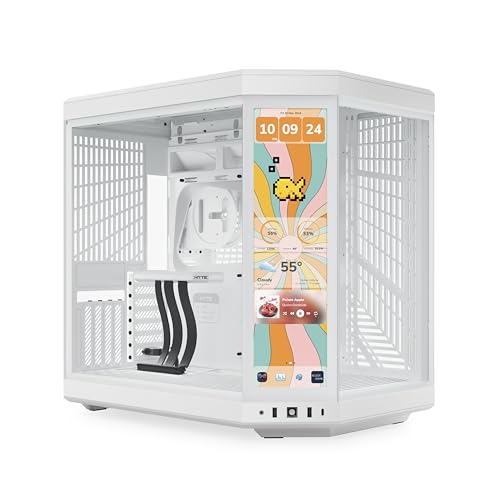
The Best Pc Cases for Beginners for 2026

Best PC for AI Video Generation in 2026: GPU, VRAM, and Build Guide
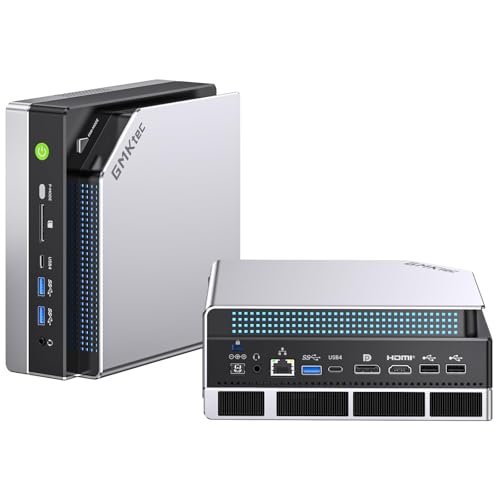
Best Ai Computer For Home In 2026: The Complete Buying Guide For Everyday Users
Choosing a Desktop Computer for Your Needs
Desktops offer more performance per dollar than laptops, easier upgrades, and better cooling. The right configuration depends on what you plan to do most. Web browsing, streaming, and office work need far less power than gaming, video editing, or running local AI models, so match the parts to your real workload instead of chasing the highest specs.
The Specs That Matter Most
- Processor (CPU): a modern six or eight core chip from Intel or AMD handles everyday tasks and gaming well. Content creators benefit from more cores.
- Graphics card (GPU): the key part for gaming, 3D work, and AI. Video memory (VRAM) limits how large a model or texture set you can load. Learn more in our graphics card section.
- Memory (RAM): 16GB is a comfortable baseline, 32GB suits heavy multitasking and creative work, and AI workloads can call for more.
- Storage: an NVMe SSD makes the system feel fast. Pair 1TB or more of fast storage with a larger drive for bulk files if needed.
- Power supply and cooling: a quality power supply with headroom protects your parts, and good airflow keeps performance steady.
Prebuilt vs Custom Built
Prebuilt systems are convenient, come with a single warranty, and are often priced competitively during sales. Building your own lets you pick every part and upgrade later, but it takes research and some patience. Either way, check that the case and motherboard leave room for future upgrades.
Computers for AI Workloads
Running AI tools locally is a growing reason to buy a desktop. Image and video generation lean heavily on GPU memory, so a card with plenty of VRAM matters more than a top-tier CPU. Our guide to a PC for AI video generation breaks down GPU and memory choices, while the AI computer for home guide covers simpler everyday setups.
Noise and size are easy to overlook. A compact case fits a small desk but can run warmer and louder under load, while a mid-tower usually offers quieter cooling and more upgrade space. If the PC will sit in a bedroom or shared office, look for larger, slower fans and good airflow.
Common Mistakes
Pairing a powerful GPU with a weak power supply, skimping on RAM, and buying a slow hard drive as the main boot drive are common errors. Also budget for a good monitor, keyboard, and mouse, since they shape the daily experience as much as the tower itself.
Computers FAQ
How much RAM does a desktop need?
16GB is enough for most everyday use and gaming. Choose 32GB for video editing, heavy multitasking, or development work, and consider more for large local AI models.
Is a prebuilt PC worth it?
Prebuilt PCs save time and include a single warranty, and sale prices can rival building yourself. Check that the power supply, cooling, and motherboard are decent quality.
What matters most for running AI locally?
GPU video memory is usually the biggest factor, since it limits the size of models you can load. Enough system RAM and fast SSD storage also help.
Should I choose an SSD or a hard drive?
Use an NVMe SSD as your main drive for fast boot and load times. A larger hard drive is still a cost-effective option for storing media and backups.
Can I upgrade a desktop later?
Most desktops can be upgraded with more RAM, storage, or a new graphics card. Check case size, power supply wattage, and motherboard slots before buying.