
Beelink vs Geekom Mini PCs: Which Is Better in 2026?
Disclosure: We may earn a commission when you buy through links on this page, at no extra cost to you. As an Amazon Associate I earn from qualifying purchases. Learn more
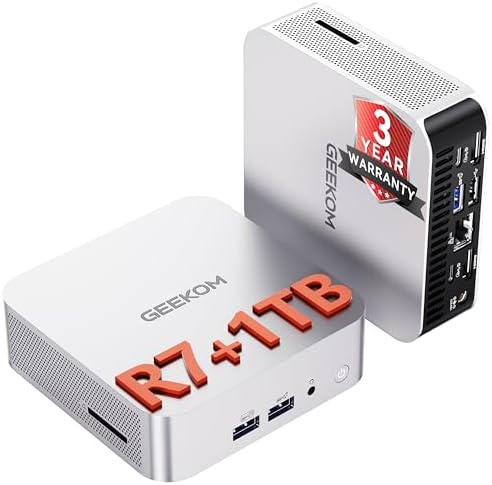
A beelink vs geekom mini pc comparison of range, processors, ports, cooling, and support, with models from both brands to price.
Beelink and Geekom both sell small, well priced Windows PCs, and the choice between them is less about brand loyalty than about the exact model. This beelink vs geekom mini pc comparison looks at range, processors, build, ports, and support so you can pick with confidence.
The product table near the top lists models from both brands side by side. Use it to match budget and processor first, then read the notes below to settle the tie breakers.



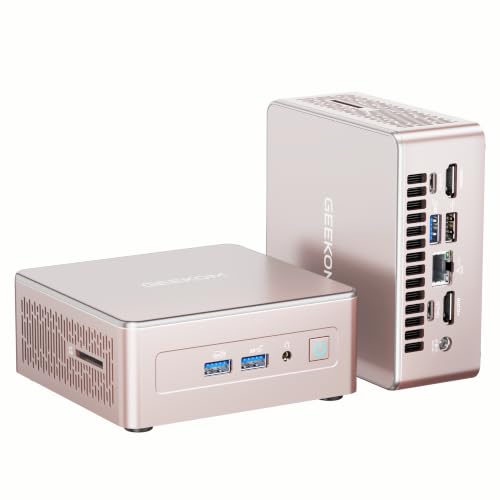
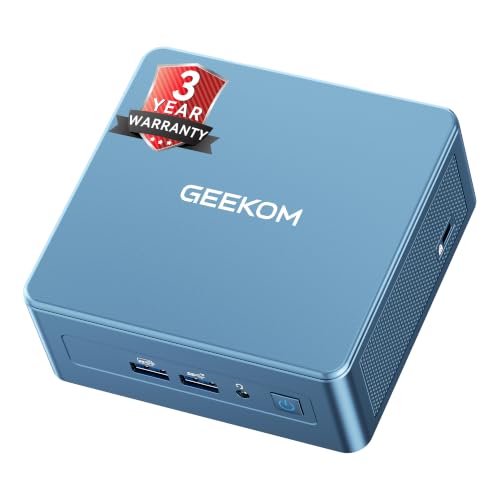
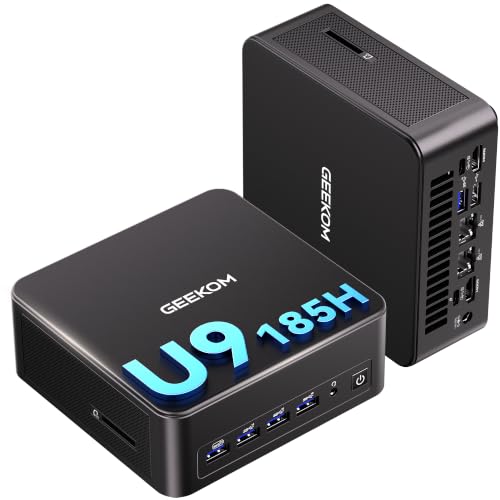
Beelink vs Geekom Mini PC: Range and Pricing
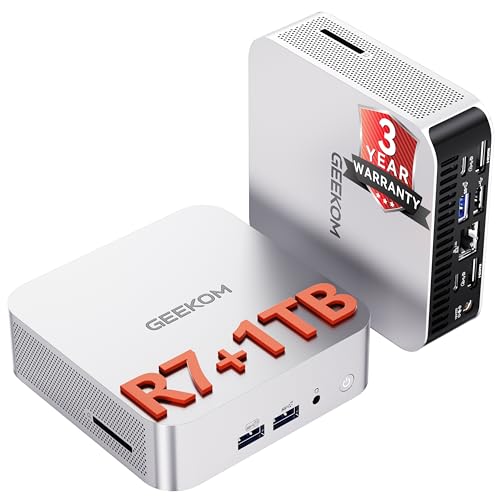
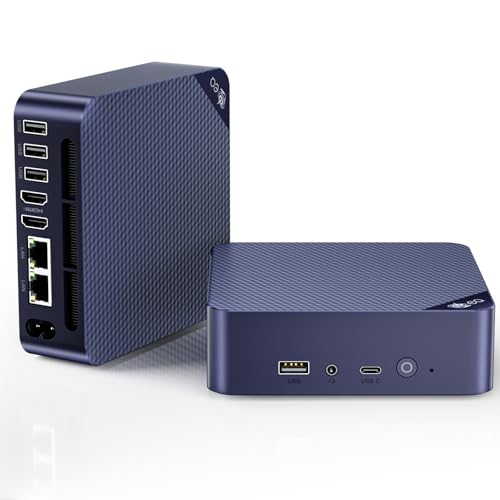
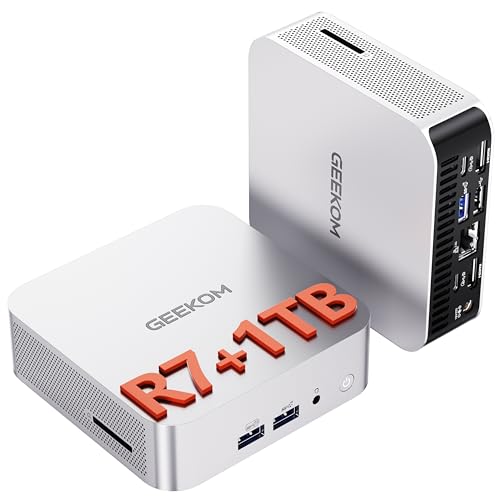
Beelink covers a wide span, from entry level Intel N series boxes to Ryzen 7 machines, and current listings show models such as the SER8, SER9 Pro, EQR7, and EQ14. Geekom leans toward mid to premium models, with the A5, A6, A8, IT12, and IT13 series on the list and high end AI models at the top.
At the low end Beelink has more choices, so a buyer who wants the cheapest quiet desktop will find more options there. In the middle of the market the two brands overlap, and prices change with sales more than with brand.
Processors and Performance
Both brands use AMD Ryzen and Intel processors. Geekom lists Ryzen 7 7730U, 6800H, and 8745HS parts and Intel Core Ultra and Core i9 parts, while Beelink lists Ryzen 7 7735U, Ryzen 7 8745HS, newer Ryzen AI chips, and efficient Intel N150 models.
Judge performance by processor name, not brand. A Ryzen 7 8745HS behaves the same in either case, apart from cooling and memory. Look for DDR5 memory and a PCIe 4.0 SSD when you want the fastest everyday feel.
Build, Cooling, and Noise
Geekom machines are often described as metal bodied with a premium finish, while Beelink uses a mix of compact designs that vary by line. Both can run quiet at light loads, and both get audible when the processor works hard.
Read recent buyer comments for each exact model, because noise depends on the cooling design and the chip. Give any mini PC breathing room and clean the vents occasionally.
Ports and Expansion
Check the video outputs, USB4 ports, Ethernet speed, and the number of USB ports. Premium Geekom models often add USB4 and 2.5 gigabit Ethernet, while some Beelink models offer dual LAN, which helps with small servers.
If you plan to run several monitors or a fast network, the ports decide the winner more than the chip does. Count what you need and compare the list on each listing.
Warranty and Support
Both brands sell through major retailers, so returns usually follow retailer policy for the first period. Read the warranty term in the listing, and keep the invoice. If a model has recent comments about failures, treat that as a stronger signal than the brand name.
Register the product if the maker offers it, and update the BIOS and drivers during the first week, since early firmware often improves stability.
Which Brand Fits Which Buyer
- Choose Beelink for the widest choice at low and mid prices.
- Choose Geekom for a premium feel and strong mid to high end Intel and AMD models.
- Choose by processor and ports when two models are close.
The best mini PC guide gives a wider ranking, and the Apple Mac mini M4 review and Framework Desktop review cover alternatives from outside this pair. For very specialized work, the NVIDIA DGX Spark review explains a different class of machine.
Common Mistakes to Avoid
Do not compare a barebone model to a full kit, because the missing memory and storage add to the cost. Do not buy by core count alone, since cooling and memory speed matter as much. Do not skip the return policy, and do not forget to check that the listing includes Windows if you need it.
A small amount of research up front saves a lot of trouble, so note each candidate's processor, memory, storage, ports, and price in one place.
Examples: Matching a Model to a Job
For a family computer that handles homework, streaming, and bills, an entry level Beelink with an efficient Intel chip is plenty and costs the least. For a remote worker who juggles video calls, many browser tabs, and spreadsheets, a Ryzen 7 model from either brand is the sweet spot. For photo and video editing, step up to the strongest Ryzen or Core Ultra chip you can afford and prioritize 32GB of memory.
Gamers who want to play modern titles should treat both brands as a compromise and look at models that list stronger graphics, or plan on an external graphics dock. Home server users should look for dual Ethernet, extra USB ports, and room to add storage, features that vary more by model than by brand.
Write down the monitors, drives, and network gear you plan to connect, and use that list to check each candidate. A model that fits your accessories on day one is worth more than a slightly faster chip that needs adapters.
Checking Recent Buyer Feedback
Read the most recent comments on each exact listing rather than the overall rating. Look for repeated mentions of fan noise, Wi-Fi drops, boot issues, or slow support responses, and treat any pattern as a warning. A handful of complaints among hundreds of positive comments is normal, while the same complaint repeated many times is a signal worth heeding.
Also check that the seller is the maker or an authorized store, since warranty service is simpler when the seller is clear. Keep photos of the packaging and the unit in case of a return.
FAQs
Is Geekom better than Beelink?
Neither is better across the board. Geekom tends to focus on mid and premium models, and Beelink offers more low cost options.
Which is quieter?
It depends on the model and the load. Compare buyer comments for the exact machine.
Do both support Linux?
Both run popular Linux distributions on most models, though driver support varies with newer chips.
Can I upgrade memory and storage?
Many models allow it, but check the listing and the manual before buying.
In the end, this beelink vs geekom mini pc choice comes down to processor, ports, and price, so use the table above to match the model to your needs. Prices and availability can change, so check the product page before ordering.


