
Smart Home
Robot vacuums, smart displays, lighting and connected home gear.
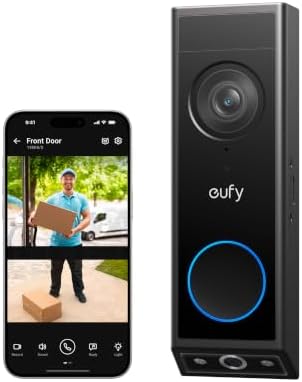
Best Door Cameras in 2026: Which Type Is Right for You?

Best Infant Monitors: What Actually Matters Before You Buy

The Best Home Security System: Buying Guide and Top Picks

Best Smart Plugs for Christmas Lights: Specs, Picks & Buying Guide
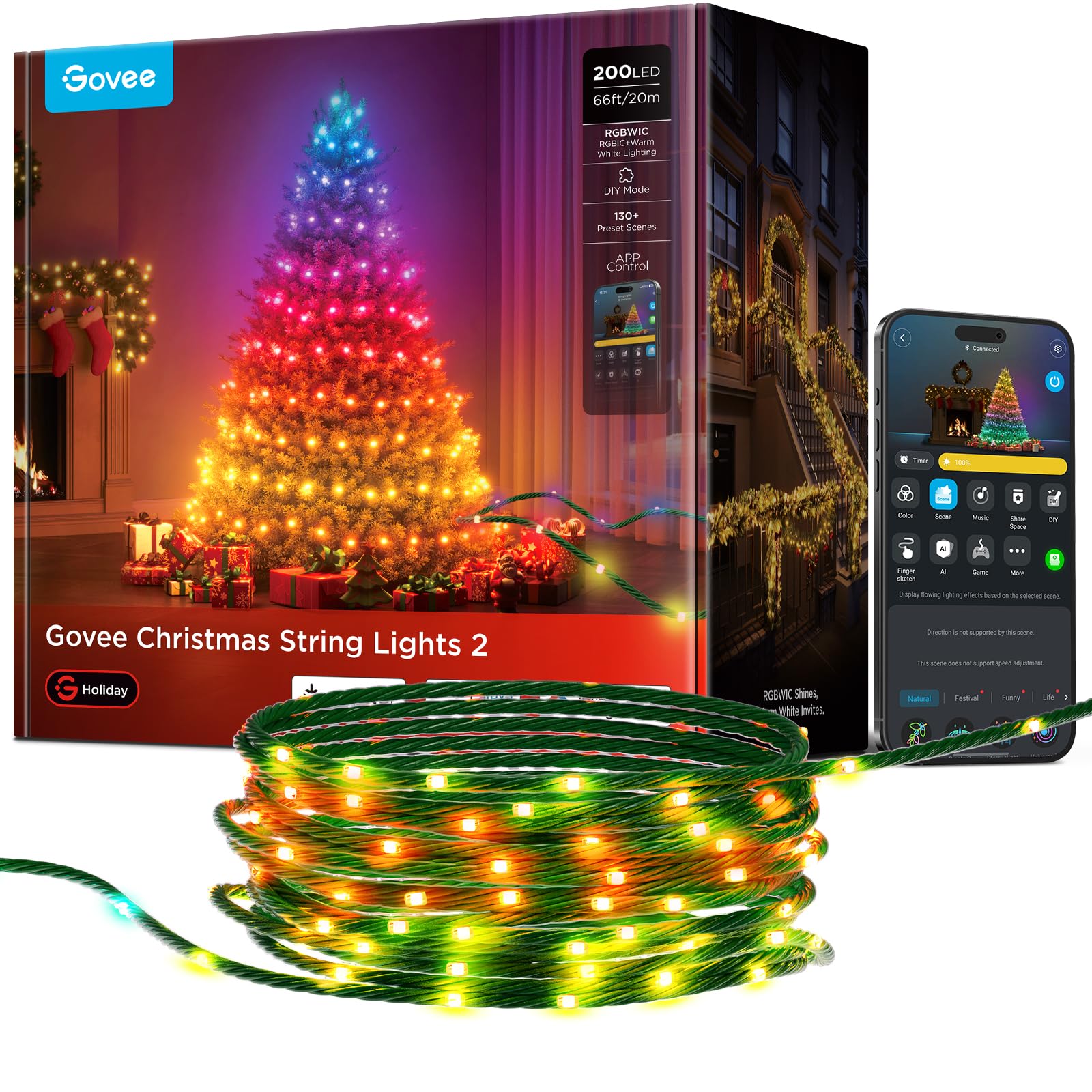
The Best Smart Christmas Lights: Our Top Picks & What Matters
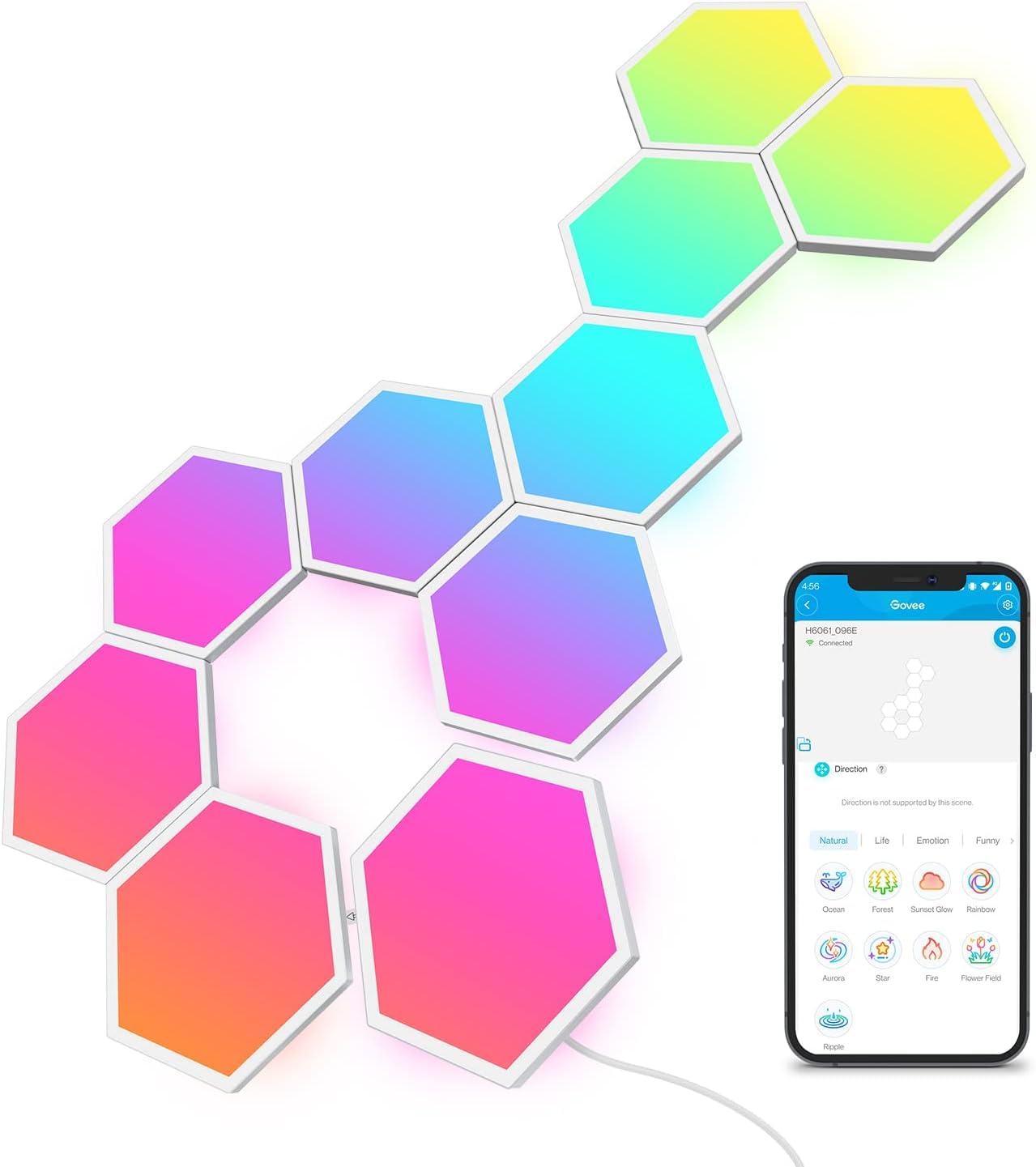
Best RGB Lights for Gaming Room: Specs, Picks & Buying Guide

Best Smart Meat Thermometers for Turkey: Specs, Picks & Buying Guide

Best Digital Photo Frames for Grandparents: Specs, Picks & Buying Guide
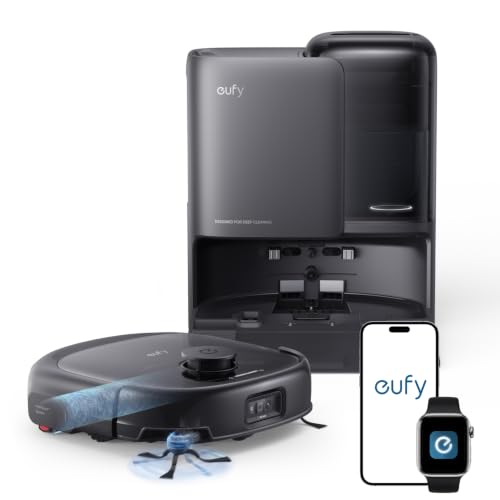
Best Self Emptying Robot Vacuums: Specs, Picks & Buying Guide
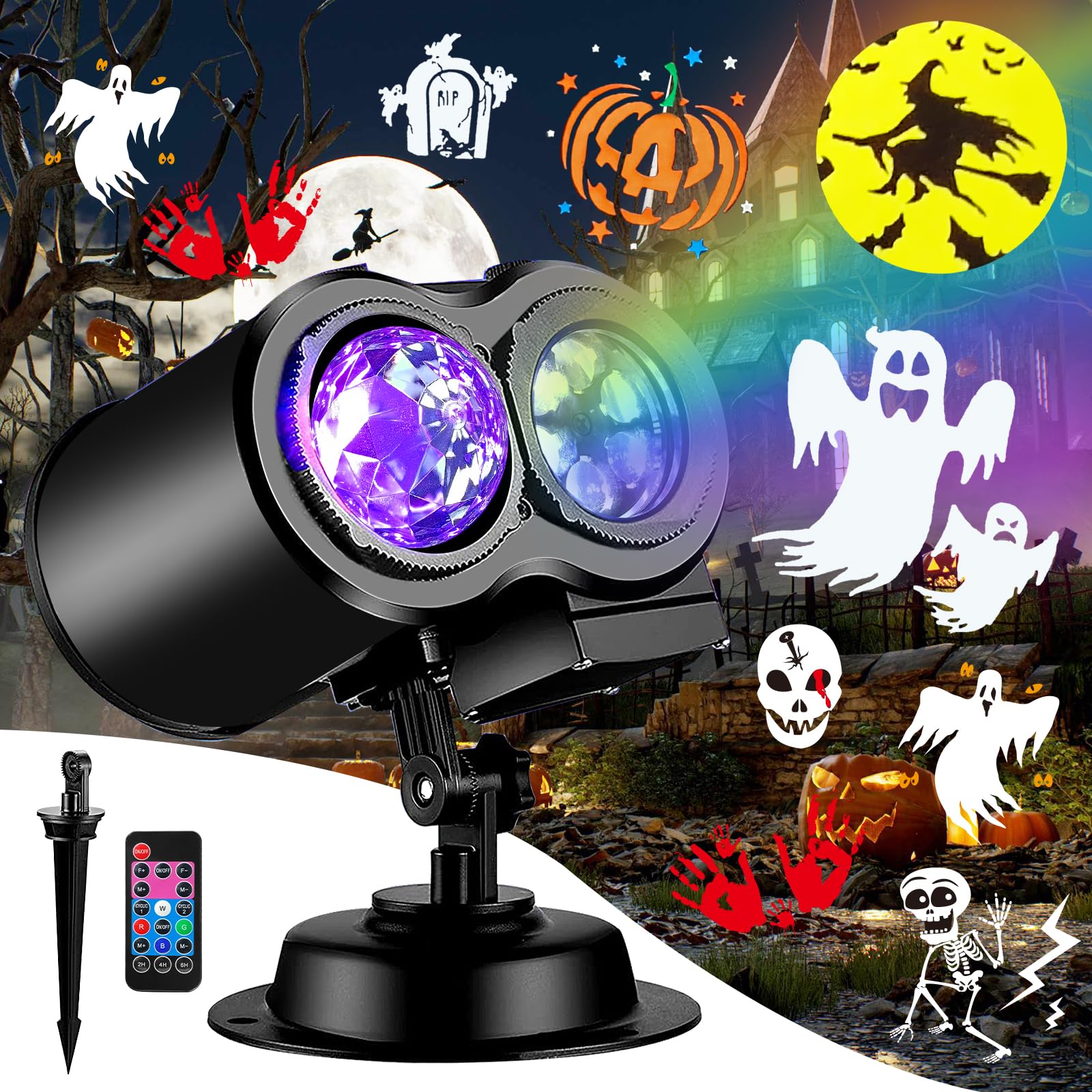
Best Halloween Light Projectors: Specs, Picks & Buying Guide
Start with the Ecosystem
The single most important choice in a smart home is which platform will tie everything together. Amazon Alexa, Google Home, and Apple Home each work with thousands of devices, but mixing them creates friction. Pick the voice assistant or app you already prefer, then filter products by compatibility. The Matter standard is making cross-platform support easier, so devices labeled Matter compatible offer extra flexibility.
Connectivity matters too. Many budget devices only use 2.4 GHz Wi-Fi, which is fine for plugs and bulbs but can crowd a busy network. Thread and Zigbee devices often need a hub or a compatible smart speaker to act as a bridge.
Popular Device Types
- Smart plugs: the easiest entry point. They put lamps, holiday decorations, and fans on a schedule. See our smart plugs for Christmas lights guide for outdoor-rated options.
- Smart lighting: color bulbs, strips, and panels set the mood in living rooms and gaming setups.
- Robot vacuums: self-emptying bases cut maintenance to an occasional bag change, covered in our self-emptying robot vacuums roundup.
- Smart displays and photo frames: helpful for video calls, recipes, and sharing photos with family.
- Connected kitchen gadgets: app-linked thermometers help with roasts and holiday meals.
Privacy and Security Basics
Every connected device is another login on your network. Use strong unique passwords, turn on two-factor authentication for your smart home account, and keep firmware updated. Cameras and microphones deserve extra thought: choose brands with clear privacy controls and physical shutters or mute switches.
Plan to grow slowly. Begin with one room or one routine, such as lights that turn on at sunset or a vacuum that runs while you are at work. Once that routine feels reliable, adding more devices is simple, and you avoid a pile of gadgets that each need their own app and setup.
Also think about everyone else in the household. Simple voice commands and physical switches that still work keep family members and guests from feeling locked out.
Mistakes to Avoid
Buying devices from several platforms at once is the most common mistake, followed by ignoring whether a product works without a cloud connection. Also check outdoor ratings for anything used outside, and confirm your router can handle the extra devices. If you are buying for someone else, our smart home gifts list focuses on simple, easy-setup picks.
Smart Home FAQ
What is Matter and do I need it?
Matter is a common standard that lets smart home devices work across Alexa, Google Home, and Apple Home. You do not strictly need it, but it makes future upgrades and platform switches easier.
Do smart plugs work outdoors?
Only models rated for outdoor use should be used outside. Look for a weather resistance rating and make sure the plug can handle the load of your lights or decorations.
Will smart devices slow down my Wi-Fi?
Most smart devices use very little bandwidth, but many connected gadgets can crowd an older router. A mesh system or a hub-based protocol like Zigbee or Thread can help.
Are robot vacuums worth it for pet owners?
Yes, many owners find them helpful for daily hair cleanup. Look for strong suction, tangle-resistant brushes, and a self-emptying base to reduce maintenance.
How can I keep my smart home secure?
Use unique passwords, enable two-factor authentication, update firmware regularly, and buy from brands with a clear track record of security updates.