
Best Mid Range Smart TVs for 2026: Streaming Platforms, Mini LED, and Buyer Guide
Disclosure: We may earn a commission when you buy through links on this page, at no extra cost to you. As an Amazon Associate I earn from qualifying purchases. Learn more

Planning a living room upgrade? Compare Google TV, Roku TV, Fire TV and webOS, plus Mini LED picture and voice control in the best mid range smart TVs.
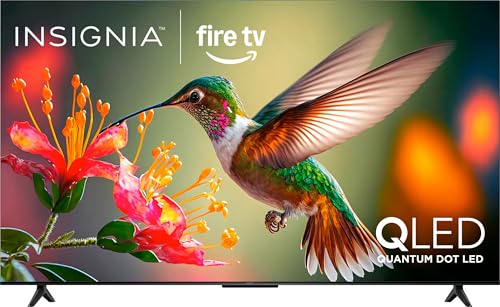
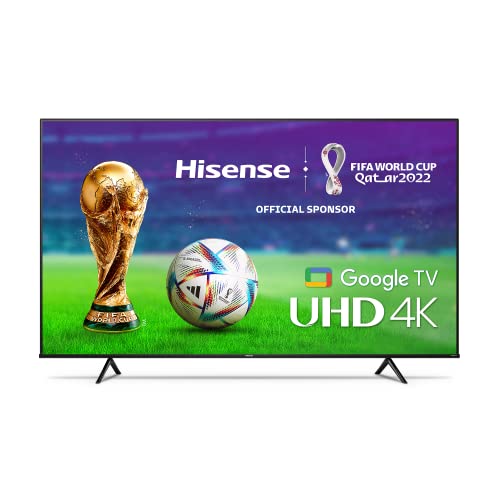
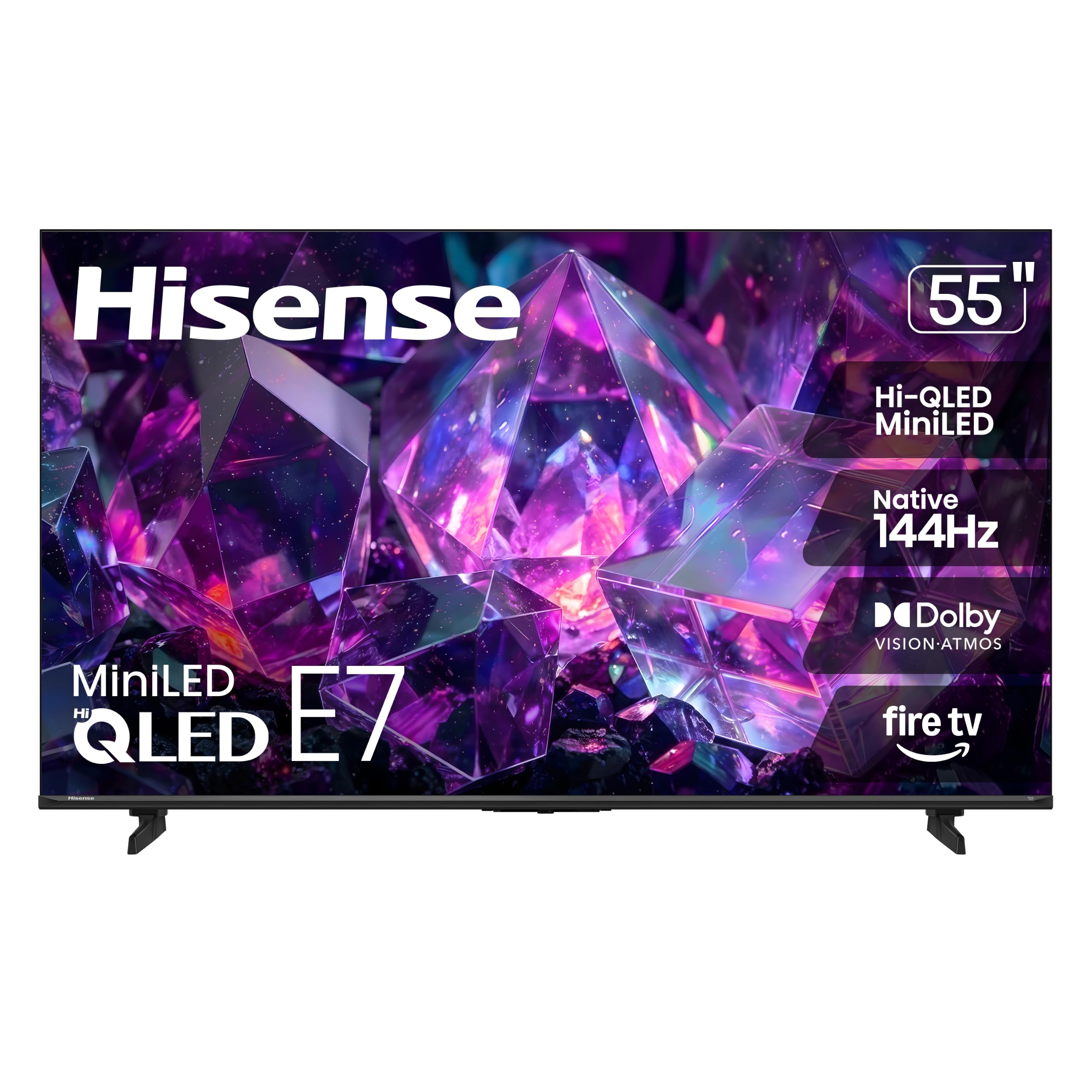
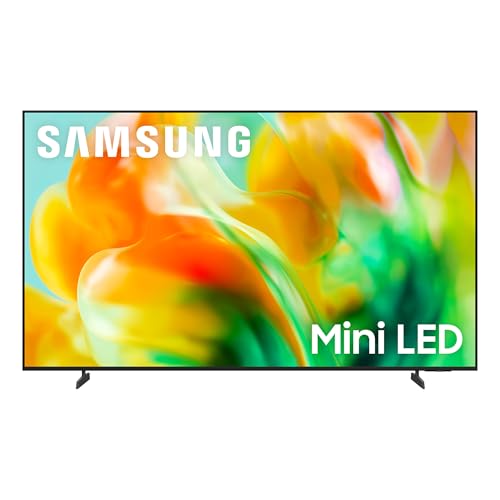
Nothing ruins movie night faster than a smart television that takes ten seconds to register a button press, freezes while loading an app, or fills the home screen with banner ads. Budget sets around $250 often cut corners with weak processors and dim panels. The best mid range smart tvs, typically around $450 to $1,000, pair faster quad core processors and polished Google TV, Roku, or webOS interfaces with brighter 4K QLED or Mini LED screens. The picks in the table below let you compare them side by side.
A good smart TV gives you quick access to Netflix, YouTube, Disney+, Prime Video, and free live channels, plus Apple AirPlay 2 and Chromecast casting, so you do not need a separate streaming box and second remote. If you want a broader look at the category, see our guide to the best smart TVs.
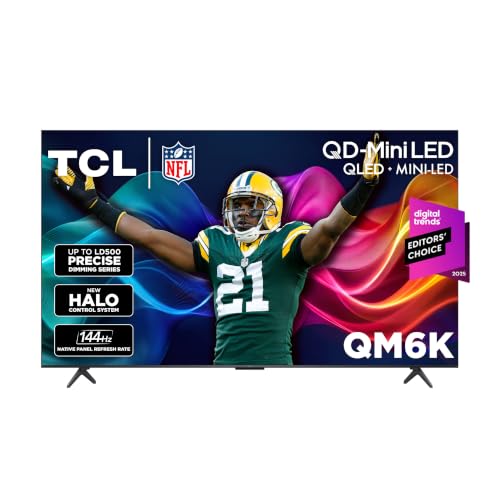
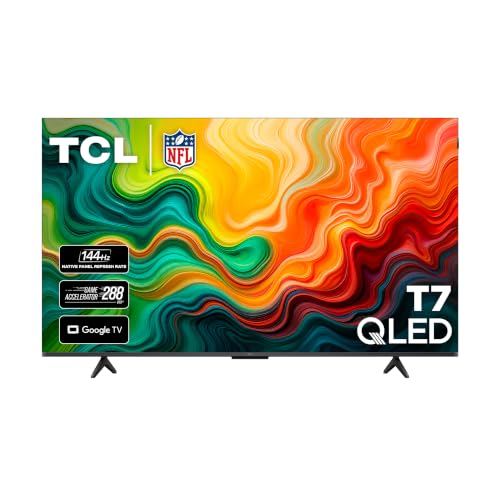
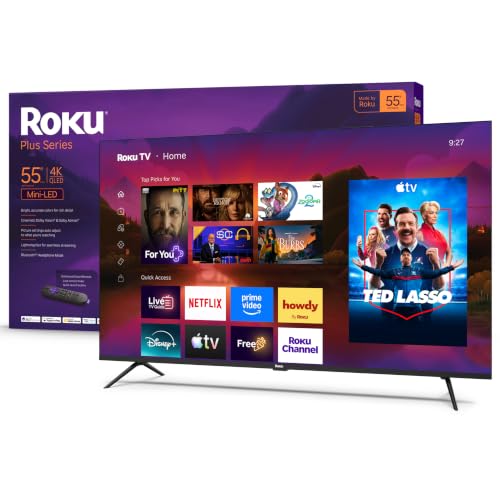
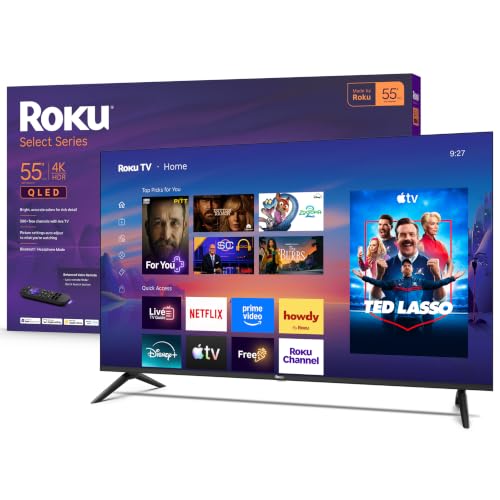


Who Should Buy Which Mid Range Smart TV Platform?
The platform matters as much as the panel, because it is what you touch every day. Match the interface to the people who will use the TV, then shop for picture quality within that group.
Which platform suits families and seniors who want the simplest menu?
Roku TV suits families and seniors best because it uses a clean grid of large app tiles. Anyone from a young child to a grandparent can find Netflix, Hulu, YouTube, or Peacock within a few seconds.
Roku's minimalist remote and its universal search, which compares where a movie is available to stream, make it one of the easiest interfaces to live with. It is also a sensible choice for a guest room or a parent's apartment, where you do not want to provide tech support by phone.
Which platform suits content discoverers, smart home users, and casting fans?
Google TV suits viewers who juggle several subscriptions and want one dashboard. Its "Continue Watching" row, live guide integration, and personalized recommendations pull everything into one place.
It is built on Android TV, so it supports Google Cast, Google Assistant voice search, and a very large app catalog through the Play Store, including apps such as Plex. That flexibility makes it the pick for power users who like to customize.
Which platform suits Alexa households and point and click fans?
Fire TV suits households already using Amazon Echo speakers and Ring doorbells, since voice commands can bring a camera feed onto the screen. Fans of cursor style navigation tend to prefer webOS, whose Magic Remote works like a wireless air mouse with a scroll wheel.
Samsung's Tizen is the other major option, with a full screen hub and a Gaming Hub for cloud gaming. If you already own several Samsung appliances, its SmartThings support may tip the decision.
Key Smart and Picture Features to Compare Before Buying
How do the five major smart TV operating systems compare?
Each platform trades simplicity against flexibility, so the right one depends on your habits. The comparison below covers everyday living room use:
| Smart TV OS | Menu Layout Style | App Store Depth | AirPlay 2 & Cast? | Best User Match |
|---|---|---|---|---|
| Google TV | Content first rows + Apps Only mode | Largest (Play Store) | Chromecast & AirPlay 2 | Streamers, Android/iPhone homes, VPN users |
| Roku OS | Simple customizable app tile grid | Very high (major apps + free channels) | AirPlay 2 + Roku screen cast | Simplicity lovers, seniors, families |
| LG webOS | Bottom quick card bar + air mouse | High (major streaming + cloud gaming) | AirPlay 2 + Matter smart home | Point and click fans, gamers |
| Samsung Tizen | Full screen hub + Gaming Hub | High (Xbox and GeForce cloud gaming) | AirPlay 2 + SmartThings hub | Cloud gamers (no console needed) |
| Amazon Fire TV | Prime/Live focused carousel | High (Amazon Appstore) | AirPlay 2 + Alexa Ring picture in picture | Amazon Prime and Ring camera homes |
Why does processor speed and RAM matter on a smart TV?
The processor and memory decide how fast menus open and whether apps crash over time. Mid range sets usually have a quad core processor with around 2GB to 3GB of RAM and 16GB to 32GB of storage, compared with about 1GB of RAM on many cheap sets.
Spec sheets do not always list these numbers, so read the manual or the maker's support page when you can. Buyer feedback in aggregate is also useful: complaints about lag after a year usually point to thin memory.
If your Google TV home screen feels too busy with trailers, open Settings, then Accounts and Sign In, choose your profile, and turn on "Apps Only Mode." It removes the recommendation rows and leaves a plain grid of installed apps.
Is a Mini LED QLED panel better than a standard LED panel?
Yes, in this price range a QLED or Mini LED panel with full array local dimming looks noticeably better than an edge lit or basic direct lit LED panel. A fast menu means little if the picture looks washed out.
Mini LED backlights split the screen into many dimming zones, so dark scenes stay dark while bright HDR highlights stay punchy in a sunny room. Zone counts and peak brightness vary widely by model, so check the maker's stated specs rather than assuming.
Quantum dot color adds a wider range of hues, which shows most in animation, sports, and nature footage. If your room has big windows, brightness matters more than almost any other number on the sheet.
Which casting and smart home features should a mid range TV include?
Look for both Apple AirPlay 2 and Google Cast or Miracast so iPhones, Macs, Android phones, and Windows laptops can all share their screens in one tap. That helps when guests want to show vacation photos or a presentation.
WiFi 6 support helps 4K streams avoid buffering, and Matter support makes it easier to link the TV to other smart home devices. Check that the TV can also act as a control point, so you can dim compatible lights or see a doorbell camera without picking up your phone.
Are far field voice control and a good remote worth having?
Yes, especially if you cook or have your hands full often. Many mid range sets have far field microphones in the bezel, usually with a physical privacy switch, so you can pause a show while your hands are covered in dough.
Also look for backlit remote buttons, rechargeable batteries (USB C or solar on some models), and a remote finder feature that makes the remote beep when it is lost in the couch.
Which ports and gaming features matter at this price?
Look for at least two HDMI 2.1 ports, one of them labeled eARC, if you own a current game console or a soundbar. HDMI 2.1 allows 4K at 120Hz, which keeps fast games smooth.
Variable refresh rate and an auto low latency mode are also worth having, since the TV switches itself into a quick response setting when a console turns on. Casual viewers can skip these, but they cost little extra in the mid range.
Price Tiers: What Your Budget Gets You
What do entry mid range 4K QLED smart TVs offer (around $380 to $550)?
At around $380 to $550 you can expect 55 and 65 inch 4K QLED sets with full Google TV, Roku TV, or Fire TV, voice remotes, and AirPlay 2. These sets start quickly and look more vibrant than non QLED budget screens thanks to quantum dot color.
The tradeoff is usually fewer dimming zones and a 60Hz panel, which is fine for streaming and cable but less ideal for gaming.
What is the Mini LED 120Hz sweet spot (around $550 to $900)?
At around $550 to $900 you typically move up to Mini LED panels with more local dimming zones, higher HDR brightness, and 120Hz or faster refresh rates. Many include HDMI 2.1 ports for PS5 and Xbox Series X, cloud gaming apps, and WiFi 6.
For most households this is the best balance of picture, speed, and cost, and the tier where a mid range set starts to look like a premium one.
What do upper mid range 75 inch and OLED sets add (around $900 to $1,400)?
From around $900 to $1,400 you can find 75 inch Mini LED screens or 55 to 65 inch OLED sets. These often add stronger AI upscaling processors, better built in speakers, and Matter smart home support.
OLED panels light each pixel individually, so blacks are deeper, though they are usually less bright than Mini LED in a sunny room.
What screen size fits my room?
A 55 inch set suits a viewing distance of about 6 to 7 feet, a 65 inch set suits roughly 8 to 9 feet, and a 75 inch set suits 9 to 10 feet or more. Measure your seating distance before you buy.
Also measure the stand width against your media console. Many mid range sets use wide feet or outer legs that need more surface than the screen itself.
5 Smart TV Privacy, Speed, and Setup Mistakes to Avoid
Most slowdowns and privacy complaints come from setup choices made in the first few minutes. Avoid these five:
- Leaving ACR tracking turned on: Setup screens often bundle Automatic Content Recognition (viewing data and personalized ads) into "Agree to All." Turn off viewing data and personalized ads in the Privacy menu for a more private TV that may also feel a little faster.
- Relying on weak 2.4GHz WiFi: High bitrate 4K streams can peak at tens of megabits per second, so use the 5GHz band or an Ethernet cable to avoid buffering.
- Letting unused apps fill storage: On Google TV and Fire TV, uninstall preloaded apps you do not use so a couple of gigabytes stay free for app caching.
- Disabling quick start: Turn on "Quick Start" or the equivalent standby mode in power settings so the TV wakes in seconds instead of doing a full cold boot.
- Streaming through the built in web browser: TV browsers are clunky and memory limited, so use native apps or cast from your phone or laptop with AirPlay 2 or Chromecast.
How to Keep Your Smart TV Fast for Years
Clearing temporary app cache a couple of times a year keeps even a fast mid range TV responsive. On Google TV and Fire TV, open Settings, then Apps, then See All Apps, pick a heavy app such as Netflix or YouTube, and choose "Clear Cache" (not Clear Data, which logs you out).
The screen and HDMI ports usually outlast the software. If future apps outgrow the built in chip, a 4K streaming stick, often around $35, plugged into an HDMI port gives the panel a fresh brain in minutes.
Placement and cabling matter too. Keep the TV a little away from the wall for airflow, use the HDMI port labeled eARC for a soundbar, and use a surge protector to guard the electronics. Setting the picture preset to Filmmaker or Movie mode also gives more natural color than the bright showroom defaults.
Finally, install system updates when prompted. They often include security fixes and speed improvements, and turning on automatic updates saves you from having to remember.
Frequently Asked Questions
Which smart TV operating system is best overall: Google TV or Roku TV?
Roku TV is best if you want the simplest grid of app tiles, while Google TV is best if you want personalized discovery and more flexibility. Google TV adds Chromecast, AirPlay 2, and a large Play Store library. Roku offers a gentler learning curve and strong cross app search.
Can I play Xbox or PC games on a mid range smart TV without a console?
Yes, many mid range sets can stream games from the cloud with no console. Samsung Tizen, LG webOS, Google TV, and Fire TV support Bluetooth controllers and services such as Xbox Cloud Gaming, NVIDIA GeForce NOW, or Amazon Luna, though most require a subscription.
Do mid range smart TVs include free live TV channels?
Yes, most platforms include free ad supported streaming channels at no monthly cost. Roku Channel, Pluto TV, Tubi, Samsung TV Plus, and LG Channels offer news, sports, movies, and kids' shows over WiFi. Adding an inexpensive indoor antenna also brings in local broadcast channels.
Why is my smart TV Ethernet port limited to 100 Mbps?
Many TV makers use a 100 Mbps Fast Ethernet port to save on parts, even on pricey sets. That is plenty for Netflix or Disney+ streams, which need far less. If you stream very high bitrate files from a Plex server, use WiFi 6 or a USB to Gigabit Ethernet adapter if your TV supports one.
Do iPhones work well with Google TV and Roku smart TVs?
Yes, most current mid range Google TV, Roku, Fire TV, webOS, and Tizen sets support Apple AirPlay 2, and many support HomeKit. You can mirror an iPhone or iPad, cast photos and video, and control playback from your phone without extra Apple hardware.
Final Thoughts
Choosing the best mid range smart tvs comes down to pairing the interface you like, whether Roku's simple tiles or Google TV's flexibility, with a bright Mini LED or QLED 4K panel. During setup, turn off ACR tracking and switch to Filmmaker or Movie mode. Then compare the picks in the table above to find the right set for your room.


