
Best 2K Security Cameras for 2026: Indoor, Outdoor, Storage and Privacy Basics
Disclosure: We may earn a commission when you buy through links on this page, at no extra cost to you. As an Amazon Associate I earn from qualifying purchases. Learn more

Sharper video helps when you need to recognize a face or a delivery, so the best 2k security camera is judged by storage, power, night vision and privacy features too.
A 2K security camera records video at about 2560 by 1440 pixels, or sometimes at three megapixels, which is a clear step up from the older full HD standard. The extra detail helps when you want to read a package label, recognize a visitor or zoom in on a moment after the fact. The best 2k security camera adds that sharper video to reliable storage, a steady connection and a design that suits where you place it.
This guide covers indoor and outdoor models, how power and storage choices change cost, how night vision and field of view affect what you see, and how to set cameras up respectfully with privacy in mind.

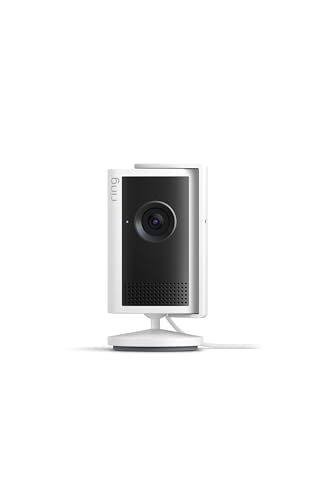
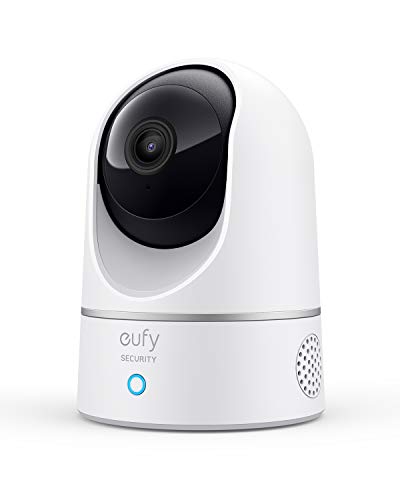
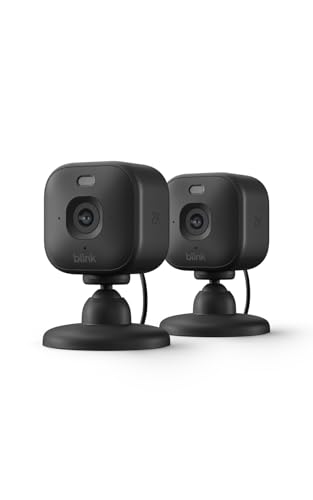
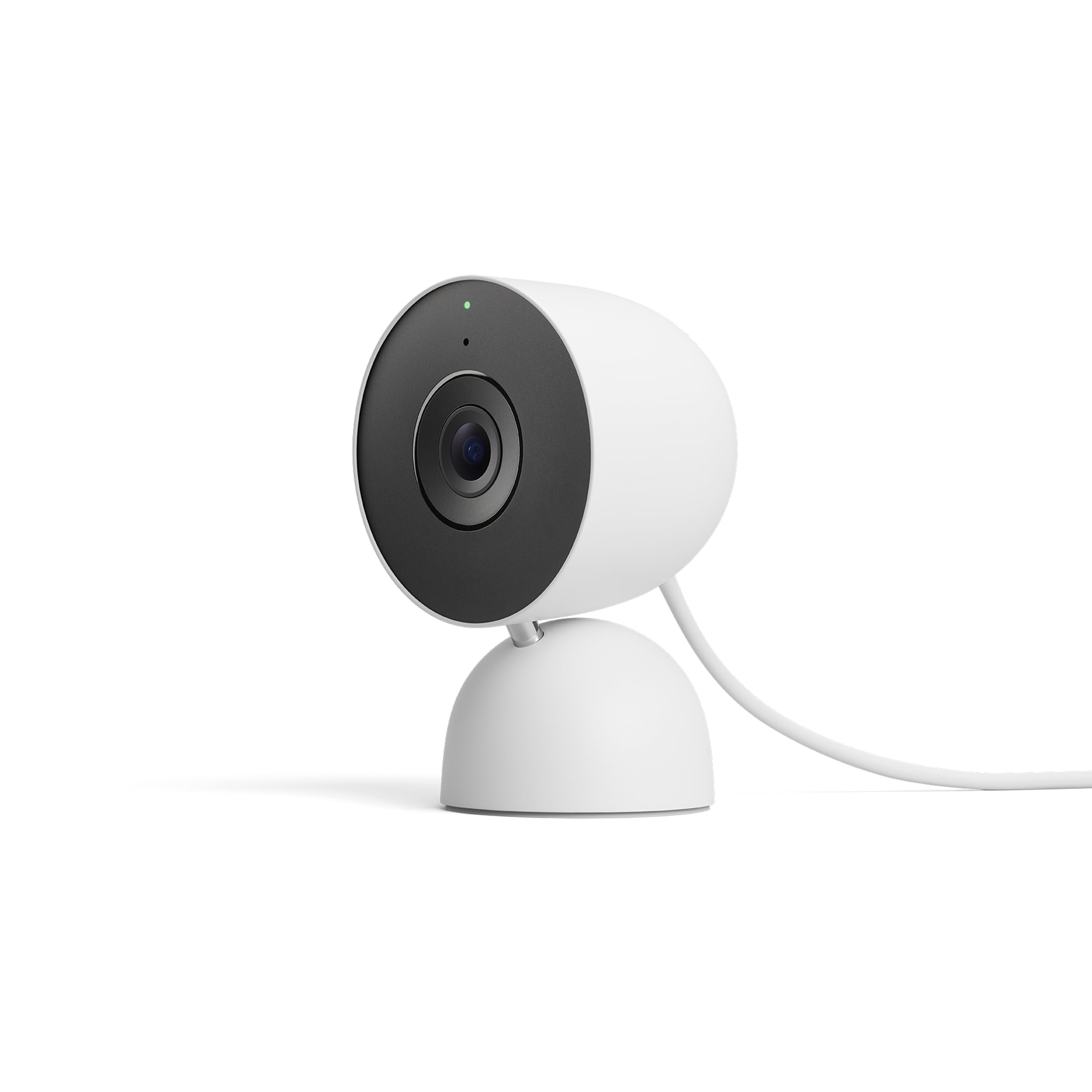
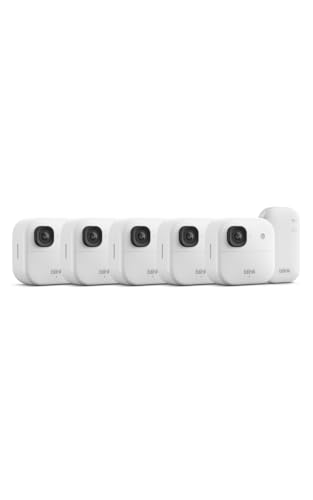

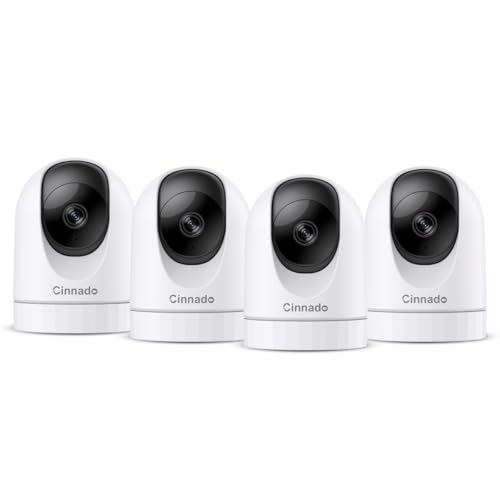

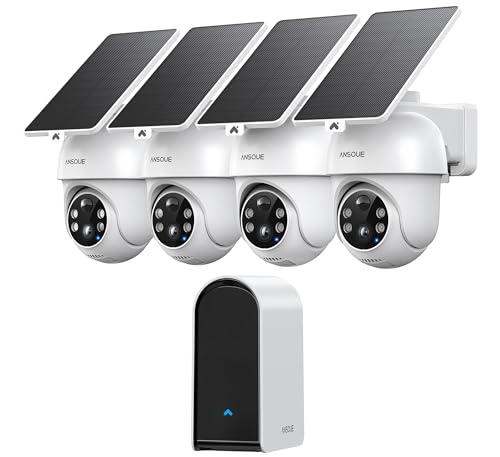
What 2K Adds Over Full HD
More pixels mean more detail, particularly when you zoom into a recording. Faces, license plates and small objects become easier to identify at a given distance. The improvement is most noticeable at wide angles, where each person takes up fewer pixels. In low light the benefit depends on the sensor and the lens as much as the resolution, so do not assume that 2K always means a better night picture.
Higher resolution also means larger files and more bandwidth. Check how the camera streams over your wifi, and make sure your storage plan can hold the footage.
Indoor or Outdoor
Indoor cameras are cheap, small and plug into a wall outlet. They often pan and tilt to cover a room, and offer two way audio. Outdoor cameras use weather resistant housings, can run on batteries or solar panels, and have better night vision and brighter lights. Check the weather rating in the listing, and pick a model designed for the side of the house you want to cover.
Think about where to mount the camera. A front door, a driveway and a back gate are common spots. Aim to cover entrances rather than a large open yard, which wastes storage. Our guides to the security camera for home and wireless security cameras go further.
Power Options
Plug in cameras give continuous power and are the easiest choice indoors. Battery cameras are easy to place and move, but the batteries need recharging or replacing, which varies with how often motion triggers recording. Solar panels extend battery life where sun is available. Wired power over Ethernet is the most reliable but takes more installation work.
Storage: Local, Cloud or Both
Local storage uses a memory card or a small hub, and costs nothing monthly. Cloud storage keeps footage safe if the camera is stolen, but usually needs a subscription. Some systems offer both. Decide how long you want to keep recordings, and what happens if the camera fails or is taken.
Check whether features such as person detection need a subscription. A camera that works only with a paid plan is more expensive over time.
Night Vision and Field of View
Infrared night vision gives a black and white picture. Color night vision uses a small light or a more sensitive sensor, and gives more detail in dark scenes. A wide field of view covers more area, but wide lenses spread pixels, so subjects far away look small. Choose the angle to match the space.
Wifi, Smart Home and Apps
Most cameras connect over 2.4 gigahertz wifi, which travels farther through walls than 5 gigahertz but is more crowded. Place the camera within reach of a good signal. Check compatibility with your voice assistant or smart home hub, and look at the quality of the maker's app, since you will use it daily.
Privacy and Responsible Use
Point cameras at your own property, not at neighbors' windows or yards. Let guests and visitors know about indoor cameras, and use privacy modes that disable recording when you are home. Secure your account with a strong password and two step verification, and keep the firmware updated. In some places rules limit recording audio, so check local laws.
Mistakes to Avoid
- Buying on resolution alone and ignoring night performance.
- Forgetting that storage and subscriptions add running costs.
- Mounting a camera beyond the range of your wifi.
- Pointing cameras at shared or neighboring spaces.
- Skipping account security.
Setting Up for Reliable Alerts
Place the camera where the wifi signal is strong, ideally with at least two bars on your phone at that spot. Mount it at about eight to ten feet high for outdoor use, angled down toward the area you care about, and avoid pointing it into the sun. Use the app to draw motion zones so that passing cars and moving branches do not trigger alerts all day.
Set notification rules: person detection only, quiet hours at night and a short cooldown between alerts. Test the system by walking through the zone, and check the recorded clip for focus and brightness. Adjust the angle until faces fall in the frame at the distance you expect.
Maintenance and Long Term Costs
Clean the lens with a soft cloth and check the housing for dust and insects. Recharge or swap batteries on a schedule, and keep spare memory cards, since cards wear out over time. Update the firmware to receive security fixes, and review who has access to the account.
Add up the running costs: subscriptions, replacement batteries, memory cards and the electricity for wired models. A cheap camera with an expensive plan can cost more in a year than a better camera with free local storage. Compare total cost over two or three years before you buy.
Frequently Asked Questions
Is 2K much better than 1080p?
It is sharper, especially when you zoom into footage. Night performance depends on the sensor and lens.
Do I need a subscription?
Not always. Many cameras support local storage, but some features need a plan.
Battery or wired?
Wired is more reliable. Battery gives flexibility. Choose by location.
Can a 2K camera work without wifi?
Most need wifi for alerts and remote viewing. Some record locally without it.
Final Thoughts
The best 2k security camera pairs sharper video with sensible storage, power and privacy habits. Pick indoor or outdoor by location, check the storage plan and subscription, and place the camera where it has a strong signal and a clear view.
Prices and availability can change, so check the product page before ordering.


