
Best Indoor Cameras: Budget, Midrange, and Premium Picks
Disclosure: We may earn a commission when you buy through links on this page, at no extra cost to you. As an Amazon Associate I earn from qualifying purchases. Learn more

Indoor security cameras from around $25 to $140 sorted by tier, with three picks, features worth paying for and long term costs.
Indoor cameras let you check on pets, kids, elderly parents or an empty home from your phone, and the best models now cost less than a dinner out. Prices range from around $25 for capable pan and tilt cameras to $140 or more for premium models with smarter alerts and sharper video. This guide to the best indoor cameras breaks the market into budget, midrange and premium tiers so you can see where extra money actually improves the experience.
The short answer: most homes are well served by a 2K indoor camera with pan and tilt, two way audio, night vision, person and pet detection and local microSD storage, which costs around $25 to $60; spend more for 4K resolution, optical zoom, better smart home integration and premium apps from brands like Google Nest, Ring and eufy.
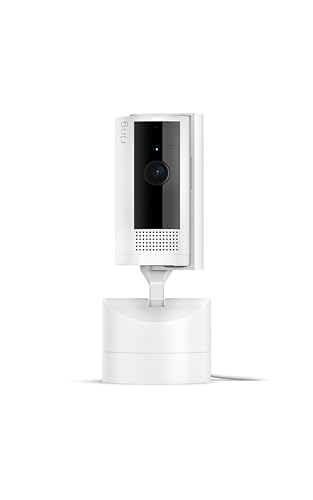


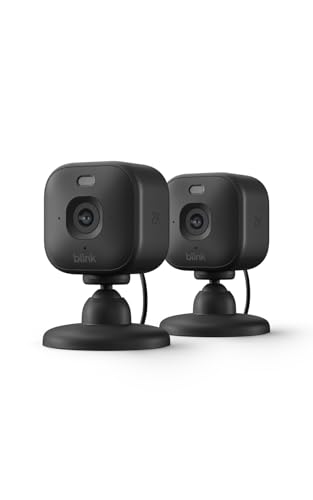
Top 3 Picks by Budget
Each pick below comes from the product table above and offers the strongest value in its price tier.


Best Budget Pick
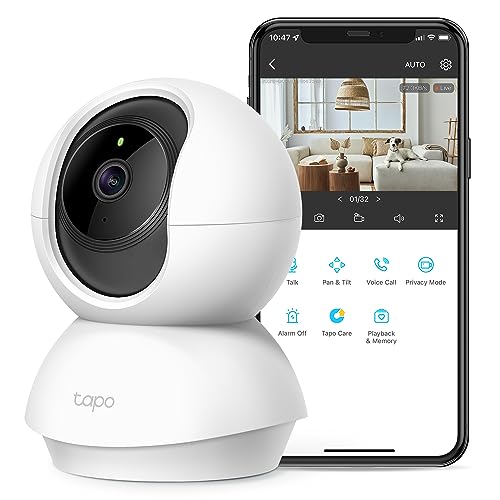
The Tapo C210, around $25, is the best value indoor camera for renters, pet owners and first time buyers. Its first strength is 2K resolution with a motorized pan and tilt head, so one camera can sweep across an entire room and follow movement. Its second strength is a feature list that rivals cameras several times its price: motion detection, two way audio, a siren, night vision and microSD card recording without a subscription.
The limitation is that advanced cloud features and some smart alerts require Tapo's optional subscription, and the app is less polished than premium brands.
Best Midrange Pick
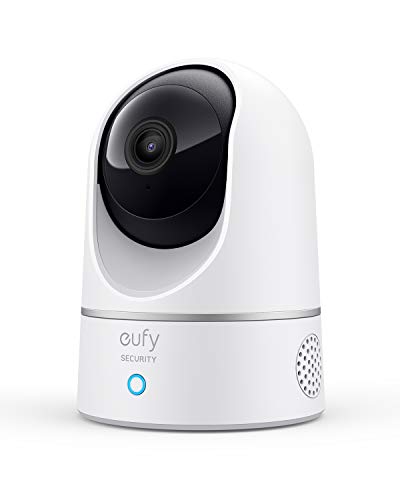
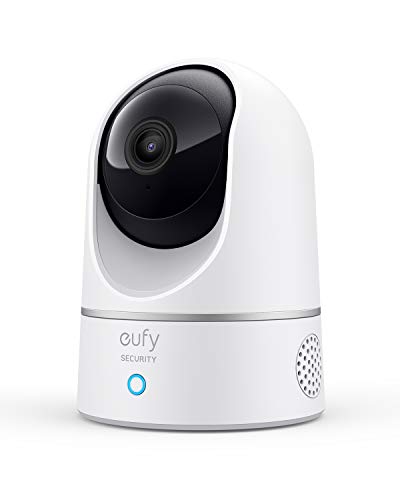
The eufy Security Indoor Cam E220, around $60, suits households that want reliable local storage and strong privacy. Its first strength is 2K video with pan and tilt, so you can look around the room from your phone and track pets or people automatically. Its second strength is eufy's focus on local recording, with microSD storage and on device AI that recognizes humans and pets without requiring a monthly plan.
The limitation is a slightly bulkier design than fixed mini cameras, and some advanced features work best within eufy's own ecosystem.
Best Premium Pick
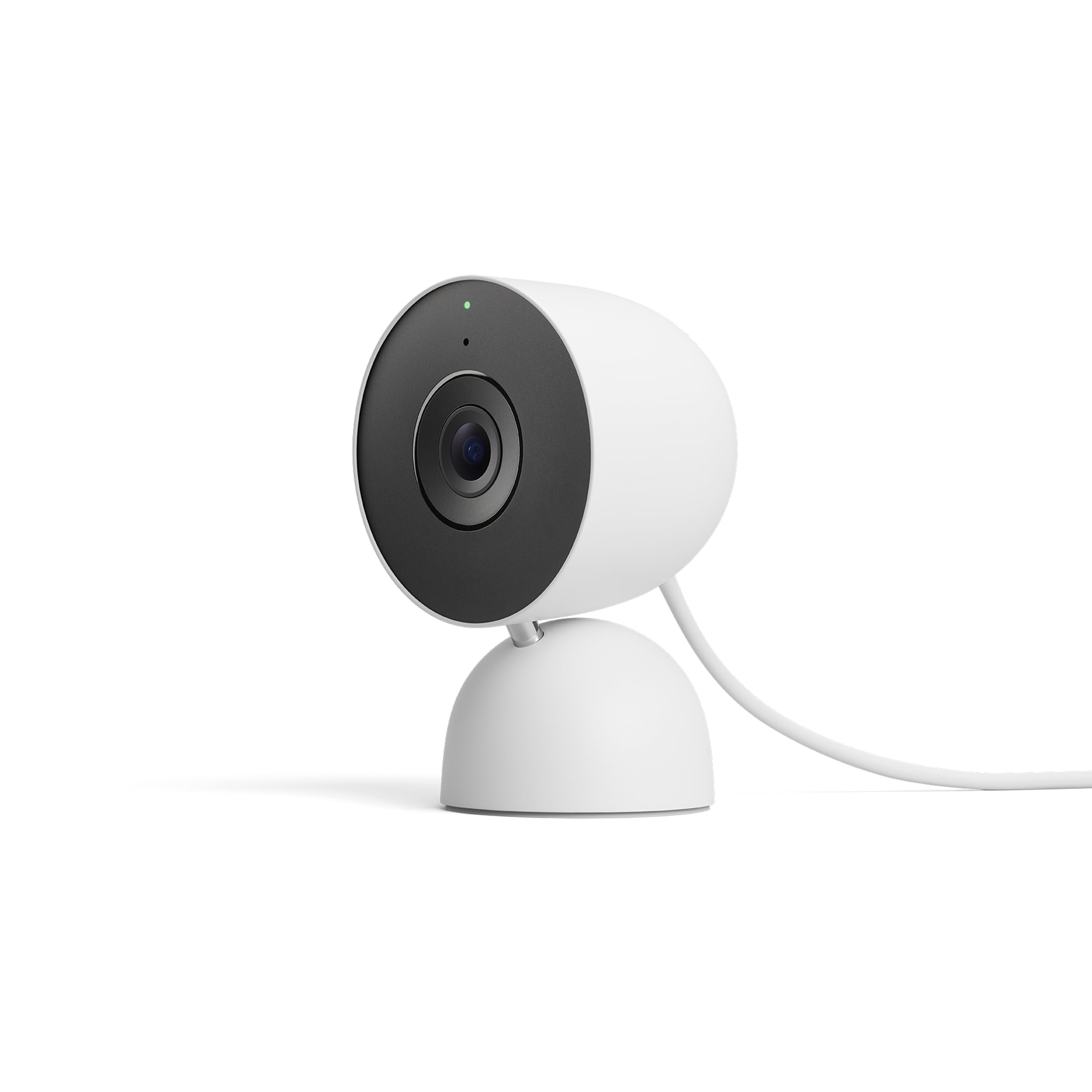
The Google Nest Cam Indoor wired third generation, around $129, is for smart home users who want polished software and tight Google integration. Its first strength is intelligent alerts that distinguish people, animals and vehicles, plus familiar face recognition with a Nest Aware subscription. Its second strength is seamless integration with Google Home displays and speakers, letting you view live video on a Nest Hub or TV with a voice command.
The limitation is that many advanced features, such as extended video history, require a Nest Aware subscription.
What Your Money Gets You at Each Price Tier
Budget Tier: What to Expect
Budget indoor cameras cost around $20 to $40. You get 1080p or 2K video, night vision, motion alerts, two way audio and often pan and tilt. Many support microSD cards for continuous recording without monthly fees. Trade offs include less refined apps, fewer smart integrations and basic motion detection that may trigger false alerts. These cameras suit renters, pet owners and anyone adding cameras to multiple rooms on a budget.
Midrange Tier: The Sweet Spot for Most Buyers
Midrange cameras cost around $45 to $80. They add sharper 2K video, better low light performance, on device AI for person and pet detection, privacy shutters and stronger brand support. Integration with Alexa, Google Assistant or Apple HomeKit becomes common. For most homes, this tier balances features, reliability and price.
Premium Tier: When Spending More Pays Off
Premium indoor cameras cost around $100 to $150. They offer 4K video, optical or enhanced zoom, dual lenses, advanced facial recognition and polished apps with deep smart home integration. Spending more pays off if you want the sharpest detail, use a single ecosystem throughout your home or need professional monitoring options.
Features Worth Paying For (and Ones to Skip)
When comparing the best indoor cameras, focus on features that make daily use easier and footage more useful.
Video Resolution and Image Quality
Resolution determines whether you can see faces and details clearly. 1080p is acceptable, but 2K offers noticeably sharper detail for zooming in, and 4K is best for large rooms. Wide dynamic range helps when cameras face bright windows. Paying for 2K is worth it; 4K matters mainly for large spaces.
Pan, Tilt, and Zoom
Pan and tilt cameras rotate horizontally and vertically to cover entire rooms, often tracking motion automatically. Digital zoom crops the image, while optical zoom, found on models like the Reolink E1 Zoom, keeps detail sharp. Pan and tilt is worth it for open plan rooms; fixed cameras work well in hallways and corners.
Night Vision and Low Light
Infrared night vision provides clear black and white footage in darkness. Some cameras offer color night vision using sensitive sensors. Good night vision is essential for checking on pets and kids at night.
Audio and Two Way Talk
Two way audio lets you talk to pets, family members or delivery workers through the camera. Clear speakers and noise reducing microphones make conversations easier. Sound detection alerts you to barking, crying babies or smoke alarms on some models.
Storage, Privacy, and Security
Local microSD storage avoids monthly fees, while cloud storage protects footage if a camera is stolen. Privacy shutters, geofencing that disables cameras when you are home and end to end encryption protect sensitive indoor footage. Always enable two factor authentication on camera accounts.
Features You Can Skip
Built in sirens, spotlights and 4K resolution are less useful indoors for most people. Skip extras you will not use and focus on reliable alerts, clear video and strong privacy controls.
Best Indoor Cameras for Specific Needs
Best Indoor Cameras with Sound: Where Your Money Goes
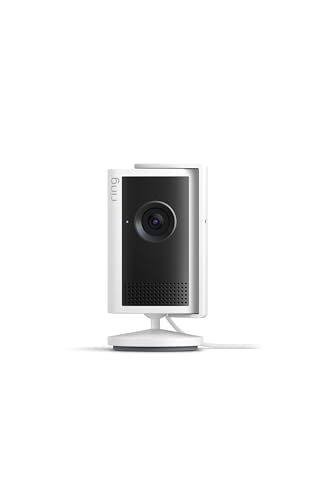
The best indoor cameras with sound invest in clear two way audio, sensitive microphones and sound detection alerts. Look for full duplex audio, which allows natural conversations without push to talk. Cameras like the Ring Indoor Cam 2K and eufy E220 deliver clear voice for checking on pets and family members.
Best for Pets
Pet owners benefit from pan and tilt cameras with motion tracking, pet detection and two way audio, letting you follow pets around the room and talk to them while away.
Best for Babies and Elderly Relatives
Families watching babies or elderly relatives should choose cameras with clear night vision, sound alerts and reliable apps that multiple family members can share.
Long Term Costs to Factor In
Subscriptions are the main ongoing cost. Cloud plans typically cost around $3 to $10 per month per camera, or $10 to $20 for whole home plans. Brands like eufy and Tapo emphasize local storage to avoid fees, while Ring, Nest and Arlo reserve many features for subscribers. A high endurance microSD card costs around $10 to $25 and should be replaced every few years.
Factor in electricity, which is minimal, and possible replacement when apps stop supporting older models. Choosing a brand with a strong update record helps cameras stay useful longer.
Setting Up Indoor Cameras
Place cameras high on shelves or walls for a wide view, angled toward entry points and main living areas. Avoid pointing them directly at windows, which causes glare and false motion alerts from outside movement. Make sure your WiFi signal is strong where you place the camera, ideally using the 2.4GHz band many cameras require.
In the app, set activity zones to ignore areas like ceiling fans, adjust motion sensitivity to reduce false alerts and set schedules or geofencing so cameras pause when you are home. Share access with family members through the app instead of sharing passwords.
Indoor Camera Privacy Tips
Indoor cameras capture private moments, so privacy deserves attention. Choose cameras with physical privacy shutters or software privacy modes, and place cameras only in common areas, never in bathrooms. If you have house guests, babysitters or cleaners, let them know cameras are present; this builds trust and may be required by law in some places.
Use strong unique passwords, enable two factor authentication and keep firmware updated. Review who has access to shared camera accounts regularly, and delete footage you no longer need.
Choosing a Smart Home Ecosystem
Indoor cameras work best when they fit the smart home platform you already use. Ring and Blink cameras integrate tightly with Amazon Alexa, letting you view feeds on Echo Show displays and Fire TV with voice commands. Google Nest cameras pair with Google Home speakers, Nest Hub displays and Chromecast. Some eufy and other brands support Apple HomeKit Secure Video, which stores encrypted footage in iCloud.
Mixing brands works, but you may end up juggling several apps. Choosing one ecosystem for cameras, doorbells and smart displays simplifies alerts and automations, such as turning on lights when a camera detects motion at night. If you rent or move often, plug in cameras with local storage are easiest to take with you.
How Many Indoor Cameras Do You Need?
Most apartments are well covered by one or two cameras placed in the main living area and near the entry door. Larger homes often use one camera per main floor plus cameras in hallways or rooms where pets spend time. Pan and tilt cameras reduce the number needed by covering more area from a single spot.
Think about what you want to monitor: entry points for security, living spaces for pets and family, or a nursery for a baby. Start with one camera, learn how you use it and add more over time. Multi packs often lower the price per camera if you know you need several.
Troubleshooting Common Camera Problems
If your camera disconnects often, move it closer to the router or add a mesh WiFi node, since weak signals are the most common cause. Too many false alerts usually mean motion sensitivity is too high or the camera is pointed at windows, TVs or ceiling fans; adjust activity zones to fix it. Blurry night footage can result from reflections off nearby glass or walls. Restarting the camera and updating firmware resolves many glitches.
Frequently Asked Questions
Do indoor cameras need a subscription?
Many indoor cameras work without a subscription using local microSD storage. Tapo, eufy and Reolink cameras record locally for free. Ring, Nest and Arlo offer basic live view without a plan, but recording history and advanced alerts usually require a subscription.
Which is better for low light?
Cameras with larger sensors and infrared night vision perform best in low light. 2K and 4K cameras with good sensors produce clearer night footage. Color night vision works in dim conditions but may switch to black and white in complete darkness.
How much should I spend on my first indoor camera?
Plan to spend around $25 to $60 on your first indoor camera. That range covers 2K pan and tilt cameras with night vision, two way audio and local storage. Premium models make sense if you already use a specific smart home ecosystem.
Is a smartphone app enough to monitor my home?
Yes, most indoor cameras are designed to be viewed through smartphone apps. Apps provide live view, alerts, playback and two way audio. Smart displays and TVs can also show camera feeds for hands free monitoring.
What specs matter most for beginners?
Beginners should focus on 2K resolution, reliable motion alerts and easy setup. Pan and tilt, two way audio and local storage add value. Choose a brand with a well reviewed app for the smoothest experience.
Can indoor cameras work without WiFi?
Some indoor cameras keep recording to a microSD card without WiFi, but live view and alerts require an internet connection. Cameras with local storage are more resilient during outages. Check whether your camera supports offline recording if internet reliability is a concern.
Are indoor cameras safe from hackers?
Indoor cameras are safe when you use strong passwords, two factor authentication and regular firmware updates. Reputable brands encrypt video streams. Avoid unknown brands with poor security track records and never reuse passwords.
Final Thoughts
A good indoor camera brings peace of mind for a modest price. Budget buyers can get excellent 2K pan and tilt cameras for around $25, most homes will be happy with midrange cameras offering smarter detection and privacy and smart home fans can invest in premium cameras that integrate deeply with their ecosystems. Prioritize clear video, reliable alerts and privacy controls.
Compare the best indoor cameras in the product table above to find the right camera for your home and budget.


