
Best 1080p Cameras: Home, Desk and Travel Types (2026)
Disclosure: We may earn a commission when you buy through links on this page, at no extra cost to you. As an Amazon Associate I earn from qualifying purchases. Learn more

Home watchers, streamers and families: how to choose the best 1080p cameras by type, night vision, storage, power and privacy before you buy.
"1080p camera" can mean a home security camera, a webcam, a compact digital camera or even a baby monitor, because Full HD video is now the standard entry point. The best 1080p cameras depend on what you want to film: watching your front door, streaming from a desk or capturing family clips.
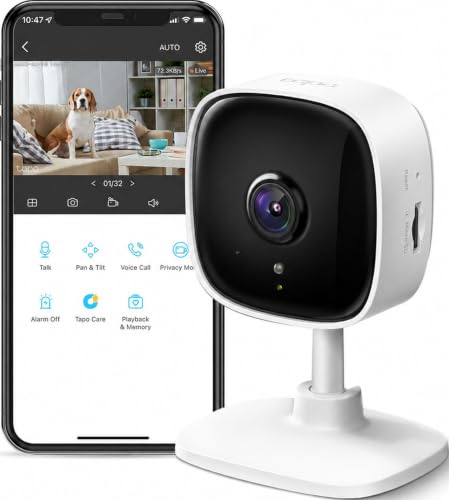
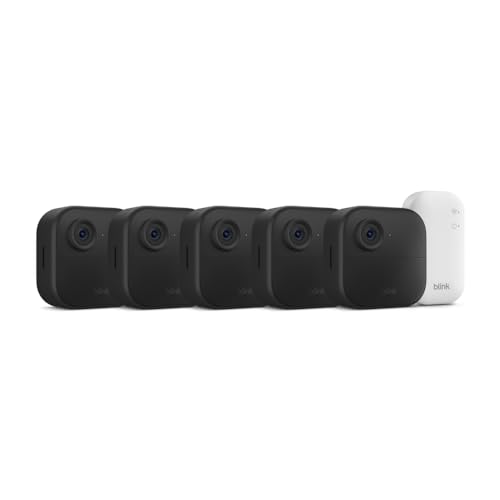
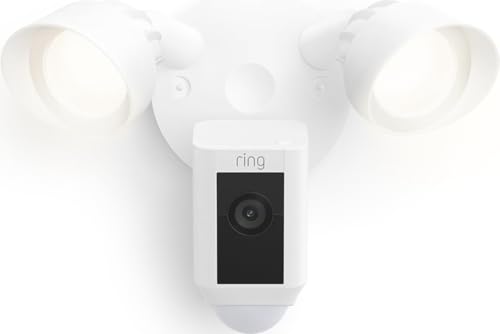
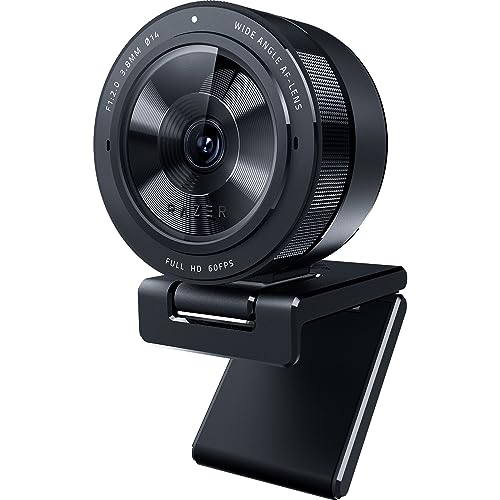
This guide sorts the main kinds of 1080p cameras and explains what to check for each. The product table mixes home security cameras, webcams and a compact digital camera, so match the type to your need before comparing models.




What 1080p Video Gives You
1080p, or Full HD, records a picture of 1920 by 1080 pixels. It is sharp enough to see faces at a doorstep, read a license plate at modest distance in daylight and fill a monitor or phone screen with a clear picture. Files are also smaller than 4K, which saves storage and bandwidth, so more footage fits on a card or in the cloud.
Home Security Cameras
Indoor cameras sit on a shelf or wall, plug into power and watch a room, a pet or a nursery. Outdoor cameras add weather resistance and are battery-powered or wired. Check for night vision, motion alerts, two-way audio and local storage so you are not forced into a monthly plan. Wi-Fi cameras need a good signal at the mounting spot, so check with your phone first.
Webcams
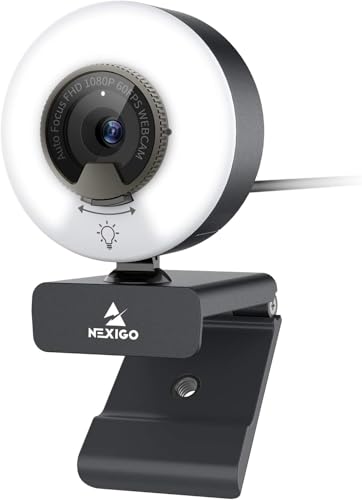
A webcam plugs into a computer and is used for calls, lessons and streaming. Look for autofocus, a decent microphone and a mount that fits your monitor. A webcam does not need Wi-Fi or storage, which makes it simple. If you want smoother motion, look for models that record 1080p at 60 frames per second.
Compact and Action Cameras
A compact digital camera records Full HD video and takes still photos, with optical zoom that a phone cannot match. It suits trips and family events. Action cameras are small and rugged, designed for sport and travel, and they usually need a case or stabilizer features for smooth footage. Check the battery life, storage cards and whether video stabilization is included.
Image Quality Factors Beyond Resolution
- Sensor size and lens quality matter more than the 1080p label.
- Low-light performance decides how useful the camera is at night.
- Wide dynamic range helps with bright windows and dark rooms.
- Frame rate affects smoothness: 30fps is standard, 60fps is smoother in motion.
- Field of view decides how much of the scene you see.
Storage and Privacy
Home cameras can store video on a microSD card, in the cloud or on a hub. Cloud plans cost a monthly fee but keep footage safe if the camera is stolen. Local storage is cheaper but can fail or be lost. Use strong passwords, turn on two-step verification and keep firmware updated. Point cameras only at areas you own, and follow local rules about recording audio and video, especially for shared spaces.
Power and Mounting
Wired cameras run continuously and avoid battery changes. Battery cameras are easy to place but need recharging every few weeks or months, depending on use. Check mounting hardware, cable length and whether the camera swivels. For outdoor spots, keep the lens clear of spiders and rain.
Night Vision and Low Light
Many 1080p cameras use infrared lights for black-and-white night vision, and some offer color night vision with a small white light. Infrared range is limited, so a camera watching a long driveway needs extra lighting. Indoor cameras behind glass can reflect their own infrared light, so place them away from windows. Webcams and compact cameras rely on room light, so a lamp makes a bigger difference than any setting.
Apps, Alerts and Smart Home Links
For security cameras, the app is as important as the hardware. Look for reliable push alerts, person detection that reduces false alarms and a clear timeline for reviewing clips. Check whether the camera works with your voice assistant or smart display if you want hands-free viewing. Confirm that the manufacturer has a track record of software updates, since an abandoned app leaves the camera hard to use.
Think about subscription costs before you buy. Some cameras include free person detection and local recording, while others charge for clips or advanced alerts. A low purchase price can hide a high yearly cost, so read the plan details.
Choosing the Best 1080p Cameras
Define the job first, then compare features within that type. Home cameras range from about $20 to $200, webcams from $30 to $150 and compact cameras start around $140. Higher prices usually bring better night vision, sturdier build and better apps. Before you buy, check the return window so you can try the camera in its real location.
For more detail on each type, read best 1080p security cameras and best digital cameras.
Returns and Real-World Checks
Place the camera where it will live and watch a full day of footage before the return window ends. Check the picture at night, look at the alert delay on your phone and see whether the Wi-Fi connection holds. For a webcam or compact camera, record a short clip in your normal light and view it on the screen you will use. A camera that looks good on the box can disappoint in your hallway, so use the return window while you can.
Keep the packaging, manuals and mounting hardware until you are sure. Write down the model number and the purchase date for warranty claims, and register the camera if the maker offers it, so support is easier later.
Frequently Asked Questions
Is 1080p enough for a security camera?
For most homes, yes. It records clear faces and details at close range. Higher resolution helps for wide yards.
Does a 1080p webcam need a special port?
No, it uses USB. A USB 3.0 port may help with higher frame rates.
Can I use a security camera as a webcam?
Some can, with special software or settings, but dedicated webcams are simpler and better for calls.
How much storage do I need?
It depends on how much footage you record. Motion-triggered recording saves space compared with continuous recording.
Final Thoughts
Pick the camera type that matches your purpose, then compare night vision, storage and mounting. The best 1080p cameras give you clear Full HD footage in the place where you need it. Prices and availability can change, so check the product page before ordering.


