Best Security Webcams: Every Type Explained Side by Side
Disclosure: We may earn a commission when you buy through links on this page, at no extra cost to you. As an Amazon Associate I earn from qualifying purchases. Learn more

Video doorbells, indoor cams, solar and battery cameras compared side by side, plus how to choose the best security webcams.
Home security cameras now come in so many shapes that choosing one feels like comparing apples to doorbells. There are plug in indoor cams, pan and tilt models, video doorbells, battery cameras and solar powered outdoor units, all with apps, alerts and subscription plans. The best security webcams for your home depend on where you need coverage, how you can power the camera and whether you want to pay monthly for storage.
This guide compares every main type of home security camera side by side, explains how video doorbells and indoor cameras differ and walks through the specs that matter, from smart detection to night vision and weather ratings.


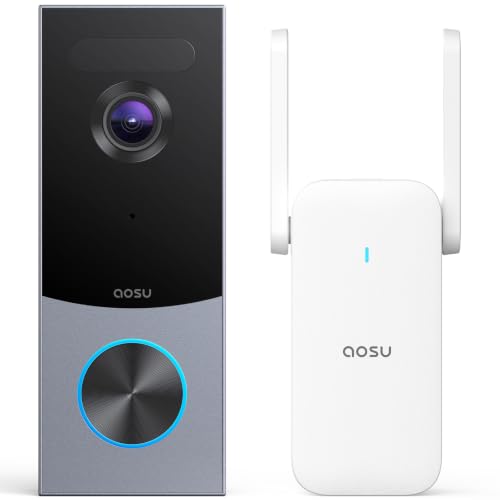
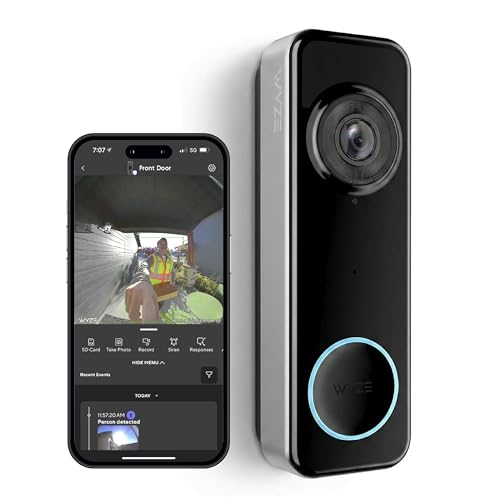
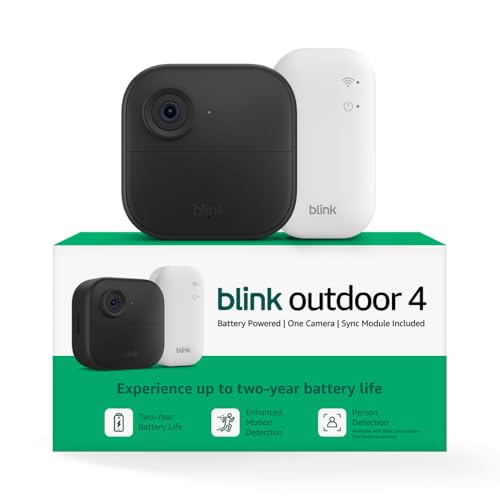
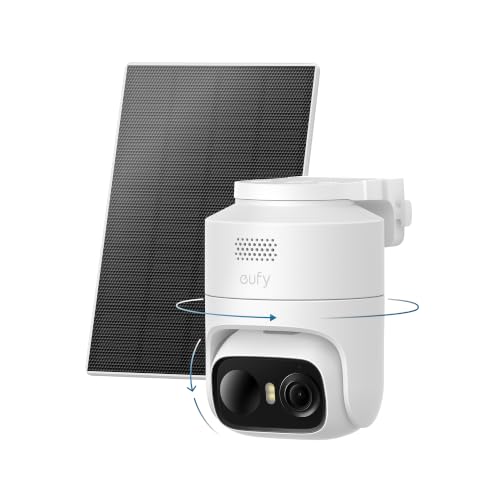

Types of Security Webcams Compared
Indoor cameras are the cheapest way to watch pets, kids and entryways, video doorbells cover the front door and packages, and battery or solar outdoor cameras cover yards and driveways without wiring.
| Type | Best For | Pros | Cons | Typical Price |
|---|---|---|---|---|
| Video doorbell | Front door, deliveries | Head to toe view, chime, talk to visitors | Covers one spot, wiring for some models | Around $40 to $150 |
| Indoor camera | Pets, kids, interior entries | Cheap, easy setup, pan and tilt options | Indoor only, privacy concerns | Around $25 to $130 |
| Solar powered camera | Yards, driveways, sunny walls | No wiring, little charging | Needs direct sun, motion recording only | Around $70 to $600 (kits) |
| Battery powered wireless camera | Renters, quick installs | Mount anywhere, portable | Battery recharging, slower alerts | Around $50 to $400 (kits) |
Video Doorbells
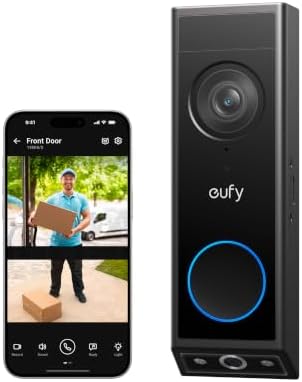
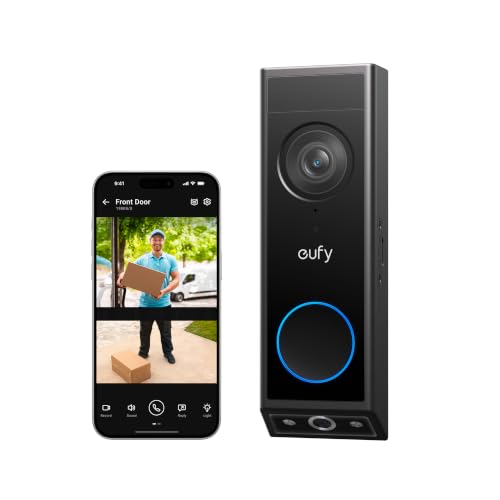
A video doorbell replaces or supplements your doorbell button with a camera, microphone and speaker. When someone presses the button or motion is detected, you get a phone alert and can see and talk to them from anywhere.
Modern doorbells offer head to toe or square aspect ratios that show packages on the ground, 2K resolution and package detection. Wired models connect to existing doorbell wiring for constant power; battery models install anywhere but need recharging every few months.
Choose a video doorbell if your main concern is porch pirates, deliveries and seeing who is at the door before you open it.
Indoor Cameras
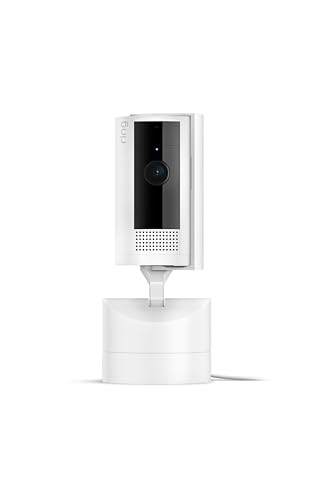
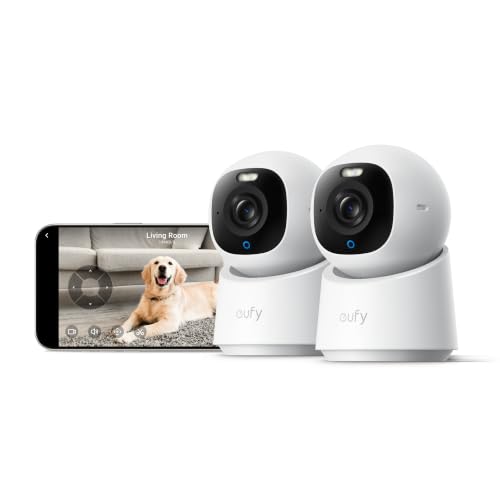
Indoor security cameras plug into an outlet and sit on a shelf or mount on a wall. They are the least expensive type, often around $25 to $60, and many offer pan and tilt to cover a whole room from one spot.
They are ideal for checking on pets, babysitters, kids after school and interior doors. Many include two way audio, motion and sound alerts and local microSD storage.
The downsides are privacy and coverage: they only see inside, and you should choose models with a privacy mode or physical shutter for rooms where family spends time.
Solar Powered Cameras
Solar powered cameras pair a rechargeable battery with a small solar panel, either built in or attached by cable. A few hours of direct sunlight a day keeps the battery topped up, so you rarely need to take the camera down.
They work well on sunny walls, fences and poles where there is no outlet. Many include 2K or 4K video, color night vision with spotlights and on device AI detection.
Shade, short winter days and north facing walls reduce charging, and like other battery cameras they usually record only when motion is detected.
Battery Powered Wireless Cameras
Battery cameras run on rechargeable packs or long life lithium batteries, with some brands claiming up to two years per set under light use. They mount anywhere in minutes with no drilling for wires, which makes them popular with renters.
Expect to recharge or replace batteries more often in busy areas and cold weather. Alerts can take a second or two longer than plug in cameras because they wake from sleep when motion is detected.
Choose battery cameras for quick installs, temporary coverage or spots far from outlets.
Video Doorbells vs Indoor Cameras: Which Should You Choose?
A video doorbell is better for front door security and deliveries, while an indoor camera is better for watching pets, kids and the inside of your home.
- Coverage: doorbells watch your porch and walkway; indoor cameras watch rooms, hallways and interior doors.
- Interaction: doorbells let you answer visitors and couriers; indoor cameras let you talk to pets or family.
- Installation: indoor cameras plug in; doorbells may need wiring or a battery mount.
- Privacy: doorbells record outside; indoor cameras need privacy modes for family spaces.
- Price: indoor cameras start around $25; doorbells around $40 to $150.
Many homes start with both: a doorbell at the front door and one or two indoor cameras for the main living area and back entry.
Pan and Tilt vs Fixed Cameras
A pan and tilt camera rotates to cover a whole room or yard from one spot, while a fixed camera watches one area continuously with no moving parts.
Pan and tilt models can sweep up to 360 degrees horizontally and around 90 degrees or more vertically, and many auto track people or pets as they move. They are ideal for open living rooms, large yards and corner mounts where one camera replaces two. The trade off is that the camera may be pointed away when something happens on the other side, although motion tracking and preset patrol positions reduce that risk.
Fixed cameras are simpler, cheaper and always watching the same doorway, gate or driveway. For key entry points, a fixed camera with a wide 130 to 160 degree lens is the most dependable choice. Many homes combine both: fixed cameras on doors and a pan and tilt model for open areas.
Where to Place Each Type of Camera
Good placement matters as much as resolution, and each type has an ideal spot.
- Video doorbell: at the standard doorbell height of about 48 inches, angled to see faces and the ground for packages. Use a wedge mount if the door is set back or to the side.
- Indoor camera: in a corner of the main living area or facing the back door, high on a shelf so pets and kids cannot knock it over.
- Solar camera: on a south facing wall, fence or pole in the Northern Hemisphere, with the panel in direct sun for several hours a day.
- Battery camera: over side gates, sheds and garages where there is no outlet, within strong WiFi range.
Avoid aiming cameras directly at bright windows, streetlights or the sun, and keep lenses away from glass, which reflects infrared light at night.
Privacy Tips for Indoor Cameras
Indoor cameras raise privacy concerns for family members and guests, so set them up thoughtfully.
- Use privacy mode or a lens shutter: many cameras turn off recording or physically cover the lens when you are home.
- Set geofencing: arm cameras automatically when everyone leaves and disarm them when you return.
- Avoid bedrooms and bathrooms: focus on entryways, hallways and shared spaces.
- Tell household members and guests: let babysitters and visitors know cameras are recording, and follow local laws on audio recording.
- Limit account access: share access with family through separate logins rather than one shared password.
How to Choose the Right Security Webcam
Once you know the type, compare cameras on smart home support, detection, night vision, weather resistance and video quality.
Smart Home Integration
Check that the camera works with your voice assistant or smart home platform: Amazon Alexa, Google Home or Apple HomeKit. Alexa compatible cameras show live video on Echo Show displays, Google compatible cameras stream to Nest Hubs and HomeKit Secure Video stores encrypted clips in iCloud.
Sticking with one ecosystem keeps everything in one app and enables automations, like turning on lights when a camera detects motion at night.
Smart Detection and Alerts
Person, package, vehicle and pet detection reduce false alerts from shadows, trees and passing cars. Activity zones let you ignore the sidewalk or a neighbor's driveway.
Check whether detection runs on the camera for free or requires a subscription. On device AI is the better long term value, and customizable schedules prevent alerts while you are home.
Night Vision: Infrared vs Color
Infrared night vision shows black and white images in complete darkness and is standard on almost every camera. Color night vision uses spotlights or sensitive sensors to show clothing and vehicle colors, which helps identify people.
For indoor cameras, infrared is enough. For doorbells and outdoor cameras, color night vision or a spotlight adds useful detail and deterrence.
Weather Resistance (IP65/IP66)
Outdoor cameras and doorbells should carry at least an IP65 rating, which means dust tight and protected against water jets; IP66 adds protection from heavy rain. Check the operating temperature range, often about -4°F to 122°F.
Battery life drops in freezing weather, so in cold climates choose wired, plug in or solar models for outdoor spots.
Video Resolution and Field of View
2K resolution is a strong baseline for identifying faces, while 4K helps on wide driveways and yards. Indoor cameras at 1080p to 2K are usually enough for a room.
A 130 to 160 degree field of view covers most rooms and yards. Pan and tilt cameras rotate up to 360 degrees, so one camera can cover a whole space.
Storage Options: Cloud vs Local
Cloud storage uploads clips to the manufacturer's servers for a monthly fee, typically about $3 to $15 per month. It protects footage if the camera is stolen and makes sharing clips easy. Local storage saves video to a microSD card, a base station or a network video recorder with no monthly fees. Many cameras support both. If avoiding subscriptions matters, choose brands that offer free local storage and on device detection.
How Much to Spend on the Best Security Webcams
Most households can cover the basics with the best security webcams for around $100 to $300 total.
- Under $50: indoor plug in cameras and basic battery doorbells. Great for pets and interior rooms.
- Around $50 to $150: 2K doorbells with package detection, 4K indoor pan tilt cameras and single solar outdoor cameras.
- Around $150 to $600: multi camera outdoor kits with base stations, 4K resolution and local storage.
Tips to Get the Most From Your Security Webcam
- Mount outdoor cameras 8 to 10 feet high: high enough to prevent tampering, low enough to capture faces.
- Enable two factor authentication: it protects your account even if a password leaks.
- Position away from direct sun glare: bright backlight washes out faces.
- Use activity zones: cut alerts from streets and sidewalks.
- Check WiFi signal: confirm signal strength at the mounting spot with your phone before drilling.
- Update firmware: updates patch security flaws and improve detection.
Common Problems and Easy Fixes
Most camera frustrations come from WiFi, power or alert settings rather than faulty hardware.
- Camera keeps going offline: move the router closer, add a mesh node or switch the camera to the 2.4GHz band, which reaches farther than 5GHz.
- Too many alerts: narrow activity zones, enable person detection and lower motion sensitivity.
- Battery drains quickly: reduce clip length, turn off unnecessary live view and shrink motion zones in busy areas.
- Night video looks hazy: clean the lens and move the camera away from windows and nearby walls that bounce infrared light.
- Clips miss the start of events: choose a plug in camera or one with pre roll recording for busy entries.
Security Webcams: Your Questions Answered
Do I need a subscription?
Not necessarily. Many cameras offer free live view, motion alerts and local storage to microSD cards or base stations. Subscriptions usually add cloud video history, advanced detection and professional monitoring. Check which features are free before you buy, since some brands put person detection behind a monthly plan.
Wired or wireless: which is more reliable?
Wired cameras are more reliable because they have constant power and often use Ethernet or stable WiFi for continuous recording. Wireless battery cameras are easier to install and move but depend on battery life and WiFi strength, and usually record only on motion.
Are home cameras easy to hack?
Home cameras are rarely hacked when you use a strong unique password, enable two factor authentication and keep firmware updated. Most incidents involve reused passwords. Choose brands with encryption and regular updates, and use privacy modes on indoor cameras.
How much storage do I need?
A 64GB to 128GB microSD card stores weeks of motion clips for one indoor or outdoor camera. Continuous recording needs much more, often 1TB or more on an NVR. Cloud plans typically keep 30 to 60 days of clips.
Can cameras work without WiFi?
Some can. Cameras with local storage keep recording to a microSD card or base station without internet, and some cellular cameras use mobile data instead. Without internet, you lose remote viewing and phone alerts, but footage is still saved locally.
Can I use a webcam as a security camera?
You can use a computer webcam with security software, but a dedicated security camera is more practical. Purpose built cameras include night vision, motion detection, phone alerts and storage without leaving a computer running. Indoor security cameras now cost about the same as a good webcam.
Do security cameras deter burglars?
Visible cameras and doorbells can discourage opportunistic thieves, and footage helps police and insurers if something happens. Combine cameras with good lighting, locked doors and alerts for the best protection.
Final Thoughts
Choose a home camera by location first: a video doorbell for the front door, indoor cameras for pets and interior rooms and solar or battery cameras for yards and driveways. Then compare smart detection, night vision, weather rating and storage costs. Match each camera to the job, and the best security webcams will keep you informed without unnecessary fees. Check the product table above for current models and prices, and see our best home security system guide for complete setups.