
Arlo Essential 2 Review for 2026: Easy Wire-Free Camera
Disclosure: We may earn a commission when you buy through links on this page, at no extra cost to you. As an Amazon Associate I earn from qualifying purchases. Learn more

An arlo essential 2 review on video quality, battery life, setup and what the Arlo Secure plan adds.
Arlo's Essential line is the brand's value range, and the second generation is the version most people mean when they search for the Essential 2. This arlo essential 2 review explains what the camera offers, how it compares with the newer 2K Essential and which Arlo plan you need for the features you want.
The product table right after this intro lists the second generation camera, the newer 2K Essential versions and indoor and outdoor variants, so you can compare price and features before reading on.


What the Essential 2 Is
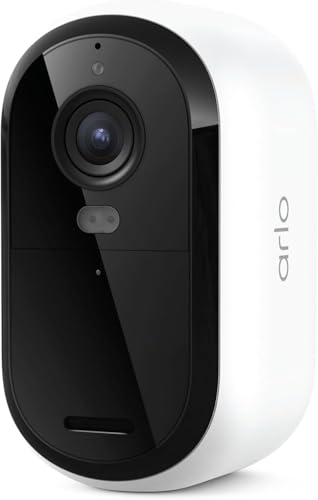
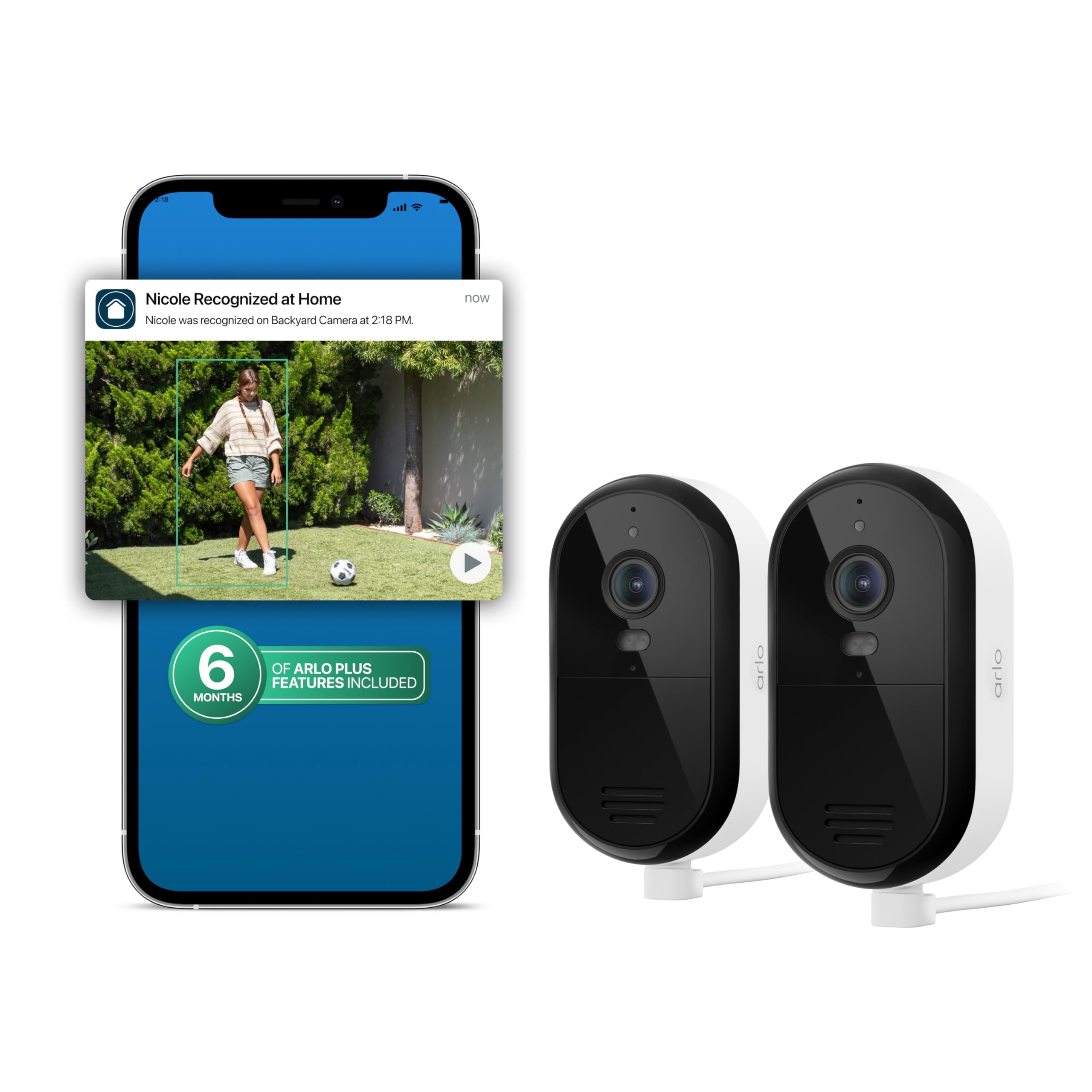
The second generation Essential is a wireless outdoor camera in the 1080p class. It runs on a rechargeable battery, joins your Wi-Fi directly with no separate hub, and sends motion alerts to the Arlo app. It is small, light and easy to mount with a magnetic base.
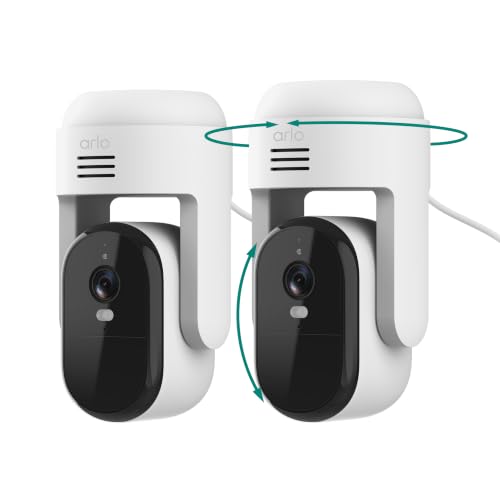
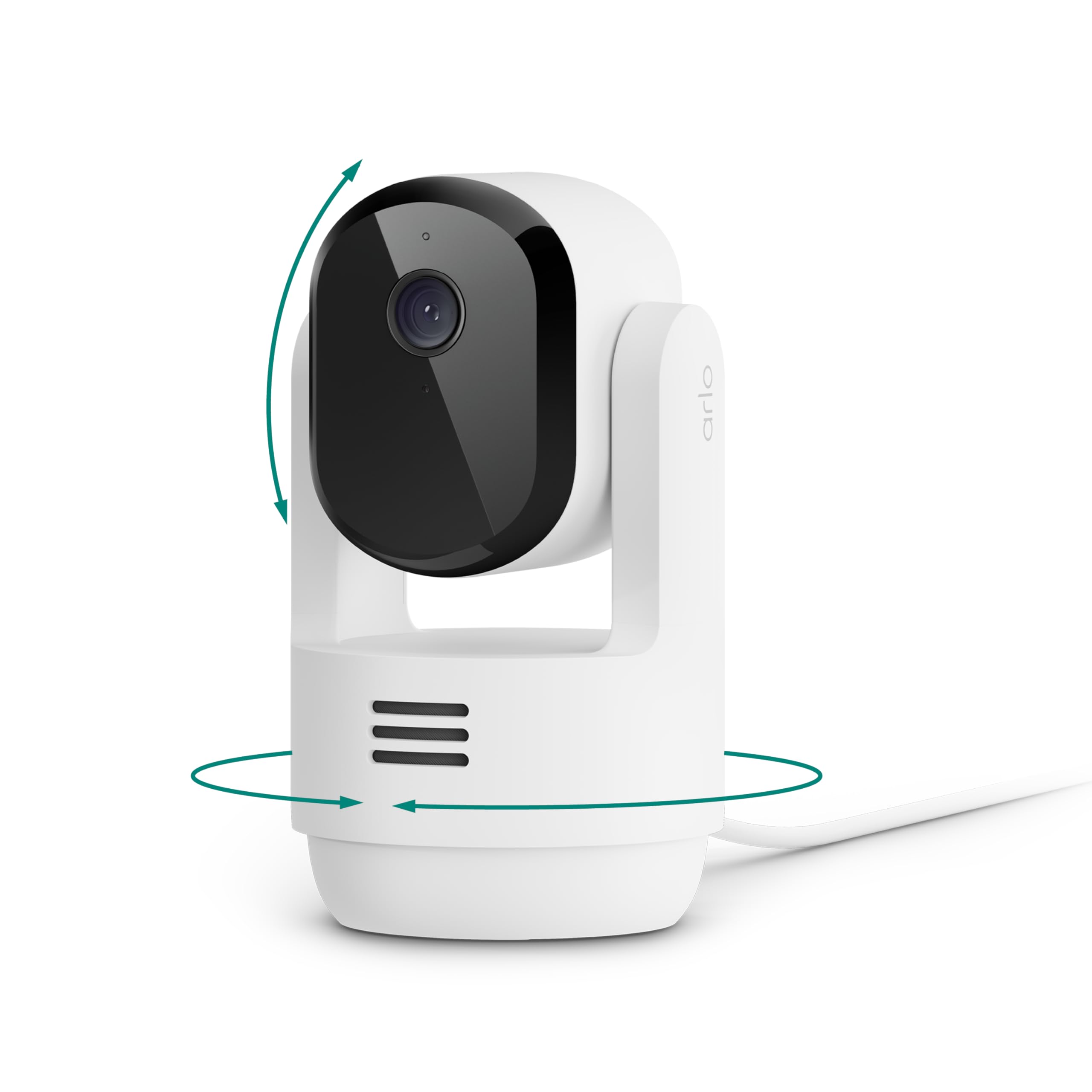
Because the family has grown, you will also see a third generation Essential with 2K video, color night vision and person, vehicle and animal detection, plus wired pan and tilt models for indoors and outdoors. They share the same app and plans, so the choice is mostly about resolution and power.
Video and Night Vision
The second generation gives a clear picture in daylight for doors, driveways and yards. Night vision is a good black and white infrared image, and the newer 2K cameras add a color night view with a spotlight, which is easier to read when you need to describe a person or a car. If detail matters, the newer model is the better pick, and if budget matters, the older camera still does the job.
Field of View
The lens covers a wide area, so one camera can watch a porch or a small yard. Position it a little above head height and angle it slightly down to cover the approach to your door.
Power and Placement
A battery lasts for months in a quiet location and weeks at a busy one. Frequent motion events and cold weather drain it faster. A solar panel charger is sold by Arlo and by third parties for people who do not want to take the camera down for charging.
- Choose a spot with a strong Wi-Fi signal.
- Keep it out of direct sun to avoid glare and heat.
- Cut down on false alerts by avoiding busy roads in the frame.
The Arlo Secure Plan
Arlo's strongest features live behind a paid plan. The listings say live streaming and basic alerts work without a subscription, while video history, smart detection and emergency response require the plan after a trial period. Decide before you buy whether you accept the monthly cost, since without it you lose recorded clips.
Local Storage
Some Arlo cameras can record locally with a hub or a card, but the Essential line relies mainly on the cloud. If you want to avoid subscriptions completely, look at brands that record locally, and compare their prices.
Setup and Everyday Use
Charge the battery, scan the code in the app and follow the steps to join your Wi-Fi. Mount the camera with the base, adjust the angle with the live view and set the motion zones so the street and the neighbor's yard are left out. Check the alerts by walking past, and change the sensitivity until you get the notices you want and few false ones.
The app shows a timeline of clips when you have a plan, and a live view when you do not. Use scheduled modes so the camera is quiet at home and alert when you are away.
Family Sharing
You can add family members to the account so they receive alerts and can view the camera. Use separate logins rather than sharing a password, and review who has access now and then. Turn on two step verification for the account.
Placement and Privacy
Point the camera at your own property and tell visitors if you record audio. Some places have rules about recording audio or public spaces, so check local guidance before you install it.
Weather and Durability
The outdoor models are weather resistant, so rain and snow are fine, but extreme cold shortens battery life. In freezing regions, bring a spare battery or use a wired model. Keep the lens clean, and wipe away dirt or spider webs that can cause false alerts and blurry night images.
Wi-Fi Strength
A weak signal causes slow alerts and dropped clips. If the camera sits far from the router, a mesh node or an extender near the camera improves reliability, and it is cheaper than moving the camera.
Choosing Between Indoor and Outdoor Models
Indoor Essential cameras are cheaper and plug in, which removes the battery question. Outdoor models are built for rain and run on batteries. If you want to watch a nursery or a pet room, an indoor model is the sensible pick, and for a front door, an outdoor one.
Essential Versus Pro
Arlo's Pro line sits above the Essential line with a removable battery, a higher quality sensor, a spotlight and stronger zoom and tracking. The Essential line costs less and is lighter, and it trades some of those extras for simplicity. For a back door or a porch, the Essential covers the basics, and for a larger yard the Pro line is worth the extra.
Who Should Buy It
It suits renters and first-time buyers who want an easy, wire-free camera for a door or a yard and do not mind a plan for recorded video. If you want better detail, buy the newer 2K Essential. If you want no subscription, consider a local storage brand. See the best security camera guide and the blink outdoor 4 review for alternatives.
FAQs
Does the Arlo Essential work without a subscription?
Live view and basic alerts do. Recorded history and smart detection need the paid plan.
How long does the battery last?
Months in quiet spots, less at busy ones.
Is it good indoors?
Yes, there are indoor versions as well as the outdoor camera.
Do I need a hub?
No. The Essential connects to Wi-Fi directly.
Final Verdict
Our arlo essential 2 review finds an easy and affordable wire-free camera whose main drawback is the plan needed for recorded clips. Compare the models in the table, and check the product page for current pricing.


