
Best 32GB Tablets for 2026: How Far 32GB of Storage Really Goes
Disclosure: We may earn a commission when you buy through links on this page, at no extra cost to you. As an Amazon Associate I earn from qualifying purchases. Learn more

The best 32gb tablets suit light use. Learn how much of 32GB you really get, how microSD and cloud storage help and which listing claims to ignore.
A tablet with 32GB of storage is the entry point of the category, and it can be a good buy if you know what to expect. The best 32gb tablets work well for reading, streaming, video calls, kids apps and as a kitchen or bedside screen, but they fill up faster than most people expect. The product table lists several 32GB models, including simple Android tablets from known and lesser-known brands.
This guide explains how much space you really get, how to stretch it and how to read tablet listings, which often mix storage and memory in confusing ways.


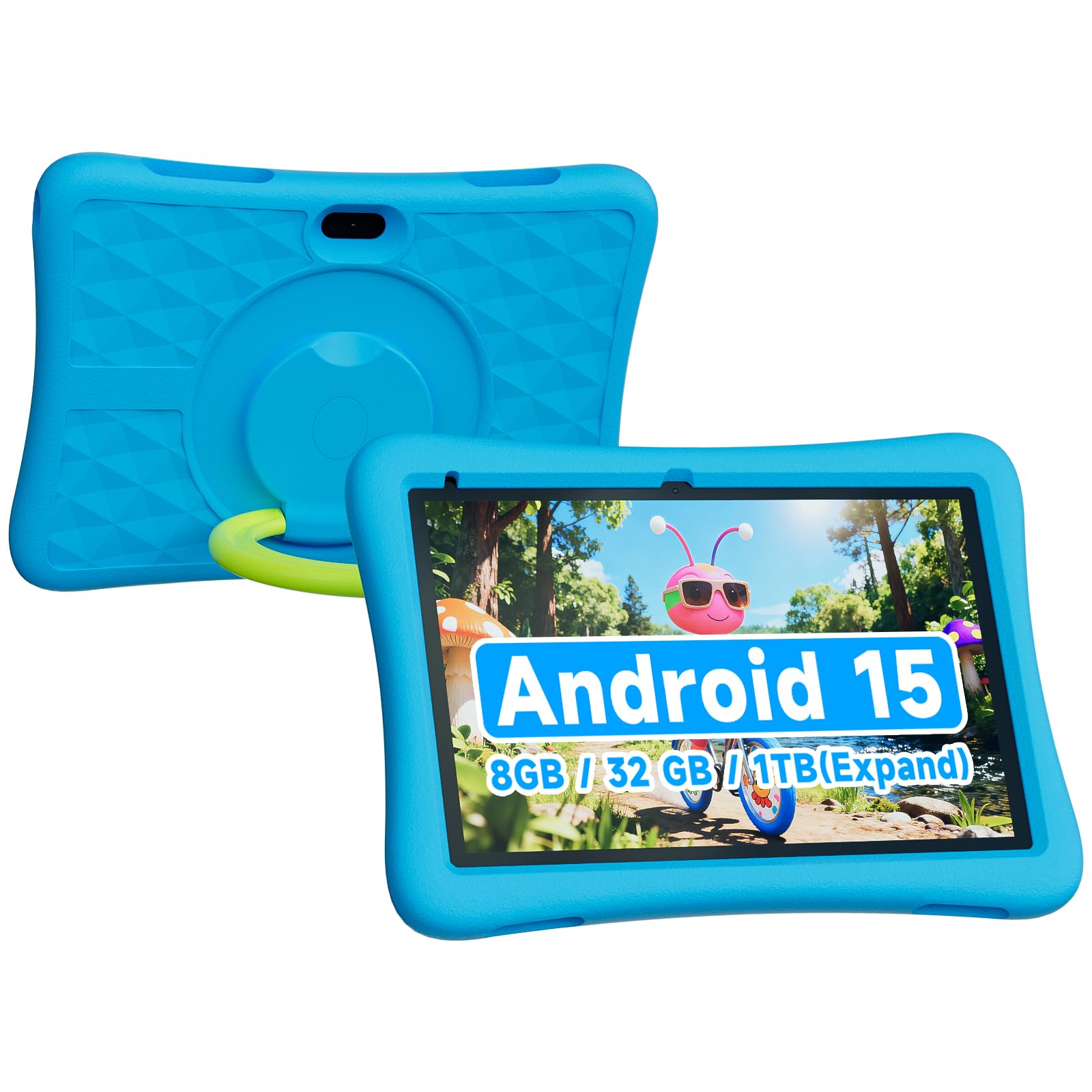

How much of 32GB can you use?
The operating system, preinstalled apps and system files take a large share of the storage. On many tablets, only about 20 to 24GB is free when you first turn it on. A few big apps or games can use most of what remains, and photos and downloaded videos add up quickly.
- Reading and email: tiny, with space to spare
- Streaming video: uses almost no storage unless you download shows
- Offline downloads: movies for a trip can take several gigabytes each
- Games: a few large 3D titles can fill the tablet
- Photos and video: a camera roll grows fast on a family tablet
If your use is mostly streaming and browsing, 32GB is fine. If you download a lot, plan for a card or choose a bigger model.
Stretching the space
microSD cards
Many 32GB tablets accept a microSD card, which adds cheap storage for photos, music and video. Check the listing for the maximum card size. Note that some apps cannot be moved to the card, and card speed affects performance for games.
Cloud storage
Photos and documents can live in the cloud and sync when needed. Turn on automatic upload and delete the local copies once they are safe.
Housekeeping
Clear app caches, uninstall unused apps and delete downloaded videos after watching. Use the storage page in settings to see what takes space, and clean it every few weeks.
Reading the specs honestly
Tablet listings often confuse memory and storage. Storage is where files live, and 32GB is the amount here. RAM is the working memory, and it is usually 2 to 4GB on entry tablets. Some listings advertise huge RAM numbers by adding virtual memory taken from storage, which does not improve speed and shrinks the space you have. Treat any 32GB RAM claim on a cheap tablet as marketing. Look for the physical RAM figure and the storage figure separately.
Choosing among the best 32gb tablets
Brand and software support
Tablets from known brands usually get updates and have working app stores. Less known brands may run an older version of the system with fewer updates. Check the Android version and whether the tablet supports the services you use.
Screen
A bright, sharp screen matters more than the storage figure for reading and video. Check the size and resolution. Smaller tablets are easier to hold for reading, and larger ones suit video.
Battery and build
Look for a long battery life and a sturdy body. A case helps with kids. Charging speed is usually slow on cheap tablets.
Kids and family use
A kids tablet often includes a case and parental controls. Add a microSD card for games and set limits on downloads.
Who should skip 32GB
If you plan to install many big apps, edit video or keep a large photo library, step up to 64GB or 128GB. If you want a tablet for work with a keyboard and many apps, a larger drive prevents constant clean-ups. The price gap between 32GB and 64GB is often small, so compare it before you commit. For wider choices, see our best tablets and PC tablets guides.
Everyday uses where 32GB shines
A 32GB tablet makes a great reading device for books, comics and articles, since text takes almost no space. It also works as a recipe screen in the kitchen, a bedside video player, a travel entertainment tablet with a few downloaded shows and a simple video call screen for family. Smart home controls and music streaming fit easily as well. For children, a tablet with a small set of educational apps and a few games stays comfortable within 32GB if downloads are managed.
Where it falls short is anything that grows. Photo libraries, offline media collections and large games all outgrow it. If you notice the storage warning more than once a month, it is time to clean up or add a card.
Tips for kids and shared tablets
Set up separate profiles when the tablet supports them, so that each user has their own apps and storage view. Use parental controls to restrict downloads or require approval. Turn on a time limit and a bedtime mode, and choose a sturdy case with a stand. Check the app store settings so that updates install over Wi-Fi only, which saves data and storage clutter. Review installed apps once a month and remove those that are no longer used.
Used and renewed 32GB models
Older tablets from known brands are sometimes sold renewed and can be a good deal, but battery wear and software support vary. If you buy renewed, check the return window and the battery description. Make sure the system version still receives security updates, since an old unpatched tablet is a risk for accounts and payments. A new budget tablet with fresh software is usually the safer pick for children.
Setup and care
- Update the system and apps on first start
- Add a microSD card and set it as the default for photos
- Turn on cloud backup for pictures
- Set a screen lock and parental controls if needed
- Keep the tablet in a case and clean the screen with a dry cloth
Charging overnight is fine on modern tablets. Avoid leaving a tablet in a hot car, since heat shortens battery life.
FAQ
Is 32GB enough for a tablet?
For streaming and reading, yes. For heavy downloads, no.
Can I add storage?
Often with a microSD card. Check the listing.
Is the RAM the same as storage?
No. RAM is working memory, and storage is where files live.
Will it get updates?
It depends on the brand. Check the software support before buying.
Final thoughts
The best 32gb tablets are budget friendly for light use. Know what you will store, add a card if possible, ignore inflated RAM claims and compare the models in the product table.
Prices and availability can change, so check the product page before ordering.


