Best Android Tablets of 2026: Complete Buying Guide
Disclosure: We may earn a commission when you buy through links on this page, at no extra cost to you. As an Amazon Associate I earn from qualifying purchases. Learn more

Three picks and a complete buying guide for the best Android tablets.
An Android tablet can be a streaming screen, an e reader, a kids' learning device, a sketchbook and a lightweight work machine in one slim slab. The range runs from budget tablets around $150 to premium models that rival laptops for $900 or more, and the differences show up in screen quality, processor speed, storage, stylus support and how long the tablet receives updates. The best Android tablets match screen size and performance to how you will use them and stay fast and secure for years.
This guide starts with three picks at different budgets, then walks through processors, RAM and storage, displays, accessories and ports, compares tablets with laptops and 2 in 1s and shares tips for getting more from your tablet.



Our Top 3 Picks at a Glance
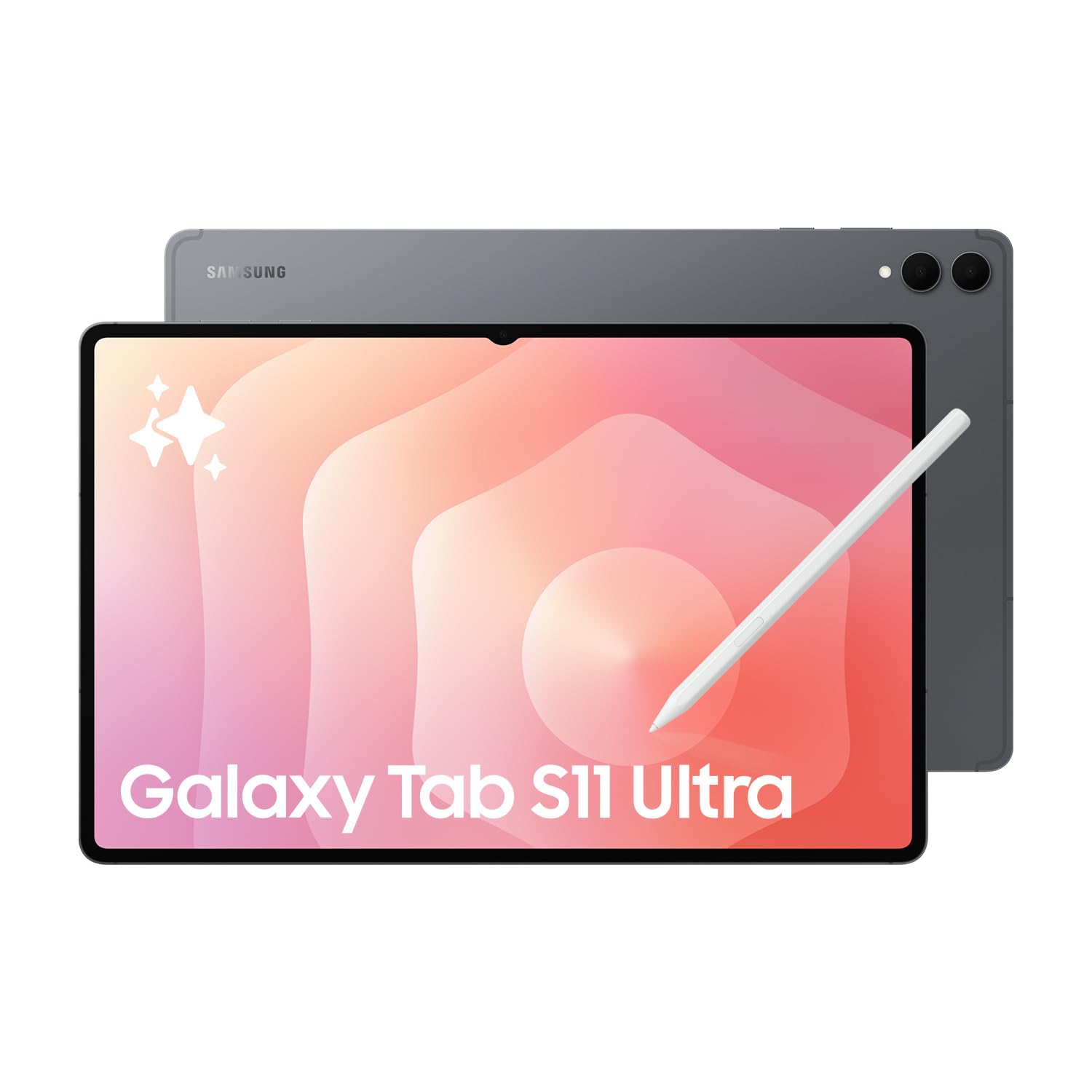
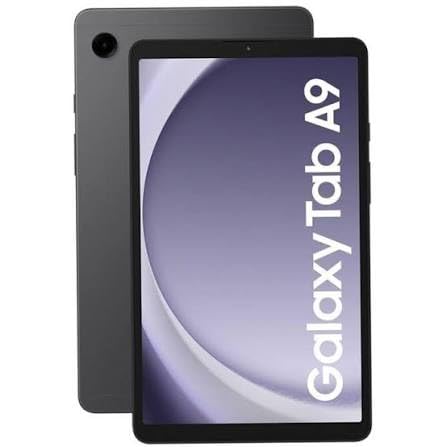
The Samsung Galaxy Tab S10 FE+ is our best Android tablet overall for its big 13.1 inch screen at a midrange price, the Samsung Galaxy Tab A9+ is the best value pick for streaming, reading and family use, and the Samsung Galaxy Tab S11 is the best premium Android tablet with Galaxy AI features and an IP68 rating. Check the product table above for current prices.
| Award | Product | Key Spec | Best For |
|---|---|---|---|
| Best Overall | Samsung Galaxy Tab S10 FE+ (128GB) | 13.1 inch display, Galaxy Tab S series features | Students, notes and multitasking |
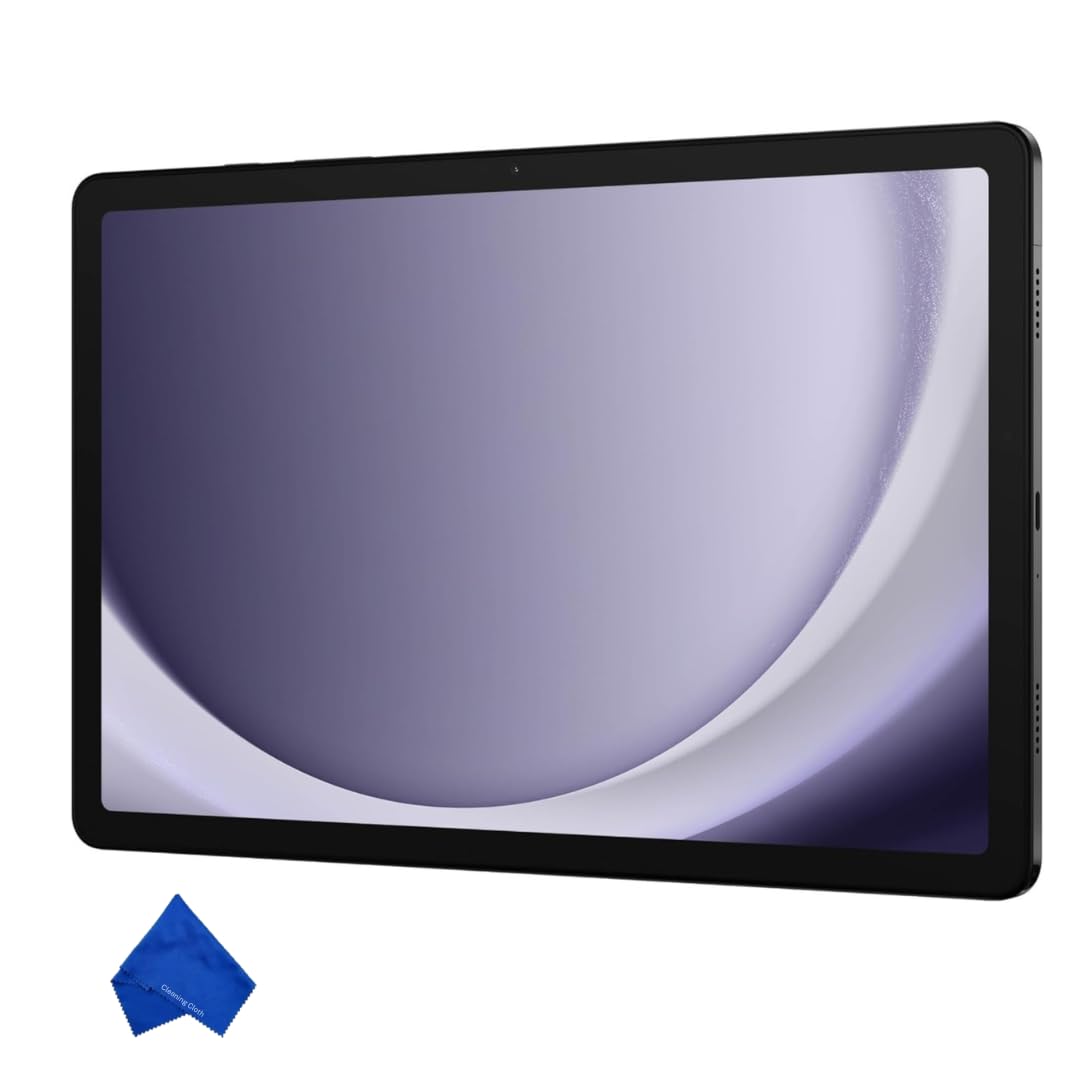
| Best Value | Samsung Galaxy Tab A9+ (256GB) | 11 inch display, quad speakers, multi window | Streaming, reading and kids |
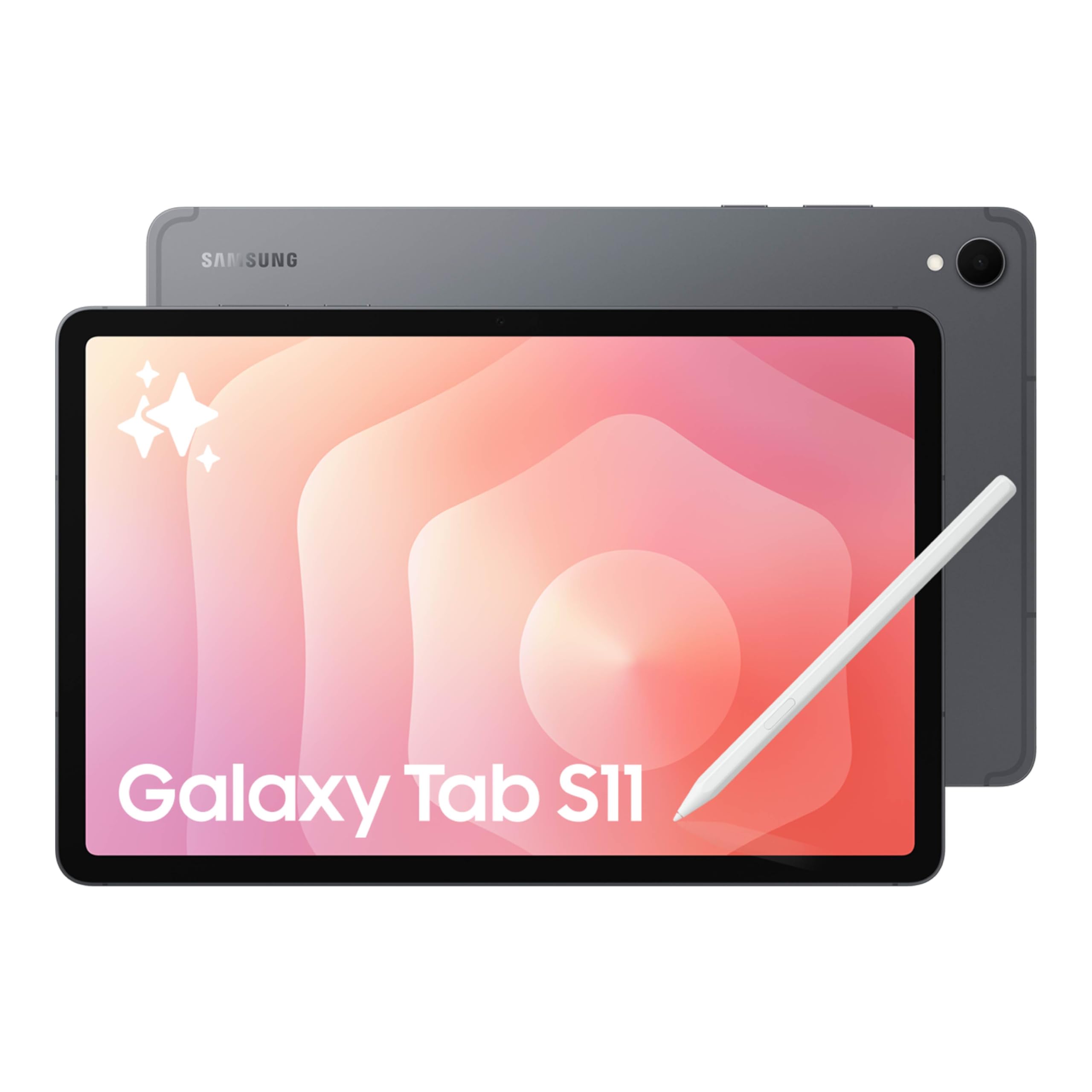
| Best Premium Pick | Samsung Galaxy Tab S11 (128GB) | Galaxy AI, IP68 water and dust resistance | Power users and creatives |
Best Overall: Samsung Galaxy Tab S10 FE+
The Samsung Galaxy Tab S10 FE+ is the best Android tablet for most people, at around $570 for the 128GB US version. It brings a big 13.1 inch screen to Samsung's Fan Edition line.
- Why it stands out: the large 13.1 inch display gives plenty of room for split screen apps, note taking and movies, close to the size of a small laptop screen.
- Versatile: as part of the Galaxy Tab S family, it works with Samsung's productivity features, such as multi window and DeX desktop style mode on supported models, and pairs with Samsung keyboard covers.
- Trade off: its large size makes it less comfortable to hold one handed for reading, and the 128GB model may fill quickly with offline video.
Best for: students, note takers and anyone who wants a big screen without flagship pricing. Skip it if you want a compact tablet.

Best Value: Samsung Galaxy Tab A9+
The Samsung Galaxy Tab A9+ is the best value Android tablet, at around $330 for the 256GB US version. It is a slim, light tablet for entertainment and everyday tasks.
- Why it stands out: an 11 inch screen with quad speakers suits streaming and video calls, and multi window display lets you run two apps side by side.
- Family friendly: Samsung markets it as slim, light, durable and kid friendly, and the 256GB storage leaves room for downloaded shows, games and apps.
- Trade off: it uses an entry level chipset and LCD screen, so it is less suited to demanding games and creative apps.
Best for: streaming, reading, browsing and shared family use. Skip it if you need stylus support or heavy multitasking.

Best Premium Pick: Samsung Galaxy Tab S11
The Samsung Galaxy Tab S11 is the best premium Android tablet, at around $900 for the 128GB WiFi model. It is Samsung's flagship tablet line with Galaxy AI features.
- Why it stands out: Galaxy AI tools help with tasks like summarizing, translating and editing, and an IP68 rating protects against dust and water.
- Flagship experience: the Galaxy Tab S series is designed for demanding apps, drawing and productivity, and works with Samsung's S Pen and keyboard accessories.
- Trade off: the price approaches that of a capable laptop, and accessories like keyboard covers cost extra.
Best for: creatives, power users and professionals who want the best Android tablet experience. Skip it if you mainly stream video.

How to Choose the Best Android Tablets: Buying Guide
These factors decide which of the best Android tablets fits how you will use it.
Processor and Performance Tier
Entry chips handle streaming, reading and browsing. Midrange chips manage multitasking, casual games and note taking smoothly. Flagship chips, such as Snapdragon 8 series processors in Galaxy Tab S models, run demanding games, video editing and drawing apps without lag.
Graphics and Gaming
Tablets use integrated graphics within the processor. For 3D games, choose a flagship or upper midrange tablet with a high refresh rate screen. Cloud gaming services can also stream console style games to modest tablets.
RAM and Storage
4GB of RAM suits basic use, 6 to 8GB handles multitasking and 12GB or more suits power users. Choose at least 128GB of storage for apps and downloads, and check for a microSD slot to expand storage cheaply.
Operating System and Updates
Android tablets run Google Play apps and work smoothly with Android phones. Samsung adds its own One UI features like DeX and multi window. Check how many years of Android and security updates the manufacturer promises, since longer support keeps a tablet useful and safe.
Keyboard, Stylus and Build
For typing, look for official keyboard covers with trackpads. For drawing and handwriting, choose a tablet that supports an active stylus like the S Pen. Aluminum builds feel sturdier, and IP ratings add protection.
Display Size, Resolution and Brightness
8 to 9 inch tablets are portable for reading and travel, 10 to 11 inch tablets balance portability and screen space and 12 to 14.6 inch tablets suit productivity and movies. AMOLED screens offer deep blacks and vivid color, while LCD screens are common on budget models. High refresh rates of 90Hz to 120Hz make scrolling smoother.
Ports and Connectivity
USB C ports handle charging and accessories, and some support external displays. WiFi 6 or 6E improves streaming, and cellular models add mobile data for travelers. Bluetooth connects headphones, keyboards and game controllers.
Android Tablets vs Other Options
Ultraportable Laptops
Ultraportable laptops run full desktop software and have built in keyboards and trackpads, making them better for long typing sessions, spreadsheets and specialized programs. Tablets are lighter, more flexible for media and touch apps and often last longer on battery.
2 in 1 Convertibles
2 in 1 laptops fold into tablet mode while running Windows or ChromeOS. They suit users who need desktop apps but want occasional touch use. Android tablets offer a better pure tablet experience and app selection for touch.
Budget Laptops and Chromebooks
For students who type a lot, a Chromebook or budget laptop may serve better than a tablet. For reading, streaming and note taking with a stylus, a tablet is more comfortable.
iPads
iPads offer strong app ecosystems and long update support, especially for Apple users. Android tablets offer more price options, expandable storage on many models and better integration with Android phones and Google services.
Choosing the Right Tablet Size
| Screen Size | Best For | Trade Offs |
|---|---|---|
| 8 to 9 inches | Reading, travel, one handed use | Cramped for split screen and drawing |
| 10 to 11 inches | Streaming, kids, everyday use | Balanced size, the most popular choice |
| 12 to 13 inches | Notes, multitasking, movies | Heavier, two handed use |
| 14 inches and up | Drawing, laptop replacement | Large to carry, expensive |
Android Tablets for Kids and Families
For children, an Android tablet with Google Family Link or Samsung Kids lets parents set screen time limits, approve app downloads and filter content. Choose a durable case with a handle or stand, enough storage for offline videos and a tablet that receives security updates. Shared family tablets benefit from multiple user profiles so each person keeps their own apps and accounts.
Accessories That Make a Tablet More Useful
- Keyboard cover: turns the tablet into a writing machine for school and work.
- Stylus: enables handwriting, sketching and precise editing on supported models.
- Protective case: guards against drops, especially for kids.
- USB C hub: adds HDMI, USB A and card readers for presentations and files.
- Bluetooth controller: improves gaming and cloud gaming.
- Fast charger: many tablets ship without a charging brick.
Common Tablet Problems and Fixes
- Tablet feels slow: close unused apps, clear storage and install updates.
- Battery drains quickly: lower screen brightness, reduce refresh rate and limit background apps.
- Storage full: move photos to cloud storage or a microSD card if supported.
- WiFi drops: restart the router and forget and rejoin the network.
WiFi vs Cellular Android Tablets
WiFi only tablets are cheaper and work anywhere with WiFi or a phone hotspot, which covers most people. Cellular models add a SIM or eSIM for mobile data on the go, which helps frequent travelers, field workers and anyone who needs a connection without draining their phone's battery through hotspot use. Cellular tablets cost more upfront and need a data plan, so choose them only if you regularly work away from WiFi.
Using an Android Tablet for Work
With a keyboard cover, an Android tablet can handle email, documents, spreadsheets and video calls. Google Workspace and Microsoft 365 apps work well on larger screens, and Samsung DeX on supported Galaxy Tab models adds a desktop style interface with resizable windows. Pair a Bluetooth mouse for precise editing and connect to an external monitor through USB C on models that support video output. For heavy desktop software, a laptop remains the better tool.
How Much to Spend on the Best Android Tablets
- Under $350: entry tablets like the Galaxy Tab A9+ for streaming, reading and kids.
- Around $350 to $700: midrange Fan Edition tablets with larger screens, stylus support and better performance.
- Over $800: flagship tablets with top processors, AMOLED screens and premium builds.
Tips to Get the Most From Your Android Tablet
- Use split screen: run a video call and notes side by side.
- Add a keyboard cover: turns the tablet into a capable writing tool.
- Set up kids profiles or parental controls: manage content and screen time for children.
- Download for offline use: save shows and playlists for travel.
- Use a screen protector and case: protect the display from scratches and drops.
- Keep software updated: install system and security updates promptly.
FAQs
Is a tablet enough for school instead of a Chromebook?
For reading, note taking and research, a tablet with a keyboard can be enough. For essays and programs that require desktop browsers or software, a Chromebook or laptop is often more practical.
Should I buy a laptop or a tablet?
Choose a laptop for heavy typing, multitasking and desktop software. Choose a tablet for media, reading, drawing and portability. Many people use a tablet alongside a laptop or desktop.
How long should an Android tablet last?
A quality Android tablet often lasts about three to five years. Check the manufacturer's update policy, since security updates matter as much as hardware.
How much RAM do I need in a tablet?
4GB is enough for streaming and reading, 6 to 8GB for multitasking and 12GB or more for heavy apps and creative work.
Do Android tablets support a stylus?
Many do. Samsung Galaxy Tab S models support the S Pen, and some include it in the box. Budget tablets may only support basic capacitive styluses.
Can an Android tablet replace a laptop?
For many people, yes, especially with a keyboard cover and Samsung DeX for desktop style multitasking. It struggles with specialized desktop software, heavy file management and long typing sessions, where a laptop is still better.
Final Thoughts
Choose an Android tablet by screen size, performance and how long you plan to keep it. The Galaxy Tab S10 FE+ is our all around pick with a big screen, the Galaxy Tab A9+ is the value choice for media and family use and the Galaxy Tab S11 is the premium option for power users. The best Android tablets adapt to work, school and play, so check the product table above for current prices. For tablets aimed at kids, see our best tablets for kids guide.