
Best Tablets for Kids: Specs, Picks & Buying Guide
Disclosure: We may earn a commission when you buy through links on this page, at no extra cost to you. As an Amazon Associate I earn from qualifying purchases. Learn more

Kid edition Fire tablets, the iPad and budget Android picks with strong parental controls.
A tablet is one of the most requested holiday gifts for children, and one of the most confusing to buy. Some are built for toddlers with chunky cases and locked down content, others are full tablets that grow with older kids. Our guide to the best tablets for kids compares kid editions from Amazon, a full size iPad and budget friendly Android options, with a focus on parental controls, durability and battery life.
Below you will find the product table, our top three picks, a buying guide, setup tips and answers to common questions from parents.
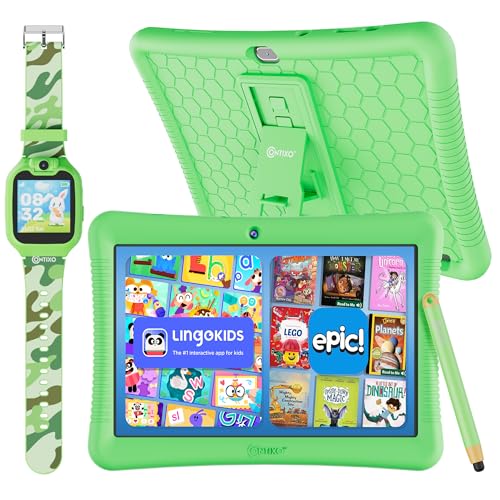


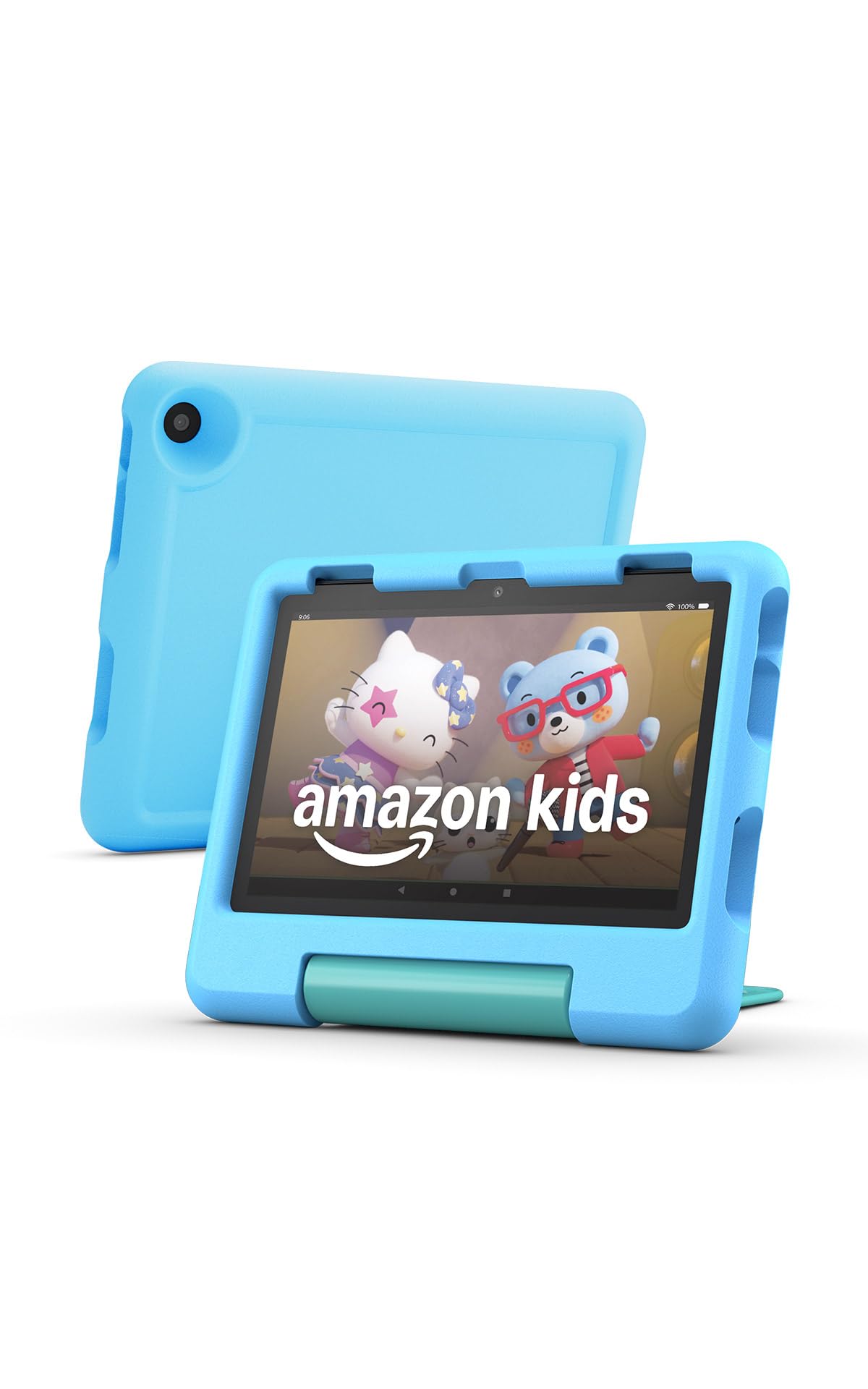

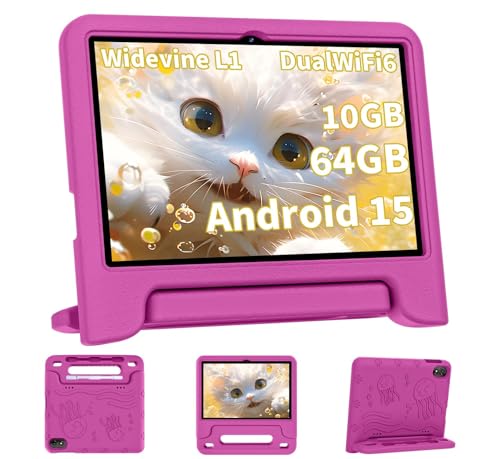


Our Top 3 Tablets for Kids at a Glance
We chose these three for strong Amazon ratings, reliable parental controls and good value at very different price points.
Best Overall Tech Pick: Amazon Fire HD 8 Kids Pro
The Fire HD 8 Kids Pro is a full featured tablet designed for kids ages 6 to 12. It has a strong buyer rating.
- 2 year worry free guarantee: if it breaks, Amazon replaces it for free during the first two years.
- Amazon Kids+ included: six months of ad free books, videos, apps and games chosen for the age group.
- Parental controls: parents can review activity, set time limits and approve or deny purchases remotely.
The trade off is a limited app selection compared with an iPad, since it runs Amazon's Fire OS. At around $90, it is the best balance of durability, content and price.

Best Bang for the Buck: Amazon Fire HD 10
For older kids, the standard Fire HD 10 offers a bigger screen at a very low price. It has a strong buyer rating.
- 10.1 inch Full HD display: sharp enough for movies, reading and homework apps.
- Fast and long lasting: Amazon says it is 25% faster than the previous generation, with up to 13 hours of battery life.
- Kid profiles available: set up an Amazon Kids profile with age filters and time limits.
The limitation is that it does not include a kid proof case or the worry free guarantee, so add a case from the table. At around $73, it is the cheapest big screen tablet worth buying.

Best High End Pick: Apple iPad 11 Inch (A16)
The base iPad is the tablet many families keep for years. It has a strong buyer rating and handles schoolwork, creative apps and games with ease.
- A16 chip: fast enough for drawing, video and demanding games, with room to grow.
- 11 inch Liquid Retina display and 128GB: bright and sharp, with plenty of storage for apps.
- Screen Time and Family Sharing: Apple's built in controls limit apps, set downtime and approve purchases.
The downside is price, and it needs a protective case for younger kids. At around $399, it is the best long term tablet for older children and teens.

How to Choose the Best Tablets for Kids
When comparing tablets for kids, think about age, durability and how much control parents want.
Compatibility
If the family uses iPhones, an iPad shares apps and Family Sharing. Android families may prefer the COLORROOM kids tablet, which comes with Google Kids Space. Fire tablets work with any phone through the Amazon Parent Dashboard.
Battery Life and Charging
Look for at least 10 hours of battery life, which covers a long car ride. Fire tablets are rated for around 13 hours, and all models here charge over USB C.
Core Performance
Young kids mostly watch videos and play simple games, which any tablet handles. Older kids who draw, edit video or play demanding games benefit from an iPad's faster chip.
Ease of Setup
Kid edition Fire tablets come ready with a child profile and Amazon Kids+. iPads and Samsung tablets need a few extra steps to set up child accounts.
Durability and Warranty
Kid editions include thick foam cases and a two year replacement guarantee, which matters for younger children. For standard tablets, add a rugged case and screen protector.
Price vs Features
Kid tablets cost around $90 to $105, standard Fire and Samsung tablets cost $73 to $190, and an iPad costs around $399. Spend more only if the child will use advanced apps.
Types of Tablets for Kids
Here is how the options in our table fit different ages and budgets.
Budget
The Fire HD 10 at around $73 offers the most screen for the money. Pair it with a kid friendly case for around $15.
Mid range
The COLORROOM kids tablet has a 10 inch screen, Google Kids Space with parental controls and a 6000mAh battery, a good pick for Android families at around $80. The Kindle Kids is a reading only option with no apps or videos.
Premium
The iPad 11 inch is the premium choice, with the best app library and long software support.
Kid friendly
The Fire HD 8 Kids for ages 3 to 7 comes with a chunky case and kid content, while the Kids Pro suits ages 6 to 12 with a slimmer case.
Which Tablet for Which Age
For preschoolers, a kid edition with a foam case and curated content is the safest choice. From about age 6, the Kids Pro offers a more grown up look while keeping parental controls. Tweens and teens who use school apps, drawing tools or video editing will get the most from an iPad or a Galaxy Tab, ideally with a sturdy case and clear family rules about screen time.
Setup Tips
Set things up before the big day so the tablet is ready to use.
Unboxing and First Setup
Charge the tablet, update the software and create the child profile before wrapping. Download a few favorite apps and books so it is ready to go.
Accessories Worth Adding
Volume limited headphones like the JBL Junior 320 or EarFun K1 protect young ears. A screen protector and a sturdy case are smart for any standard tablet.
Privacy and Parental Controls
Use the Amazon Parent Dashboard, Apple Screen Time or Google Family Link to set time limits, filter content and approve purchases. Turn off in app purchases for younger kids.
Are Tablets for Kids a Good Holiday Gift?
Yes, with the right setup. A tablet supports reading, learning apps and creative play, and it keeps kids entertained on trips. The best tablets for kids combine durability with strong parental controls, so families stay in charge of screen time.
The top rated tablets for kids in our table all include tools to manage content and time.
Common Mistakes to Avoid
Buying a standard tablet for a toddler without a protective case is a common mistake. Another is skipping parental controls during setup, which can lead to surprise purchases.
Some parents buy older models to save money, but they may lose software updates sooner. Finally, choose volume limited headphones for young children.
It also helps to agree on rules before the tablet is unwrapped. Decide where it charges overnight, how long it can be used on school days and which apps need permission. Kids accept limits more easily when they are part of the gift from day one.
FAQs
Quick answers to the questions parents ask most.
Are tablets for kids worth buying this year?
Yes. Current kid tablets offer strong parental controls, long battery life and replacement guarantees at reasonable prices.
Do tablets for kids work with iPhone and Android?
Yes. Parents can manage Fire tablets from any phone, iPads pair best with iPhones and Samsung tablets pair best with Android.
How long does the battery last?
Most kid tablets last around 10 to 13 hours of mixed use per charge.
What accessories should I buy with tablets for kids?
A protective case, a screen protector and volume limited headphones are the most useful accessories.
How much should you spend on tablets for kids?
Expect around $90 to $105 for a kid edition tablet and around $399 for an iPad for older kids.
Final Thoughts
The best tablets for kids are durable, easy to manage and fun to use. The Fire HD 8 Kids Pro is our top pick, the Fire HD 10 is the best value and the iPad 11 inch is the premium choice for older kids. Compare current prices in the product table above. Our sister site also rounds up the best Christmas gifts for kids if you need more inspiration.


