
Best PC Tablets: Our 2026 Checklist and Top 3 Picks
Disclosure: We may earn a commission when you buy through links on this page, at no extra cost to you. As an Amazon Associate I earn from qualifying purchases. Learn more

A practical checklist for choosing the best pc tablets, from processor and screen to operating system and keyboard, plus three picks.
A PC tablet promises the best of both worlds: a touchscreen slate for reading, sketching and streaming on the couch, and a laptop replacement once you snap on a keyboard. In practice, some models deliver on both fronts and others feel like a compromise at either job. The best pc tablets get the core details right, and this guide lays out a checklist you can use to judge any model, from Windows 2 in 1s to Android tablets with keyboard covers.
Below you will find the criteria we use, what good and weak results look like for each, three picks that pass, a quick buyer checklist and the red flags to avoid. The product table above lists strong options at several price points.


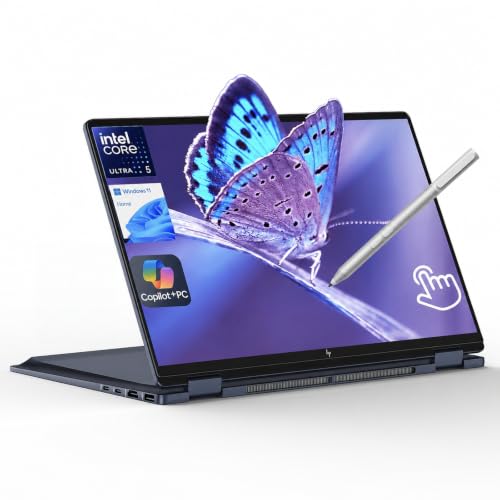

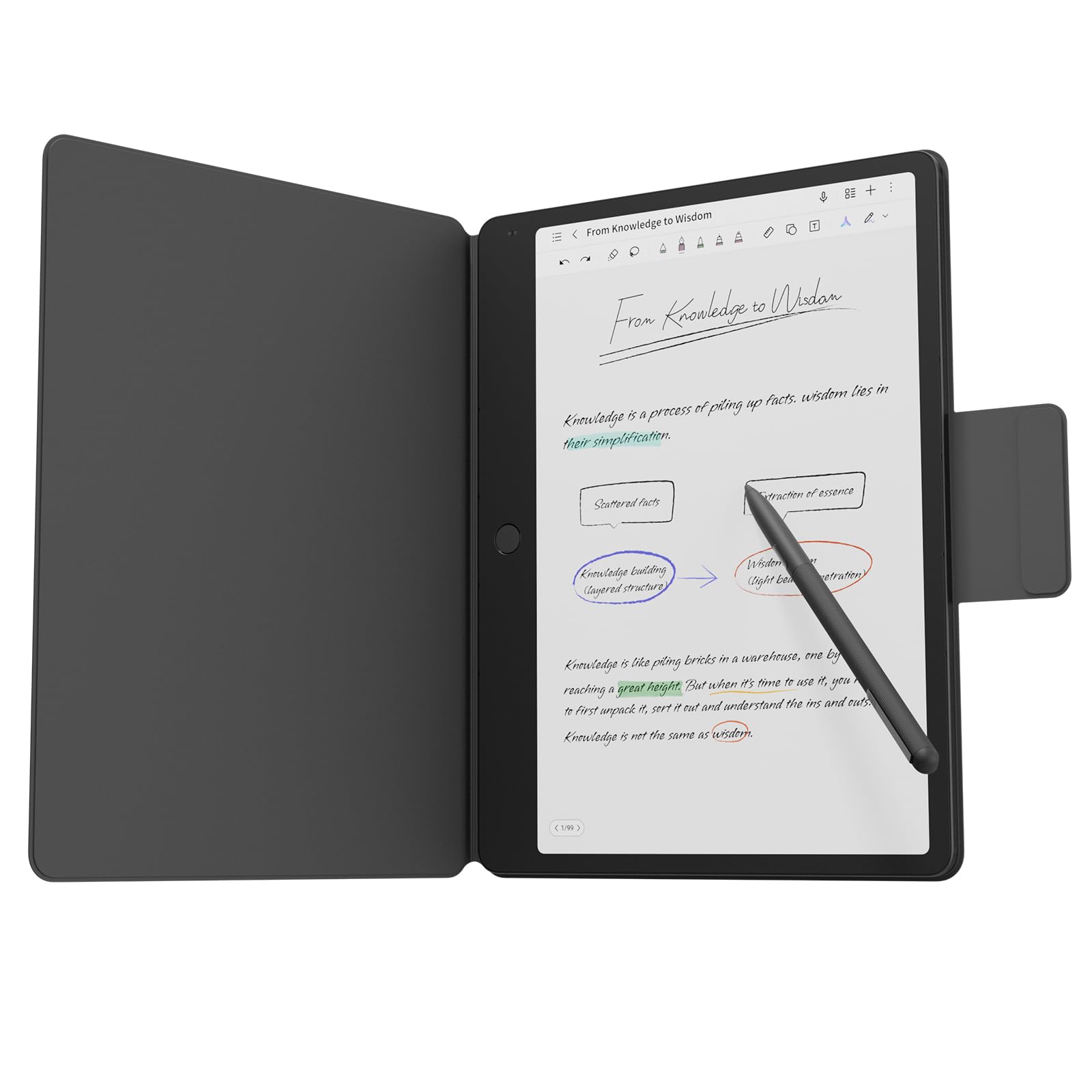
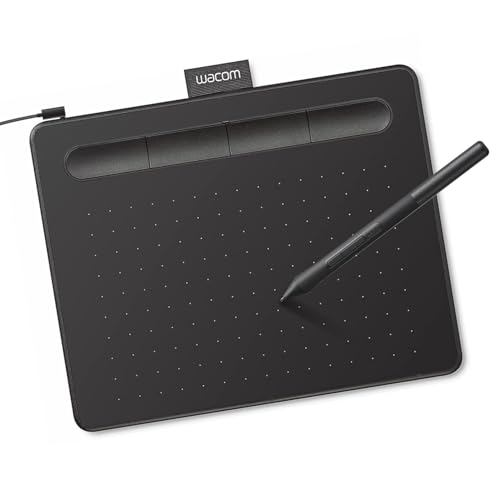

How We Evaluate PC Tablets
We judged tablets on the same criteria using manufacturer specifications, the details in each Amazon listing and patterns across verified buyer feedback from students, remote workers and creatives. We did not run our own trials; instead we compared each model's design against what owners report after months of use. Each criterion below includes the thresholds that separate a strong tablet from a weak one.
Processor and Performance Tier
The processor decides whether a tablet can truly replace a laptop. Modern ARM chips such as Qualcomm's Snapdragon X series in Windows tablets and the Exynos and Snapdragon chips in Android tablets deliver strong performance with long battery life. Intel Core Ultra processors appear in many 2 in 1 laptops and offer broad software compatibility.
A strong tablet handles a dozen browser tabs, office apps and video calls without stutter. A weak one uses an entry level chip that lags with more than a few apps open, which defeats the purpose of a laptop replacement.
Weight and Portability
Tablets shine when they are light enough to hold in one hand. Most 11 to 13 inch PC tablets weigh about 1 to 2 pounds without a keyboard, and keyboard covers add a few more ounces. Convertible 2 in 1 laptops with fold back hinges weigh closer to 3 pounds but offer sturdier keyboards.
A strong design stays comfortable for reading or note taking for an hour. A weak one is heavy and top heavy, making tablet mode awkward.
Display Size, Resolution and Brightness
The screen is the heart of a tablet. Look for 11 to 13 inches, a resolution well above Full HD and brightness around 400 nits or more for comfortable use near windows. High refresh rates such as 90Hz or 120Hz make scrolling and pen input feel smoother, and OLED panels deliver deep blacks and vivid color.
A strong display is sharp, bright and responsive to touch and pen. A weak one is dim, low resolution or has noticeable lag when writing.
Operating System
Windows tablets run full desktop software, including Microsoft Office, creative suites and many business apps, which makes them true laptop replacements. Android tablets excel at media, reading and touch first apps and have improved desktop modes, but some desktop software is unavailable. ChromeOS tablets are simple and inexpensive for school and web based work.
Choose the system that runs the apps you need. A strong tablet runs your essential software natively; a weak fit forces workarounds every day.
Keyboard, Trackpad and Build
A good keyboard cover is essential if you plan to type. Look for comfortable key travel, backlighting and a responsive trackpad. Kickstands should hold firm at multiple angles, and the build should feel rigid without creaks. Aluminum or magnesium bodies hold up better than plastic.
A strong tablet types like a laptop on a desk. A weak one wobbles on your lap and has cramped, mushy keys, and some keyboards are sold separately, which adds to the real cost.
Ports and Connectivity
Most PC tablets offer one or two USB C ports for charging, displays and accessories, and some add a headphone jack or microSD slot. Wi Fi 6E or Wi Fi 7 and Bluetooth for keyboards, mice and headphones are standard on current models. Optional 5G is useful for frequent travelers.
A strong tablet supports external monitors and fast charging through USB C. A weak one has a single slow port that forces you to choose between charging and accessories.
Battery Life and Charging
A tablet that dies by lunch is not a laptop replacement. Look for manufacturer claims of around 10 hours or more of mixed use, then expect somewhat less in real life with bright screens and video calls. ARM based Windows tablets and most Android tablets lead on battery life, while Intel based 2 in 1s vary more.
Fast charging over USB C adds convenience: a quick 30 minute top up before class or a meeting can add several hours. A strong tablet lasts a full workday; a weak one needs a charger nearby by mid afternoon.
Pen Support
Pen input is a big reason to choose a tablet over a laptop. Look for pressure sensitivity, tilt support and palm rejection so you can rest your hand on the screen while writing. Some tablets include a pen in the box, while others sell it separately. Magnetic storage or charging on the tablet edge keeps the pen from getting lost.
RAM and Storage
For Windows tablets, 16GB of RAM is the comfortable standard and 8GB is the minimum. Android tablets manage memory differently and run well with 6 to 8GB. Storage should be at least 128GB, with 256GB or more if you store media or large files; a microSD slot on Android tablets helps.
A strong configuration keeps apps responsive for years. A weak one runs out of storage quickly and slows down with multitasking.
3 Picks That Pass Our Checklist
These three tablets pass the checklist and cover the main needs among the best pc tablets: a balanced Windows laptop replacement, an affordable Android option and a premium OLED Windows model. Prices change often, so treat the figures as approximate.
Microsoft Surface Pro Copilot+ PC (Snapdragon, LCD): Best Overall
The Surface Pro 2 in 1 with a Snapdragon processor and a 13 inch touchscreen suits students and professionals who want a true Windows laptop replacement in tablet form, at around $1,100. It runs Windows 11 as a Copilot+ PC with full desktop software.
Two strengths stand out: the efficient Snapdragon chip delivers smooth multitasking with long battery life, and the built in kickstand and thin design make it easy to switch between laptop and tablet use. Pen and keyboard support turn it into a capable note taking and work device. The limitation is that the keyboard and pen are usually sold separately with this configuration, which raises the real cost. Skip it if you need specific older Windows apps that may not run well on ARM processors.

Samsung Galaxy Tab S10 FE: Best Value
The Galaxy Tab S10 FE suits students, readers and casual creators who want a capable tablet without premium pricing, at around $550 for the 128GB model. It runs Android with Samsung's productivity features.
Its strengths are a large, bright screen for streaming and reading and support for the S Pen and keyboard covers, which make it useful for note taking and light productivity. Samsung DeX offers a desktop style interface when paired with a keyboard. The trade off is that Android cannot run full desktop software such as some professional Windows apps. Skip it if your work depends on Windows only programs.

Microsoft Surface Pro Copilot+ PC (OLED): Best Premium Pick
The Surface Pro with a 13 inch OLED touchscreen is for creatives and professionals who want the best display in a Windows tablet, at around $2,300 in its top configuration. It pairs the OLED screen with a high end Snapdragon processor.
Two features justify the price: an OLED display with deep blacks and rich color for photo editing, drawing and watching video, and top tier performance and memory for demanding multitasking. The drawback is cost, which approaches high end laptops. Skip it if you mainly browse and write, since the standard Surface Pro covers those tasks for far less.

How do the three compare? The LCD Surface Pro balances price and capability for most Windows users, the Galaxy Tab S10 FE costs half as much and excels at media and notes and the OLED Surface Pro adds a stunning display and more power for professionals. All three support pens and keyboard covers, so the choice comes down to operating system and budget.
Quick Buyer Checklist
- Does the operating system run every app you need for work or school?
- Is the processor current enough for multitasking, not an entry level chip?
- Does it have at least 8GB of RAM (16GB for Windows) and 128GB of storage?
- Is the screen bright, sharp and responsive to touch and pen?
- Is a keyboard included, or do you need to budget for one?
- Does it charge and connect to displays over USB C?
- Is it light enough to hold comfortably in tablet mode?
- Is warranty and support available in your country?
Red Flags to Watch For
- Outdated or entry level chips: slow processors make Windows tablets frustrating.
- Too little RAM or storage: 4GB RAM or 64GB storage fills up and slows down quickly.
- Vague specifications: listings without clear processor, screen resolution or battery details.
- Unknown brands with no support: very cheap 2 in 1s from unfamiliar sellers often lack updates and warranty service.
- Unusual review patterns: many short, generic reviews on a new listing deserve caution.
Accessory pricing is another trap. A tablet that seems affordable can cost much more once you add a keyboard, pen and protective case, so compare total cost.
Choosing PC Tablets for Your Situation
Your daily routine decides which tablet fits best.
Best PC Tablets for College
The best pc tablets for college combine long battery life, light weight and pen support for handwritten notes. Windows tablets suit majors that need specific desktop software, while Android tablets are great for reading, note taking and media at a lower price. Check your program's software requirements, budget for a keyboard and pen and consider a protective case for daily campus use.
For Creatives and Artists
Artists and designers should prioritize screen quality, pen accuracy and palm rejection. OLED or high quality LCD displays with wide color coverage, low latency pens and pressure sensitivity make drawing feel natural. Windows tablets run professional creative software, while Android tablets offer strong drawing apps at lower cost.
For Business Travelers
Travelers benefit from light weight, long battery life, fast charging and optional 5G connectivity. A Windows tablet with a backlit keyboard cover can replace a laptop for presentations and email, while a kickstand makes it easy to use on airline trays.
For Families and Entertainment
For streaming, reading and video calls with family, a bright screen, good speakers and long battery life matter most. Android tablets offer excellent value here and support parental controls and kids profiles. A sturdy case with a stand makes the tablet easy to prop up on a kitchen counter or tray table.
Care and Maintenance Tips
- Use a screen protector and case: tablets are dropped more often than laptops.
- Keep software updated: updates improve security, performance and battery life.
- Clean gently: use a microfiber cloth; avoid harsh chemicals on the screen coating.
- Manage battery health: use battery care settings that limit constant full charging.
- Protect the keyboard connector: keep magnetic connectors clean and free of debris.
- Store the pen safely: keep it docked or in a case slot so the tip stays undamaged and it does not go missing.
- Avoid extreme heat: do not leave tablets in hot cars, which can damage batteries and screens.
PC Tablets: Your Questions Answered
How much RAM do I need?
For Windows tablets, 8GB is the minimum and 16GB is recommended for smooth multitasking and long term use. Android tablets manage memory efficiently and work well with 6 to 8GB for most people. If you edit photos or run many apps, choose more RAM, since most tablets cannot be upgraded later.
How long should a pc tablet last?
A quality PC tablet typically lasts about four to six years. Software update support, battery health and storage capacity are the main factors. Premium models from major brands usually receive updates longer, which extends their useful life.
Should I buy a laptop or a tablet?
Choose a tablet if portability, touch, pen input and media matter most. Choose a laptop if you type heavily, need many ports or run demanding software. A Windows tablet with a keyboard can replace a laptop for many people, but traditional laptops still offer better typing comfort on your lap.
Is a dedicated GPU worth it?
Almost no tablets include dedicated GPUs, and most users do not need one. Integrated graphics in modern tablet processors handle streaming, photo editing and casual games well. If you need a dedicated GPU for gaming or 3D work, a laptop is the better choice.
Can a PC tablet replace a laptop?
For many people, yes. A Windows tablet with a keyboard cover and a modern processor runs the same software as a laptop and handles office work, browsing and video calls well. The main compromises are typing on your lap, fewer ports and smaller screens. If you mostly work at a desk, add a monitor and mouse for a full workstation.
Is a Chromebook enough for school?
For many students, yes. Chromebooks and ChromeOS tablets handle web based schoolwork, Google Docs and video classes at a low price. Students in programs that require Windows or macOS software should choose a Windows tablet or laptop instead.
Final Thoughts
Operating system, processor and screen quality matter most. The LCD Surface Pro is the best overall Windows tablet for replacing a laptop, the Galaxy Tab S10 FE offers excellent value for students and media lovers and the Surface Pro OLED is the premium choice for creatives. Run through the checklist and compare the product table above to find the best pc tablets for your needs. If drawing is your focus, see our guide to the best drawing tablets for pc.


