
Best 2in One Laptops: Matching the Right Model to Your Routine
Disclosure: We may earn a commission when you buy through links on this page, at no extra cost to you. As an Amazon Associate I earn from qualifying purchases. Learn more

Convertible and detachable 2 in 1 laptops matched to travelers, creators, students and power users, with features to compare.
A 2 in 1 laptop promises two devices in one: a laptop for typing and a tablet for drawing, reading or watching shows. But there is no single 2 in 1 that suits everyone. A frequent flyer wants something ultra light, a designer needs a big pen friendly screen and a student needs durability at a low price. This guide to the best 2in one laptops starts with how you work and play, then explains which type and features fit your routine.
The short answer: choose a detachable 2 in 1 like the Surface Pro if portability and tablet use come first, a 14 inch convertible with a 360 degree hinge if you mostly type but want touch and pen support, a 16 inch convertible for creative work and multitasking and a Chromebook flip for students on a budget; aim for at least 16GB of RAM and 512GB of storage on Windows models.
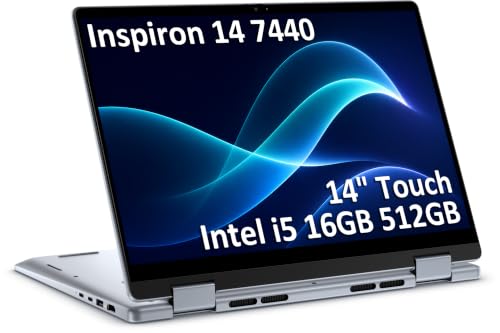

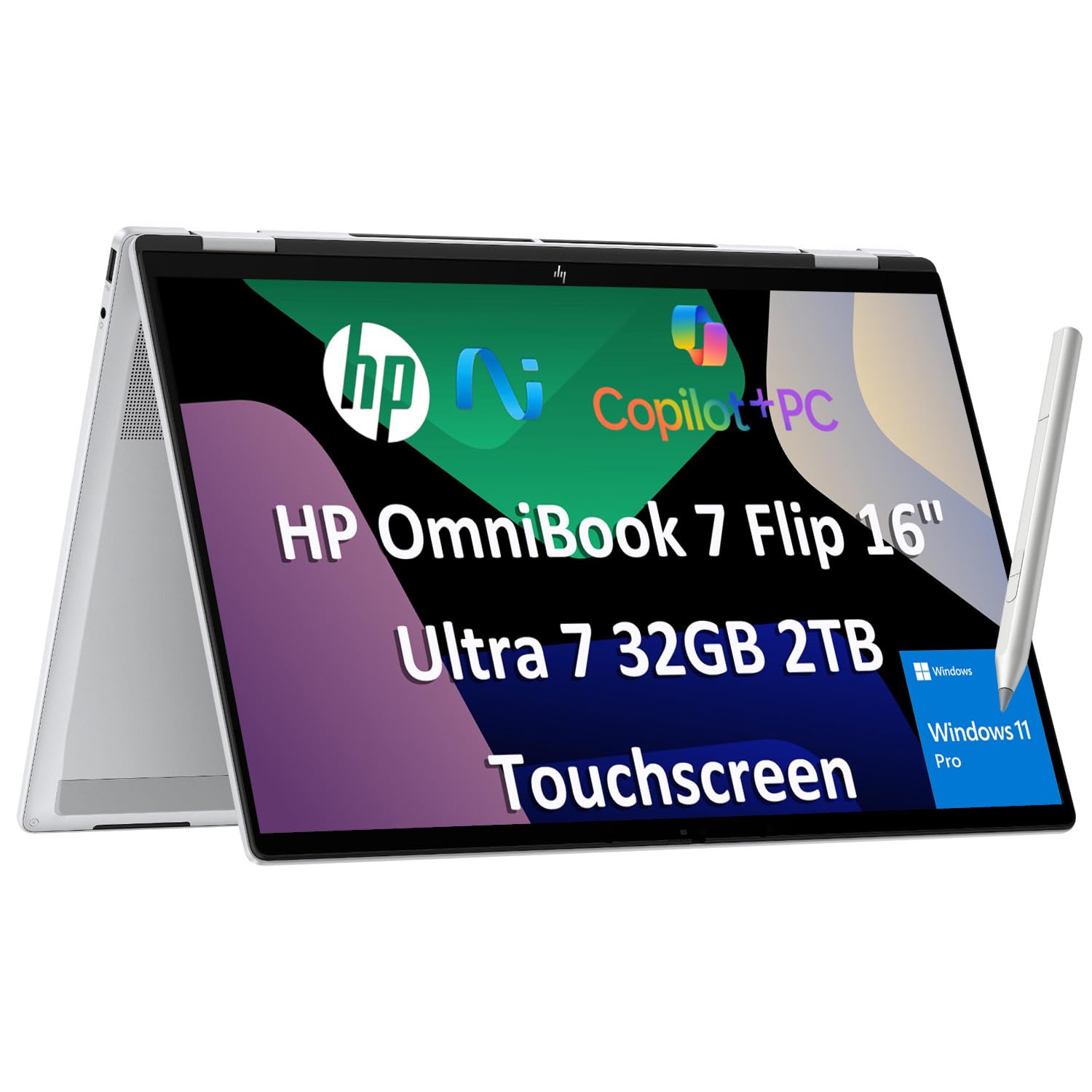
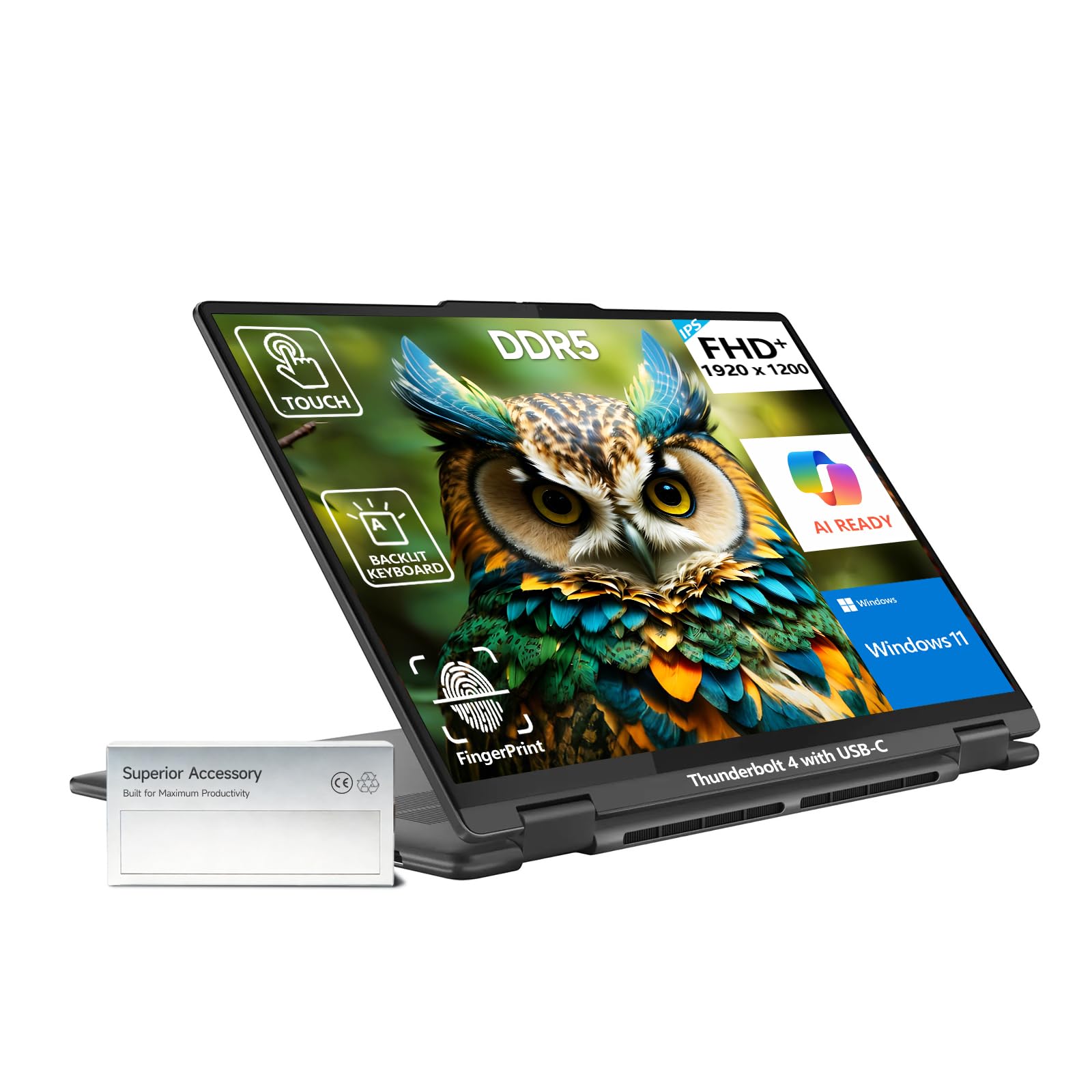
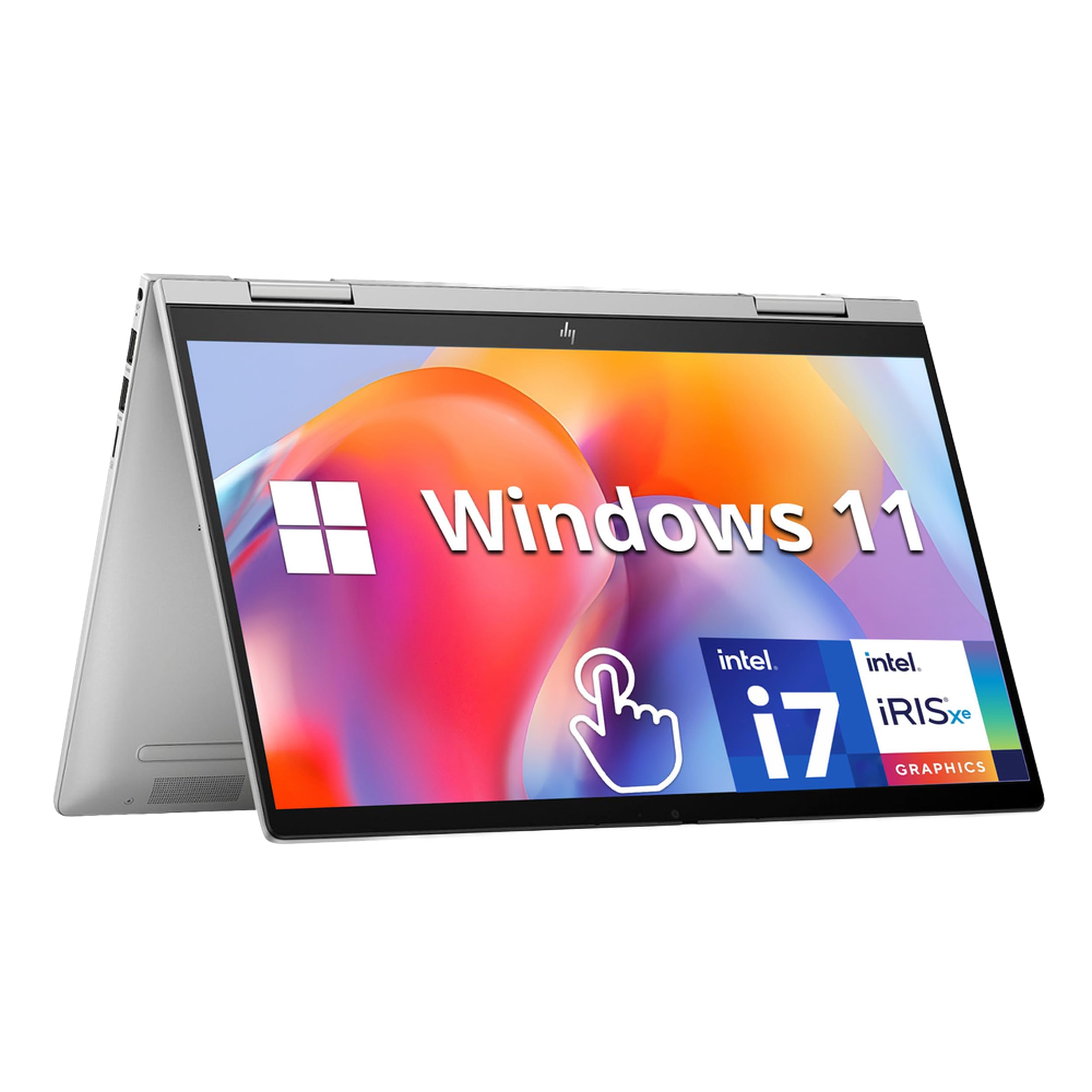


Top 3 Picks at a Glance
These three 2 in 1 laptops represent the best choice for value seekers, travelers and creators.


Who Should Buy Which 2in One Laptops?
2 in 1 laptops come in two main designs. Convertibles have a 360 degree hinge that folds the screen behind the keyboard into tablet, tent or stand mode. Detachables separate the screen from the keyboard entirely, creating a true tablet. Your routine decides which design and size make sense.
For Gamers and Power Users
Power users who run demanding apps, edit video or play games need strong processors and cooling. Most 2 in 1 laptops use integrated graphics and thin designs, so they handle light gaming, cloud gaming and older titles better than modern AAA games. Look for Intel Core Ultra 7, AMD Ryzen 7 or Snapdragon X Elite chips, 16GB to 32GB of RAM and high refresh displays of 90Hz or 120Hz. If serious gaming is the priority, a traditional gaming laptop is a better fit.
For Travelers and Commuters
Travelers want light weight, long battery life and versatility on planes, trains and in hotel rooms. Detachable 2 in 1 laptops around 2 pounds, with a keyboard cover and pen, are easiest to carry and use on tray tables. Thirteen and 14 inch convertibles around 3 pounds offer sturdier keyboards for long typing sessions. Prioritize battery life of 12 hours or more, USB C charging and optional 5G connectivity if you work on the move.
For Remote Workers and Creators
Remote workers need reliable webcams, clear microphones and comfortable keyboards, while creators benefit from large, accurate touchscreens and pen support. Sixteen inch convertibles give space for drawing, photo editing and split screen multitasking, and tent mode works well for video calls and presentations. Look for 1080p or higher webcams, active pen support with tilt and pressure sensitivity and color accurate displays.
For Students and Everyday Users
Students benefit from affordable, durable 2 in 1 laptops that handle note taking, research and streaming. Chromebook flips are inexpensive, start quickly and work well with Google Classroom. Windows convertibles add support for Microsoft Office and specialized software. A pen helps with handwritten notes and annotating PDFs.
Key Features to Compare
Once you know your routine, compare models on the features below.
RAM and Storage
Memory lets you run several apps without slowdowns. Eight gigabytes is the minimum for Windows 2 in 1 laptops, but 16GB is recommended for multitasking, creative apps and longevity. Chromebooks can run well on 8GB thanks to lighter software. Storage should be an SSD of at least 256GB, with 512GB or 1TB preferred for Windows. Many thin 2 in 1 laptops have soldered memory, so choose enough at purchase.
Graphics (Integrated vs Dedicated GPU)
Most 2 in 1 laptops use integrated graphics, which handle streaming, photo editing, light video editing and casual games well. Intel Arc graphics in Core Ultra chips, AMD Radeon graphics and Qualcomm Adreno GPUs have improved significantly. A few premium convertibles offer dedicated GPUs for heavier creative work, but they are heavier, hotter and more expensive.
Ports and Connectivity
Thin 2 in 1 laptops often prioritize USB C. Look for at least two USB C ports with Thunderbolt or USB4 for charging, external displays and fast storage. HDMI and USB A ports reduce dongle use. Detachables may have only one or two ports, so plan for a hub. WiFi 6E or WiFi 7 improves speed, and microSD slots help photographers.
Display Size, Resolution, and Brightness
Thirteen and 14 inch screens are best for portability and tablet use, while 16 inch screens suit creative work and multitasking but feel heavy as tablets. Choose at least 1920 by 1200 resolution, and higher for drawing. Brightness of 300 to 400 nits works indoors, while 500 nits or more helps near windows. OLED screens offer deep blacks and vivid color, and 120Hz refresh rates make pen strokes feel smoother.
Processor and Performance Tier
For office work, browsing and streaming, an Intel Core Ultra 5, AMD Ryzen 5 or Snapdragon X Plus chip is enough. Creators and power users benefit from Core Ultra 7, Ryzen 7 or Snapdragon X Elite. Snapdragon chips offer excellent battery life but may have compatibility limits with some older Windows apps. Chromebooks run well on modest Intel Core i3 or i5 chips.
Common Mistakes to Avoid When Buying 2in One Laptops
- Choosing on price alone. Very cheap convertibles often use slow processors and dim screens that make tablet use frustrating.
- Ignoring RAM and storage. Eight gigabytes of RAM and 128GB of storage fill up quickly and usually cannot be upgraded.
- Buying the wrong size. A 16 inch convertible is great on a desk but heavy to hold as a tablet; a 13 inch detachable can feel cramped for long typing.
- Forgetting accessories. Some detachables sell the keyboard and pen separately, adding $150 to $300.
- Not checking the warranty. Hinges and touchscreens see heavy use, so confirm warranty coverage and consider accidental damage protection.
Care and Maintenance Tips
Keep the OS and firmware updated to improve battery life, pen performance and security. Avoid running at 100 percent charge all the time by enabling battery care settings that cap charging around 80 percent. Use a padded sleeve when commuting to protect the screen and hinge. Clean the touchscreen with a microfiber cloth and avoid harsh cleaners. Open and close convertible hinges gently, and store the pen in its holder or magnetic dock to avoid losing it.
Convertible vs Detachable: Which Design Fits You?
Convertible 2 in 1 laptops keep the keyboard attached and fold the screen back on a 360 degree hinge. They feel like regular laptops on your lap, offer sturdier keyboards and often have more ports and bigger batteries. The trade off is weight in tablet mode, since you hold the keyboard behind the screen.
Detachable 2 in 1 laptops separate completely, giving you a lighter, true tablet experience. They are ideal for reading, drawing and media, and their kickstands work well on desks and tray tables. However, keyboard covers can feel less stable on your lap, and accessories often cost extra. If you type more than you tap, choose a convertible; if you use tablet mode often, choose a detachable.
Do You Need a Stylus With a 2 in 1 Laptop?
A stylus unlocks much of what makes a 2 in 1 laptop special. With an active pen, you can take handwritten notes in OneNote or Goodnotes style apps, sign documents, mark up PDFs, sketch ideas and edit photos with precision. Students and creatives get the most value, while people who mostly type may rarely use one.
Check pen compatibility before buying. Windows 2 in 1 laptops typically support Microsoft Pen Protocol or Wacom AES pens, while Chromebooks use USI pens. Some models include a pen in the box, and others sell it separately for around $40 to $130. Look for pressure sensitivity of 4,096 levels, tilt support and low latency for natural writing. Magnetic attachment or a built in garage keeps the pen from getting lost.
Getting the Most From Each Mode
Convertible 2 in 1 laptops usually offer four modes. Laptop mode is for typing and everyday work. Tent mode stands the laptop upside down like an inverted V, ideal for watching videos on a small table or giving presentations. Stand mode flips the keyboard behind the screen and rests it on the desk, great for drawing or following recipes in the kitchen. Tablet mode folds the screen fully for reading and handwriting.
Detachables offer laptop mode with the keyboard cover, studio mode using the kickstand at a low angle for drawing and pure tablet mode. Windows and ChromeOS automatically adjust the interface when you switch modes, enlarging touch targets and hiding the taskbar when needed. Experiment with each mode during the first week to discover which ones fit your routine.
How Much to Spend on a 2 in 1 Laptop
Around $300 to $600 buys Chromebook flips and entry level Windows convertibles. They suit students and light users who browse, stream and write documents. Expect modest processors, lower brightness and limited storage.
Around $800 to $1,400 is the sweet spot for most buyers, including 14 and 16 inch convertibles with Intel Core Ultra or AMD Ryzen chips, 16GB of RAM and good displays. Detachables with keyboard and pen bundles often start near the top of this range. Above $1,500, premium models add OLED screens, top processors, premium materials and longer battery life for professionals and creators.
When comparing the best 2in one laptops at any price, factor in accessories such as a pen, keyboard cover and USB C hub, since bundles can offer significant savings.
FAQs
How much RAM do I need?
Most people need 16GB of RAM in a Windows 2 in 1 laptop. It handles browser tabs, Office apps, video calls and pen apps smoothly. Choose 32GB for heavy creative work or virtual machines. Chromebooks run well with 8GB thanks to lighter software, and 4GB is only suitable for very basic tasks.
Is a dedicated GPU worth it?
A dedicated GPU is worth it only for heavy video editing, 3D work or modern gaming. Most 2 in 1 laptops use integrated graphics, which handle everyday tasks, photo editing and light games. If you need dedicated graphics, consider a traditional laptop, since 2 in 1 models with dedicated GPUs are rare, heavier and more expensive.
How long should a 2 in 1 laptop last?
A good 2 in 1 laptop should last around four to six years. Hinges on quality convertibles are designed for thousands of folds, and detachable connectors are durable with careful use. Choosing 16GB of RAM and a current processor helps keep performance acceptable as software evolves. Battery capacity declines over time but can often be replaced.
Is a Chromebook enough for school?
Yes, a Chromebook is enough for most school work. It handles Google Docs, Classroom, research, video calls and streaming at a low price, and many schools use ChromeOS. However, some courses require Windows or Mac software, so check school requirements before buying. A Chromebook flip with pen support is great for note taking.
Should I buy a laptop or a tablet?
Buy a 2 in 1 laptop if you want both in one device. It provides a full keyboard and desktop software alongside tablet features like touch and pen input. A standalone tablet is lighter and better for media, while a traditional laptop offers better performance per dollar for heavy typing and gaming.
Are 2 in 1 laptops good for drawing?
Yes, 2 in 1 laptops with active pen support are good for drawing and sketching. Look for pressure sensitivity, tilt support, palm rejection and a bright, color accurate display. Larger 14 to 16 inch screens give more canvas space, while detachables are lighter to hold for long drawing sessions.
Wrapping Up
The right 2 in 1 laptop depends on how you split your time between typing and tablet use. Travelers should choose light detachables, creators benefit from large convertibles with pen support, students get great value from Chromebook flips and power users should prioritize strong processors and more RAM. Aim for 16GB of RAM, a bright touchscreen and the design that fits your routine.
Compare the best 2in one laptops in the product table above to find the right balance of flexibility, performance and price.


