
Best 32GB RAM Laptops for 2026: Slots, Soldered Memory and Upgrade Paths
Disclosure: We may earn a commission when you buy through links on this page, at no extra cost to you. As an Amazon Associate I earn from qualifying purchases. Learn more

The best 32gb ram laptops explained through upgrade paths: soldered versus slotted memory, dual channel and what to check before you buy or add RAM later.
The memory number in a laptop listing hides the question that matters most: can you upgrade it later? Some laptops ship with 32GB in two removable slots, some have part of the memory soldered, and many thin models have all of it soldered to the board. The best 32gb ram laptops in the product table already include 32GB, but how the memory is built decides how long the laptop will serve you.
This guide explains the three memory designs, how to check yours and how to decide between buying 32GB now and upgrading later.

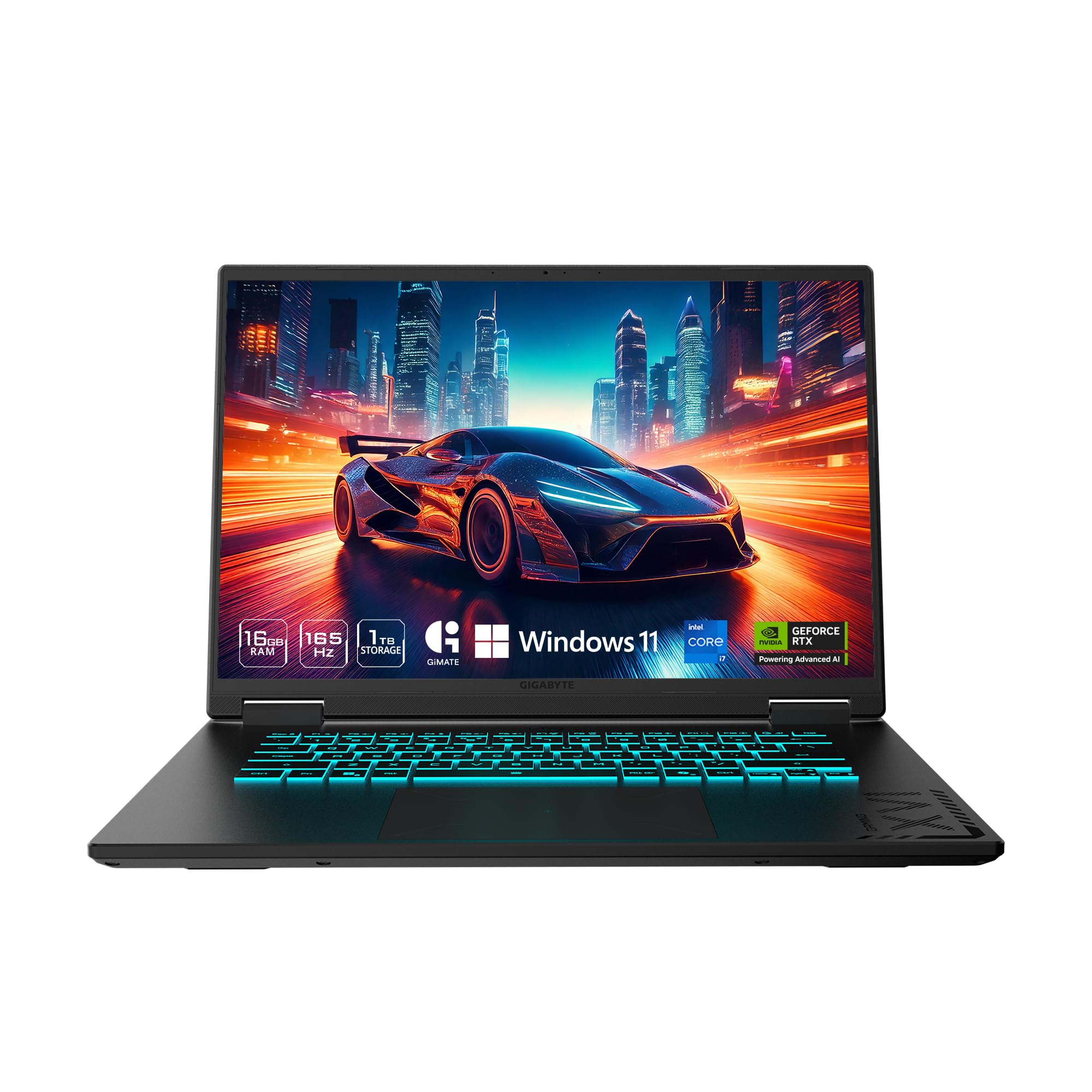

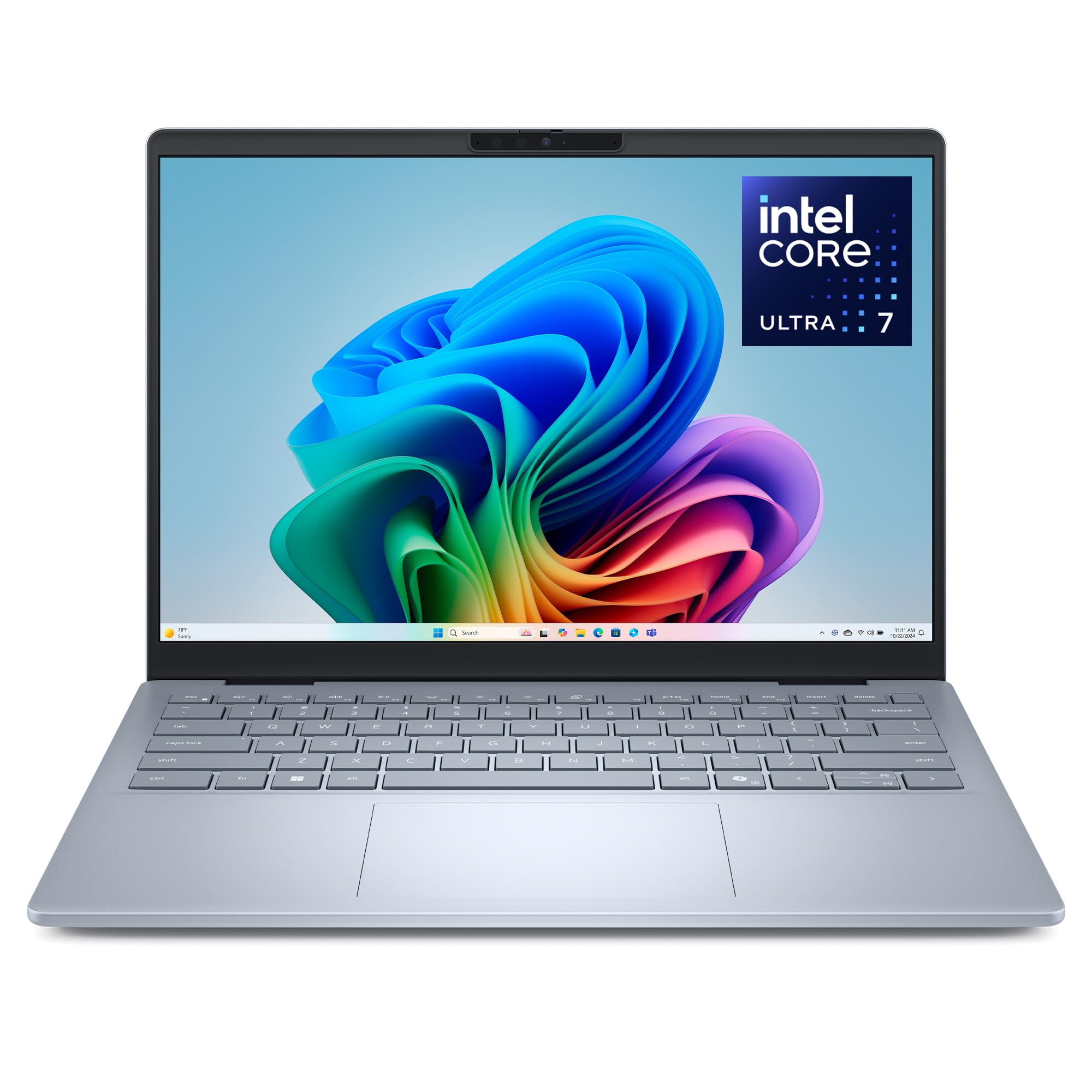

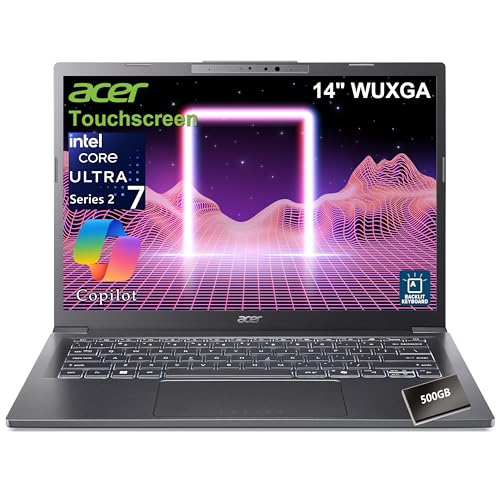

Three ways laptops use memory
- Fully slotted: two SODIMM slots hold removable sticks, which means you can replace or expand later
- Part soldered, part slotted: some memory is on the board and one slot is free, so you can add but not replace the soldered part
- Fully soldered: all memory is on the board and cannot be changed, so you must buy the capacity you need
- Unified memory designs: found in some thin or ARM-based machines, where memory sits next to the processor for speed
Gaming laptops and many business laptops still use SODIMM slots. Thin consumer laptops increasingly solder the memory to save space and power. A laptop with 32GB soldered is future-proof for memory, but you cannot fix a shortage later.
How to check before you buy
The listing may say upgradeable or give the memory type. Look for SODIMM, DDR4 or DDR5 with the number of slots, and a line such as maximum supported memory. If the listing is silent, search the maker's support page for the model's service manual or specifications. Buyer comments often mention whether someone upgraded the laptop.
- Find the exact model number printed in the listing or on the box
- Open the maker's support page and search for memory or upgrade
- Check the number of slots, the memory type and the maximum size
- Look for any note about soldered memory
- Watch a teardown video if one exists for the model
Keep in mind that opening a laptop can affect the warranty on some models, so read the policy.
Dual channel and why it matters
Two matched sticks give dual channel, which doubles the width of the memory path and improves speed, especially for integrated graphics. A laptop with a single 32GB stick runs in single channel, which can reduce performance in graphics-heavy tasks. Laptops with two 16GB sticks run in dual channel. If speed matters, check how the 32GB is arranged, for example 2x16GB, and that the memory is not a single module. See our best RAM for laptops guide for modules.
Choosing among the best 32gb ram laptops
If you want to upgrade later
Choose a model with two SODIMM slots, and consider buying with less memory now if the price difference is large. Confirm that the laptop accepts the capacity you want. Our 64GB RAM laptops guide covers machines that go higher.
If you want no hassle
Buy the 32GB model and keep it. Fully soldered laptops from major brands are reliable, and you avoid the cost and risk of opening them.
If you need maximum reliability
Choose a business model with a good warranty. Check whether the memory supports error correction on workstation lines.
If you do heavy gaming
Gaming laptops usually have slots, and dual channel memory helps. Check that the cooling is good, since the memory and the processor share heat.
How much does upgrading cost?
A pair of laptop memory sticks costs much less than the premium that some makers charge for a 32GB configuration. If a laptop with 16GB and two slots costs noticeably less than the 32GB version, buying the 16GB model and adding a 2x16GB kit later can save money. The trade is a few minutes of work and the warranty question. Compare the options for your model.
Installing laptop memory
- Shut down, unplug the charger and remove the battery if it is removable
- Open the bottom panel with the right screwdriver and avoid forcing the clips
- Ground yourself and touch only the edges of the memory stick
- Release the side clips, remove the old stick and insert the new one at an angle
- Press down until the clips lock, close the panel and boot
- Check the memory amount in the system settings
If the laptop fails to boot, reseat the sticks and check the generation and speed. A faulty stick is rare, and a loose one is the usual cause.
Gaming and creative workloads on 32GB
Large games, editing timelines and virtual machines are the workloads that justify 32GB in a laptop. Check that the processor and graphics match, because a weak chip cannot use the memory. Keep the laptop plugged in under heavy load, since battery mode limits performance. Watch the temperatures with a monitoring tool, and use a stand for airflow. If the laptop throttles under load, a cooling pad and a fresh thermal paste job by a professional may help.
Reading the listing for traps
Some listings state 32GB while the specifications show 16GB in the base version, with a higher tier sold separately. Others come from resellers who install memory themselves. Look at the seller, the warranty and the return policy, and compare the model number with the maker's own page. If the title and the bullets disagree, ask the seller before you order. Also check storage and processor, since some listings match the memory but cut corners elsewhere.
Used and refurbished checks
A refurbished workstation laptop with 32GB can give excellent value. Ask for the battery health, the memory configuration and a warranty of at least several months. Run a memory test when it arrives, and check that both slots are filled if the model has two. If the laptop has a service tag, enter it on the maker's support page to see the original configuration and warranty status.
FAQ
Can I add RAM to any laptop?
No. Many thin laptops have soldered memory.
Is soldered memory worse?
It is more reliable and efficient, but it cannot be changed.
Does the speed of the memory matter?
A little, but capacity and dual channel matter more.
Is 32GB enough for years?
For most users, yes. See 32GB laptops for a model overview.
Final thoughts
The best 32gb ram laptops are only as upgradeable as their design allows. Check for soldered memory, dual channel and the maximum supported size, choose a model that suits your plan and compare the laptops in the product table.
Prices and availability can change, so check the product page before ordering.


