
Best 15 Inch Windows Laptops in 2026: What to Check Before You Buy
Disclosure: We may earn a commission when you buy through links on this page, at no extra cost to you. As an Amazon Associate I earn from qualifying purchases. Learn more

What to check before choosing the best 15 inch windows laptops: performance, memory, screen, security and ports for Windows users.
Windows remains the most flexible laptop operating system, running the widest range of software, hardware and accessories. The best 15 inch windows laptops combine that flexibility with a big, comfortable screen and a full keyboard, which makes them popular for work, study, family computing and light creative use.
The range is huge, from budget machines to thin-and-light and powerful workstations. This guide explains what separates them so the product table above is easier to read, and helps you choose the right balance of price, power and portability.
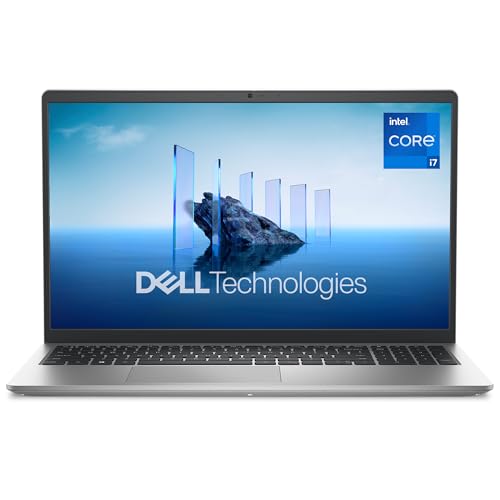


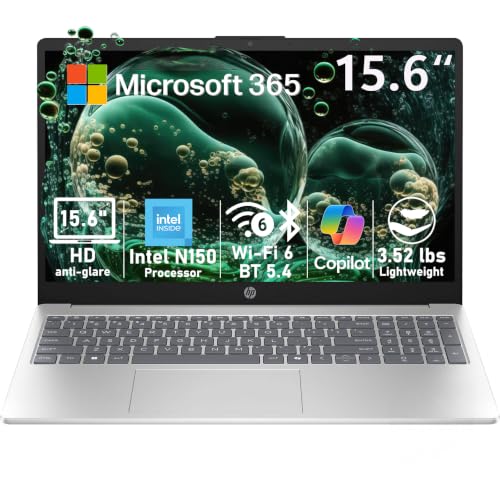
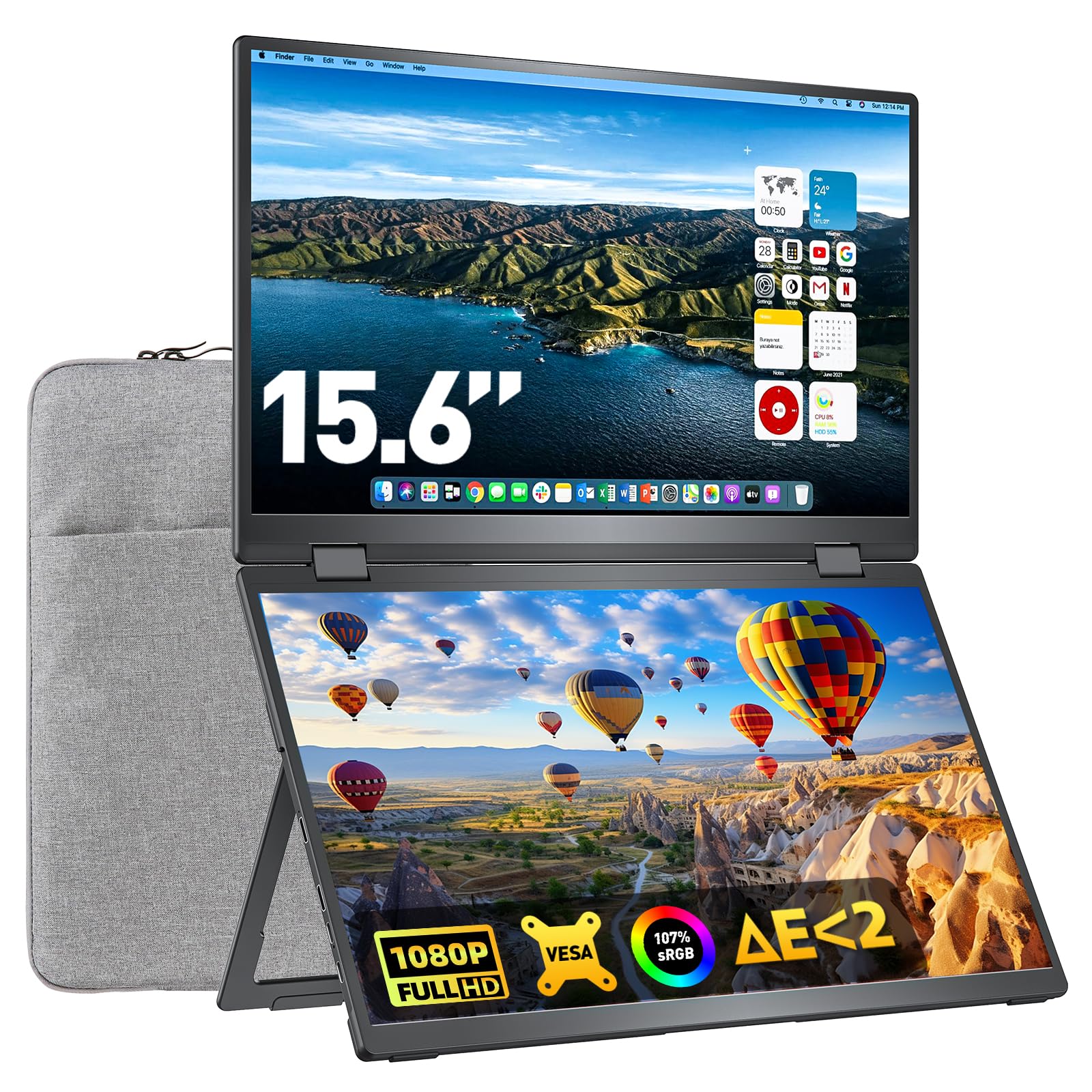
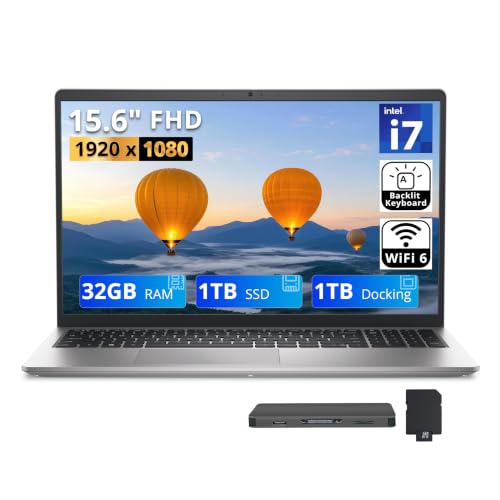
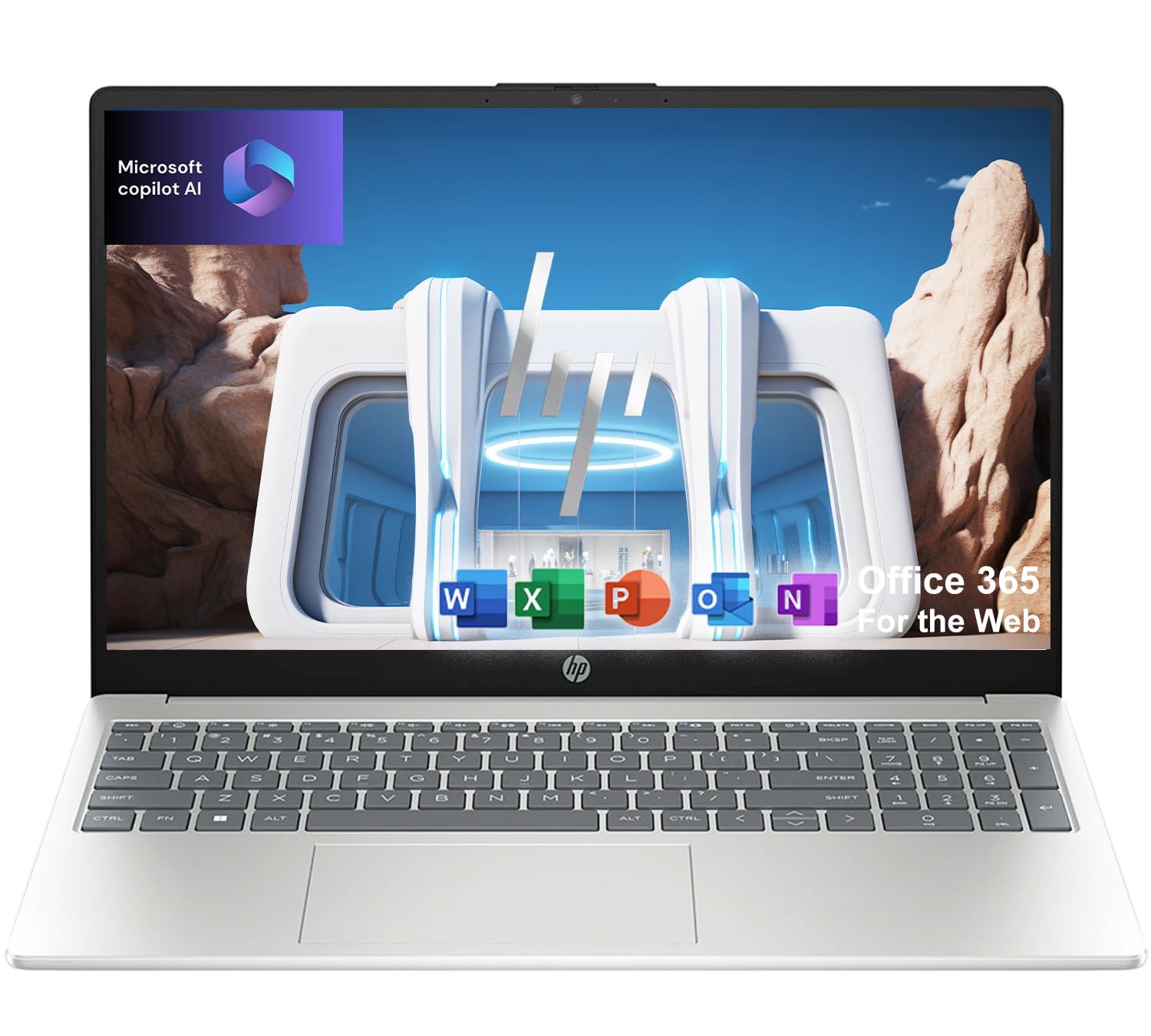
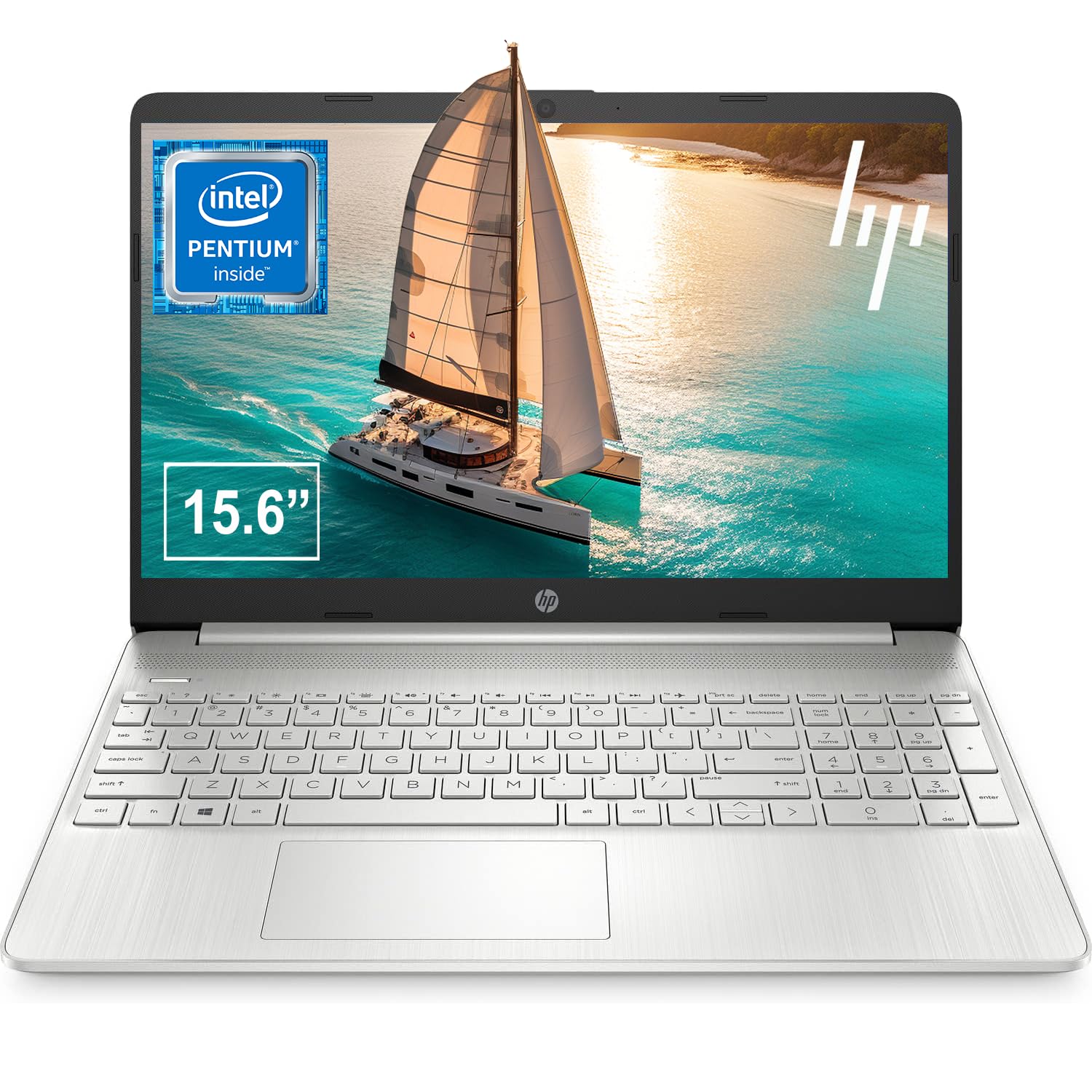

Why Choose Windows at 15 Inches
Windows supports business software, specialized tools, games and a vast range of peripherals. A 15 inch laptop adds screen space for multitasking and a number pad for data entry. If your work depends on specific programs, Windows is often the safest choice.
It also gives you the widest price range, so you can pick a budget machine for simple tasks or a premium one for daily work.
Windows Version and Updates
Most new laptops ship with the current version of Windows, and some include features tied to specific processors, such as AI tools on newer chips. Check that the laptop runs the current version and receives updates. Remove preinstalled trial software when you set up, since it can slow a modest laptop.
Processor and Performance Levels
Entry processors handle web and office use, midrange processors manage multitasking and light creative work, and high-end processors handle heavy software. Choose according to your tasks. Newer generations are more efficient and last longer on battery, so check the generation in the listing.
Do not chase the biggest number. A well-balanced machine with enough memory and fast storage feels better than one with a bigger processor and weak storage.
Memory and Storage Targets
Sixteen gigabytes of memory is the comfortable target, and eight is enough for light use. A solid state drive of 512GB gives comfortable space. Check whether either can be upgraded, since soldered memory cannot be expanded later.
Screen, Keyboard and Comfort
A Full HD IPS panel is the baseline, with brighter or sharper options at higher prices. Matte finishes reduce glare. A comfortable keyboard with a backlight and a smooth trackpad matter more in daily use than small differences in processor speed.
Battery Life, Weight and Portability
Battery life varies from a few hours to a full day. Efficient processors and moderate brightness help. Weight differs too, so check it if you carry the laptop often. A lighter laptop is easier to move, while a heavier one often has better cooling.
Security and Business Features
Look for a fingerprint reader or a face recognition camera for fast sign-in, and a webcam with a privacy shutter. Business-oriented models add features such as a trusted platform module, which supports disk encryption. These matter if you handle sensitive work files.
Ports and Connectivity
- USB-C with charging and video output.
- USB-A for older accessories.
- HDMI for external displays and projectors.
- Wi-Fi 6 or newer, and an Ethernet port where available.
Mistakes People Make With Windows Laptops
A common mistake is choosing a model with very low memory or a tiny drive to save money, then facing slowdowns within a year. Another is trusting an unfamiliar brand with an impressive specification list but no buyer history. A third is ignoring the warranty and support, which vary widely among makers.
Read recent buyer comments on keyboard quality, fan noise and battery life, and check the return policy before you order.
Setting Up a New Windows Laptop
Run all system updates first, then remove preinstalled trial software you do not need. Create a restore point, set up automatic backups and enable the battery care option if available. Check the display settings for resolution and refresh rate, and install a reliable security tool if you want one beyond the built-in protection.
Spending the first hour on setup pays back with a faster, cleaner machine that behaves well for years.
Windows Versus Other Operating Systems
Windows offers the widest software and hardware compatibility and the broadest price range. Chromebooks are simpler and cheaper for browser-based work, and Macs offer strong battery life and a polished ecosystem at a higher price. Choose Windows if you rely on specific programs, play games or want the widest choice of models.
If your work is entirely in a browser, a Chromebook may be simpler and cheaper.
Making the Laptop Last
Keep the vents clear of dust, avoid working on soft surfaces that block airflow and use the maker's battery care mode. Keep the system updated, back up important files and free space on the drive so the system runs smoothly. Use a padded sleeve in a bag and wipe the screen with a soft, slightly damp cloth.
If the laptop slows after a couple of years, adding memory or replacing the drive, where possible, brings it back to life cheaply.
Comparing Two Laptops That Look the Same
When two Windows laptops list the same processor, memory and storage, compare the screen brightness, the weight, the number of ports and the warranty. Read buyer comments about hinge strength, keyboard flex and fan noise. These details shape daily comfort and rarely appear in the headline specifications.
A slightly slower laptop with a better screen and keyboard often feels like the better computer, so weigh the parts you touch and see all day.
You may also find our guides to best thin laptops 15 inch and best laptops 15 inch screen useful.
Frequently Asked Questions
How much memory do I need?
Sixteen gigabytes is comfortable. Eight works for light use.
Should I buy a touch screen?
Only if you use it for notes or drawing.
Are budget Windows laptops reliable?
Many are, but check memory, storage and buyer comments about build quality.
Do I need a dedicated graphics card?
Only for gaming and heavy creative software.
Final Thoughts on the Best 15 Inch Windows Laptops
The best 15 inch windows laptops combine the flexibility of Windows with a comfortable screen and a full keyboard. Decide how much power you need, check memory and storage and use the table above to compare current prices. Prices and availability can change, so check the product page before ordering.


