
Best 15 Inch Gaming Laptops in 2026: Buying Guide
Disclosure: We may earn a commission when you buy through links on this page, at no extra cost to you. As an Amazon Associate I earn from qualifying purchases. Learn more

What to check before choosing the best 15 inch gaming laptops: graphics, cooling, display and portability that matter most.
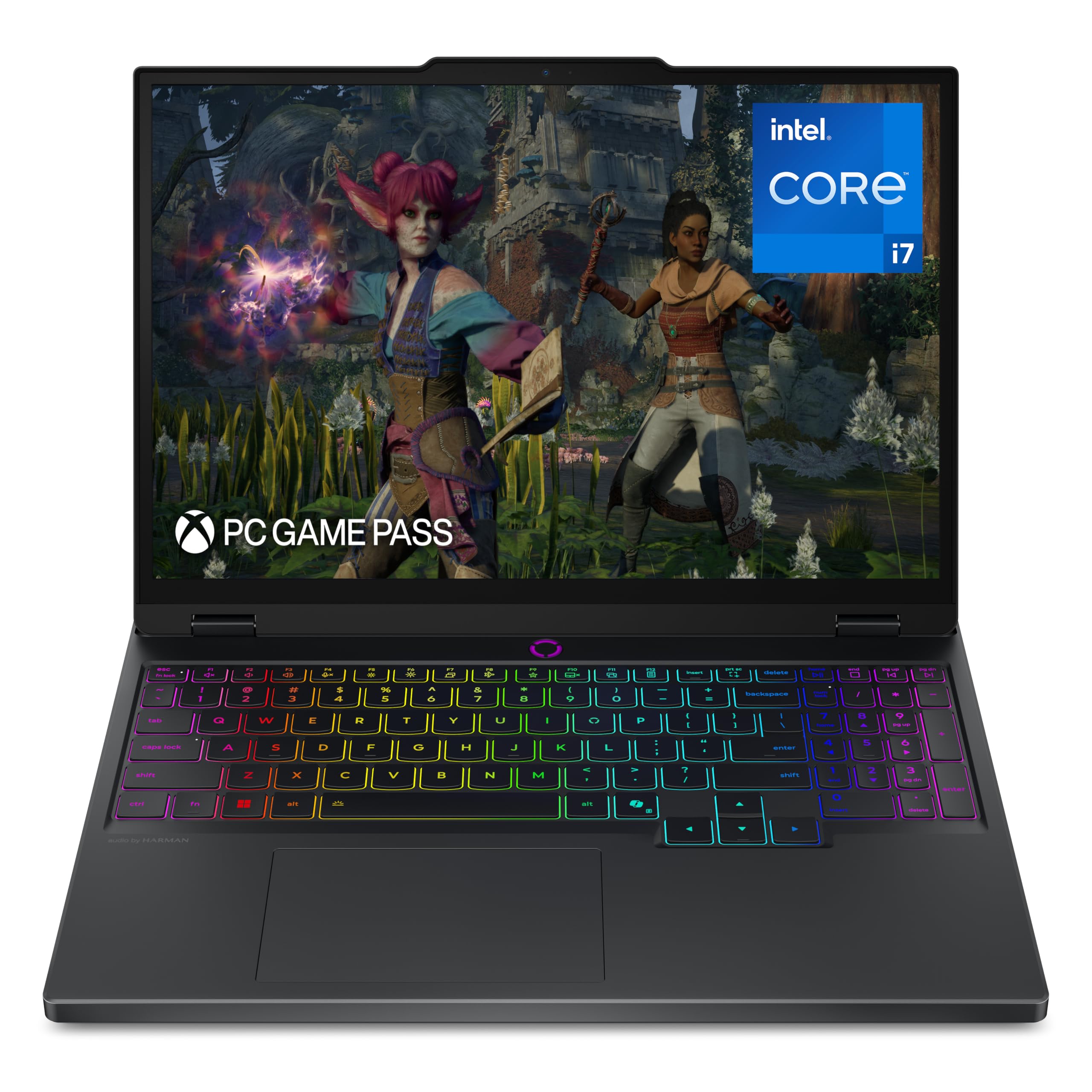
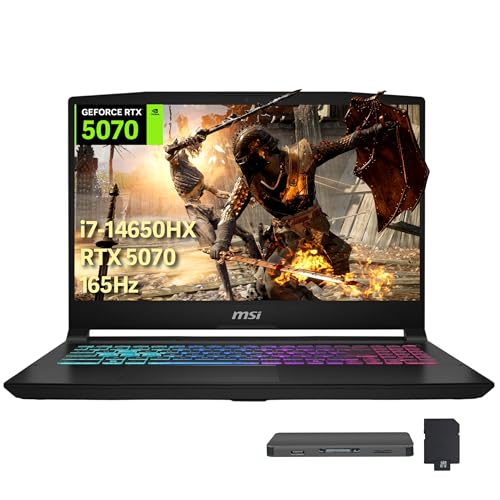
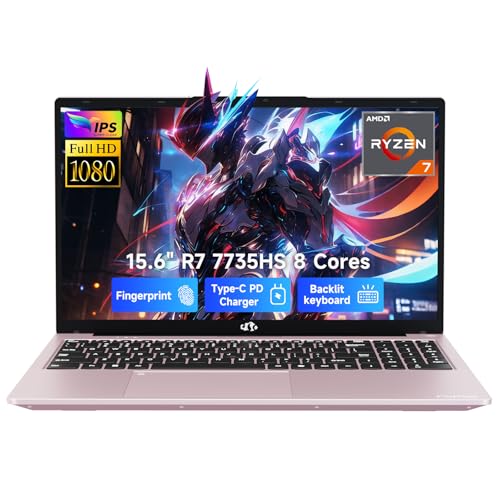
The 15 inch class is where gaming laptops make the most sense: a screen big enough to enjoy modern games, a body roomy enough for decent cooling, and a weight that still fits in a backpack. The best 15 inch gaming laptops use that space well, pairing a capable graphics card with cooling and a display that justify the price.
The same size also hides large differences. Two laptops with similar screens can perform very differently once the fans spin up, and the cheaper one is not always the weaker one. This guide covers the parts that decide real performance so the product table above becomes easier to compare.


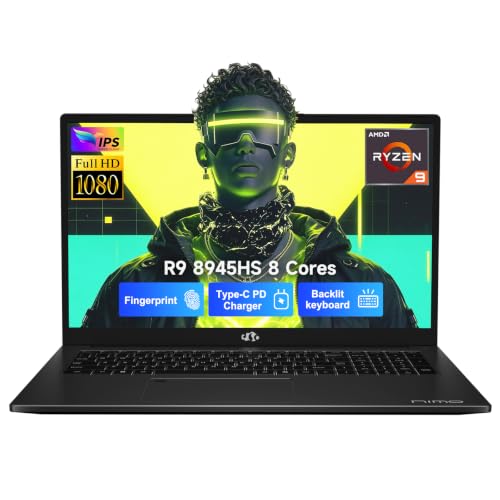

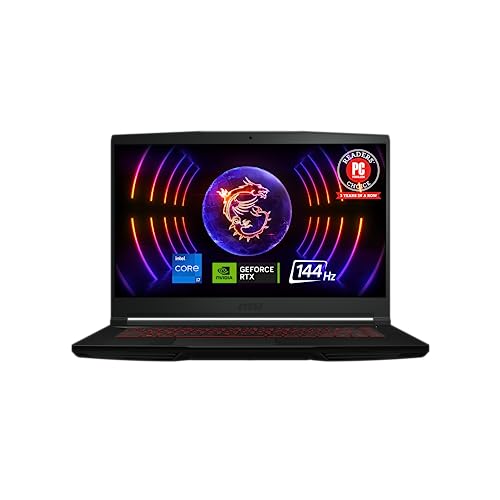

Why the 15 Inch Size Suits Gaming
Smaller gaming laptops run hotter and louder because there is less room for fans and heat pipes. Larger 17 inch machines are cooler and more powerful but heavy and awkward to carry. A 15 inch body is the practical middle: enough volume for strong cooling, light enough to move between desk and bag.
The screen is also big enough to see detail in games without sitting too close, while keeping the whole machine small enough for a modest desk or dorm room. For most players who want one computer for play and daily tasks, this is the natural size to shop in.
The Graphics Card Decides Most of the Experience
Frame rates in games depend more on the graphics card than on anything else. Entry-level cards handle esports and older titles at high settings, midrange cards handle most modern games at Full HD with good settings, and higher cards manage QHD or demanding titles. Laptop graphics chips carry the same names as desktop cards but run at lower power, so they perform below the desktop version.
Look for listed power limits where they are available, and read buyer comments about performance in real games. Two machines with the same card can differ noticeably if one is allowed to draw more power.
Processor, Memory and Storage
A current processor with six or more cores is plenty for games. Memory matters: 16GB is the recommended minimum, and 8GB will hold back modern titles. Choose a fast solid state drive of at least 512GB, since many games take large amounts of space and a nearly full drive slows loading.
Check whether the memory and storage can be upgraded. A laptop with accessible slots stays useful longer, and adding a second drive is a cheap way to extend game storage later.
Cooling, Noise and Throttling
Gaming laptops generate a lot of heat. A good cooling system keeps the processor and graphics card at full speed for hours, while a weaker one forces them to slow down, which is called throttling. Look for buyer comments about temperatures, fan noise and performance after long sessions rather than relying on the thickness of the body alone.
A cooling pad or a stand that lifts the rear of the laptop can reduce temperatures by letting more air reach the intake vents. It is an inexpensive way to improve sustained performance.
Display: Refresh Rate, Resolution and Color
A 144Hz or higher refresh rate gives smoother motion in games, and many 15 inch gaming laptops offer it. Full HD is standard and matches midrange graphics well, while QHD screens look sharper and need stronger hardware. IPS-type panels give better colors and viewing angles than basic panels.
Brightness and color coverage matter if you also edit photos or play near a window. A matte finish reduces reflections in bright rooms.
Battery Life, Weight and Portability
Battery life on a gaming laptop is modest, and most machines deliver their full performance only when plugged in. Expect a few hours of light use and far less when gaming. The charger is also large and heavy, which affects how portable the whole setup feels.
If you carry the laptop often, look for a lighter model and check the charger size. If it stays on a desk, prioritize cooling and performance over weight.
Keyboard, Ports and Upgrade Options
- A comfortable keyboard with enough key travel for long sessions.
- HDMI or DisplayPort output for an external monitor.
- Several USB ports, including USB-C, plus an Ethernet port.
- Accessible memory and storage slots for future upgrades.
Mistakes People Make With a 15 Inch Gaming Laptop
The costliest mistake is buying on processor and screen specifications while accepting a weak graphics card, which is the part that sets frame rates. Another is ignoring cooling and noise: a machine that hits high numbers for ten minutes and then slows down gives a worse experience than a steadier one. A third is buying a single 8GB memory stick, which holds back modern games and cannot always be expanded cheaply.
Buyers also forget about the charger. Gaming laptops often use a large power brick, and the machine runs slower on a low-wattage charger. Use the one that shipped with the laptop.
Setting Up for Better Performance
After unboxing, install the latest graphics driver, set the power mode to its performance option while plugged in and confirm that games use the dedicated graphics card instead of the integrated one. Check the display settings to confirm the highest refresh rate is selected, since laptops often start at a lower rate to save battery.
Cap frame rates a little below the maximum to reduce fan noise and heat, and keep the vents clear. A small stand that lifts the rear of the laptop improves airflow and also puts the keyboard at a more comfortable typing angle.
Other Uses Beyond Games
A gaming laptop is also a capable workstation for video editing, 3D design, programming and photo work, because the same hardware that renders games speeds up creative software. The trade-offs are weight, battery life and fan noise, which matter more in a quiet library than at a home desk.
If you plan to use the laptop for work as well as play, look for a sober design, a good webcam and a keyboard that is comfortable for long typing sessions.
For related options, see our guides to best cheap gaming laptop, best gaming laptop under 1000 and best gaming laptop under 500.
Frequently Asked Questions
Is a 15 inch gaming laptop big enough?
For most players, yes. It balances screen size and portability, and an external monitor adds space at a desk.
How much memory do I need?
Sixteen gigabytes is the sensible minimum for current games.
Will the laptop get hot?
Gaming laptops run warm under load. A cooling pad and clear vents help control temperatures.
Can I upgrade it later?
Often memory and storage can be upgraded, but the graphics card cannot. Check the listing for details.
Final Thoughts on the Best 15 Inch Gaming Laptops
The best 15 inch gaming laptops combine a capable graphics card with strong cooling and a smooth display. Decide how portable you need the machine to be, check the ports and use the table above to compare current prices. Prices and availability can change, so check the product page before ordering.


