
Best 2 in 1 Laptop With Pen Support for 2026: Active Pens, Styluses and Screens
Disclosure: We may earn a commission when you buy through links on this page, at no extra cost to you. As an Amazon Associate I earn from qualifying purchases. Learn more

Best 2 in 1 laptop with pen support explained: pen types, standards, palm rejection and screens for writing and drawing.
Pen support turns a laptop screen into a notebook, a sketch pad and a mark up tool. But the phrase hides a lot of difference: some laptops work with a specific pen sold separately, some include a pen in the box, and some only work with a basic stylus that acts like a finger. This guide to the best 2 in 1 laptop with pen support explains how to tell them apart and which features matter for writing and drawing.
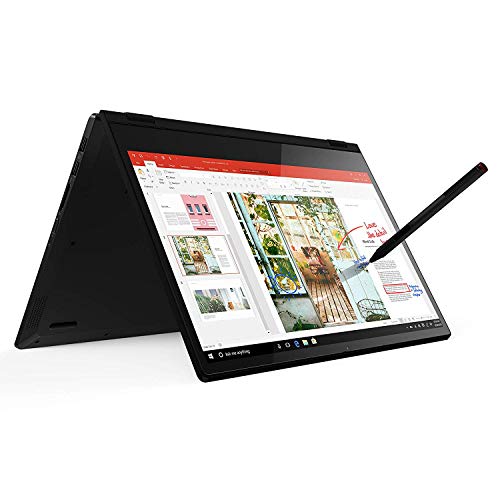
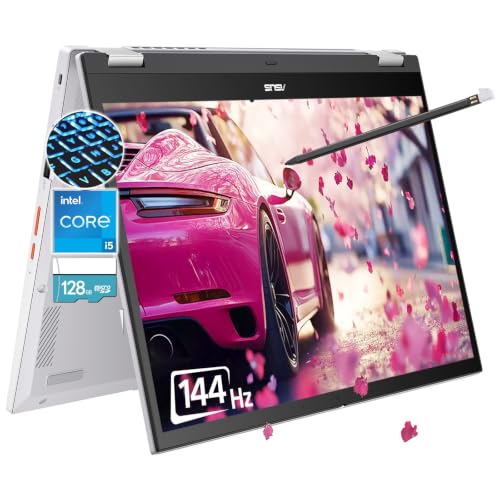
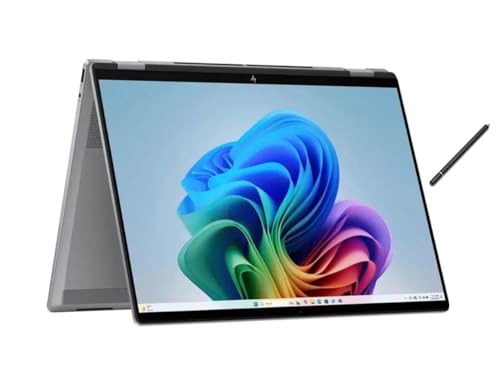
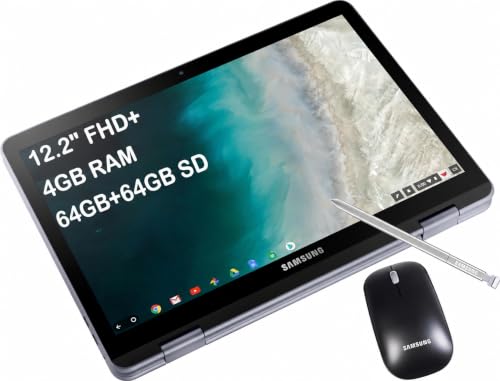
The product table lists convertibles available new that come with a pen or stylus or work with pens. The sections below help you choose the right pen and screen combination.
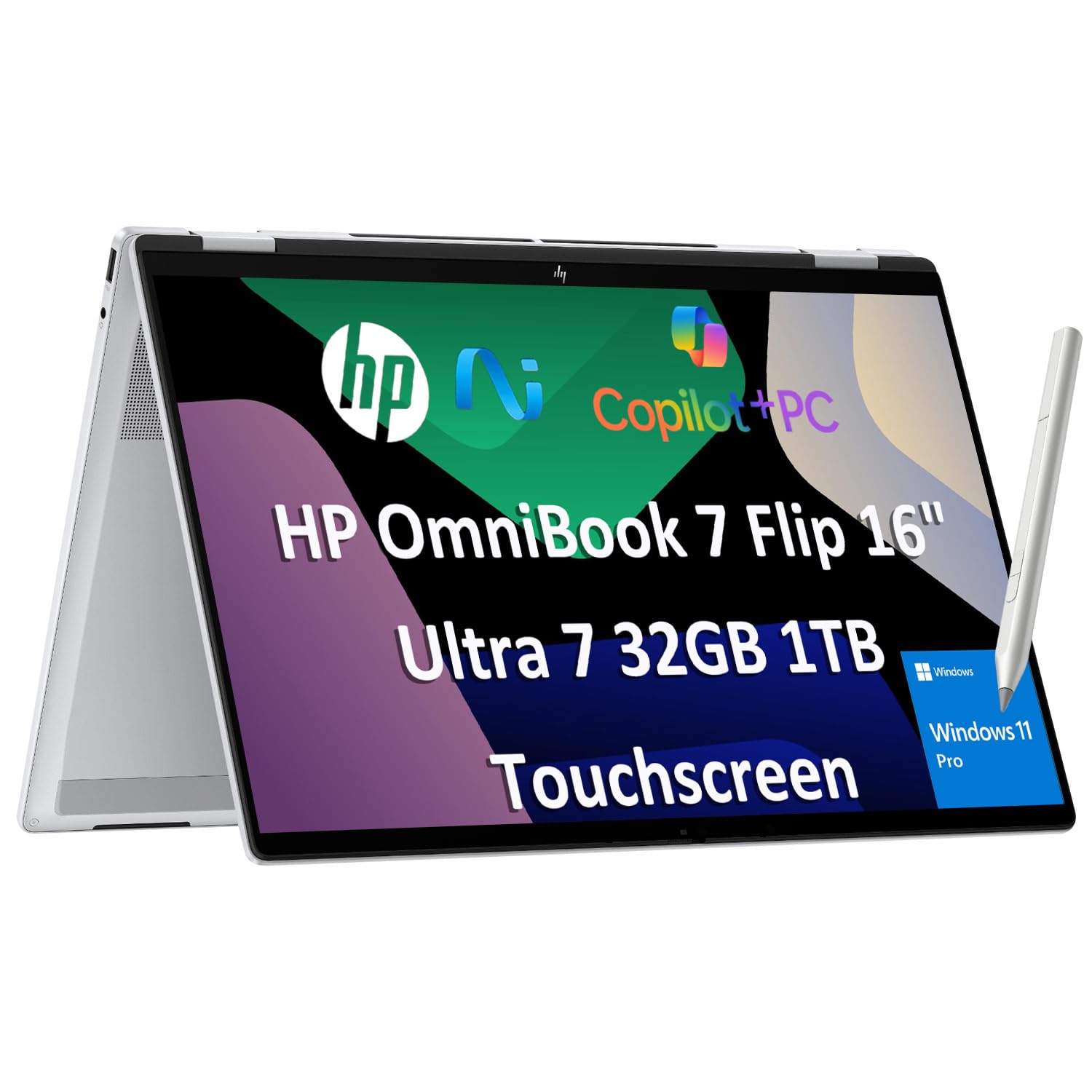
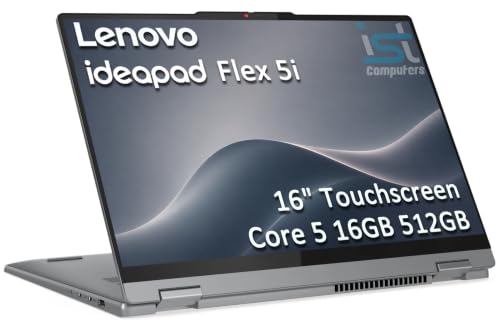

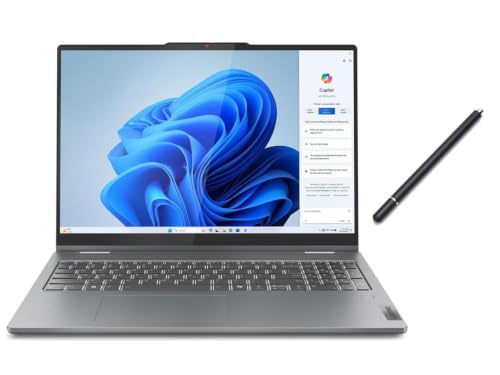

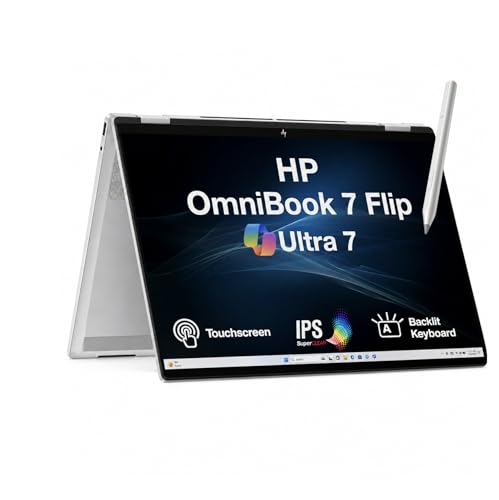
Active Pens and Capacitive Styluses
An active pen has electronics inside and talks to the screen. It can read pressure, sometimes tilt and often has buttons. A capacitive stylus has a soft tip and simply mimics a finger. It is cheap and works on most touchscreens, but it does not reject your palm and does not read pressure.
If you only tap, scroll and make quick notes, either works. If you want fine handwriting or drawing, look for active pen support.
Pen Standards
Active pens use a few standards, such as Microsoft Pen Protocol, Wacom AES and the Universal Stylus Initiative. Each laptop supports certain standards, and a pen from the wrong standard will not work properly. Check the listing for the named pen standard and buy a matching pen if one is not included.
Included or Sold Separately
Some convertibles include the pen in the box, and others sell it as an accessory. Factor the cost into your budget. If the listing says stylus bundle, check whether it is an active pen or a capacitive stylus before assuming it is the real thing.
Garage and Charging
Active pens may need a battery or a charge. Some store inside the laptop and charge there, others use a replaceable battery, and some magnetically attach to the side. A pen that is easy to store is a pen that you will have when you need it.
Palm Rejection and Latency
Good palm rejection lets you rest your hand on the screen. Latency should be low enough that ink feels connected to the pen tip. Buyer notes are the best guide.
Screen Surface
A glossy screen feels slippery and a matte film adds friction. Thinner glass reduces the gap between the pen tip and the line. If you write often, a paper textured screen protector makes handwriting feel more natural.
Software Support
Windows has built in ink tools, and many note and drawing apps support pens. ChromeOS supports pens in many apps, especially note apps, and Android apps often work. Check that the apps you want support your pen.
Pen Accessories
Spare nibs, a pen loop, a case and a screen protector are useful. A pen that falls out of a bag is a pen that gets lost, so choose a model with a storage option.
Setup Tips
- Pair the pen and calibrate it in the settings.
- Adjust the pressure curve and button actions.
- Enable palm rejection.
- Keep a spare nib and a cleaning cloth.
Matching the Pen to the Task
For quick notes and tapping, a simple stylus is fine. For handwriting practice, a pen with a fine tip and low delay helps. For illustration, look for pressure and tilt, and for a pen that you can customise with buttons. Think about how often you will pick up the pen, since an unused pen is wasted money.
Pen Features That Make Daily Life Easier
A pen that attaches magnetically or slides into a slot stays with the laptop. A side button for erase or right click speeds up work. A replaceable tip lets you refresh a worn pen cheaply. Charging methods differ, so choose a pen that matches how you work: a pen that charges on the laptop is simpler than one with a coin battery you must replace.
Screens That Help or Hinder Pen Use
A good pen screen has fast touch sensing, little gap between glass and display and a surface that offers some grip. A heavy glare on a glossy screen can make fine work harder, and a very textured surface can wear down tips faster. Check buyer comments about writing feel and consider a film if needed.
Reading the Listing Carefully
Look for the words active pen, MPP, AES or USI, and for a statement about pressure levels. Be wary of phrases such as stylus bundle with no further detail. If the listing does not say what the pen does, assume it is a capacitive stylus and treat any extra feature as a bonus.
Cases and Protection
A sleeve with a pen loop protects both the laptop and the pen. Keep the pen nib cap on when stored, and wipe the nib occasionally. Replace a worn tip before it scratches the screen.
Handwriting Versus Drawing Needs
Handwriting needs low delay, good palm rejection and a fine tip. Drawing needs pressure and tilt and a screen with accurate colour. Many people do both, so a pen with pressure sensitivity serves each use. If you only write short notes, a simple pen is enough and the money is better spent on battery life or memory.
Frequently Asked Questions
Does every touchscreen laptop work with a pen?
Every touchscreen works with a capacitive stylus, but active pens need pen support in the screen.
Do I need to buy the pen?
Some models include it. Check the listing.
Which pen standard is best?
The one your laptop supports. Match them.
Does the pen need charging?
Some do. Others use batteries or none.
Can I use my phone stylus?
Only if it is a capacitive stylus, and it will not give pressure.
How do I choose the best 2 in 1 laptop with pen support?
Identify the pen standard the screen supports, confirm whether a pen is included and check palm rejection.
Final Verdict
The best 2 in 1 laptop with pen support has a screen that matches the pen, a pen included or easy to buy and software that supports it. Compare the options in the product table and see our guides on whether a 2-in-1 laptop is worth it and the best budget 2-in-1 laptop. Prices and availability change, so check the product page before ordering.


