
Best 17 Inch Business Laptops in 2026: Work Machine Guide
Disclosure: We may earn a commission when you buy through links on this page, at no extra cost to you. As an Amazon Associate I earn from qualifying purchases. Learn more

How to choose the best 17 inch business laptops: keyboard comfort, security, ports and docks, display, battery and warranty options.
A 17 inch business laptop is a work machine first. It gives you a large display for spreadsheets, documents and video calls, a full keyboard for long typing sessions and ports that connect to office equipment. It also weighs more than a smaller laptop, so choosing carefully matters. This guide covers how to pick the best 17 inch business laptops for your daily tasks.
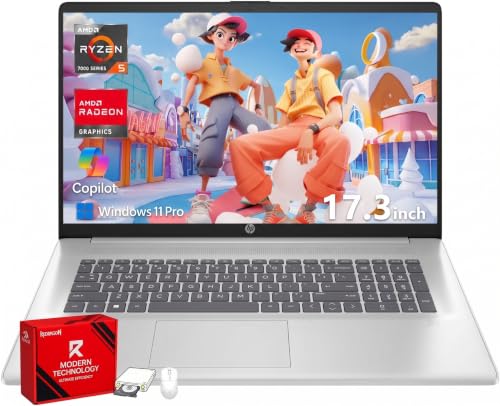
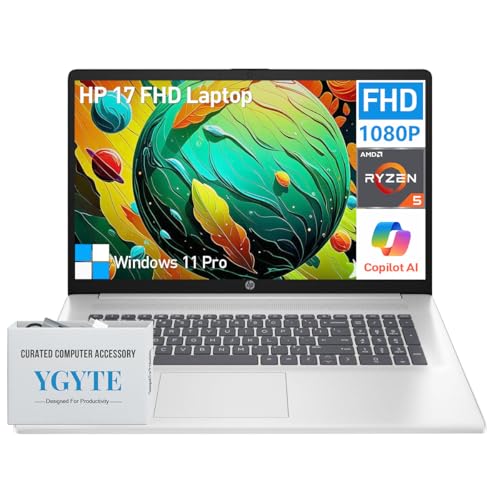
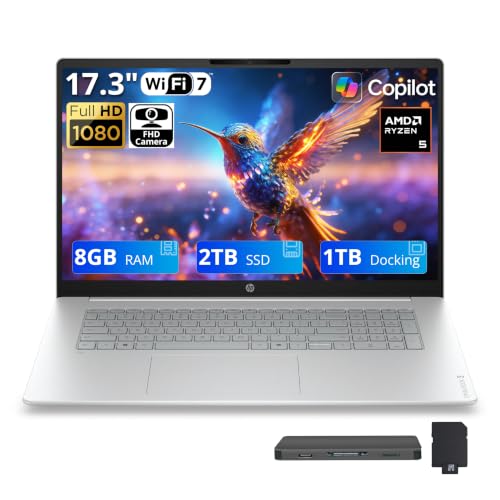
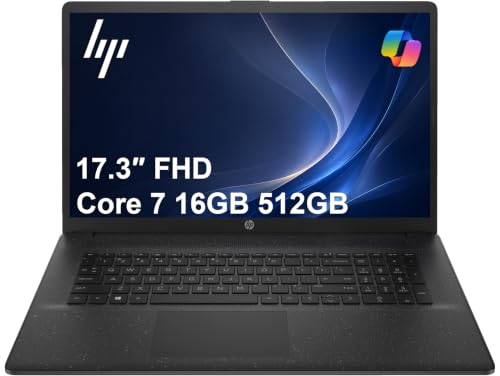
The product table lists large laptops suited for office and professional use. Use the sections below to decide which features are worth paying for.
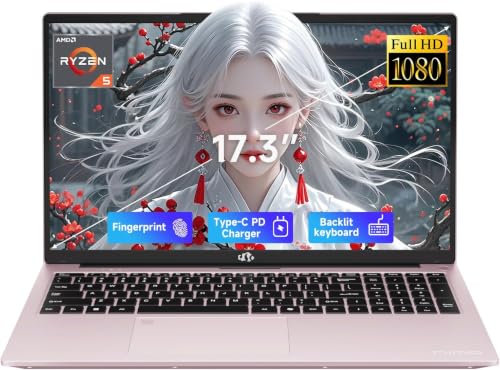
Who Benefits From a Large Business Laptop
Accountants, analysts, project managers, writers and consultants who spend hours in spreadsheets, reports and presentations gain the most. The larger screen lets you place two windows side by side, so you can read a report while you write. Many professionals use a 17 inch laptop as a desktop replacement, docked at a desk and carried for meetings.
If you travel often, check the weight and the charger. Our guide to backpacks for 17 inch laptops helps you carry it comfortably, and bags for 17 inch laptops covers other styles.
Keyboard and Trackpad Comfort
Typing is the main task, so keyboard feel matters. Look for good key travel, firm feedback and a layout with a full number pad for data entry. A backlit keyboard helps in dim rooms. Some business models add a spill resistant design, which protects against small accidents.
A large, accurate trackpad is helpful, and many business laptops include a pointing stick as well. If you work with a mouse, check that the laptop has enough ports. Reviews that describe the keyboard in detail are more helpful than a feature list.
Security and Manageability
Business laptops often include security features that consumer models skip. A fingerprint reader or a face recognition camera speeds up secure sign in. A webcam privacy shutter blocks the camera when you are not using it. A hardware security chip stores keys and supports disk encryption, which protects data if the laptop is lost.
If your company manages devices, check for support of the tools it uses. Some editions of the operating system include extra management features. Choose a model with long term software support and BIOS updates.
Ports, Docking and Connectivity
Large business laptops usually offer a good range of ports: USB C with display output and charging, USB A, HDMI and sometimes Ethernet and a card reader. A single USB C or a dedicated dock connector lets you plug into a docking station and connect monitors, a keyboard and a mouse with one cable.
Wireless matters too. Look for current Wi-Fi and Bluetooth versions. Some models offer optional mobile broadband, which is useful for people who work away from reliable Wi-Fi. Check the number of video outputs if you use several monitors at your desk.
Display and Webcam
For long days, a comfortable screen is important. Look for an anti glare coating, a full HD or higher resolution and decent brightness. A color accurate panel is useful if you review presentations or charts. A good webcam and microphones matter for video calls, and a 1080p camera is a nice upgrade.
Battery, Weight and Warranty
A larger battery helps, but a large screen uses power. Check the watt hour rating and real use feedback. A fast charging feature is handy between meetings. Weight matters if you move between offices.
Business laptops often come with longer warranty options and on site service. These can be worth the extra cost if the laptop is critical to your work. Also check how easy it is to open the laptop and replace the battery, memory or drive.
Setting Up a Business Laptop Properly
A few steps at the start protect your work. Turn on disk encryption, set a strong sign in method, enable automatic updates and configure backups to a company drive or a cloud service. Register the device with your IT team if you have one. Create a restore point or recovery drive so you can recover from a failed update, and keep a note of the model and serial number for support calls.
Check the power settings for the way you work. A balanced mode suits office tasks, and a battery saver mode extends travel time. If you dock at a desk, set the laptop to stay awake when the lid is closed and the external monitors are connected, and consider a battery charge limit to reduce wear if the manufacturer offers one.
Processor and Memory for Office Workloads
Most office work does not need a high power chip. An efficient mid range processor keeps the laptop quiet and the battery lasting. Choose a stronger processor if you work with large datasets, run virtual machines or use design tools. For memory, 16GB handles most multitasking, and 32GB helps if you keep many large files open. Storage of 512GB is comfortable, and a second slot gives room to grow.
If your company uses specific software, check its system requirements before you buy. Some tools, such as video conferencing and endpoint security, use extra resources, so leave headroom. It also helps to confirm that the laptop supports the version of the operating system your company has approved.
Comfort for Long Workdays
A large laptop can be a good ergonomic base if you set it up well. Use a stand to raise the screen, and pair it with an external keyboard and mouse at your desk. Keep the screen at arm's length, adjust brightness to match the room and take short breaks away from the screen. For video calls, position the webcam at eye level so you look at the camera naturally. Small habits like these reduce fatigue far more than a spec sheet can suggest.
Frequently Asked Questions
Are 17 inch laptops good for business?
Yes, especially for people who need a large screen and keyboard. They are less convenient for frequent travel.
What security features should I look for?
A fingerprint reader, a webcam shutter and a hardware security chip are useful. Disk encryption protects data.
Is a docking station worth it?
If you work at a desk, yes. One cable connects monitors, a keyboard and a mouse.
How much memory do I need for business use?
16GB is a comfortable baseline for multitasking and large files.
Final Thoughts
The best 17 inch business laptops combine a comfortable keyboard and screen with the security, ports and warranty that suit work. Decide whether you will dock the laptop or carry it, check weight and battery and compare models in the product table. Choose reliability and comfort over flashy extras.


