
Best 17 Inch Laptops Under 600 in 2026: Smart Buying Guide
Disclosure: We may earn a commission when you buy through links on this page, at no extra cost to you. As an Amazon Associate I earn from qualifying purchases. Learn more

Realistic advice on the best 17 inch laptops under 600: acceptable processors, drive size, memory, screens and warning signs in cheap listings.
Six hundred dollars is a tight budget for a laptop with a 17 inch screen, but it works if you know what to expect. You get the large display and a full keyboard, and you accept a more modest processor and a plain body. This guide sets realistic expectations and helps you choose the best 17 inch laptops under 600 for everyday computing.
The product table lists laptops at several points below the cap. Use the sections below to decide which compromises you can live with.
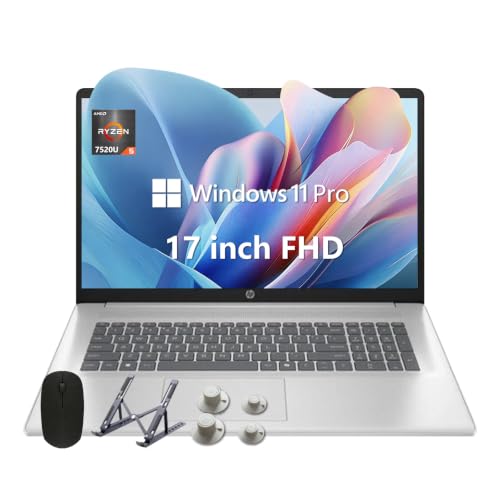
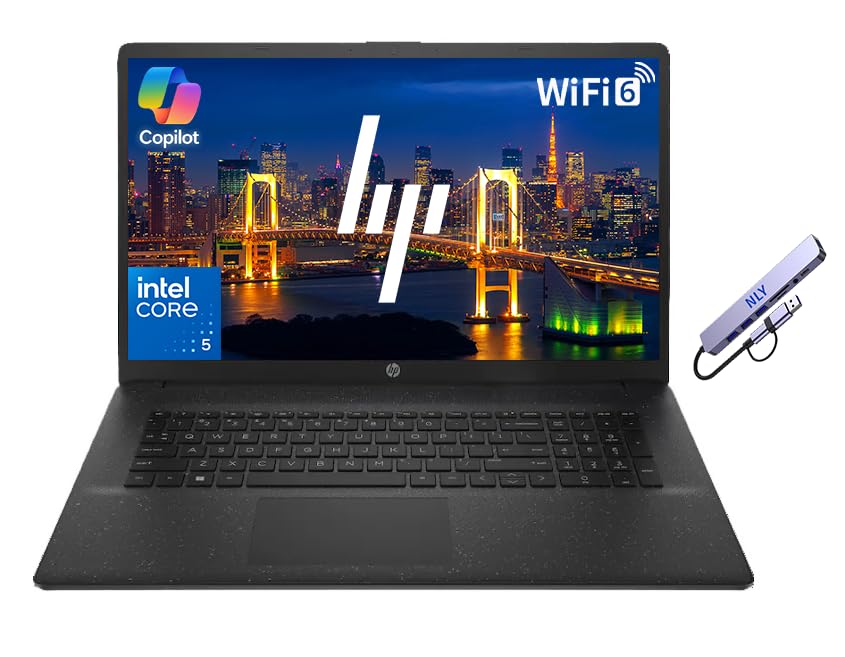

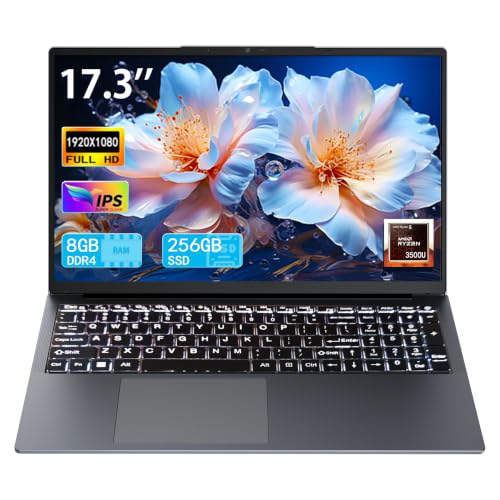
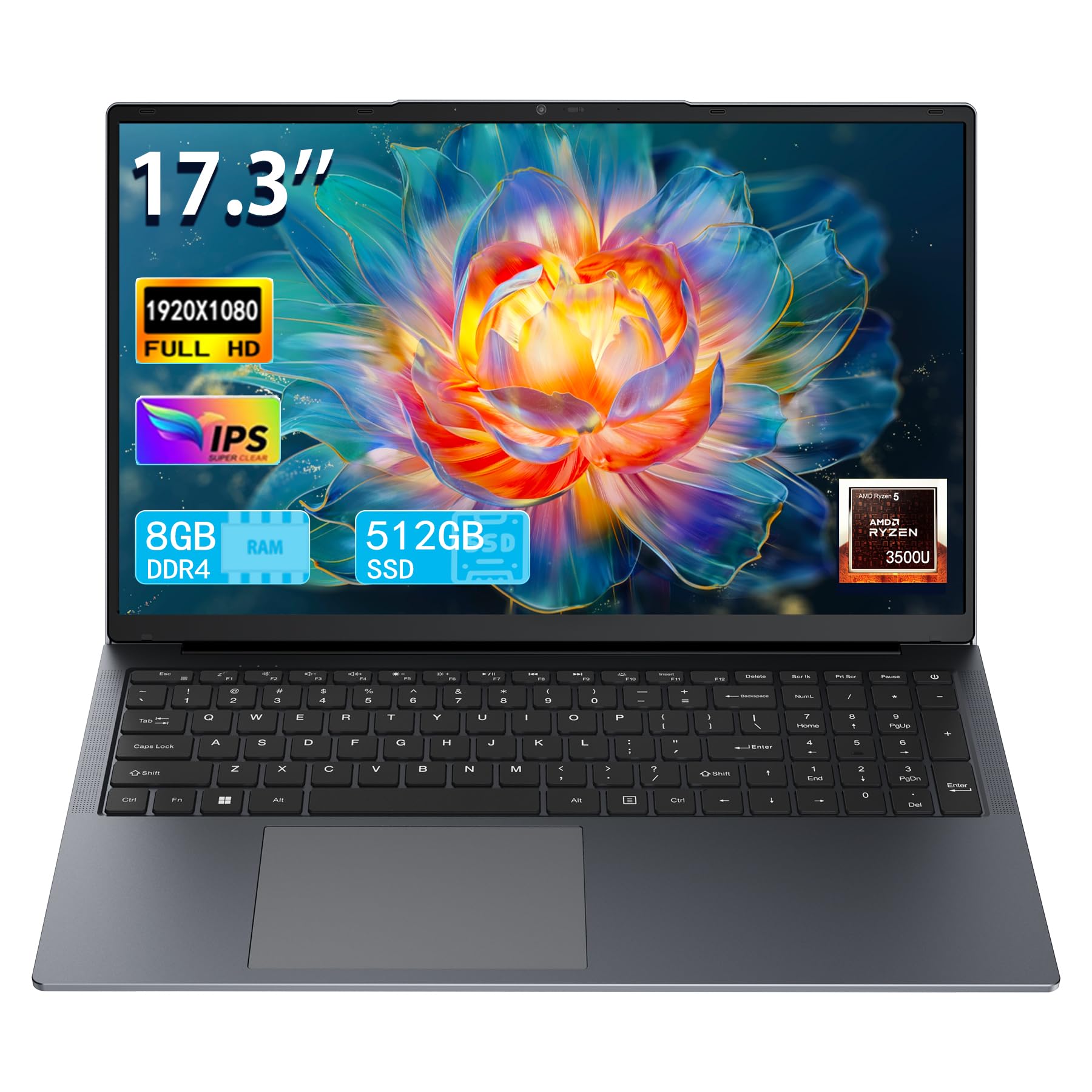
What to Expect at This Price
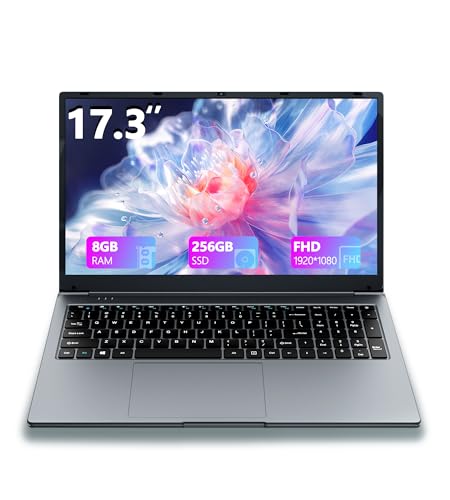
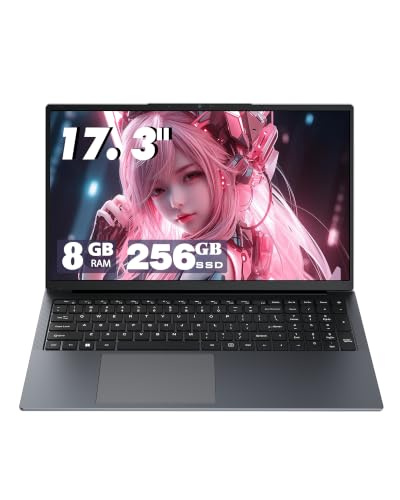
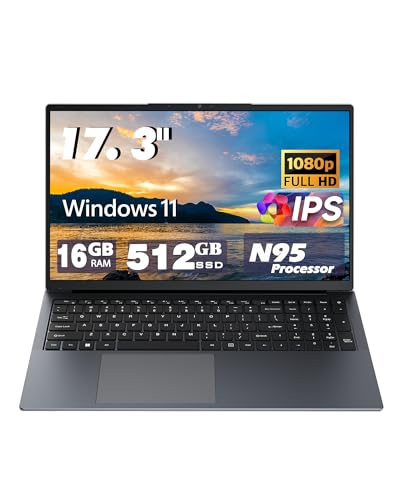
At under 600, you will find 17 inch laptops that handle web browsing, streaming, office work, video calls and light photo editing. Processors are typically entry level or mid range, memory is often 8GB with some models offering 16GB, and storage is a modest solid state drive. Screens are usually full HD, though some use lower resolution panels.
These laptops are not designed for demanding games or heavy video editing. They are the right choice for students, families and home offices that value screen size over speed. If you want stronger performance, our 17 inch laptops under 1000 guide shows what a bigger budget buys.
Processor and Memory Choices
Entry level processors are fine for everyday tasks but can feel slow with many tabs open. If you can, choose a model with a mid range chip and 16GB of memory. If the laptop has 8GB, check whether it is upgradeable, since adding memory later is an inexpensive way to make an older laptop feel faster.
Be careful with very old or very low power chips. They may run Windows slowly and lose support sooner. Look for current generation names in the listing, and read reviews for comments on speed in real use.
Storage and Operating System
A solid state drive is essential, even a small one. A laptop with a mechanical hard drive will feel slow for its entire life. Aim for at least 256GB, and 512GB if your budget allows. Cloud storage or an external drive can handle photos and videos.
Check the operating system. Most laptops run Windows, and some budget models run a lighter system. Some include a Windows mode that limits software to the store, which you can often switch out of. If you prefer a simple, secure system, compare with the 15 inch laptops under 600 or the smaller 13 inch laptops under 600 for portability.
Screen, Keyboard and Speakers
A big screen helps with documents, spreadsheets and video, but a poor panel spoils it. Look for a full HD IPS display, and avoid low resolution TN panels if you can. Brightness may be modest, so avoid sunny rooms or use the laptop near a window carefully.
Keyboards at this price vary. Many have a full number pad, and the key feel is acceptable. Read reviews on typing comfort and trackpad quality. Speakers are usually basic, so a pair of headphones or an external speaker improves video calls and music.
Warning Signs in Cheap Listings
Some listings promise extraordinary specifications for a very low price. Check the processor name carefully, and be skeptical of claims that do not match the model. Look at the photos for a thick bezel and outdated design, which suggests older hardware. Read the lowest rated reviews to learn about battery life, fan noise and hinge strength.
- Check that the listing names the exact processor and screen type.
- Prefer sellers with clear return policies and warranty details.
- Be wary of claims of huge storage on a tiny price tag.
- Confirm that the laptop is new and sealed, not refurbished, unless the listing says so.
Getting More From a Budget Laptop
A few steps improve the experience. Remove pre installed trial software, keep the system updated and use a lightweight browser setup. Add memory if the laptop allows it, and swap in a larger drive later. Use an external mouse for comfort, and a cooling pad if the laptop runs warm. Compare with the cheaper 17 inch laptops under 500 to see whether the extra spending improves what you need.
Who a 17 Inch Budget Laptop Suits
This kind of laptop suits households that share one computer in a fixed place, such as a kitchen table or a desk in the living room. The large screen makes video calls with family easier, helps older users read text and lets children work on school projects with enough space for two windows. It also works well as a second computer for a home office, where it handles email, spreadsheets and web apps without the cost of a premium machine.
It is less suited to people who carry a laptop every day. At this size the machine is heavier than a typical student laptop, and the battery may not last a full day. If portability matters, a smaller laptop is better, and you can add an external monitor at home for a larger view.
Accessories Worth Adding
A few inexpensive accessories improve a budget laptop a lot. An external mouse makes long sessions more comfortable, a laptop stand lifts the screen and improves airflow, and a padded sleeve protects the large lid. If the laptop only has a couple of ports, a small USB hub adds more. A backup drive or cloud storage keeps family photos and documents safe, and a basic antivirus setup and automatic updates keep the system secure.
When the laptop arrives, spend an hour setting it up properly. Install updates, remove trial software, create a recovery drive if the system offers it and set a strong password. A tidy start makes a budget laptop feel quicker and prevents small issues from piling up later.
Frequently Asked Questions
Can a 17 inch laptop under 600 run games?
Light games and older titles run fine. Demanding games need a stronger graphics card than most laptops at this price include.
Is 8GB of memory enough?
For light use, yes. 16GB is more comfortable, and adding memory later is possible on some models.
How long will a budget laptop last?
Three to five years of use is typical. Keep it cool, clean and updated.
Should I choose a larger drive or more memory?
Choose enough memory first. You can add storage with an external drive.
Final Thoughts
The best 17 inch laptops under 600 deliver a big screen and a comfortable keyboard with sensible processors and a solid state drive. Set realistic expectations, avoid suspicious listings and use the product table to compare options. Check the return policy, and spend any spare budget on memory or a better display.


