Best 17 Inch Laptops in 2026: Who Needs the Size
Disclosure: We may earn a commission when you buy through links on this page, at no extra cost to you. As an Amazon Associate I earn from qualifying purchases. Learn more

Who benefits from the best 17 inch laptops, what the size costs in weight and battery and how to compare models by use.
A 17 inch laptop is the closest a portable computer gets to a desktop. The screen is big enough for two windows side by side, the keyboard has room for a full number pad and the chassis can hold stronger cooling than a thin model. The price is weight, size and battery life. This guide explains how to judge those trade-offs and pick among the best 17 inch laptops.
The product table covers business, home and creative models. Read the sections below to decide whether this size is the right one and which features matter most for your use.



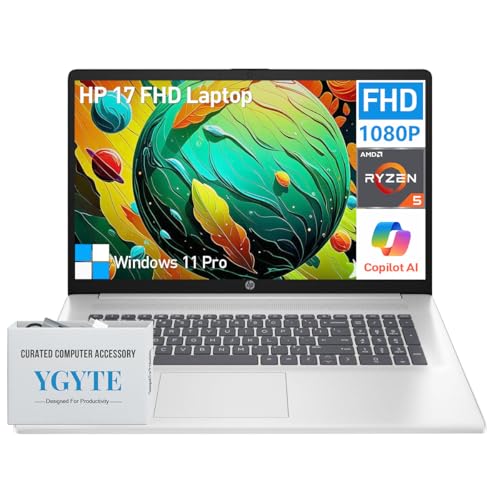
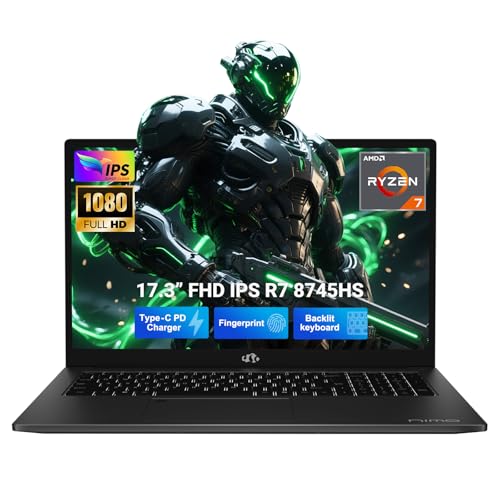
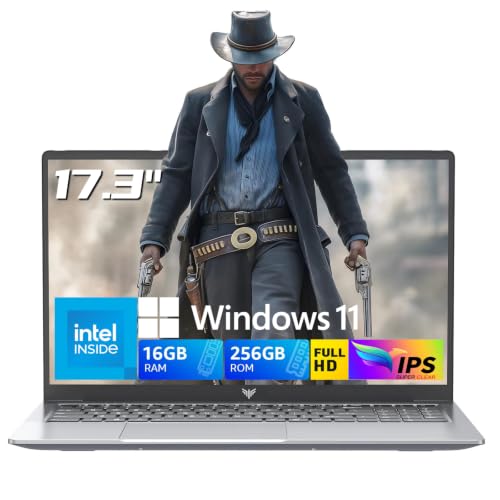
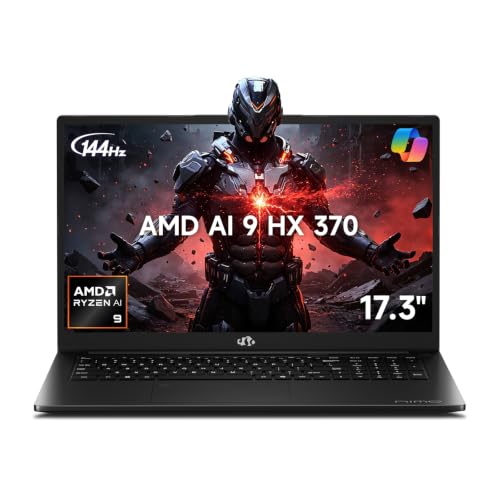
Who Benefits From a 17 Inch Screen
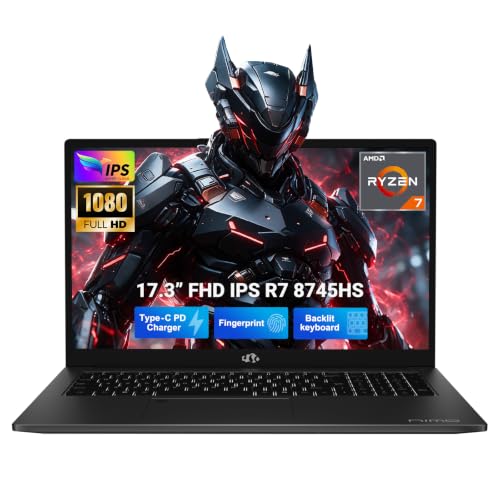
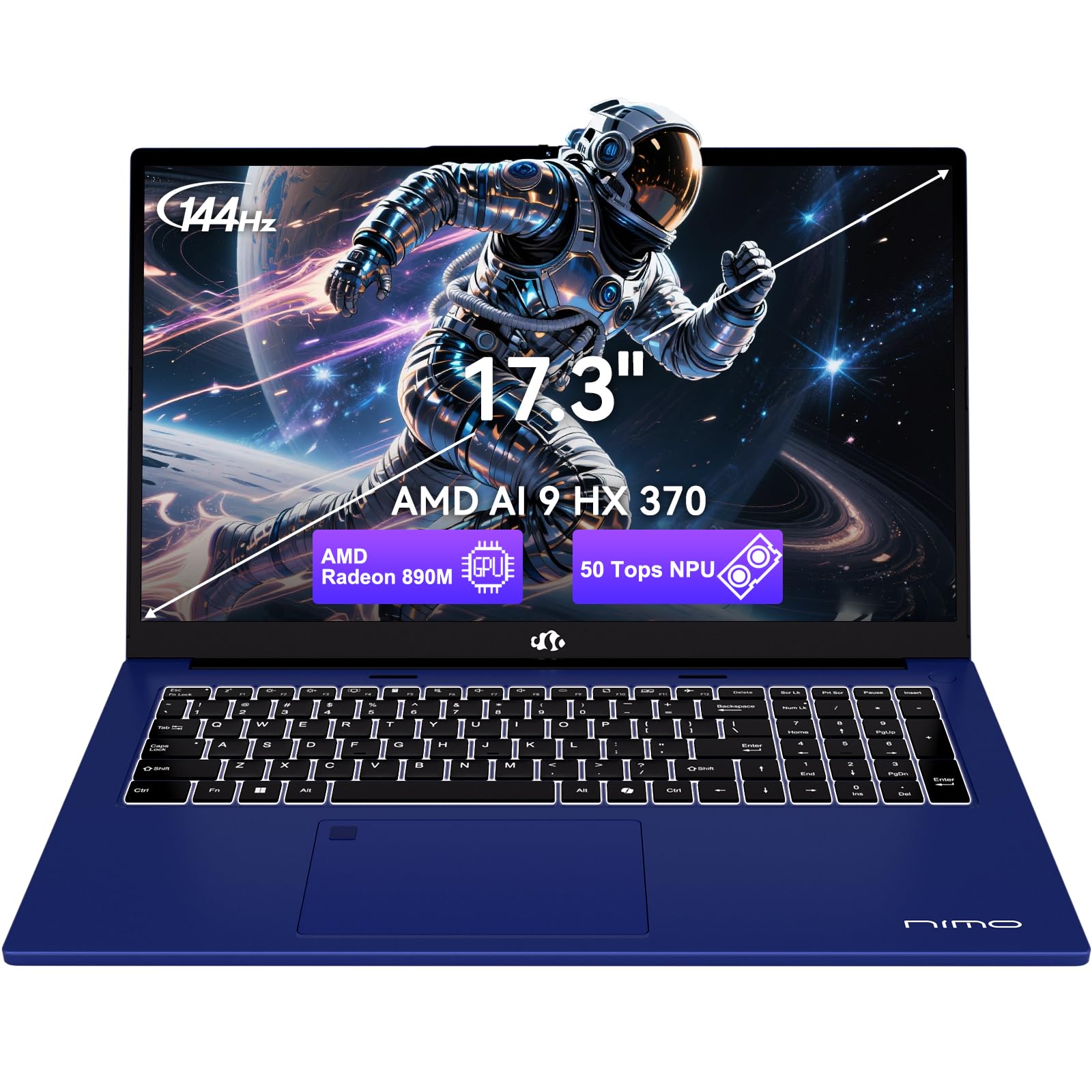
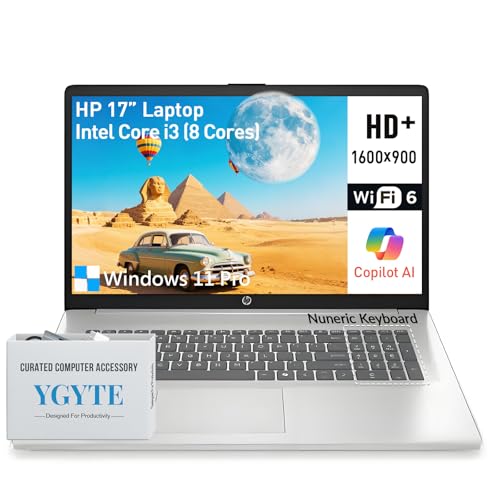
Large laptops suit people who work at a desk most of the time but want the option to move. Spreadsheet users, video editors, designers, programmers and teachers who review long documents all gain from the extra pixels and the room on the screen. Seniors and anyone who prefers larger text also find a bigger display easier on the eyes.
If you travel daily or work in tight spaces, a smaller laptop is easier to live with. A 17 inch machine does not fit comfortably on a small tray table or in a small bag. Our laptop buying guide explains how size, weight and battery trade off for different routines.
Weight, Size and Carrying
Expect a 17 inch laptop to weigh noticeably more than a 14 or 15 inch model, and to need a larger bag. Some models are light for their size, but many gaming and workstation laptops are heavy and bring a bulky charger. Check the weight in the listing and consider the charger separately.
If you carry the laptop between rooms or offices, use a padded backpack designed for 17 inch devices. A hard surface or a laptop stand at your desk raises the screen to a healthier height, and an external keyboard helps if you type for hours.
Display Quality and Resolution
A bigger screen stretches pixels, so resolution matters. Full HD is fine for general use, and a higher resolution panel gives sharper text and more working space. Look at brightness, color coverage and panel type. IPS panels give good viewing angles, and an anti glare coating helps in bright rooms. If you edit photos, look for wide color coverage.
Refresh rate also matters. Many 17 inch laptops offer 120 Hz or higher, which makes scrolling and gaming feel smoother. Business models may have a standard 60 Hz panel and better battery life.
Performance and Cooling
A large chassis gives the cooling system room to breathe, so processors can sustain higher power. For office work and browsing, an efficient processor is enough. For video, design and 3D tasks, choose a stronger processor and consider dedicated graphics. Check for a good fan design and read reviews that describe noise and heat.
Memory and storage deserve attention. 16GB of memory is a comfortable baseline, and a fast solid state drive is essential. Check whether memory is upgradeable and whether there is a second drive slot.
Keyboard, Trackpad and Ports
A large laptop has room for a comfortable keyboard with a number pad, which helps with data entry. Look for good key travel and a backlight. A big trackpad is easier to use. Many 17 inch laptops include a range of ports: USB A, USB C, HDMI, an SD card reader and sometimes Ethernet, which saves you from carrying adapters.
- USB C with charging or display output for a modern dock.
- HDMI for presentations and extra monitors.
- Ethernet for a stable wired connection.
- Wi-Fi 6 or newer for faster wireless.
Battery Life Expectations
A larger battery helps, but a large screen drains power quickly. Light office use on an efficient laptop can last a long workday, while gaming or heavy creative work drains the battery in an hour or two. Check the battery capacity in watt hours and read reviews about real use. If you will mostly work plugged in, battery life matters less.
Choosing a Platform
Most 17 inch laptops run Windows. If you prefer a lighter system with simple software, compare with a Chromebook in our Chromebook versus laptop guide. If budget is a concern, see our list of the best budget laptops, or browse the broader best laptop guide.
Setting Up a Big Laptop for Comfort
A large screen invites long sessions, so set up your space well. Put the laptop on a stand or a stack of books so the top of the screen is near eye level, then use an external keyboard and mouse so your wrists and shoulders stay relaxed. Increase text size in the display settings if you lean in to read, and use a night mode in the evening.
Keep the vents clear. Large laptops draw air from underneath, and soft surfaces such as a bed or sofa block them, which raises temperatures and noise. A hard desk or a stand with a gap underneath keeps the fans working normally. Clean the vents with a soft brush every few months, especially if you have pets.
Warranty, Service and Longevity
A large laptop is a durable machine when it is kept cool and clean, and many owners use one for five years or more. Check the warranty and what it covers, and whether the maker offers on site service. Models with access panels for memory, storage and the battery are easier to maintain. Keep software updated, back up your files regularly and avoid leaving the laptop on a hot car seat. A little care at the start protects your investment.
Frequently Asked Questions
Is a 17 inch laptop too big for travel?
It can be. It fits in a large bag but is heavy and awkward on planes. Many owners keep it at home and move it between rooms.
Are 17 inch laptops good for gaming?
Yes. The larger body supports stronger cooling, and the big screen is immersive. Compare the graphics card and cooling.
Do 17 inch laptops have better battery life?
They have larger batteries but also larger screens. Battery life depends on the model and use.
Can I use a 17 inch laptop as a desktop replacement?
Yes. With an external keyboard and mouse and perhaps a second monitor, it can replace a desktop and still be portable.
Final Thoughts
The best 17 inch laptops give you a big, sharp display, a comfortable keyboard and enough cooling for your work. Decide how often you will carry it, check weight, battery and ports and compare models in the product table. If you want portability above all, choose a smaller laptop and add an external monitor.