
Best 18 Inch Laptops in 2026: A Rare Size Explained
Disclosure: We may earn a commission when you buy through links on this page, at no extra cost to you. As an Amazon Associate I earn from qualifying purchases. Learn more

Why the best 18 inch laptops are rare, who should buy one and how to compare weight, graphics, display and battery trade-offs.
Eighteen inch laptops are rare. Most makers stop at 17 inches because bigger machines are heavy, hard to carry and expensive to build, so the few 18 inch models that exist are specialist tools. If you need that much screen in a portable machine, this guide explains who benefits and how to choose among the best 18 inch laptops.
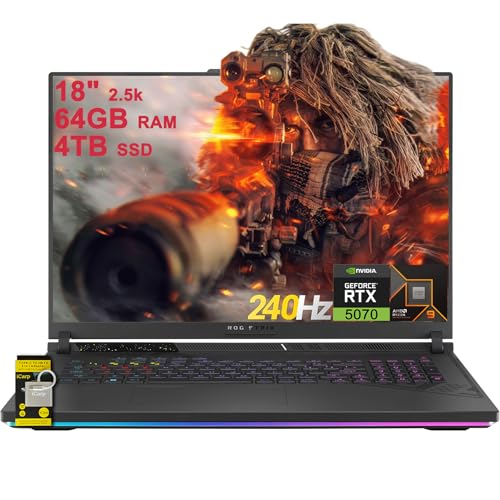
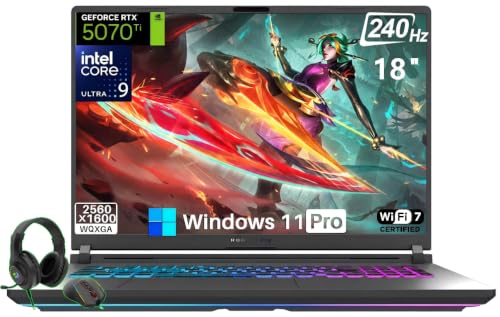
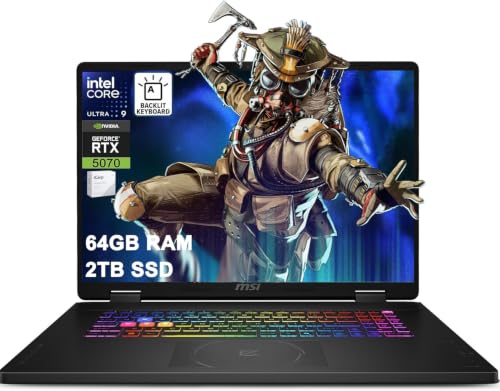
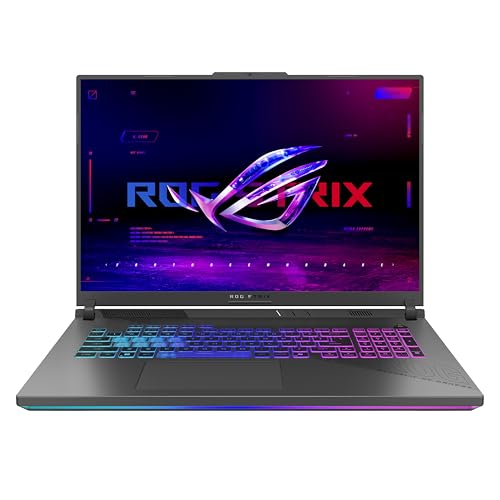
The product table lists the models currently available at this size. Because the choice is limited, the sections below focus on what to expect from these machines and how they compare with smaller laptops.

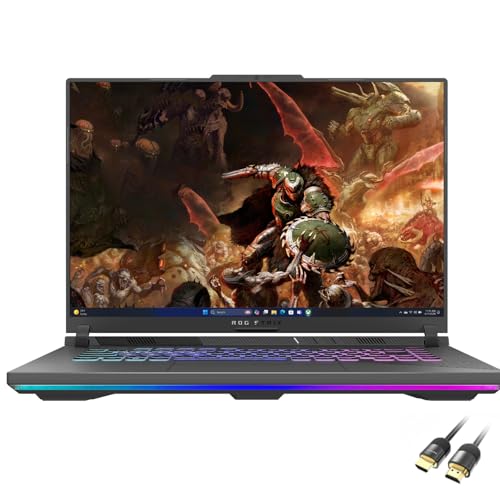

Why So Few 18 Inch Laptops Exist
A larger laptop needs a bigger case, a bigger battery and more cooling, and the result is heavy. It does not fit airplane trays, many bags or most laps. Most customers prefer 14 to 16 inch laptops for portability, so makers sell few 18 inch models and mostly make them for high performance users.
Today the 18 inch category is dominated by gaming and workstation machines with powerful processors and graphics cards. You will rarely find a light office laptop at this size. If you want a bigger screen for a thin machine, consider a 17 inch laptop or an external monitor.
Who Benefits From the Size
These laptops suit players who want a desktop like experience, creators who want a big timeline or canvas and engineers who run heavy software. Teachers and trainers who project large documents and people with low vision can also benefit from the larger image.
If you often change locations, a big laptop becomes tiring. The size is an advantage only if you keep the machine in a few places. For smaller screens see our guides to 14 inch laptops and 13 inch laptops, or browse notebook laptops for general options.
Performance and Cooling
With so much room, designers can fit large cooling systems, which lets the processor and graphics card run at high power for long periods. That is the main performance benefit over a thinner laptop of the same chip. Expect strong results in games, rendering and simulation, along with fan noise under load.
Check the graphics card and processor tier, memory and storage capacity and upgradeability. Look for good airflow design, with vents on several sides, and read reviews for temperatures and noise.
Display and Ergonomics
The large panel often has a high resolution and refresh rate. A 16:10 shape gives extra vertical space. Look at brightness, color coverage and finish. A matte screen is easier in bright rooms, while a glossy panel looks vivid in darker ones. Because the screen is big, the laptop works well for side by side windows and for video calls with a shared document.
A big laptop sits high on a desk, so check ergonomics. Use a stand or a riser for the screen height and an external keyboard if your typing posture is poor. A large hinge and a stiff lid keep the display steady.
Weight, Bag and Battery
Expect a heavy machine with a big charger. A padded backpack designed for large laptops is almost a necessity. The battery is large, but the power draw is high, so real life use away from the charger is short. Plan to work near an outlet, and use power saving modes when you travel.
If you are unsure whether you need 18 inches, borrow or try a similar size in a store. The size of the machine on your desk and in your bag often decides the purchase more than the specifications do.
Alternatives to Consider
A 17 inch laptop gives most of the benefit at lower weight and cost, and many more models are available. A 16 inch laptop with an external monitor gives flexibility: portable on the go and large at your desk. A compact desktop and a portable laptop for travel is another route. Compare these options with the list in the product table to see which one fits your routine and budget.
Questions to Ask Before You Commit
Because these machines are large and costly, a short checklist saves regret. Will the laptop fit on the desk where you plan to use it, with room for a keyboard and a mouse? Can you lift and carry it comfortably, along with its charger? Does the bag you own fit it? Do you need the graphics power, or would a lighter laptop meet your needs? If the answer to the last question is no, you may be paying for performance and weight that you will never use.
Also think about noise. A large laptop under load can be loud, which matters in a shared room or a quiet office. Check the sound level in reviews and look for a quiet mode that lowers fan speed for light work. Finally, consider support: a laptop of this class should come with a solid warranty and responsive service.
Setting Up for Comfort and Cooling
Put the laptop on a hard, flat surface with free space around the vents. A stand that lifts the rear gives better airflow and a better typing angle. Raise the screen to eye level, either with a stand and an external keyboard or with a separate monitor. Keep the charger plugged in during heavy tasks, and use the maker's software to pick a profile that matches your work. Clean the vents every few months to keep temperatures down and the fans from running faster than needed.
Getting Value Over Time
A well built large laptop can last for years if it is kept cool and updated. Choose a model with upgradeable memory and storage so you can extend its life, and keep software and drivers current. Resale value is often decent for high end gaming and workstation models, which can offset the high purchase price when you upgrade. Keep the original box and accessories, since they help with resale and with any warranty claim.
Frequently Asked Questions
Why are 18 inch laptops uncommon?
They are heavy and expensive, and most buyers prefer smaller laptops. Only specialist models exist at this size.
Are 18 inch laptops only for gaming?
Mostly. Some workstations offer large displays, but gaming laptops dominate the size.
Can I travel with an 18 inch laptop?
It is possible but heavy and awkward. A smaller laptop is easier for frequent travel.
Do I need a special bag?
Yes. Choose a backpack or case sized for large laptops and with good padding.
Final Thoughts
The best 18 inch laptops are specialist machines with big screens, strong cooling and heavy weight. Decide whether you need that much display, check the graphics and cooling and compare the few models in the product table. If portability matters, a 17 inch laptop or an external monitor may give you a better balance.


