
Best 14 Inch Laptops under 1000: Where the Money Is Best Spent in 2026
Disclosure: We may earn a commission when you buy through links on this page, at no extra cost to you. As an Amazon Associate I earn from qualifying purchases. Learn more

The best 14 inch laptops under 1000 reward smart spending on memory and screen. Compare tiers, chips and features before you order.
The best 14 inch laptops under 1000 sit in a sweet spot where you stop compromising on the basics. At this budget you can expect a sharp screen, a quick processor, 16GB of memory in many models and a body that feels solid, all in a size that goes to work and back every day.
A $1,000 cap also covers a wide range, from about $450 to just under the limit, and the gap between the two ends is large. This guide explains what each part of the range buys, where extra money is worth spending and which features to skip. The product table after the introduction lists in-stock models inside the budget.


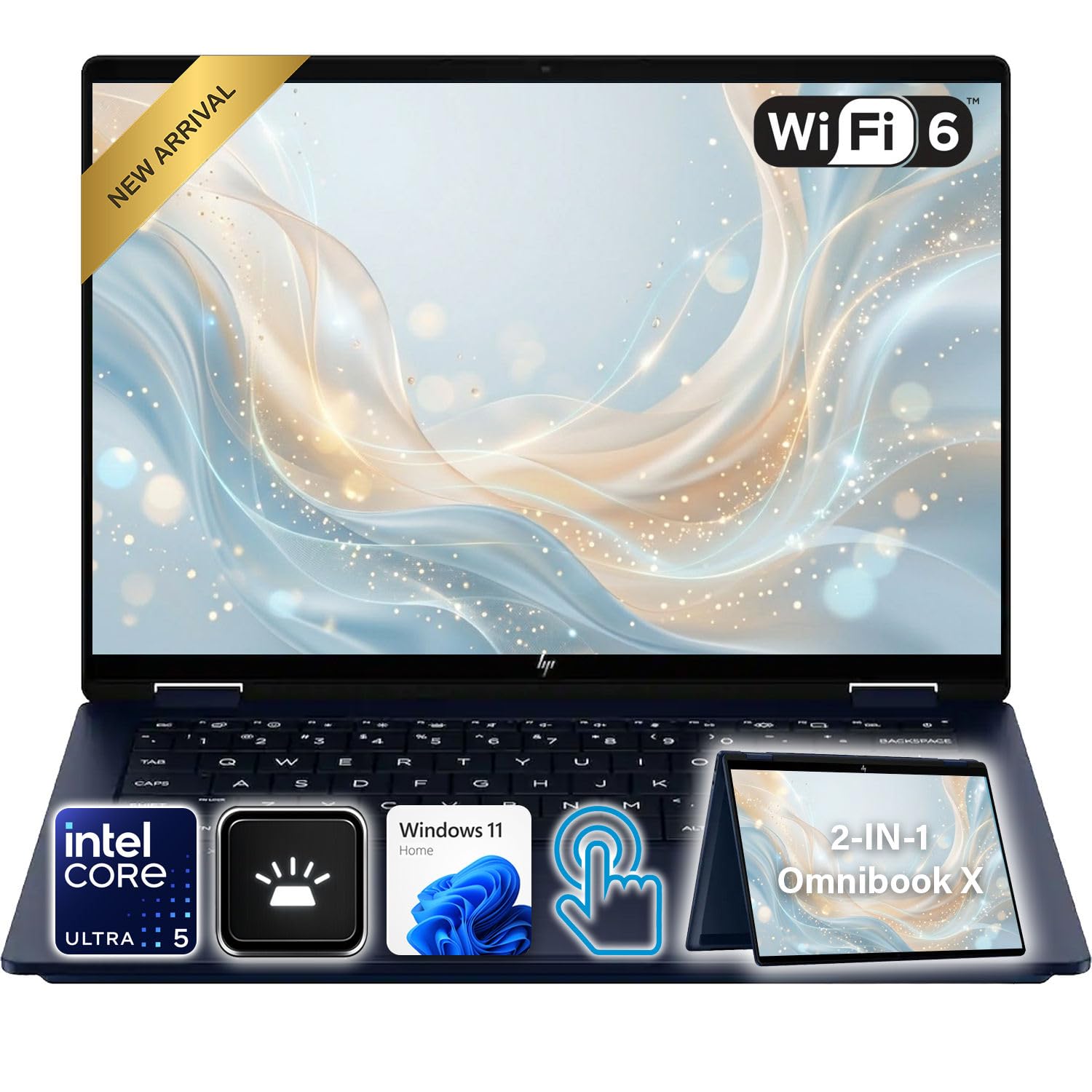
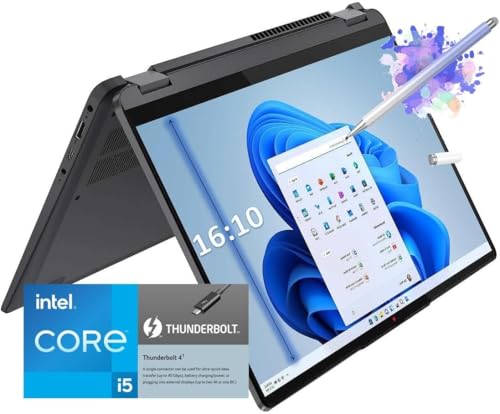
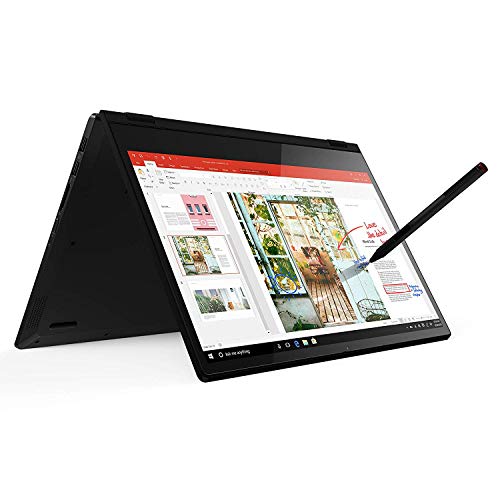
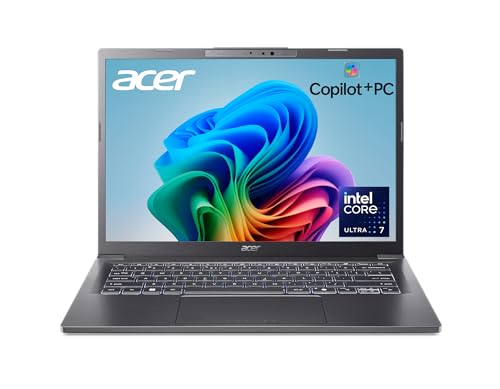


What $1,000 Buys in a 14 Inch Laptop
The budget splits into three bands. Around $450 to $650 you find capable Ryzen and Core i3 or i5 laptops with Full HD screens and a plastic or mixed body. They are fine for school, work and streaming. From $650 to $850 the screen, keyboard and speakers improve, and you begin to see touch panels, 2-in-1 hinges and recent Copilot+ chips. From $850 to $1,000 you reach OLED displays, better build quality and long battery life.
Models priced close to the cap are tempting, but remember that the last $100 often adds only a nicer screen. If your work is documents, calls and the web, a model near the middle of the range is the better value.
Where to Spend: Screen, Chip or Memory
Memory first
Sixteen gigabytes of memory does more for a laptop's long term speed than a faster processor. Thin 14 inch designs usually solder it on, so you cannot add more later. If a model offers 8GB at one price and 16GB at a slightly higher price, take the 16GB version.
Then the display
A Full HD panel is the minimum, and 16:10 shapes give more height. An OLED screen, common near the top of this budget, gives richer color and contrast but can lower battery life and is glossier in bright rooms. A bright IPS panel is often the better office choice.
Chip last
Between current Ryzen, Core and Snapdragon chips, the differences are smaller in daily use than the marketing suggests. Pick the chip family that runs your software natively, then look at the battery claim and the cooling noise in buyer comments.
Copilot+ PCs and Touch Models at This Price
Several laptops under $1,000 now carry the Copilot+ PC label, which means a dedicated NPU for on device AI features such as live captions and photo tools. These laptops often use Snapdragon X or Ryzen AI chips and tend to run cool with long battery life. The trade is software compatibility on Arm models, so check any specialist programs you use before buying.
Touch screens and 2-in-1 models add flexibility, and they suit people who take handwritten notes or share a screen across a table. They weigh a little more and cost more than a plain clamshell, so skip the hinge if you never fold the screen back.
Compare Against Neighboring Budgets and Sizes
If the top of the range feels like too much, the 14 inch laptops under 500 guide shows how far a smaller budget stretches. If you want a bigger screen for the same money, compare the 15 inch laptops under 1000 and the 17 inch laptops under 1000. A larger body gives more room and ports, while the 14 inch class wins on weight.
Battery, Weight and Daily Use
A laptop under $1,000 should survive a full workday away from a socket, though the maker's battery figure is a best case. Heavy browser use, video calls and a bright screen lower it, so subtract a quarter or more from the claim when you plan your day. Arm based and low power chips are strongest here, while faster Core and Ryzen models trade some hours for speed.
Weight is easy to ignore in a listing and hard to ignore after a month. If you walk or cycle with the laptop, a lighter body matters more than a slightly larger battery. A charger that comes with USB-C also lets you leave one cable at the office and one at home.
Mistakes to Avoid at This Budget
The most common mistake is paying for a high resolution screen and then living with 8GB of memory. A sharp panel is wonderful, but a laptop that slows down after a year is not. Another is buying on processor names alone; two chips with similar numbers can differ widely in power limits and cooling. Finally, avoid pricing that looks too low for the spec, particularly for third party listings with vague details. When you narrow down the best 14 inch laptops under 1000, read the seller's return policy and warranty before you commit.
Checklist Before You Order
- Memory: 16GB if the price allows, soldered or not.
- Storage: 512GB gives comfortable space for apps and files.
- Screen: Full HD at least, brighter is better for windows and cafes.
- Ports: USB-C charging plus HDMI or a second USB-C video port.
- Webcam: look for a decent camera if you take many calls.
- Warranty and returns: read the seller policy, especially for third party listings.
FAQs
Is $1,000 enough for a good 14 inch laptop?
Yes. This budget covers laptops with fast processors, good screens and solid build. Premium extras like the thinnest metal bodies and top OLED panels start near the cap.
Should I buy a Mac instead?
Apple notebooks come with excellent battery life and screens, but new Apple laptops with a 14 inch screen cost more than this budget. If you prefer macOS, set a higher cap.
Are cheaper models with an AI label worth it?
Only if the processor really includes an NPU. Read the listing for the chip name rather than trusting a sticker.
How long should a laptop at this price last?
With a decent warranty, 16GB of memory and a solid body, many owners get four to six years of daily use.
Final Verdict
The best 14 inch laptops under 1000 offer 16GB of memory, a sharp screen and a build you can trust, and the middle of the price range is usually the best value. Use the product table to compare models against your checklist and treat the extra spending near the cap as optional.
Prices and availability can change, so check the product page before ordering.


