Best 15 Inch Laptops in 2026: How to Choose
Disclosure: We may earn a commission when you buy through links on this page, at no extra cost to you. As an Amazon Associate I earn from qualifying purchases. Learn more

What to check before choosing the best 15 inch laptops: performance tiers, screen, keyboard and ports for a big display.
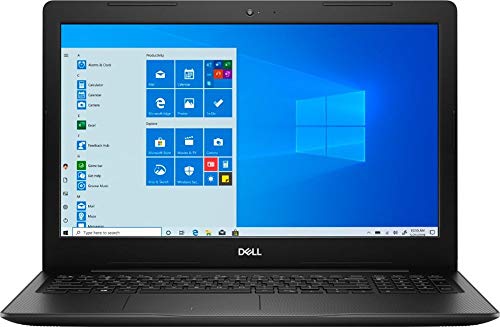
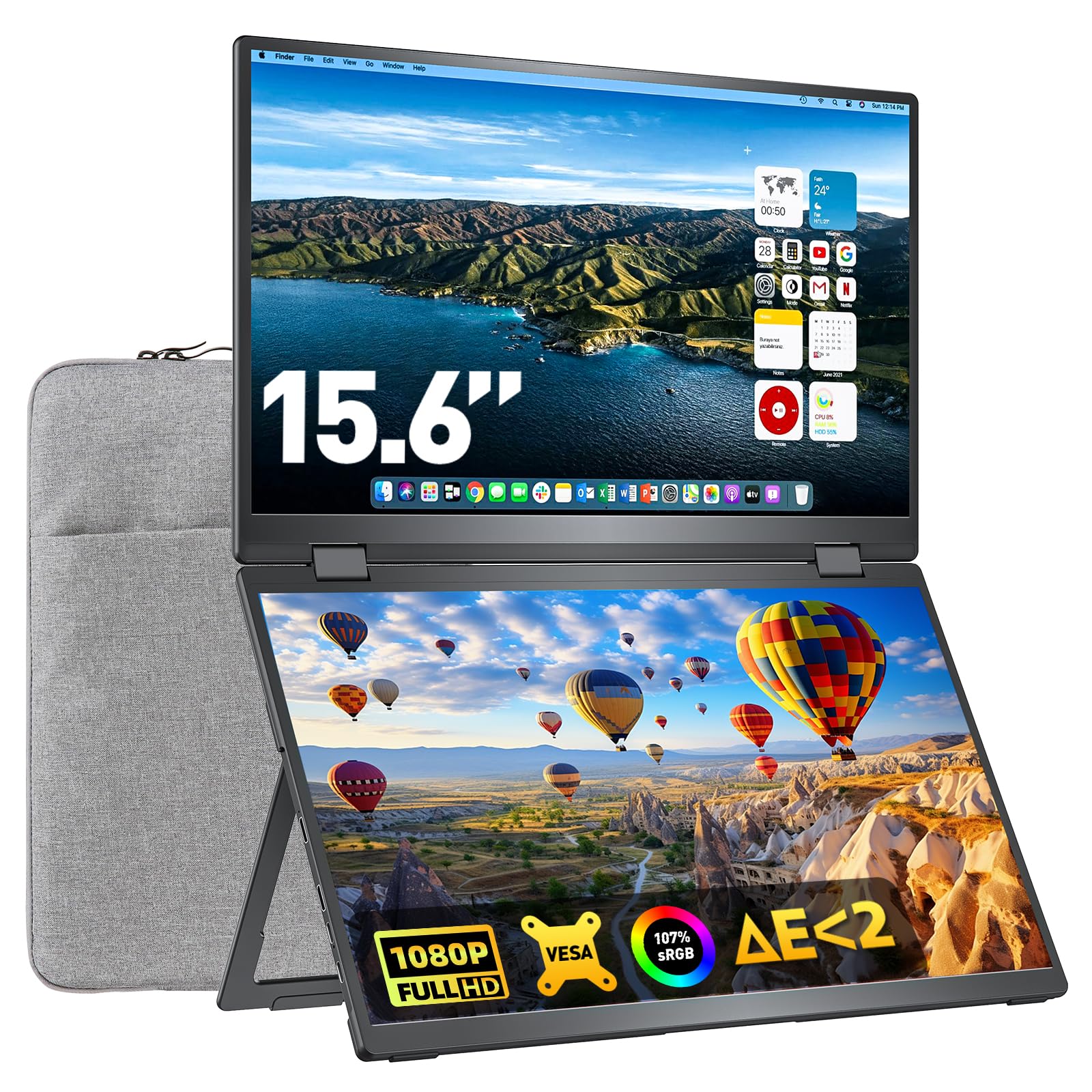
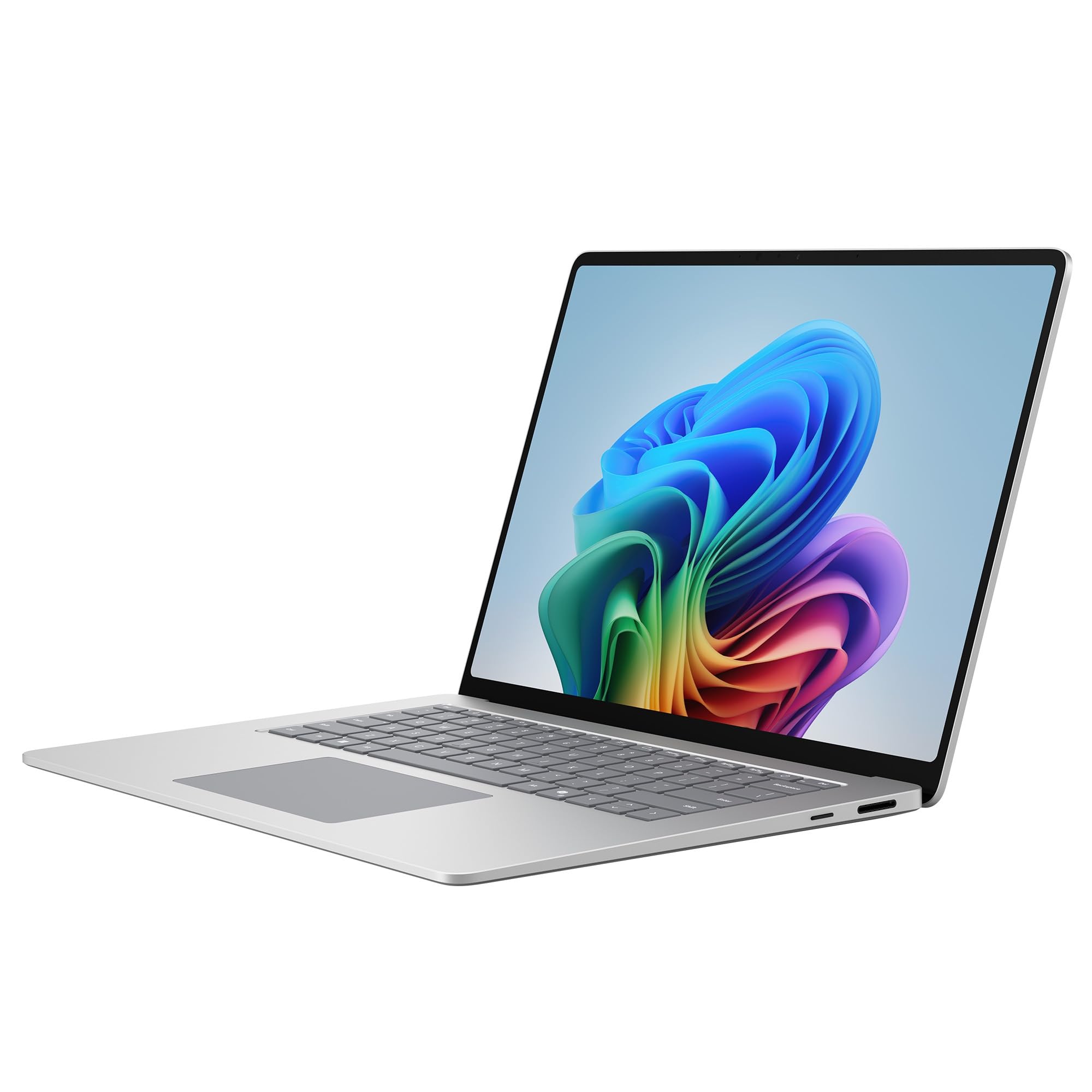
A 15 inch laptop is the traditional all-rounder: a large, comfortable screen, a full keyboard with a number pad and room for decent cooling, all at a weight that still travels. The best 15 inch laptops serve people who spend most of their time at a desk or a table, and who want a computer that feels like a proper workstation.
This size covers a huge range of products, from basic Windows laptops to touch screen models and portable workhorses. This guide explains what separates them so the product table above is easier to read.



Why Choose 15 Inches Over a Smaller Laptop
The bigger screen makes working with two windows side by side much more comfortable, and the larger body usually allows a full keyboard with a number pad. That matters for spreadsheets, accounting and data entry. The larger footprint also leaves room for bigger batteries and better cooling.
The trade-off is weight and bulk, so a 15 inch laptop is best for people who move it from room to room more than from city to city.
Performance Tiers: Basic, Everyday and Heavy
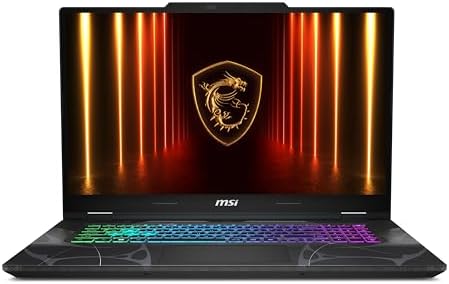
Basic models with entry-level processors handle web browsing, documents and video. Everyday models with midrange processors manage many tabs, video calls and light photo editing comfortably. Heavy-duty models with powerful processors and dedicated graphics handle creative tasks and games.
Choose according to what you do daily. A basic model is perfectly fine for simple tasks, and paying for more power gives little benefit unless you use it.
Memory and Storage That You Will Not Regret
Memory and storage are the parts people most often regret skimping on. Eight gigabytes is enough for light use, while sixteen gives comfortable room for many tabs and apps. A solid state drive of 256GB is a minimum, and 512GB is more comfortable.
Check whether either can be upgraded later. Some laptops solder the memory, which limits future changes.
Screen Quality and Finish
Resolution, brightness and panel type all affect your comfort. Full HD is the standard on decent models, and a basic HD panel looks soft on a screen this size. IPS panels give better viewing angles and colors than cheaper types. Matte finishes reduce reflections, while glossy panels look vivid but reflect light.
Touch screens are common on 15 inch laptops and useful for note-taking, but they add weight and cost.
Keyboard, Trackpad and Everyday Comfort
A full-size keyboard with a number pad is a big reason to choose this size. Look for comfortable key travel, a backlight and a smooth trackpad. These are touched every minute you use the laptop, so they deserve more attention than a small difference in processor speed.
Battery Life and Weight
Battery life varies widely. Efficient processors and moderate screens last through a work day, while powerful models drain faster. Buyer comments about real-world runtimes are more useful than the maker's claims. Weight is also a factor: some 15 inch laptops are light and thin, while others are noticeably heavy.
Ports and Connectivity
- USB-C with charging and video support.
- USB-A ports for older accessories.
- HDMI for external displays and projectors.
- Wi-Fi 6 or newer, and an Ethernet port where available.
Who Should Choose a 15 Inch Laptop
If you work at a desk, handle spreadsheets or data, or simply like a big comfortable screen, a 15 inch laptop is the practical option. It suits students who mostly study at a table, professionals who want a single machine for the office and home, and families who share a laptop for streaming and browsing.
If you commute with your laptop daily, a 14 inch model is lighter and easier to carry. Think about your real routine, not the one you imagine.
Common Mistakes When Buying
The most common mistake is buying a machine with too little memory or a very small drive to save a little money, then facing slowdowns within a year. Another is choosing a laptop with a low-resolution screen, which makes text look soft and tires your eyes. A third is ignoring the keyboard, which you will use for thousands of hours.
Buyers also assume the number pad is unnecessary and then miss it when entering figures. If you work with numbers, it is a real advantage of this size.
Setting Up and Caring for Your Laptop
Install system updates first, then remove software you do not need and enable the maker's battery care feature if one is offered. Back up important files to the cloud or an external drive on a regular schedule. Keep vents clear of dust, and avoid working on soft surfaces that block airflow.
A padded sleeve protects the laptop during transport, and a stand raises the screen to a more comfortable height at a desk. Small habits like these extend the useful life of the machine.
Comparing Two Laptops That Look Similar
When two models list near-identical processors and memory, compare the screen brightness and resolution, the weight, the warranty and what buyers say about the keyboard and fan noise. The details that shape daily use rarely appear in the headline numbers. A laptop with a slightly slower processor and a much better screen often feels like the better computer.
Also compare the return window. Problems such as a flexing keyboard, a dim screen or loud fans show up within days, and an easy return is worth more than a small discount.
Related reading: best budget laptop and how to choose a laptop.
Frequently Asked Questions
Is a 15 inch laptop too big to carry?
It is manageable for most people, though heavier than smaller models.
How much memory do I need?
Sixteen gigabytes is comfortable. Eight works for light use.
Do I need a touch screen?
Not for most people, but it is useful for note-taking and creative apps.
Windows or Mac?
Choose according to the software you need. Windows offers more variety and price choices.
Final Thoughts on the Best 15 Inch Laptops
The best 15 inch laptops combine a comfortable screen, a full keyboard and enough speed for your tasks. Decide how much power you need, check the ports and use the table above to compare current prices. Prices and availability can change, so check the product page before ordering.