
Best 17 Inch Gaming Laptops in 2026: Desktop Replacement Guide
Disclosure: We may earn a commission when you buy through links on this page, at no extra cost to you. As an Amazon Associate I earn from qualifying purchases. Learn more
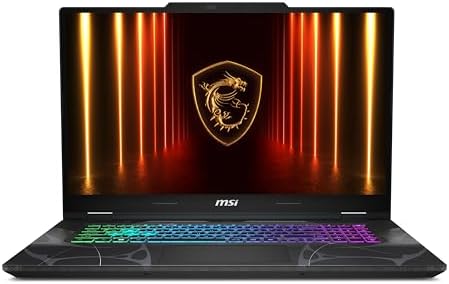
How to choose the best 17 inch gaming laptops: cooling headroom, graphics tiers, displays, upgrade options and the weight you will carry.
A 17 inch gaming laptop is the closest thing to a desktop that still folds shut. The big chassis gives engineers room for larger fans and heat pipes, the display is large and immersive and the keyboard has space for a number pad and good key travel. The cost is weight. This guide explains how to choose the best 17 inch gaming laptops and where to put your budget.
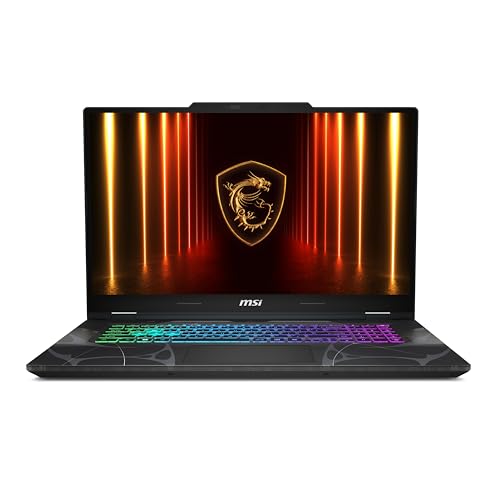
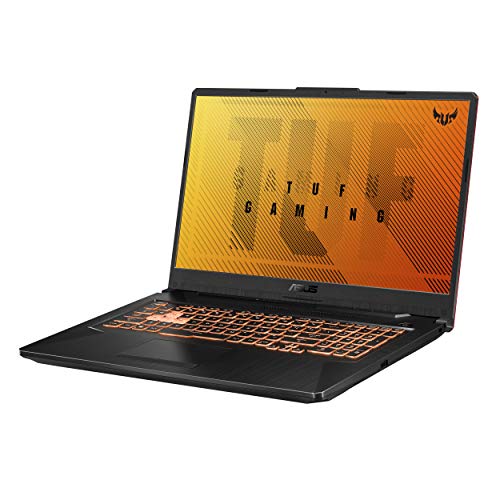
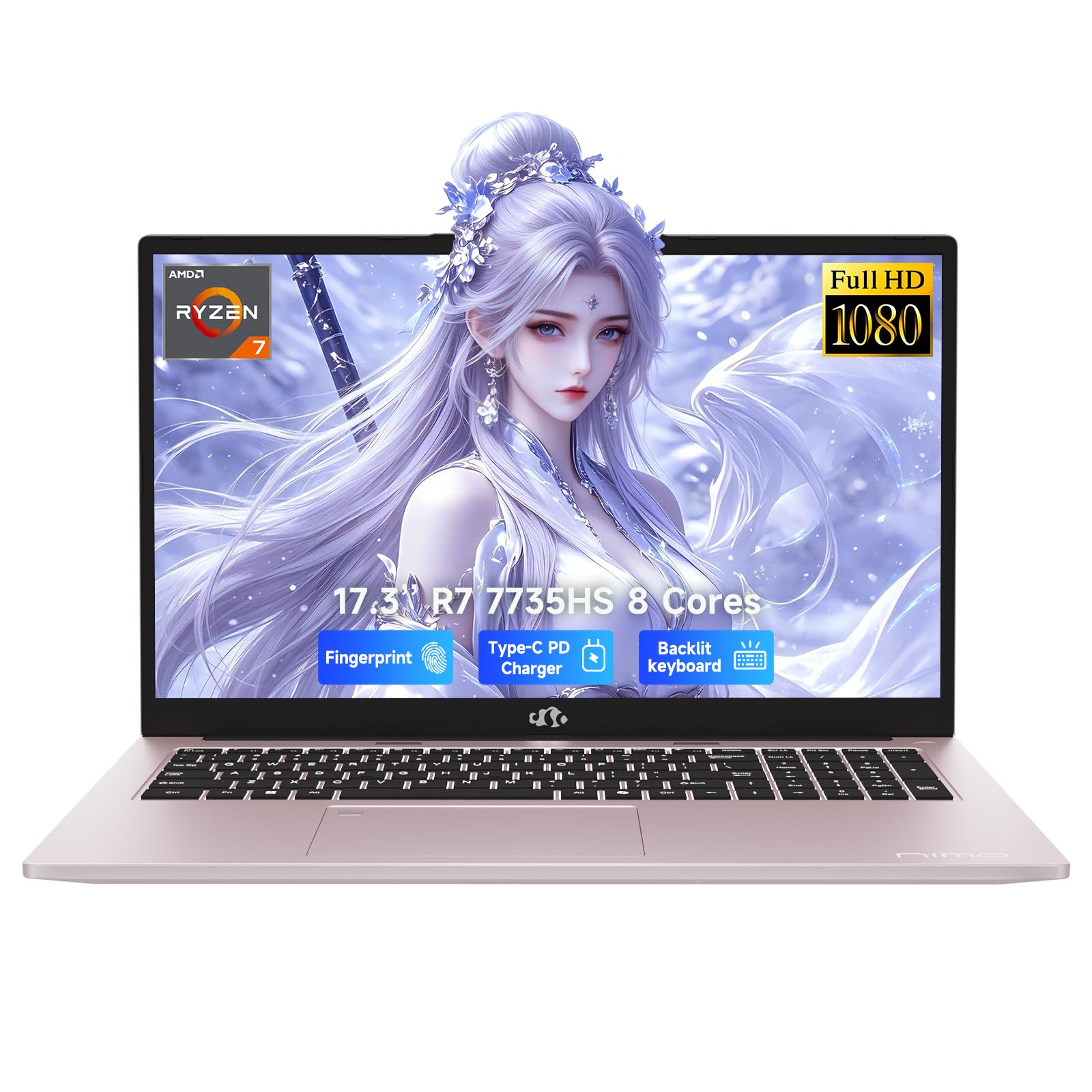
The product table lists models from lighter gaming machines to high end systems. Read the sections below to learn what separates them.

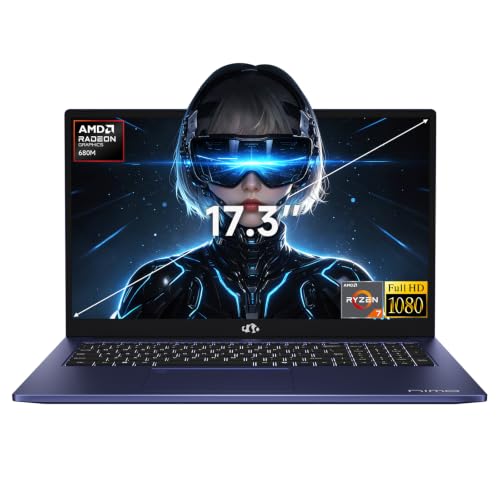
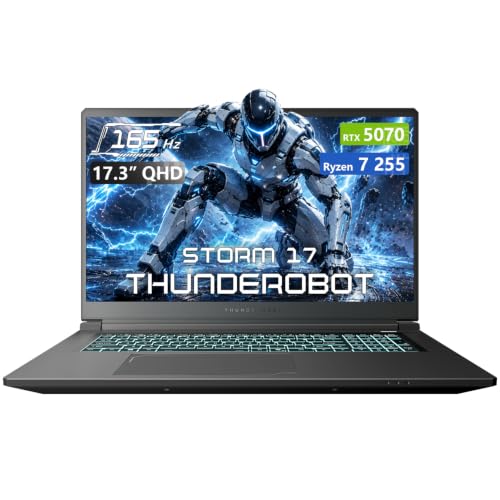
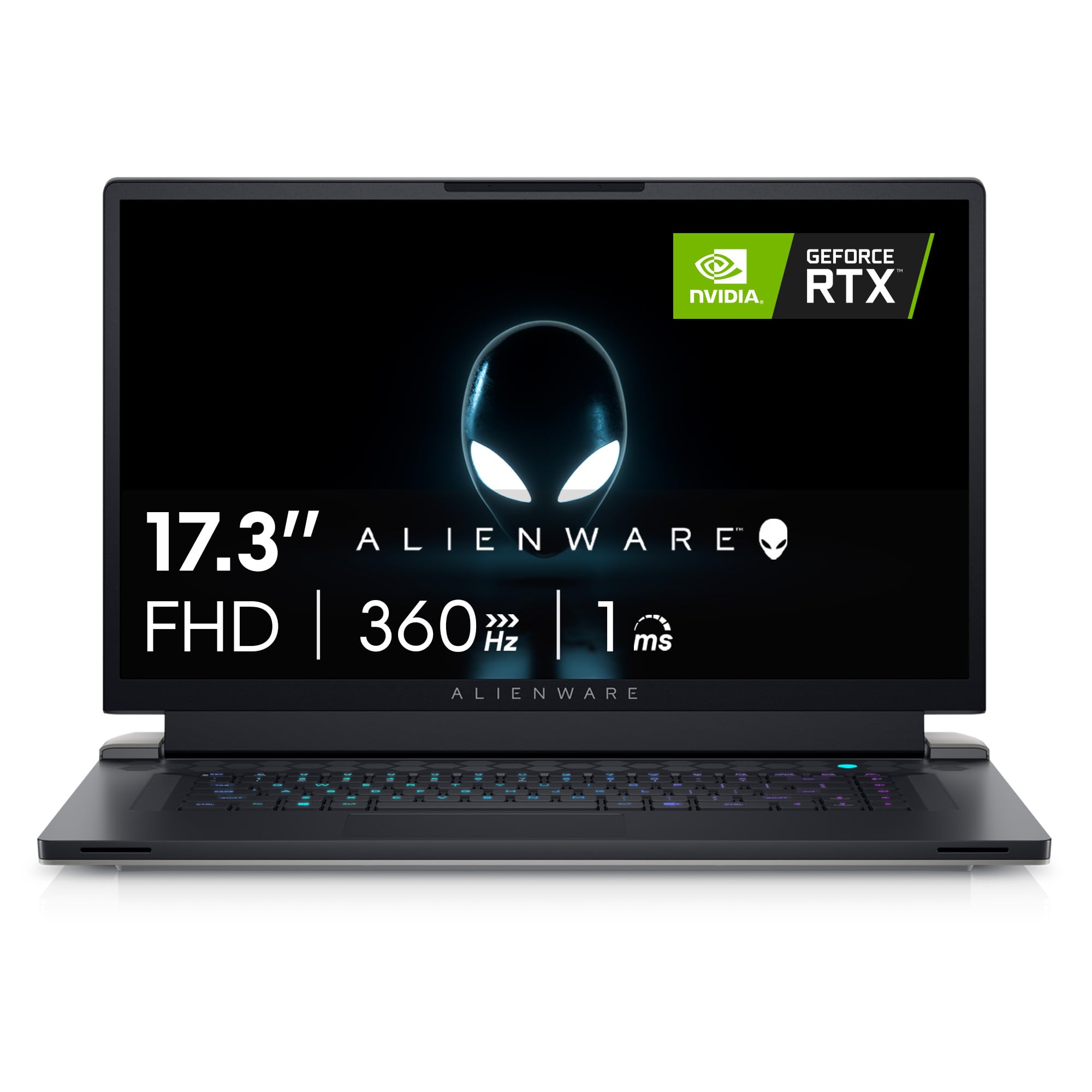
Why Go Large for Gaming
Cooling is the biggest advantage. A bigger body lets the processor and graphics card run at higher power without overheating, so the laptop keeps its speed in long sessions. The larger panel shows more of the game world, and the speakers and keyboard are usually better than in smaller models.
If you travel often, the weight may be a drawback. Many 17 inch gaming laptops weigh several pounds and bring a heavy power adapter. They suit a home or dorm setup better than a daily commute. For a compact alternative, see our best gaming laptop overview and the notes in our ASUS ROG Strix G16 review.
Graphics Tier and Power
The graphics card sets the performance level. Entry level cards play esports titles at high frame rates and modern games at medium settings. Mid range cards handle most games at high settings at full HD and QHD. High end cards push demanding games at high resolution with ray tracing.
The same card name can run at different power levels in different laptops. A model with higher graphics power delivers higher frame rates, and larger laptops usually allow more. Check reviews that compare frame rates, since two models with the same card can differ by a noticeable margin.
Display Options
A larger screen can use a higher resolution without looking cramped. Full HD is fine for competitive play, QHD is a popular balance and some models offer 4K. Refresh rate matters for motion: 144 Hz is a good baseline, and 240 Hz or more suits fast shooters. A fast panel needs a graphics card that can supply the frames.
Look at panel type and color coverage. IPS panels give accurate color, and OLED options provide deep contrast. A matte finish reduces reflections. Adaptive sync reduces tearing, and some laptops include a switch that lets you route the display directly from the graphics card for lower latency.
Cooling, Noise and Surface Temperature
Large laptops generally run cooler, but they can still be loud under load. Look for performance modes that let you balance noise and speed, and check reviews for fan noise and keyboard deck temperature. Vents on the sides and rear help keep air flowing, and a cooling pad can reduce temperatures further. Our guide to the 17 inch laptop cooling pads covers accessories.
Memory, Storage and Upgrades
A big gaming laptop often has room for upgrades. 16GB of memory is a baseline, and 32GB suits streaming and heavy multitasking. Check whether memory is in slots. Storage should be a fast NVMe drive, and a second slot lets you add more space for large games. Some laptops have easy access panels that make upgrades simple.
Ports, Keyboard and Build
Gaming needs connections for a mouse, a headset and an external display. Look for several USB ports, HDMI or DisplayPort, a fast Ethernet port and Wi-Fi 6 or newer. A good keyboard has solid key travel and optional lighting. A sturdy hinge and a stiff lid make the laptop feel durable.
Power Adapters and Battery Reality
Gaming laptops draw a lot of power, and the adapter is large to match. Plan to play plugged in, since performance often drops on battery and a charge lasts only an hour or two under load. Check the adapter wattage in the listing, and carry it in a separate pocket in your bag. For everyday web use, the laptop can run on battery for several hours in a power saving mode, but it is designed to sit near an outlet.
Some models support charging over USB C at a lower wattage, which is useful for travel and light work. Keep the battery healthy by avoiding long periods at full charge when you are plugged in all the time. Many laptops offer a charge limit setting in their control software that helps preserve capacity.
Using a 17 Inch Laptop With an External Setup
At a desk, a large gaming laptop works well as the brain of a full setup. Connect an external monitor for a bigger or faster display, add a mechanical keyboard and a gaming mouse, and use a headset for chat. Raise the laptop on a stand so the fans draw cool air, or use it closed and treat it like a compact desktop. Make sure the ports you need are on the sides or the back, so cables do not clutter the front of the desk.
If you stream, check how the laptop handles the load of gaming and encoding at the same time. Hardware encoders in the graphics card help, and extra memory keeps the system smooth. A wired network connection gives a steadier stream than Wi-Fi.
Buying Smart
Gaming laptop prices change quickly, and models from the previous generation often drop in price when new ones arrive. A previous generation model with a strong graphics card can be a better value than a new model with a weaker one. Check the warranty, because gaming laptops work hard, and look for a seller with a clear return policy. Verify the exact configuration in the listing, including memory, storage and display, since the same model name can include several versions.
Frequently Asked Questions
Are 17 inch gaming laptops too heavy?
They are heavier than smaller models, so they suit home use best. A padded backpack helps if you move them.
Do bigger laptops perform better?
They often do, because bigger cooling systems allow higher power. Check the specific model.
What refresh rate should I choose?
144 Hz is a solid baseline, and 240 Hz suits competitive games if your graphics card can reach it.
Can I upgrade a gaming laptop?
Often memory and storage can be upgraded, but the graphics card and processor usually cannot.
Final Thoughts
The best 17 inch gaming laptops combine strong graphics with real cooling headroom, a fast display and enough ports and storage for your library. Decide on the performance tier you need, check weight and noise and compare models in the product table. A larger laptop rewards players who stay put and want desktop like speed.


