
Asus ROG Strix G16 Review for 2026: 16-Inch Gaming Laptop
Disclosure: We may earn a commission when you buy through links on this page, at no extra cost to you. As an Amazon Associate I earn from qualifying purchases. Learn more
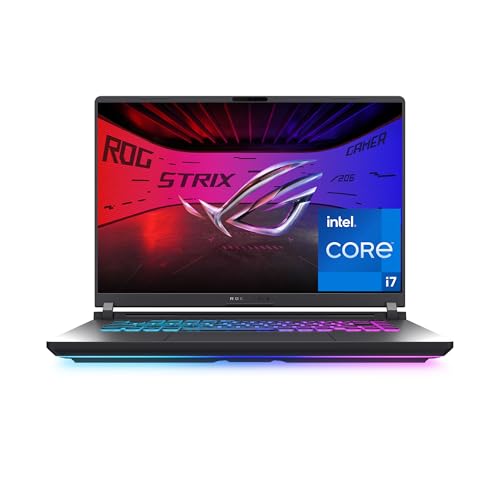
This asus rog strix g16 review explains the G16's configurations, 165 Hz and 240 Hz screens, cooling design and which version to buy.
Mainstream gaming laptops live or die on balance, and this asus rog strix g16 review explains how the Strix G16 strikes it. The G16 is a 16 inch gaming laptop that comes in many configurations, from a $1,670 model with an RTX 5060 and a 165 Hz screen to far pricier versions with 240 Hz OLED style Nebula panels and faster graphics. Choosing the right version matters more than choosing the model.
The product table lists G16 configurations beside rival 16 inch gaming laptops, so you can compare price and graphics power.


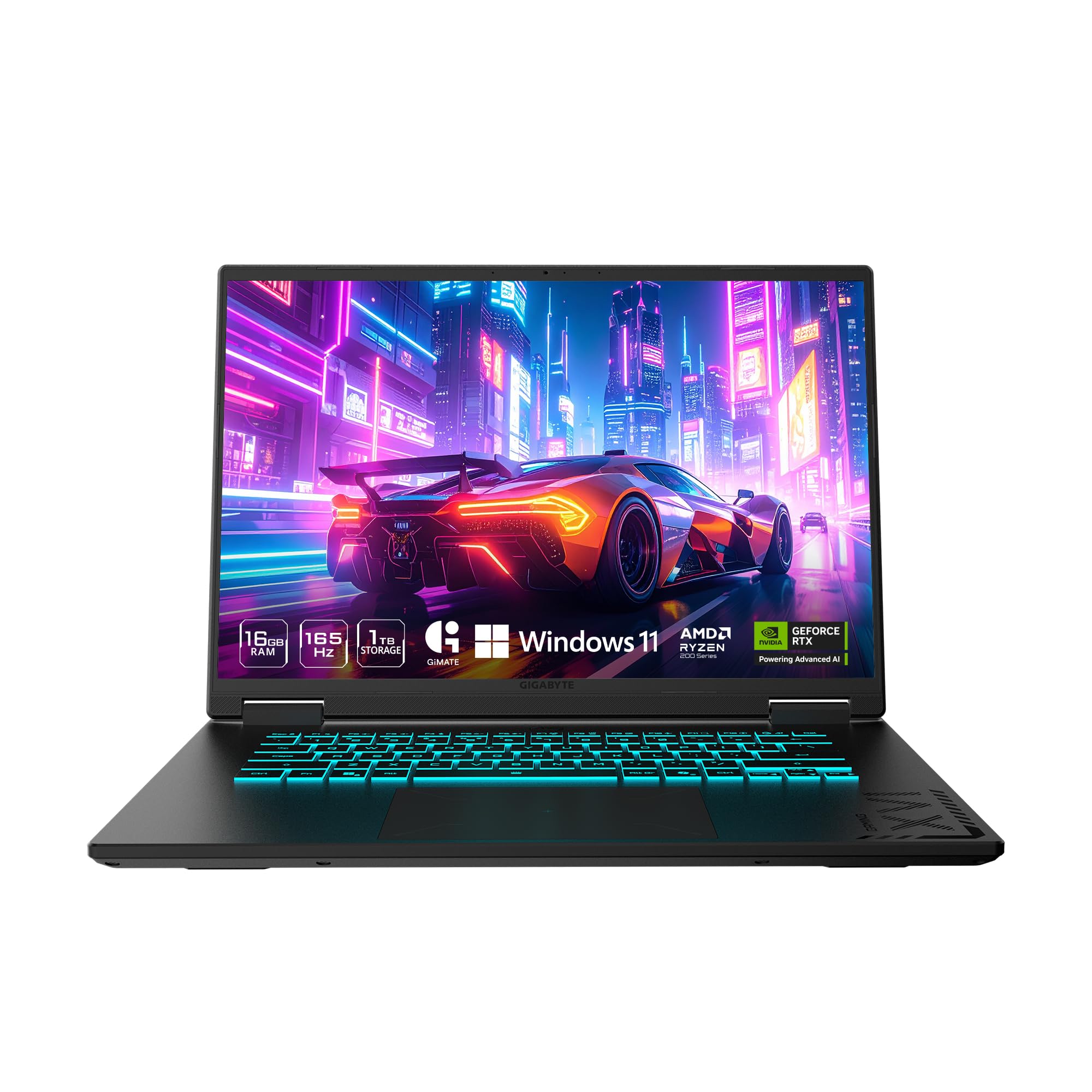
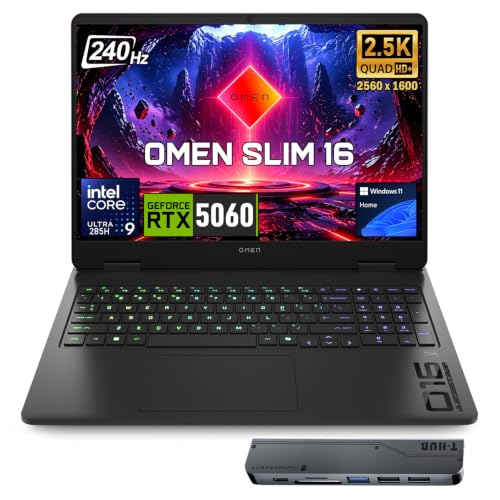


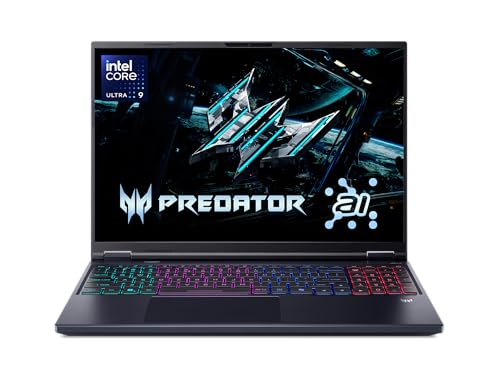

Asus Rog Strix G16 Review: Configurations
The entry configuration in the table uses an Intel Core i7 14650HX processor, an NVIDIA GeForce RTX 5060 laptop graphics chip, 16 GB of DDR5 memory and a 1 TB PCIe Gen 4 drive. The screen is a 16 inch FHD+ 16:10 panel at 165 Hz. Wi-Fi 7 and Windows 11 Home complete the package.
Higher versions upgrade the display to a 2.5K 240 Hz ROG Nebula panel and add faster graphics and more memory. Those cost from roughly $2,400 to $3,600. Read the title carefully, because the same model name covers a wide range of hardware.
Display and Visuals
The 16:10 aspect ratio gives more vertical space than a standard widescreen, which helps in games and in work. The 165 Hz screen is smooth for esports and action games, and the listing mentions an ACR film that improves contrast and reduces glare. Nebula versions raise the resolution and refresh rate for a sharper, faster image.
A 240 Hz screen only helps if the graphics card can push that many frames. Mid range graphics will run most games well under that, so the cheaper screen is often the smarter buy.
Lighting and style
The G16 has a full surround RGB light bar that syncs with the keyboard. A Stealth Mode turns off all lighting for a quieter look at work. That is a nice touch for people who use the laptop both for play and for study or office tasks.
Cooling and Noise
ROG Intelligent Cooling uses an end to end vapor chamber, tri fan technology and a liquid metal compound on the processor, according to the listing. That design aims to keep the laptop quiet and cool under load. Even so, gaming laptops get loud during long sessions, so a headset is a useful companion.
Use the laptop on a hard surface so the air intakes stay open. A cooling stand can drop temperatures a little, though it is rarely essential. Clean the vents every few months to keep airflow strong.
Performance in Games
An RTX 5060 laptop chip handles modern games at high settings in Full HD and supports DLSS 4 for extra frame rate. Faster configurations push into 2.5K gaming at high settings. The Core i7 14650HX processor is strong for gaming and for creative tasks.
Memory is a place to watch. A 16 GB configuration is enough for gaming today, while creative work and heavy multitasking benefit from 32 GB. Check whether the memory is upgradeable before you decide.
Battery, Ports and Portability
Gaming laptops last only a short time away from a charger when playing, and the G16 is no exception. For office work, battery life is better. Carry the large charger when you travel, since gaming power draw needs it.
Ports cover USB, HDMI and a fast wired network connection on most configurations. Check the listing to confirm Thunderbolt or USB4 support if you plan to dock the laptop with a monitor.
Choosing a Version by Budget
Under about $1,800, look for the RTX 5060 versions with a 165 Hz screen. They play almost everything at high settings and cost much less than the top models. Between roughly $2,400 and $2,600, the Nebula display and stronger graphics appear, and the jump in image quality is easy to see.
Above that, the extra money buys faster graphics and more memory, which matter most for demanding games at high resolution and for creative work. If you game at Full HD, the cheaper versions are plenty. Spend the savings on a good headset and a mouse.
Upgrades and Maintenance
Many gaming laptops let you add a second drive or swap the memory, but check the listing and the maker's guide before opening the case. Warranty terms sometimes depend on who opens it. A larger storage drive is the most common upgrade, since modern games are huge.
Keep the laptop updated with the latest graphics drivers and the ROG control software. Clean the fans and vents gently, and replace thermal paste only if temperatures climb after a few years.
Protecting the investment
A padded sleeve or a hard backpack protects the screen. Keep the charger together with the laptop, and avoid using it on soft surfaces that block the vents.
Who Should Buy It
Students and gamers who want a capable all rounder will like the entry configuration. Creators who need a color rich screen and extra memory should step up to a Nebula version. Anyone who needs a very light laptop should look at 14 inch models.
The best gaming laptop guide compares more options, and the Lenovo Legion 5i review and the ASUS ROG Zephyrus G14 review show rivals. If you want to compare the G16 with its siblings, read the Zephyrus G16 versus Strix G16 comparison.
Frequently Asked Questions
Is the ROG Strix G16 good for gaming?
Yes, it handles modern games at high settings, with more power in the higher configurations.
What screen options are there?
A 165 Hz FHD+ panel on the entry version and a 2.5K 240 Hz Nebula panel on higher ones.
How much memory do I need?
16 GB works for gaming. Choose 32 GB for creative work.
Does it have WiFi 7?
Yes, the listings show WiFi 7.
Is it too heavy to carry?
It is a full size gaming laptop, so expect weight and a large charger.
Final Verdict
This asus rog strix g16 review concludes that the G16 is a well balanced gaming laptop with options for most budgets. Pick the entry version for value, or step up for the better display and graphics. Compare configurations in the product table and read the listing details before ordering.
Prices and availability can change, so check the product page before ordering.


