Best 15 Inch Laptop Backpacks in 2026: What to Check Before You Buy
Disclosure: We may earn a commission when you buy through links on this page, at no extra cost to you. As an Amazon Associate I earn from qualifying purchases. Learn more

What to check before choosing the best 15 inch laptop backpacks: fit, padding, comfort and organization for a daily commute.
A backpack for a 15 inch laptop needs more than a padded pocket: it has to protect an expensive machine, spread the weight comfortably and keep cables, chargers and papers organized. The best 15 inch laptop backpacks do all three, and the differences between them show up on a commute, not on a product page.
This guide covers sizing, padding, comfort, security and weather protection, and helps you match a bag to how you travel. Use the product table above for current options and the sections below to narrow the choice.

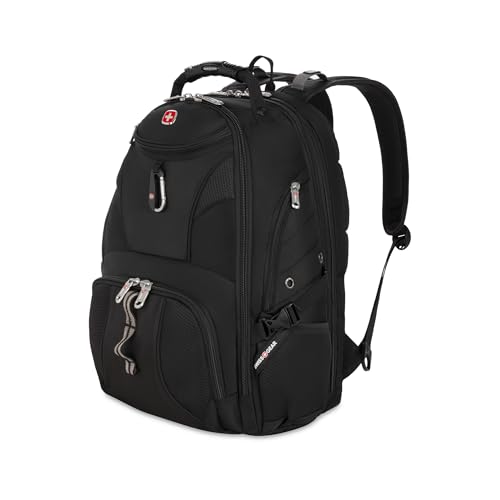


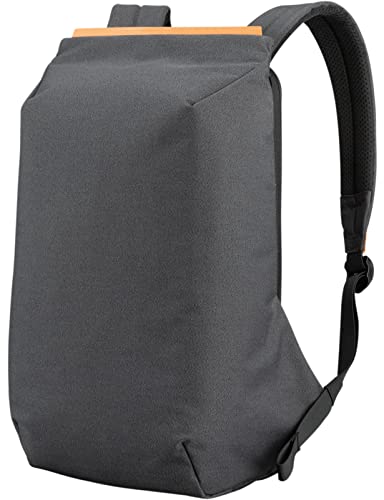


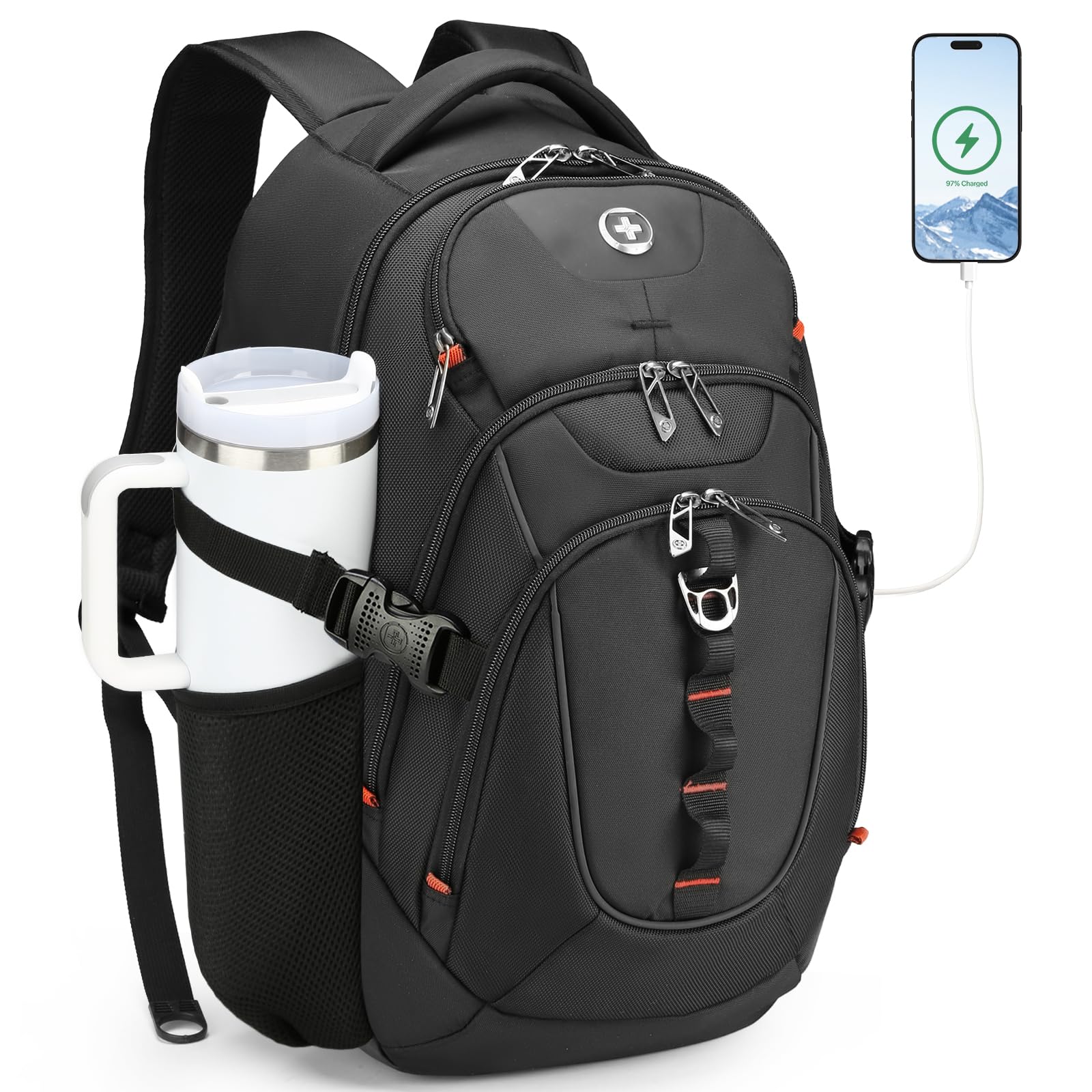
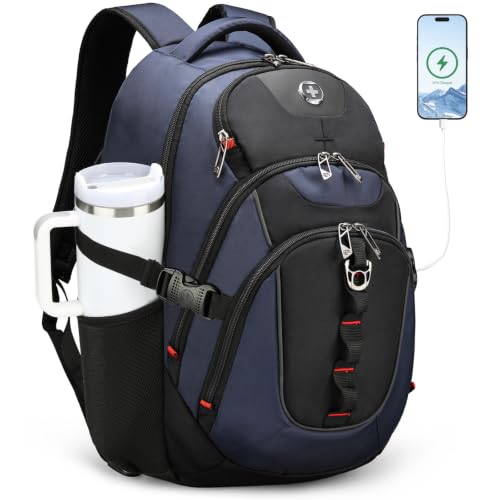

Get the Fit Right First
Laptop compartments are sized by screen size, but bodies differ. A 15.6 inch laptop with wide bezels can be larger than a slim 16 inch one. Measure your laptop's width, depth and thickness, then compare with the compartment dimensions in the listing, not just the label that says 15.6 inch.
A snug fit protects the laptop from sliding around, while a compartment that is too tight makes it hard to insert and remove. Leave a small margin on each side, especially if you use a protective sleeve.
Padding and Protection
Look for a padded, separate laptop compartment that sits above the bottom of the bag, so the laptop does not hit the ground when you set it down. A raised pocket with soft lining and a strap to hold the laptop in place gives the most protection.
Extra padding on the back panel and the base adds protection against bumps. Check that the zippers are sturdy, since a broken zipper is the most common failure in a backpack.
Comfort: Straps, Back Panel and Weight Distribution
You will carry the bag for hours, so comfort matters. Wide, padded shoulder straps spread weight better than thin ones. A ventilated back panel reduces sweat, and a chest strap stabilizes the load on long walks. A waist strap helps with heavier loads.
Weight is also affected by the bag itself. A heavy bag with thick padding adds to your load before you pack anything, so look for a balance between protection and weight.
Organization and Capacity
Think about what you carry beyond the laptop: a charger, a mouse, a notebook, a water bottle, lunch. Multiple compartments and pockets help keep things in order, while a clamshell opening makes it easier to find items. Capacity is usually listed in liters, with about 20 to 30 liters suiting most commuters.
A larger bag invites overpacking, which makes the bag heavier and more tiring to carry. Choose the smallest size that holds your normal load.
Weather and Security Features
Water-resistant fabric and zippers protect the contents from rain. Fully waterproof bags are rarer and often heavier. A rain cover is a useful extra for heavy downpours. Security features, such as hidden pockets and lockable zippers, add peace of mind in crowded places.
Some bags include a USB charging port, which lets you connect a power bank inside the bag. Check that the port is placed so the cable does not get in the way.
Style and Everyday Use
A bag that suits your work or school environment will get used more. Business-style bags in plain colors look neat in an office, while casual designs suit campus life. Think about whether you need a bag that also works for travel, and check that it has a luggage strap for rolling cases.
Common Mistakes When Choosing a Laptop Backpack
The most common mistake is trusting the size label alone. A 15.6 inch laptop with thick bezels may not fit a compartment sized for the same label, and a bag that is too tight scratches the machine when you slide it in. Another mistake is choosing a bag with a laptop pocket that touches the bottom, so every time you set the bag down, the laptop takes the hit.
Buyers also overbuy capacity. A huge bag fills with things you do not need, and the extra weight tires your shoulders. Pick the smallest bag that fits your daily load comfortably.
Packing a Laptop Backpack Properly
Place the laptop in its compartment against the back panel, with heavier items close to your back and lighter ones farther out. Keep chargers and small accessories in their own pocket so they do not press against the screen. Avoid placing hard objects, such as water bottles, directly against the laptop compartment.
Adjust the shoulder straps so the bag sits high on your back, and use the chest strap on long walks. A well-packed bag feels lighter than the same weight packed carelessly.
Caring for Your Bag
Empty the bag regularly and shake out crumbs and dust, since grit can scratch the lining and damage zippers. Wipe the surface with a damp cloth and let it air dry, and follow the maker's washing instructions on the label. Avoid overloading the bag, because stress on seams and zippers is the usual cause of early failure.
A little care keeps the zippers moving smoothly and the fabric looking neat for years, which makes a good bag better value than it looks on the price tag.
Backpack Versus Messenger Bag or Briefcase
A backpack spreads weight across both shoulders, which is far kinder to your back on long walks and stair-heavy commutes. Messenger bags and briefcases look sharper in a formal office but load one shoulder or one arm, and a 15 inch laptop plus accessories is heavy enough to notice after a day.
If you must dress formally, a slim, structured backpack in a plain color bridges the gap. For campus and travel use, a casual backpack with more pockets is the more practical pick.
You may also find our guides to best backpacks for 17 inch laptops, best backpacks for 16 inch laptop and best 15 inch windows laptops useful.
Frequently Asked Questions
Will a 15 inch backpack fit a 16 inch laptop?
Often not. Measure your laptop and check the compartment dimensions.
Is a hard case or sleeve needed?
Not always, but a sleeve adds protection. Allow room for it in the compartment.
How many liters do I need?
Twenty to thirty liters suits most daily carry.
Are waterproof bags better?
They protect more but weigh more. Water-resistant bags with a rain cover are enough for most commuters.
Final Thoughts on the Best 15 Inch Laptop Backpacks
The best 15 inch laptop backpacks fit the laptop snugly, spread weight comfortably and keep your gear organized. Measure your laptop, choose the capacity you actually need and use the table above to compare current prices. Prices and availability can change, so check the product page before ordering.