
Best 15 Inch Laptops Under 1000 in 2026: What to Check Before You Buy
Disclosure: We may earn a commission when you buy through links on this page, at no extra cost to you. As an Amazon Associate I earn from qualifying purchases. Learn more

What to check before choosing the best 15 inch laptops under 1000: what the budget buys and how to choose between work and play.
Up to 1000 dollars, a 15 inch laptop can be a genuinely strong machine: fast processors, plenty of memory, bright screens and even entry-level gaming graphics. The best 15 inch laptops under 1000 dollars span a wide range, which makes the real task choosing which strength to buy rather than which weakness to accept.
This guide explains what this budget realistically brings, how to decide between a general-purpose and a gaming-leaning laptop and which details separate a good model from a merely adequate one. Use it with the product table above.

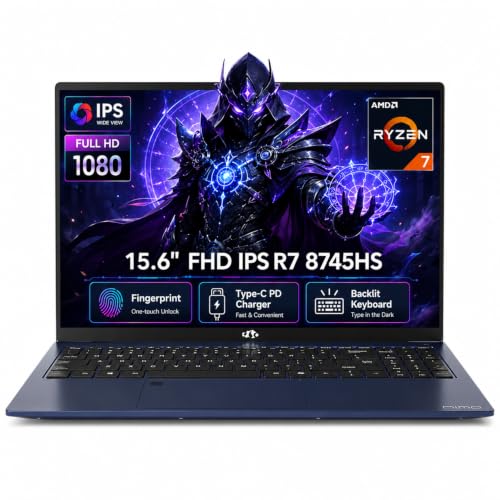



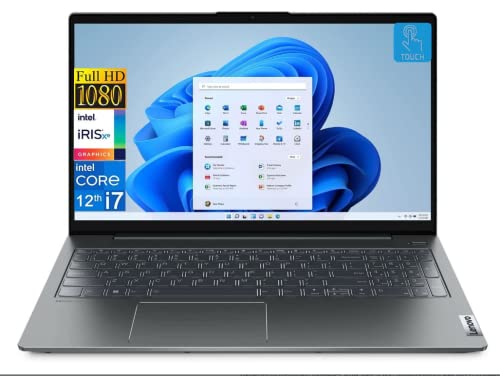
What 1000 Dollars Gets You in a 15 Inch Laptop
At this price you can expect a modern midrange processor, sixteen gigabytes of memory, a solid state drive of 512GB or more and a Full HD screen. Many models also offer better build quality, backlit keyboards, faster Wi-Fi and improved battery life compared with cheaper machines.
Some models at the top of this range also include dedicated graphics, which opens the door to casual gaming and light creative work. Others spend the budget on a premium screen and body instead.
General Use Versus Gaming-Leaning Models
A general-purpose laptop focuses on a good screen, a comfortable keyboard and long battery life. A gaming-leaning laptop focuses on graphics power, a faster screen and stronger cooling, at the cost of battery life and weight. At this budget, you usually choose one or the other.
If you use the laptop mainly for work, study and streaming, pick the general-purpose model. If you play games regularly, accept the extra weight for a graphics card.
Processor and Memory Targets
Look for a recent processor with at least six cores, which handles multitasking and light creative work comfortably. Sixteen gigabytes of memory is the sensible target, and some models offer upgrades to thirty-two. Check whether the memory is soldered, since expandable memory extends the laptop's useful life.
Storage should be a fast solid state drive. If a model offers a second drive slot, it gives easy room to grow.
Screen Quality and Finish
A Full HD IPS panel is the baseline, and brighter or color-accurate screens appear near the top of this range. Matte finishes reduce reflections, which helps in bright rooms. Higher refresh rates appear on gaming-leaning models and make the interface feel smoother.
If you edit photos, look for a panel with wide color coverage. For general use, brightness and contrast matter more than extreme color claims.
Build Quality, Keyboard and Trackpad
This budget buys better materials: metal or reinforced plastic bodies, firmer hinges and keyboards with better travel. A glass trackpad and a backlit keyboard make daily use more pleasant. Buyer comments about flex, hinge strength and key feel reveal quality that a specification list cannot.
Battery Life and Charging
Battery life varies from a few hours on gaming-leaning models to a full day on efficient general-purpose ones. Fast charging and USB-C charging add convenience. Check buyer comments for realistic runtimes, since maker figures are usually best-case.
Spending the Budget Wisely
With up to 1000 dollars, spend first on the screen, memory and storage, because you cannot upgrade the screen later and the others are costly to change. Spend next on build quality and the keyboard, then on extras such as a higher refresh rate or a touch screen. A laptop with sixteen gigabytes of memory and a good display will feel better for years than a machine with a bigger graphics chip and a weak panel.
Avoid paying for features you will not use. A gaming-oriented model with a flashy design is poor value if you mainly write and browse.
Comparing Brands and Models Sensibly
Many laptops at this budget share similar processors and screens, so differences lie in the details. Compare the weight, the number of ports, the warranty and the buyer comments about fan noise, keyboard flex and battery life. These details shape your daily experience more than a small processor difference.
Look at the seller's return policy too. A laptop is a complex product, and an easy return is the best protection if something feels wrong.
Mistakes to Avoid at This Price
A common mistake is buying a laptop with soldered memory at the minimum amount, which cannot be expanded later. Another is choosing a very bright, high-refresh gaming screen on a laptop that lasts only two hours on battery, then discovering you need the charger everywhere. A third is ignoring cooling: thin laptops with powerful chips can throttle under load.
Match the hardware to your needs, read buyer comments about heat and noise and keep the packaging for the return window.
Setting Up Your New Laptop
Run all system updates, install the latest drivers, and remove preinstalled software you do not need. Turn on the battery care option if available, set up backups and check the display settings for the right refresh rate. If the laptop has dedicated graphics, confirm that games and creative apps use it.
Spend the first few days checking for any problems, such as dead pixels, a loose hinge or odd noises, so you can return the laptop quickly if needed.
When to Spend Less Than 1000 Dollars
If your work is documents, email and streaming, you do not need the full budget. A well-built laptop at a lower price with sixteen gigabytes of memory and a good screen serves you just as well, and the savings can go toward a monitor, a backpack or a second charger. Only move toward the cap when you need a dedicated graphics card, a color-accurate screen or a premium build for daily travel.
Decide what you will actually do with the laptop in the next three years, then buy the cheapest machine that handles those tasks comfortably.
Related reading: best 15 inch laptops under 700 and best 15 inch laptops under 600.
Frequently Asked Questions
Can a 1000 dollar laptop game?
Yes, models with dedicated graphics handle many games at Full HD.
How much memory do I need?
Sixteen gigabytes is the right target at this price.
Is a gaming laptop a good everyday choice?
It can be, but expect shorter battery life and more weight.
Should I choose a touch screen?
Only if you use it. It adds cost and may reduce battery life.
Final Thoughts on the Best 15 Inch Laptops under 1000
The best 15 inch laptops under 1000 dollars give you strong performance and better build, with a clear choice between general use and gaming. Decide which fits your routine, check the memory and screen and use the table above to compare current prices. Prices and availability can change, so check the product page before ordering.


