
Best 15 Inch Laptops Under 700 in 2026: Buying Guide
Disclosure: We may earn a commission when you buy through links on this page, at no extra cost to you. As an Amazon Associate I earn from qualifying purchases. Learn more

What to check before choosing the best 15 inch laptops under 700: memory, screen, build and how to choose between slim and gaming.
At seven hundred dollars a 15 inch laptop crosses an important line: sixteen gigabytes of memory, a fast solid state drive and a good screen become normal rather than lucky finds. The best 15 inch laptops under 700 dollars suit people who want one laptop to last several years without the cost of a premium machine.
This price also opens the door to entry-level gaming laptops and thin-and-light designs, so the best choice depends on how you will use it. This guide explains the trade-offs and helps you read the product table above.


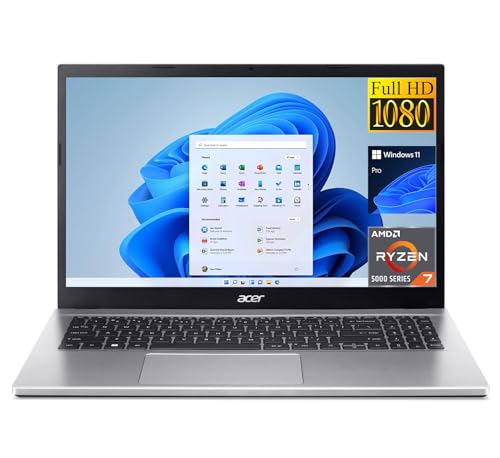
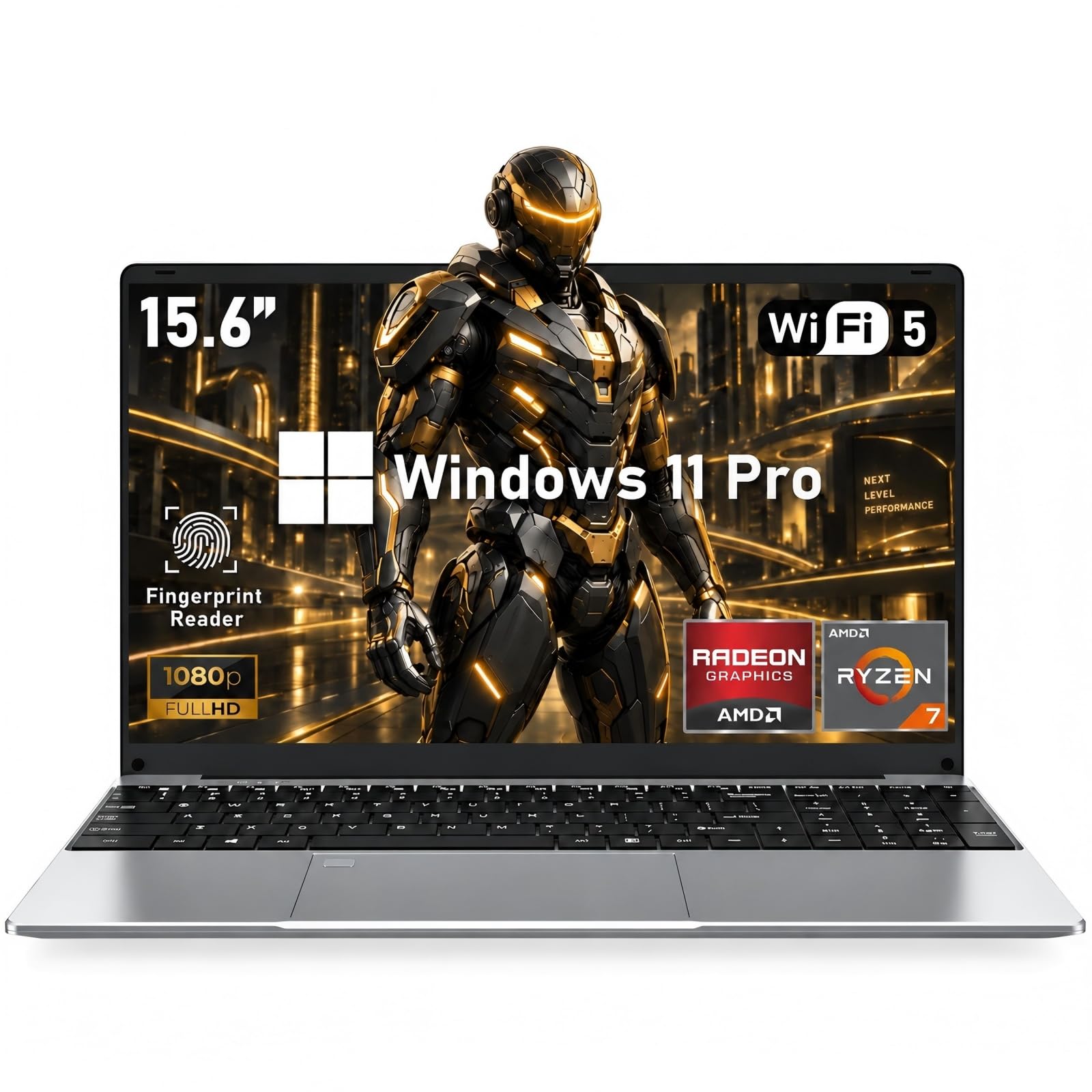
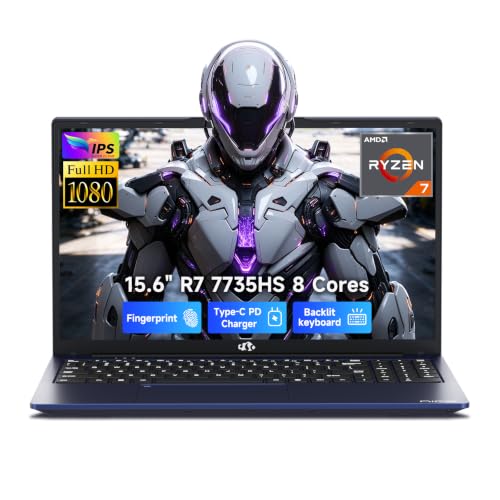

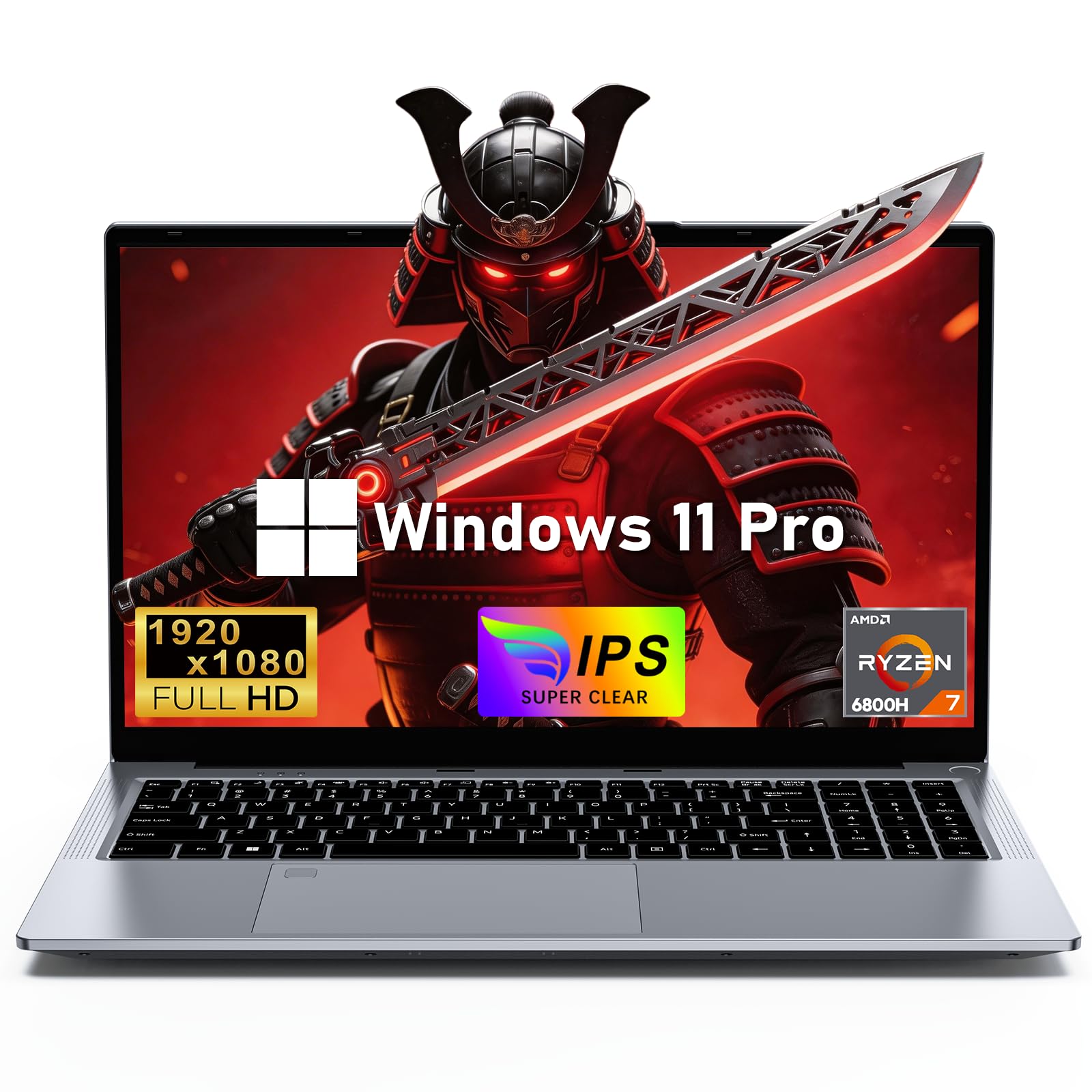
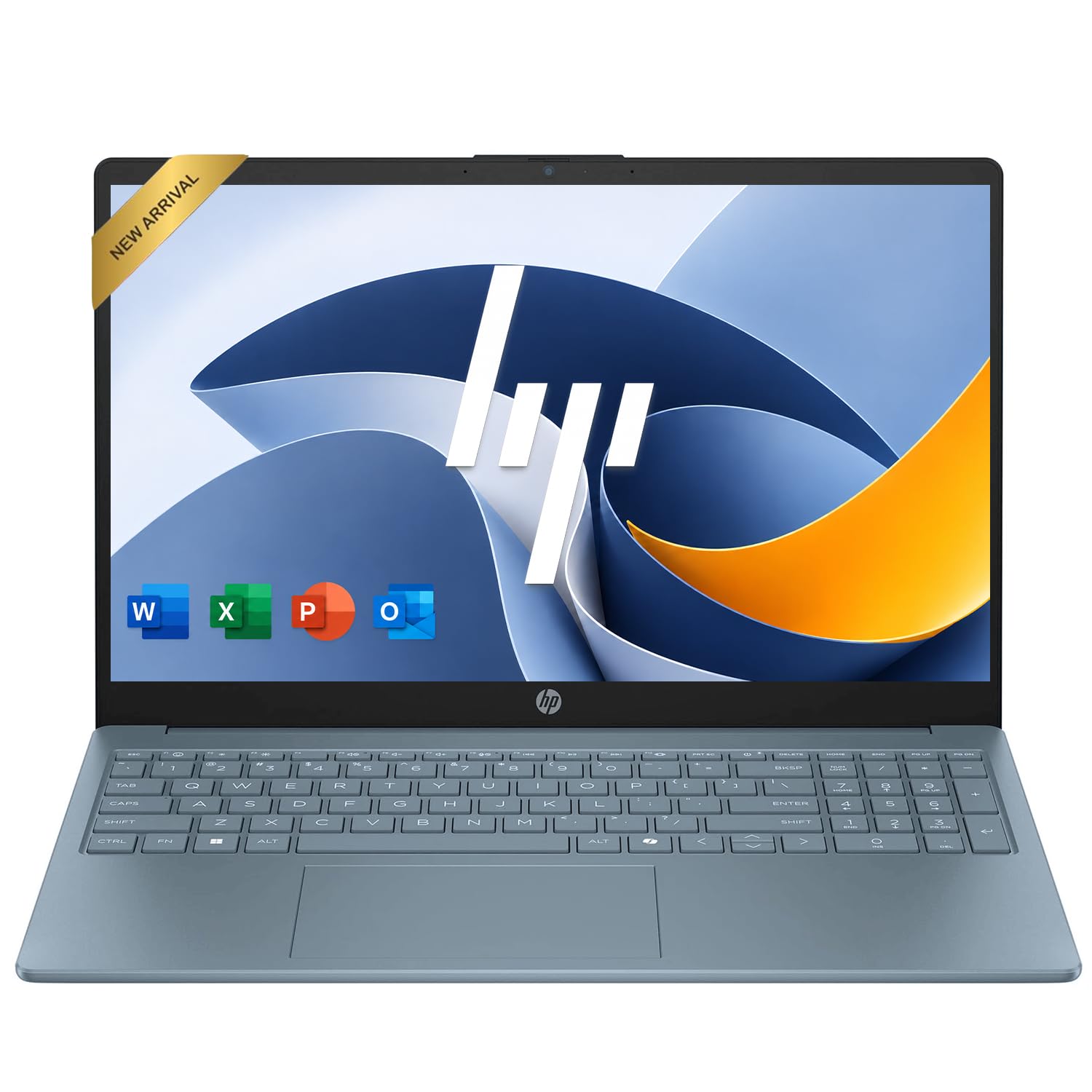
What 700 Dollars Opens Up
You can expect a recent midrange or upper-midrange processor, sixteen gigabytes of memory, a 512GB solid state drive and a Full HD IPS display. Build quality is firmer, keyboards are more comfortable and battery life is better than on cheaper models. Some laptops at this price add dedicated graphics, while others spend the budget on a lighter body and a nicer screen.
The result is a laptop that feels responsive for years and handles light creative work without struggling.
Thin-and-Light or Entry Gaming?
A thin-and-light laptop emphasizes weight, battery life and a good screen. An entry gaming laptop emphasizes graphics power, a faster display and cooling, at the cost of weight and battery. At this budget the entry gaming models cut corners elsewhere, such as the screen or the build.
If you carry the laptop daily and rarely play games, choose the thin-and-light type. If you play regularly, accept the heavier machine for the graphics card.
Memory and Storage Planning
Sixteen gigabytes of memory is the right target, and it is worth checking whether it is upgradeable. Storage of 512GB gives comfortable space, and a second slot allows easy expansion. Fast solid state storage makes the laptop wake and load quickly, which matters more than a slightly faster processor.
Check how the memory is configured. Dual-channel memory performs better than a single stick for integrated graphics and games.
Screen, Keyboard and Everyday Feel
Look for a Full HD IPS panel with good brightness and a matte or anti-glare finish. A backlit keyboard with good travel and a smooth trackpad make daily use pleasant. Buyer comments reveal flex, noise and hinge quality better than the specification list.
Battery Life, Weight and Ports
Thin-and-light laptops can last a full day, while gaming models last a few hours. Weight ranges from light to heavy, so check it if you carry the laptop often. Ports should include USB-C with charging, USB-A, HDMI and a headphone jack.
- USB-C with charging and video output.
- USB-A for older accessories.
- HDMI for an external display.
- A headphone jack and, where possible, a card reader.
Mistakes to Avoid at This Price
A common mistake is paying for a high-refresh gaming screen on a laptop that cannot reach high frame rates. Another is choosing a model with soldered memory at only eight gigabytes, which limits the machine's life. A third is ignoring the cooling, since a laptop that overheats under load slows down and gets loud.
Look at the whole machine, not one number, and read buyer comments about heat, noise and battery life.
Setting Up and Caring for the Laptop
Install updates, remove unwanted software and set up backups on the first day. Use the maker's battery care option if offered, keep the vents clear and use a sleeve in a bag. Wipe the screen with a soft cloth and avoid spraying liquid on the panel.
These steps keep the laptop fast and the battery healthy, which extends its life well beyond the warranty.
Who Should Go Higher or Lower
If you use heavy creative software or play demanding games, a higher budget gives stronger graphics. If you only browse and write, a lower budget with sixteen gigabytes of memory may be enough. For everyone else, seven hundred dollars is a comfortable middle ground.
How to Compare Laptops at This Level
Two laptops near seven hundred dollars can look identical on a listing and feel different in use. Compare the screen brightness and finish, keyboard travel, fan noise under load and the maker's warranty. Buyer comments about the hinge, the trackpad and how hot the base gets give a better picture than a long list of specifications.
Weight is worth a quick check too. A laptop that is a few hundred grams lighter becomes noticeable if you carry it every day, while the same difference hardly matters on a desk.
Making the Most of Your Laptop After Purchase
Use the first week to run updates, set up backups and check for defects. Adjust the power mode to balance speed and battery life, and enable the display settings that suit your eyes, such as a night mode in the evening. Keep a small cleaning cloth and a sleeve with the laptop to protect the screen.
If the laptop includes a second drive slot or an accessible memory slot, you can add capacity later for a modest price, which stretches the life of the machine.
Where the Money Goes at Seven Hundred Dollars
At this price, much of the cost goes into the screen, the processor and the build. The screen affects how the laptop feels every minute. The processor sets how long it stays quick. The build decides how it survives travel. Spending a little more on one of these, rather than on a flashy extra, usually gives the best long-term value.
Related reading: best 15 inch laptops under 500, best 15 inch laptops under 1000 and best 15 inch laptops under 600.
Frequently Asked Questions
Is 700 dollars a good laptop budget?
Yes, it buys solid performance, a good screen and decent build.
Can these laptops game?
Models with dedicated graphics can run many games at Full HD.
How much memory do I need?
Sixteen gigabytes is the right target.
Thin-and-light or gaming?
Choose by how you use it. Thin models travel better, gaming models play better.
Final Thoughts on the Best 15 Inch Laptops under 700
The best 15 inch laptops under 700 dollars offer plenty of memory, a good screen and a firm build. Decide between a lighter machine and one with graphics power, check the ports and use the table above to compare current prices. Prices and availability can change, so check the product page before ordering.


