
Best 2 in 1 Laptop for Students for 2026: Light, Durable Convertibles for Class
Disclosure: We may earn a commission when you buy through links on this page, at no extra cost to you. As an Amazon Associate I earn from qualifying purchases. Learn more

Best 2 in 1 laptop for students explained: battery, weight, durability and pen use for classes and coursework.
A student laptop has to survive a backpack, last through classes, handle essays, research and video calls, and not cost a fortune. A 2-in-1 adds something useful: you can type reports, flip to tablet mode to annotate readings and handwrite maths, and watch lectures on the bed. This guide to the best 2 in 1 laptop for students explains what to prioritise and where to save.
The product table lists convertibles available new, from low cost Chromebook style models to Windows machines with larger screens. The sections below help you decide which suits your course and budget.
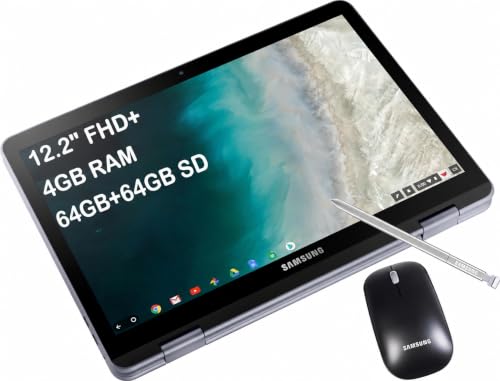
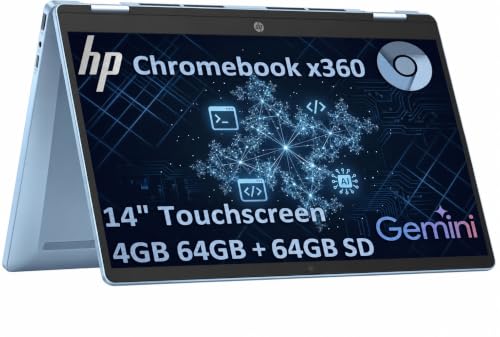


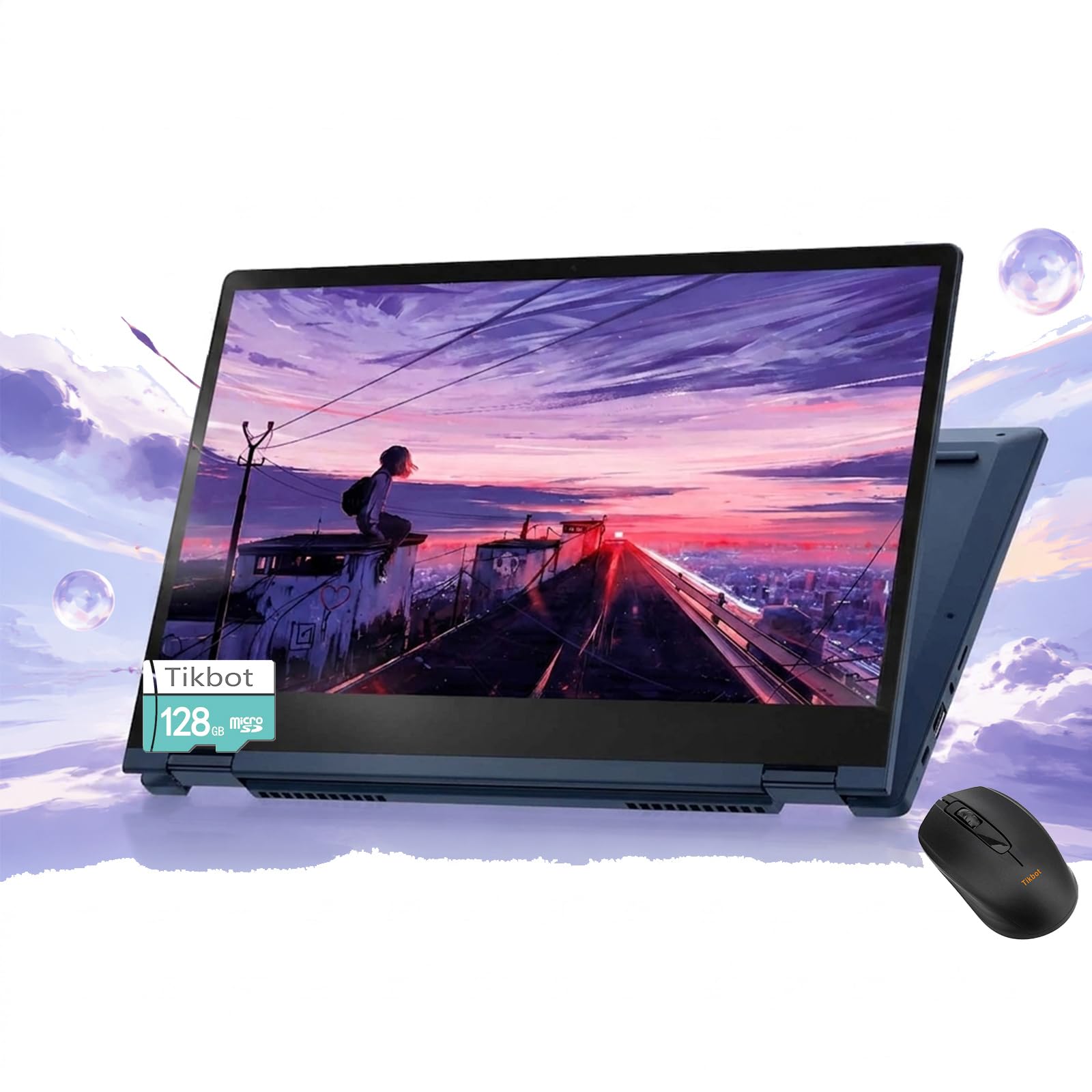
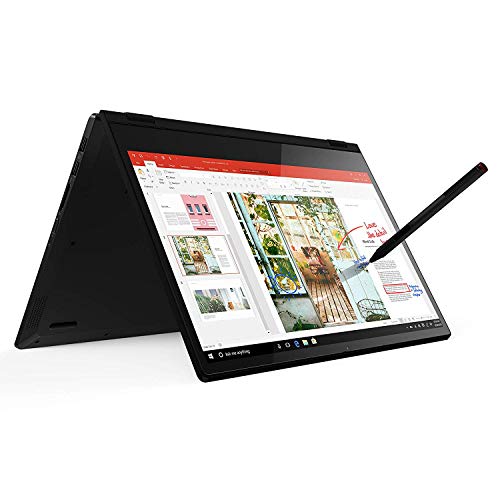


What Students Actually Need
Most students need a laptop for documents, spreadsheets, slides, research and video calls. That work does not need a powerful chip. Priorities are battery life, weight, a good keyboard and enough storage for coursework. Courses with specialist software, such as engineering design or video editing, need more power, so check what your course requires.
Windows or ChromeOS
ChromeOS laptops are cheaper, simple and quick to start, and they work well for browser based learning. Windows laptops run any desktop software and suit courses that need it. Ask your school or course whether it requires specific software before you choose.
Battery Life and Weight
A lecture day can run eight hours. Look for a laptop that lasts a day and weighs little, since you carry it everywhere. USB-C charging is handy, and a small charger fits in a bag.
Durability
Students drop things and press on screens. Look for sturdy hinges, reinforced corners and a spill resistant keyboard if possible. A cheap sleeve adds cushioning, and a screen protector helps with a stylus.
Pen and Touch Uses
A pen is helpful for handwritten notes, maths and diagrams. Some listings bundle a stylus that works on any touchscreen. Annotating PDFs and lecture slides with a pen is easier than with a trackpad.
Memory and Storage
Four gigabytes is enough for a basic Chromebook, and eight gigabytes helps with many tabs. Sixteen gigabytes suits heavier Windows work. Storage of 128 to 256 gigabytes is enough if you use cloud storage, and 512 gigabytes helps for offline files.
Screen Size
A 13 to 14 inch screen is a good balance for note taking and writing. A 11 or 12 inch model is lighter but cramped, and a 15 or 16 inch is comfortable at a desk but heavy to carry.
Budget and Warranty
Look for a price that fits your budget and a warranty that covers the first years. Educational discounts and student offers may reduce the price.
Setup Tips
- Sign in and sync your school account.
- Install your note and study apps and check they work offline.
- Back up your work to the cloud every day.
- Use a screen lock and a find my device feature.
Matching the Laptop to Your Course
Humanities and business courses mostly need a browser, documents and slides, which any of these laptops handle. Science and maths courses benefit from a pen for equations and from a program that runs spreadsheets and graphs. Design, architecture and engineering courses often need specific software with higher requirements, so check the list from your department before you buy. A laptop that is too weak for your course will frustrate you for years, while a laptop that is more powerful than needed wastes money.
Making the Money Go Further
Student discounts, back to school sales and refurbished models can lower costs, but buy new and from a reliable seller if you want a full warranty. Skip bundles of accessories that you do not need, such as large packs of software or extra storage. A good sleeve, a spare charger and a mouse are more useful than most bundles.
Care for a Long Life
Use a padded sleeve in your backpack, avoid stacking heavy books on the laptop, and wipe the screen with a soft cloth. Charge it regularly but avoid leaving it plugged in all day at full battery in a hot room. Keep a backup of coursework in the cloud, since a laptop can be lost or stolen, and write down the serial number and set up a find my device option.
Shared Use and Family Laptops
If the laptop is shared with siblings or parents, set up separate user accounts, and use parental controls if the user is young. A tablet mode is helpful for younger students who read, while older students lean on the keyboard.
Accessories Every Student Should Add
A padded sleeve, a spare charger for the library, a compact mouse and a cloth for the screen cost little and protect the machine. A backup drive or cloud plan covers lost files. If the laptop has a stylus, add a spare tip. Keep all of these in a single pouch so that you can find them quickly on a busy morning.
Using Tablet Mode in Class
Fold the screen back to read slides and mark them up without the keyboard in the way, then flip back to type. On a small lecture desk, tent mode can free space by pushing the keyboard under the screen. Practise switching modes before the first day so that you do not fumble during a lecture.
Staying Safe Online and Offline
Use a strong password and two step sign in for school accounts, keep the system updated and avoid installing unknown software. Turn on device tracking so that you can find a lost laptop, and keep a note of the serial number for support requests.
Frequently Asked Questions
Is a 2-in-1 good for students?
Yes. The tablet mode helps with notes and reading.
Do I need Windows?
Only if your course requires specific software.
How much should I spend?
Choose the cheapest model that meets your course needs and lasts a day on battery.
Is a stylus necessary?
Not required, but helpful for notes and diagrams.
How long should a student laptop last?
Plan for three to four years of regular use.
How do I choose the best 2 in 1 laptop for students?
Check that it lasts a school day, weighs little and runs the software your course needs.
Final Verdict
The best 2 in 1 laptop for students is light, lasts a school day and fits the software your course needs. Compare the options in the product table and see our guides on how to choose a 2-in-1 laptop and the HP Spectre x360 14 review for more. Prices and availability change, so check the product page before ordering.


