Best 18 Inch Gaming Laptops in 2026: Buying Guide
Disclosure: We may earn a commission when you buy through links on this page, at no extra cost to you. As an Amazon Associate I earn from qualifying purchases. Learn more

Are the best 18 inch gaming laptops worth the weight? Compare graphics power, cooling, displays and how to live with a machine this large.
Eighteen inches is the biggest size in the gaming laptop world, and it is aimed at players who want desktop style power and screen space in a machine they can still move. These laptops carry the strongest graphics cards, the largest cooling systems and the widest displays, and they weigh and cost accordingly. This guide explains how to judge the best 18 inch gaming laptops and decide whether the size fits your life.
The product table lists the models available in this size. The sections below cover what you get, what you give up and what to check before you buy.

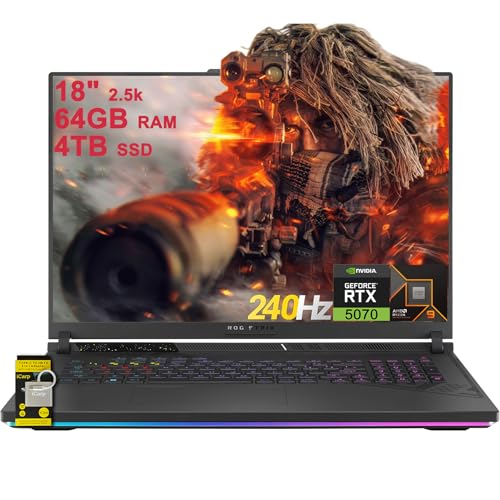
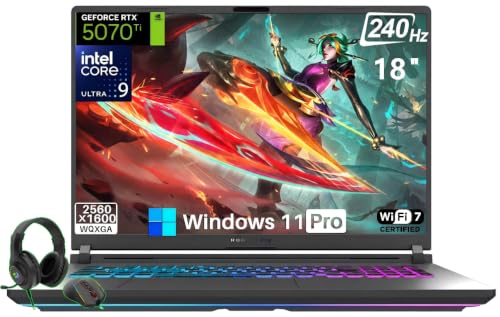
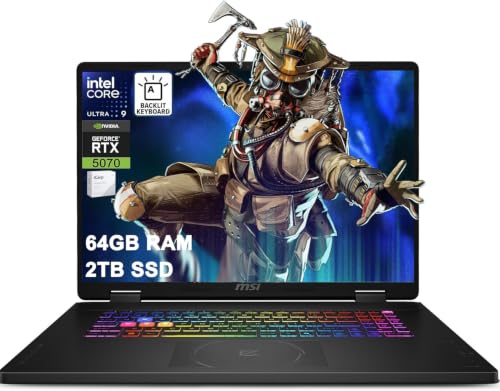
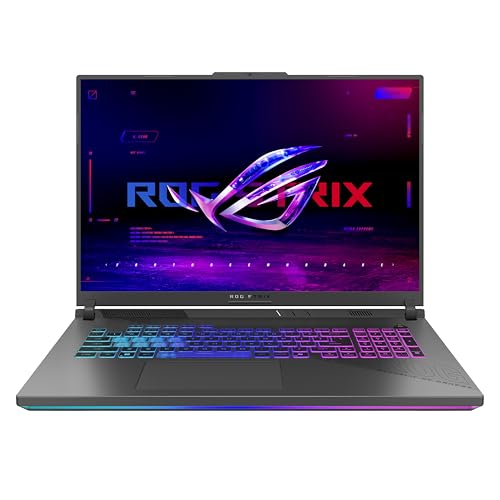
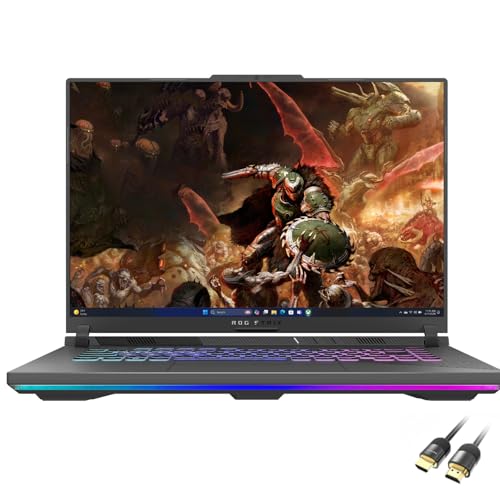

Who Should Consider an 18 Inch Gaming Laptop
Choose this size if you play at a desk or in one room most of the time, want the highest performance available in a laptop and care about a large, immersive display. It also appeals to creators who need strong graphics for rendering and editing and who want a big timeline on the screen.
If you carry your machine to class or on flights, the size and weight are serious drawbacks. A 16 or 17 inch model is a better compromise. Our guide to gaming laptops under 1000 covers more modest options, and the review of the ASUS ROG Zephyrus G14 shows how a smaller, lighter machine feels.
Graphics Power and Cooling Headroom
The main reason to go this large is thermal headroom. A bigger chassis can hold larger fans, thicker heat pipes and more vents, which lets the processor and graphics card run at high power for long sessions. That typically means higher frame rates than a smaller laptop with the same chip name.
Look at the graphics card tier and at the maker's power rating, and check reviews for noise and temperatures. Large laptops can still be loud under load, so performance modes that trade speed for quiet are useful. Our article on how long a gaming laptop lasts explains why cooling affects lifespan.
Display Choices
Eighteen inch panels often use a 16:10 shape and come in QHD and higher resolutions. A high refresh rate such as 240 Hz suits fast games, and some models have mini LED or OLED panels with excellent contrast. Check brightness and color coverage if you also edit video or photos.
A large, high resolution screen demands strong graphics performance. If you pick a 4K panel, make sure the card can drive it at the frame rates you want, or plan to use upscaling. Adaptive sync and a display switch that connects the panel directly to the graphics card can improve smoothness and latency.
Processor, Memory and Storage
These laptops use high power processors that pair well with top graphics cards. Look for 32GB of memory on high end models, and check whether memory is upgradeable. Storage should be fast NVMe, with 1TB as a comfortable minimum and a second slot for expansion. Large game libraries fill drives quickly.
Living With a Big Laptop
An 18 inch gaming laptop is heavy, and the power adapter is large. Think of it as a portable desktop. A good backpack or a hard case helps if you move it, and a sturdy desk stand improves airflow and screen height. Check that your desk is deep enough for the screen and keyboard.
Battery life is short under load, so plan to play plugged in. Keep the vents clear and clean them regularly. If you travel, consider whether a smaller laptop and an external monitor at home might suit you better.
Ports, Keyboard and Build
Large laptops generally include many ports: USB A, USB C, HDMI or DisplayPort, Ethernet and a card reader. The extra space allows full size keys, a number pad and good key travel, and often better speakers. Build quality should feel solid, with metal or reinforced panels and a firm hinge. Per key lighting is common and a matter of taste.
Creative Work on a Gaming Giant
Many buyers in this size class use the laptop for more than games. Video editors enjoy a long timeline on the wide screen, 3D artists use the strong graphics card for rendering and developers like the room for code and a preview window. If you plan to work on the laptop, look at display color coverage and brightness, the number of USB C and Thunderbolt style ports for fast storage and the maximum memory the model supports. A matte or well treated panel is easier on the eyes for long editing sessions.
Keep power settings in mind. Rendering for hours generates sustained heat, so use the performance profile, keep the laptop on a hard surface and watch temperatures. Some laptops include a software switch between a quiet creative mode and a gaming mode that unlocks more power and fan speed.
Price, Value and Timing
This is the most expensive end of the laptop market, so timing matters. Models from the previous generation often fall in price when new chips arrive, and a last generation machine with a high end graphics card can be a better buy than a new one with a lower tier card. Check the warranty, since a machine of this cost deserves coverage, and read the seller's return terms. Confirm the exact graphics card, memory and display in the listing, because similar model names can cover very different configurations.
Accessories That Help
A few accessories make a big laptop easier to live with. A padded backpack or hard case built for large laptops protects the screen, a laptop stand improves cooling and ergonomics, and an external mouse and headset improve gameplay. If you game on the sofa, a lap desk with a hard top keeps the vents clear. A spare charger for the room where you keep the laptop saves hauling the heavy brick back and forth, and a surge protector guards the machine against power spikes.
Frequently Asked Questions
Is an 18 inch gaming laptop better than a 16 inch one?
It often has better cooling and a bigger screen, but it is heavier and more expensive. A 16 inch model is easier to carry.
Can I carry an 18 inch laptop every day?
It is possible but tiring. Most owners use it at home or move it between a few places.
Do I need a top graphics card?
For the large screen and high resolution, a strong card helps. Entry level cards are rare at this size.
Does the size affect battery life?
Yes, and so does the performance. Expect short battery life when gaming.
Final Thoughts
The best 18 inch gaming laptops deliver top graphics power, strong cooling and a large, fast display, at the cost of weight and price. Decide whether you will keep it mostly at a desk, check the graphics tier and cooling and compare the available models in the product table. If portability matters, a smaller laptop may serve you better.