Best 15 Inch Laptops Under 500 in 2026: How to Choose
Disclosure: We may earn a commission when you buy through links on this page, at no extra cost to you. As an Amazon Associate I earn from qualifying purchases. Learn more

What to check before choosing the best 15 inch laptops under 500: what the budget buys and which weak spots to avoid.
Five hundred dollars buys a capable everyday laptop with a big screen, but it also marks the point where compromises begin to show. The best 15 inch laptops under 500 dollars handle browsing, streaming, documents and video calls without fuss, provided you pick one that avoids the weakest corners of the category.
This guide explains what to expect at this price, which compromises are harmless and which are traps, and how to choose among models that look alike on paper. Use it with the product table above.
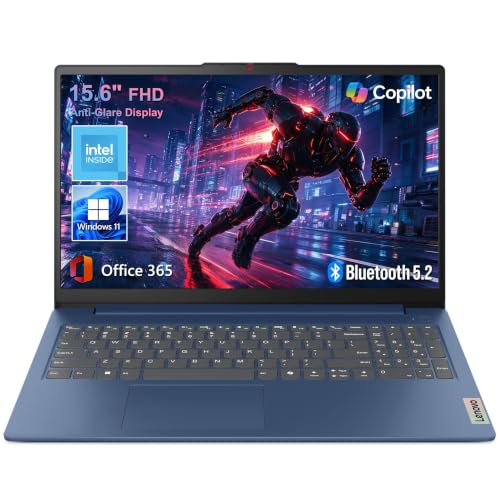


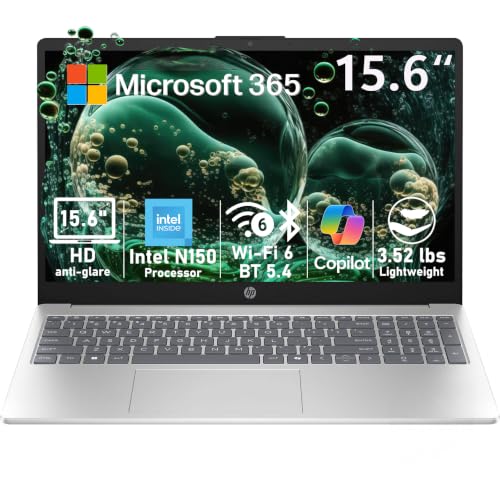
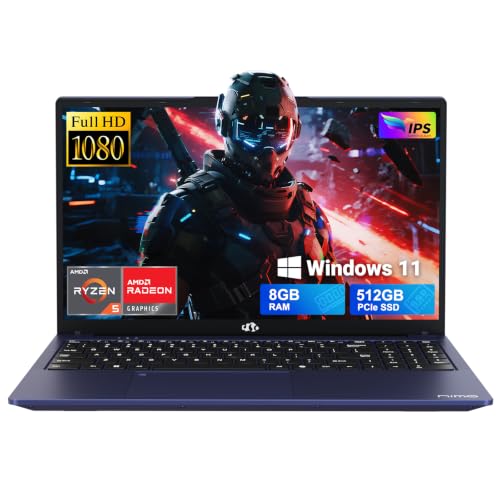

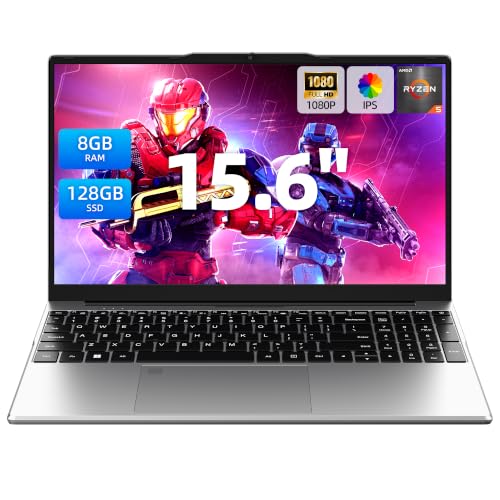
What 500 Dollars Realistically Gets You
Most models at this price use an entry or lower-midrange processor, eight gigabytes of memory and a 256GB or smaller drive. Screens are usually Full HD on better models and basic HD on the cheapest, and bodies are plastic. Touch screens appear on some models, usually at the cost of brightness or battery life.
You will not find fast graphics, premium materials or a high-refresh display, but the basics are covered for everyday use.
The Memory and Storage Trap
The most common mistake at this price is accepting four gigabytes of memory or a very small drive to save a few dollars. Four gigabytes struggles with modern browsers, and a 64GB or 128GB drive fills up quickly once system updates and apps take their share. Aim for eight gigabytes of memory and at least a 256GB solid state drive.
Check the type of storage too. Solid state drives make a laptop feel much faster than older mechanical drives.
Screen Quality on a Budget
A Full HD display is worth looking for, because a basic HD panel looks soft at 15 inches and tires your eyes. Panel type matters too: IPS screens have better viewing angles and colors than cheaper alternatives. Brightness is often modest, so a matte finish helps indoors.
If you use the laptop outdoors or in a bright room, check buyer comments about screen brightness before you buy.
Processor Choices and Everyday Speed
Entry processors handle web and office tasks, but they struggle when many tabs and a video call run at once. A midrange processor makes the experience smoother. Look for recent generations, since older chips sold at low prices may be slower and less efficient.
A slower processor paired with a solid state drive and eight gigabytes of memory often feels better than a faster processor with weak memory and storage.
Battery Life and Build
Budget laptops vary in battery life from three or four hours to a full day. Read buyer comments for realistic figures, since maker claims are optimistic. Build quality is plastic, so look for a hinge that feels firm and a keyboard that does not flex.
A sturdy hinge matters more than the look of the lid, because it fails first on a laptop that is opened and closed daily.
Keyboard, Trackpad and Ports
A full-size keyboard with a number pad is a benefit of the 15 inch size. Check for a trackpad that works smoothly, and for ports that match your devices: USB-C, USB-A, HDMI and a headphone jack. Missing ports mean carrying adapters.
Software and Operating System
Most laptops at this price run Windows, and some run ChromeOS. Windows offers the widest range of software, while ChromeOS is simpler and faster on modest hardware. If your tasks run in a browser, a Chromebook may feel quicker for the money.
Remove preinstalled trial software when you set up, since it can slow a modest laptop.
Making a Budget Laptop Last
Keep the laptop updated, close apps you are not using and avoid filling the drive. Use a padded sleeve, keep vents clear and use the battery care setting. If it slows down after a year or two, a memory or drive upgrade, where possible, often gives it new life.
Mistakes Buyers Make at the 500 Dollar Mark
The biggest mistake is buying on screen size and price alone and ignoring the memory and drive, which decide how the laptop feels after the first year. Another is trusting an unfamiliar brand with an impressive list of specifications and no buyer history, since quality control and support vary widely among very cheap makers. A third is paying extra for a touch screen that dims the display and shortens battery life.
Read recent buyer comments, look for consistent reports on keyboard flex, hinge strength and fan noise, and check how easy the return process is before you order.
What to Check in the First Week
Open the laptop and run the system updates, then check the screen for dead pixels and uneven backlight. Type for a while to judge the keyboard, try the trackpad and listen for fan noise or rattles. Install the apps you rely on and see how they behave with several tabs open.
If anything feels wrong, use the return window quickly. A laptop at this price should feel solid and quick for everyday tasks, and a poor sample is better returned than tolerated.
Used or Refurbished Instead?
Some buyers consider a refurbished business laptop instead of a new budget model. These can offer better build and keyboards, but they come with older processors, uncertain battery health and varied warranty terms. A new laptop with a clear warranty is the simpler and safer route, especially for first-time buyers.
If you do consider a refurbished machine, check the seller's warranty and the battery condition carefully.
For related options, see our guides to best 15 inch laptops under 700 and best laptops under 15 inches.
Frequently Asked Questions
Is 500 dollars enough for a good laptop?
Yes for everyday tasks, if you avoid very low memory and tiny drives.
How much memory do I need?
At least eight gigabytes for smooth use.
Should I get a touch screen?
Only if you will use it, since it can reduce battery life and brightness.
Chromebook or Windows at this price?
Chromebooks feel fast for browser tasks. Windows handles more software.
Final Thoughts on the Best 15 Inch Laptops under 500
The best 15 inch laptops under 500 dollars cover everyday needs if you choose enough memory, a decent screen and a firm build. Avoid the weakest corners, check the buyer comments and use the table above to compare current prices. Prices and availability can change, so check the product page before ordering.