
Best 2 in 1 Laptop Under 700 for 2026: Premium Convertibles at a Fair Price
Disclosure: We may earn a commission when you buy through links on this page, at no extra cost to you. As an Amazon Associate I earn from qualifying purchases. Learn more

Best 2 in 1 laptop under 700 explained: what the money buys, Chromebook versus Windows and the specs worth paying for.
Between five and seven hundred dollars, a 2-in-1 laptop stops feeling like a compromise. You can find sturdier bodies, brighter screens, faster processors, eight to sixteen gigabytes of memory and better hinges. This guide to the best 2 in 1 laptop under 700 shows where the extra money goes and which models make sense at this price.
The product table lists convertibles under the limit and available new, covering premium Chromebooks and a few Windows models. There are fewer choices at this price than in the cheaper or pricier tiers, so the sections below help you tell them apart.
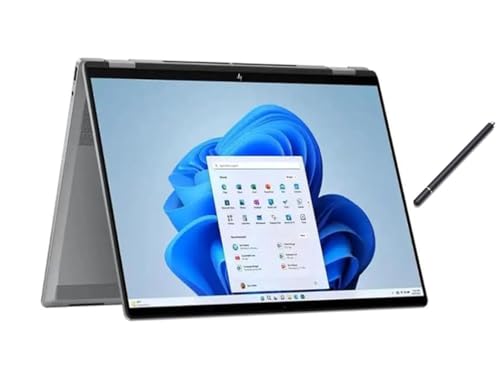
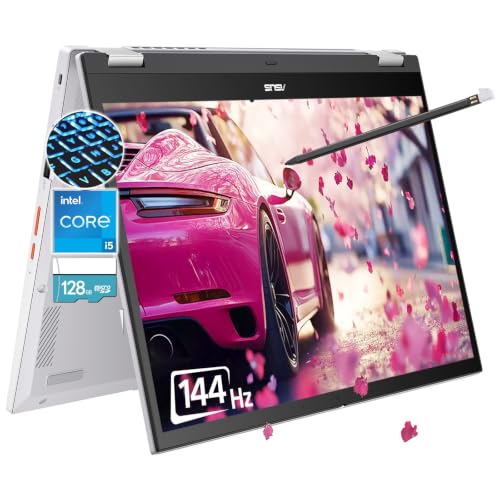

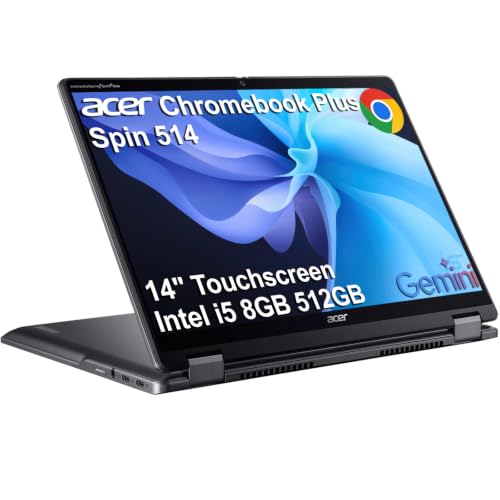
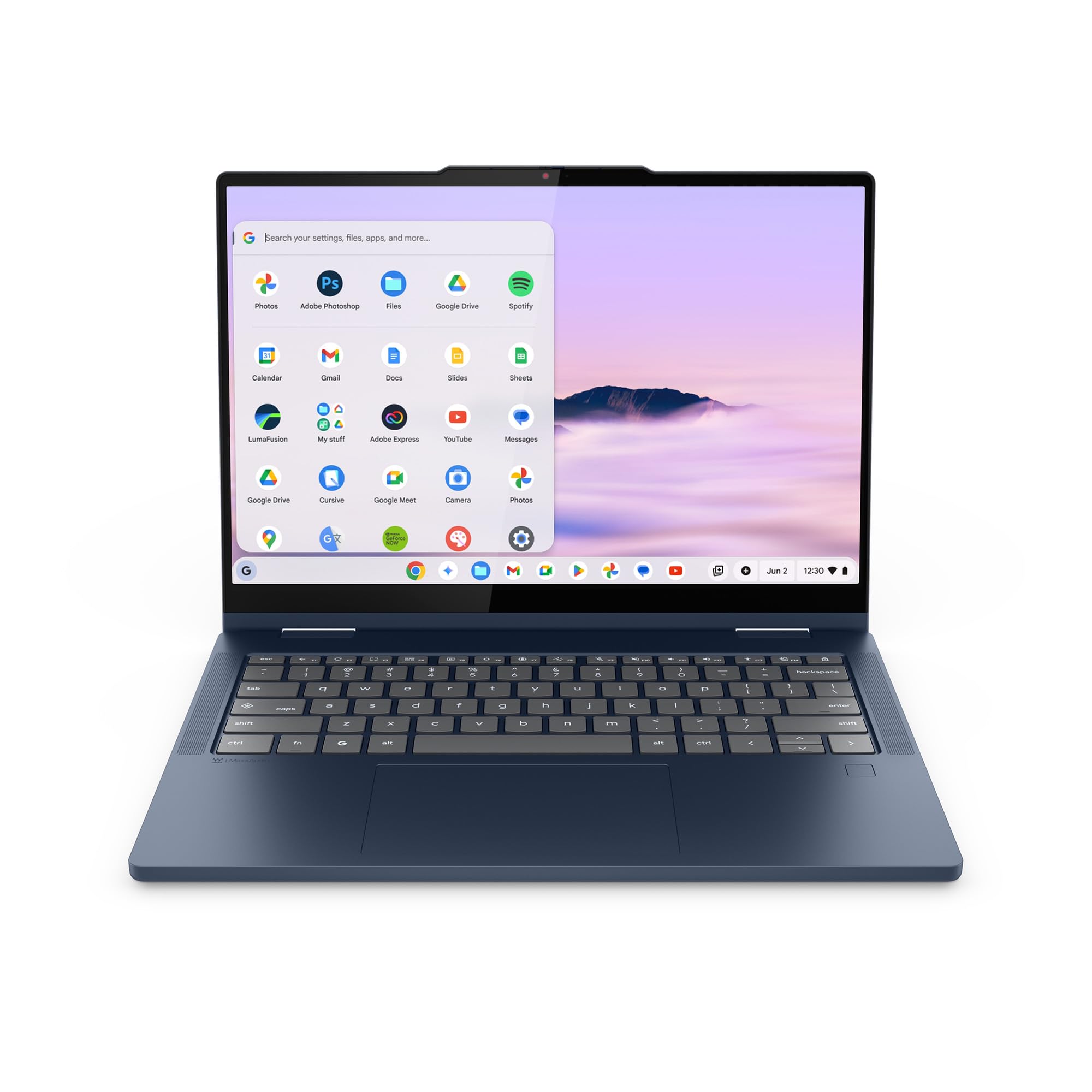
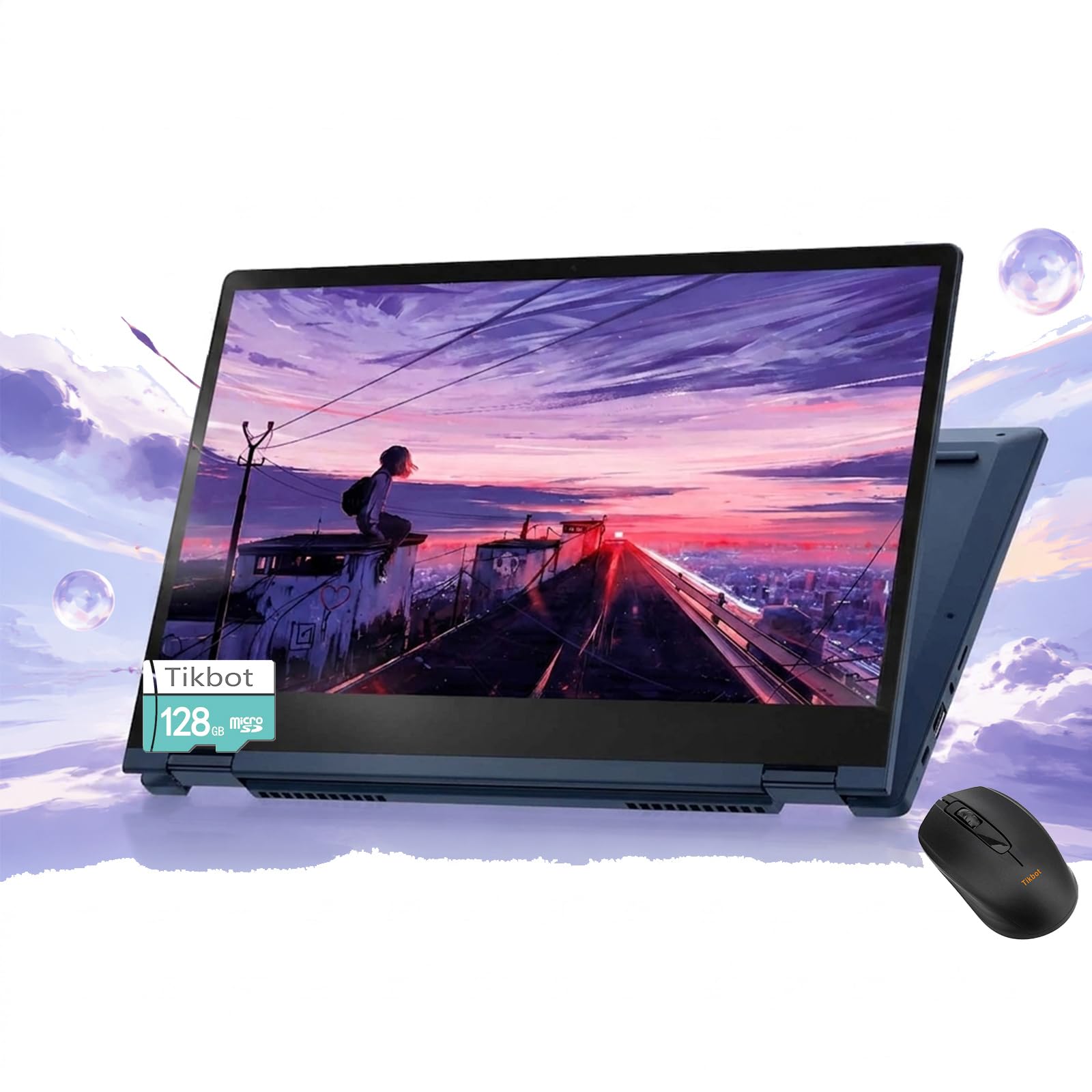
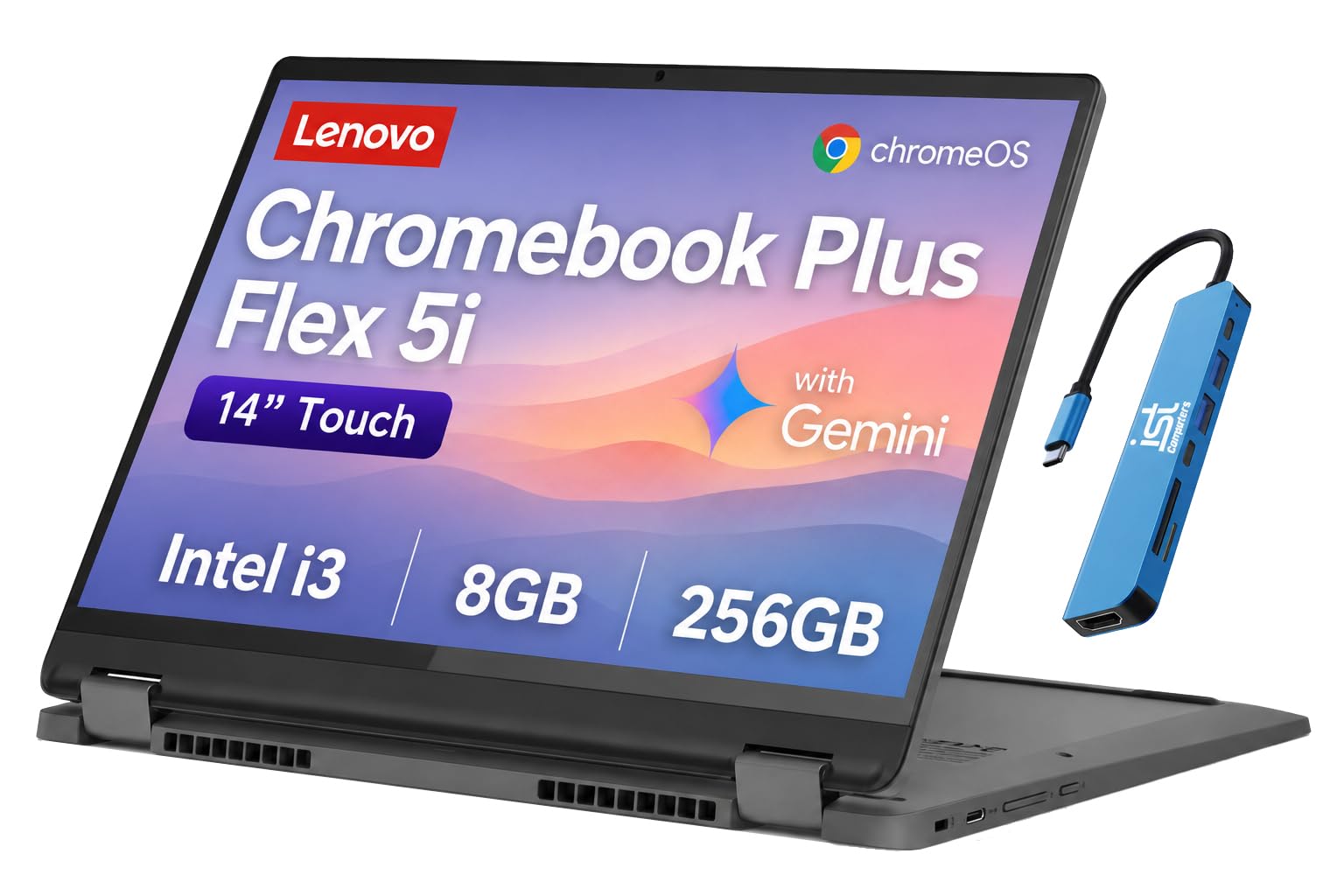
What 700 Dollars Buys
Expect a metal or well built plastic body, a Full HD or better touchscreen with decent brightness, a modern processor that stays responsive and a battery that lasts most of a day. You get a machine that feels more like a main laptop than a spare.
Premium Chromebooks Versus Windows
Most convertibles in this range are premium Chromebooks, which offer fast start, long battery and simple use. Windows convertibles at this price usually have entry level processors and make up the difference with features. If you need Windows software, expect to compromise on speed or storage, and if you work in a browser, a premium Chromebook gives the best experience.
Processor and Memory
Look for eight gigabytes of memory at minimum and sixteen if you keep many tabs open. A mid range processor handles multitasking and light photo editing. Heavy tasks such as video editing need more power than these machines provide.
Storage
A 128 or 256 gigabyte SSD is typical. If you use cloud storage, that is plenty. If you keep offline files and Android apps, 256 gigabytes or more is more comfortable.
Display and Pen
A brighter display with good colour makes work and play nicer. Some models in this range include a stylus, and some support a proper pen. If you plan to draw or take lots of handwritten notes, check the pen type in the listing.
Hinge and Build
At this tier, hinges are stronger and bodies are stiffer. Look at buyer comments about keyboard flex and hinge wobble. Metal lids resist scratches, and a backlit keyboard makes night use easier.
Battery and Charging
A day of light use is typical. Charging over USB-C is common, which means one charger for a phone and the laptop. Fast charging is a bonus.
Warranty and Update Window
For Chromebooks, check how long the maker promises updates. A longer window protects your investment. For Windows laptops, check that the warranty covers the first year or two.
Setup Tips
- Install updates and the pen driver if you have one.
- Move your files and settings from the old machine.
- Keep the screen clean with a soft cloth.
- Back up weekly.
Where the Extra Money Goes
Compared with budget models, machines in this range gain a stiffer chassis, a brighter and sharper display, more memory and a quicker processor. The hinge and keyboard get better, and you often see features such as a backlit keyboard, a fingerprint reader and a privacy shutter on the camera. These are the details that make a laptop pleasant to use every day, rather than just acceptable.
Choosing Between Few Options
Because the choice is smaller, read the listing details for each model and compare memory, storage, screen resolution and pen support side by side. Look at buyer comments about the keyboard and battery, since these vary the most between models. If two models are close, choose the one with more memory, since it cannot be upgraded later on many thin laptops.
Pen Use at This Price
Several models in this range work with a stylus, and some bundle one. A bundled stylus may be a simple capacitive type, so confirm whether the screen supports an active pen if you plan to draw or write a lot. For notes and annotation, either type is fine, and for sketching, an active pen is a real improvement.
What You Still Give Up
You will not get the best displays, the lightest bodies or the fastest processors of premium laptops. Heavy photo and video work will feel slow, and gaming is limited. For anyone who works mainly in documents, the web and video calls, these limits rarely matter.
When to Step Up or Down
If your budget is tight, the best of the cheaper tier covers most needs. If you want a main laptop that lasts for years, spend a little more for a brighter display and sixteen gigabytes of memory. Pay for what you will use daily, and skip features you will use once a year.
Checking the Details That Matter
Compare memory, storage and screen brightness side by side and read buyer comments about the keyboard and the hinge. For Chromebooks, confirm the update end date. A model with a slightly lower price but a shorter update window may cost you more over time. Keep the return window in mind as you check the touchscreen and the speakers.
Using the Money Wisely
If you can, choose more memory over a faster processor, and a brighter screen over extra storage that you will fill with cloud files anyway. Add a sleeve and a spare charger from the savings. A well matched mid range convertible feels like a much more expensive machine.
Frequently Asked Questions
Is 700 dollars enough for a good 2-in-1?
Yes. It buys a well built machine for most uses.
Chromebook or Windows?
Chromebook for simplicity and battery life, Windows for desktop software.
Will it handle photo editing?
Light editing yes. Heavy work needs more power.
Does it include a pen?
Some do. Check each listing.
How long will it last?
Plan for four or more years of regular use.
How do I choose the best 2 in 1 laptop under 700?
Compare memory, storage, screen brightness and the update window for Chromebooks.
Final Verdict
The best 2 in 1 laptop under 700 has sixteen gigabytes of memory if you can get it, a sturdy hinge and a bright screen. Compare the options in the product table and see our guides on the best touchscreen 2-in-1 laptop and how to choose a 2-in-1 laptop. Prices and availability change, so check the product page before ordering.


