
Best 16 GB Laptops in 2026: Memory Guide
Disclosure: We may earn a commission when you buy through links on this page, at no extra cost to you. As an Amazon Associate I earn from qualifying purchases. Learn more

Why 16 GB is the sweet spot, how soldered and upgradeable memory differ and what to check when choosing the best 16 GB laptops.
Sixteen gigabytes of memory has become the comfortable middle for modern laptops. It is enough for dozens of browser tabs, a video call, office apps and a photo editor open together, without the slowdowns that appear when memory runs out. This guide explains what to look for when you shop for the best 16 GB laptops, and how the way memory is built in changes what you can do later.
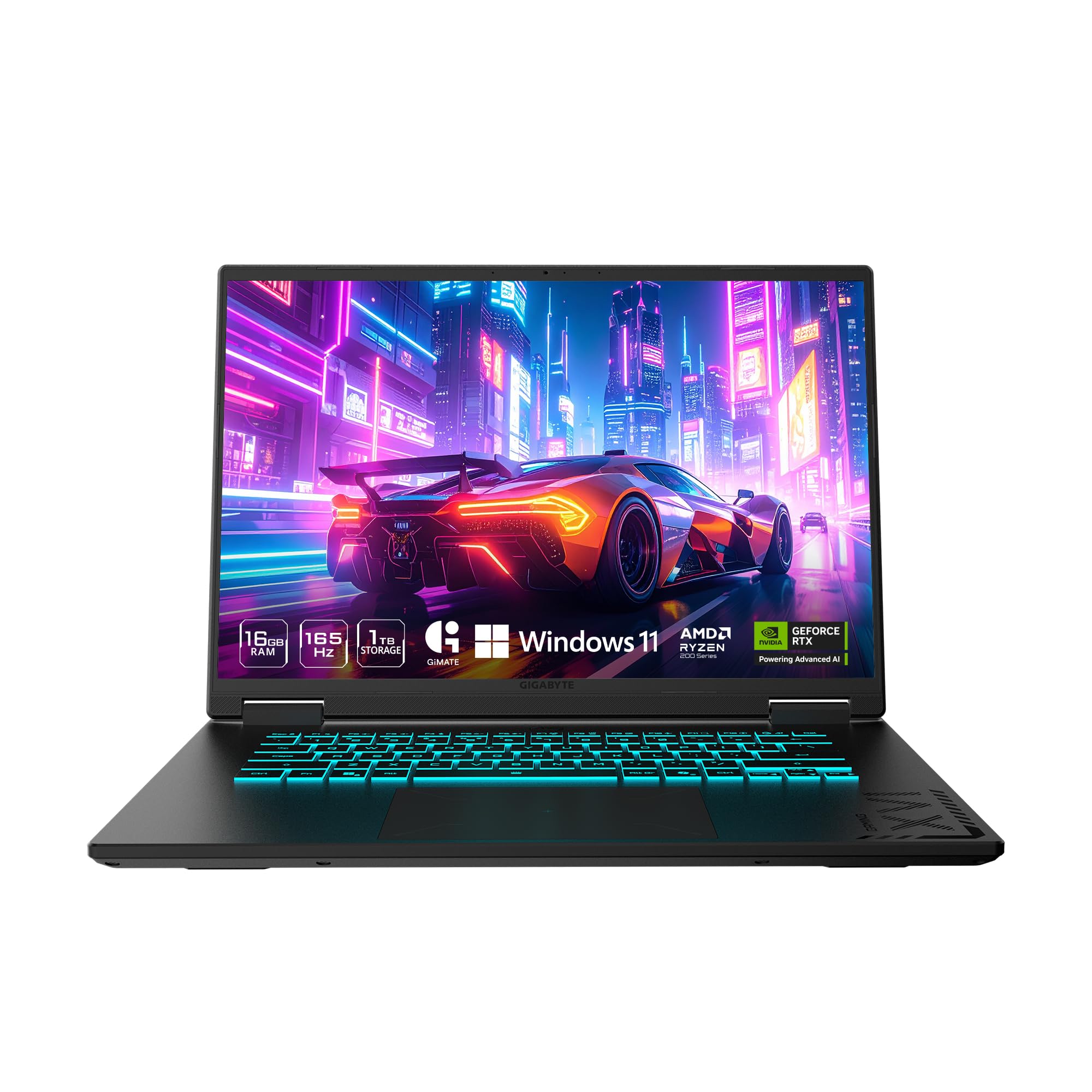
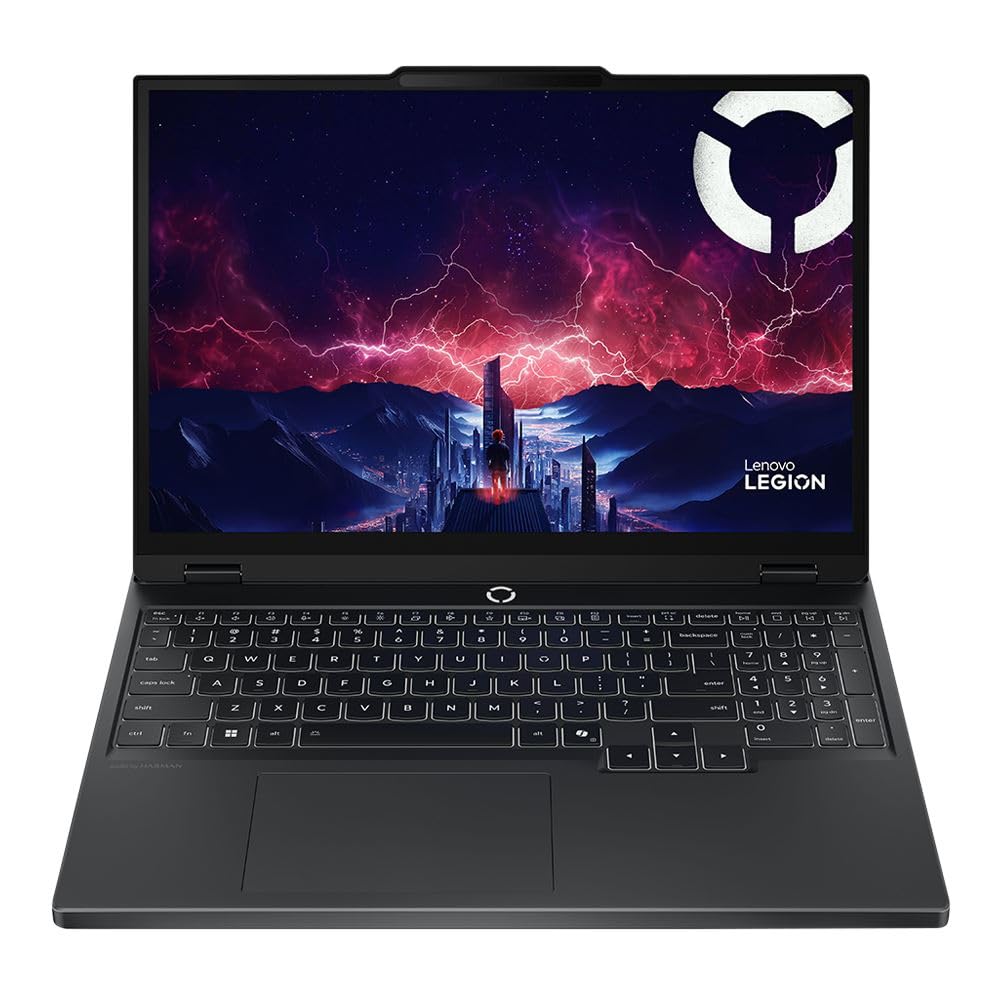
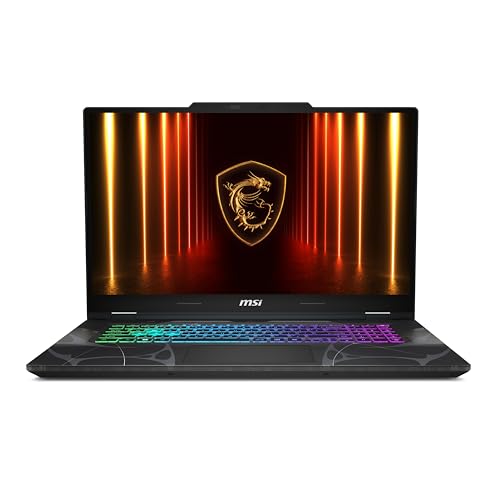
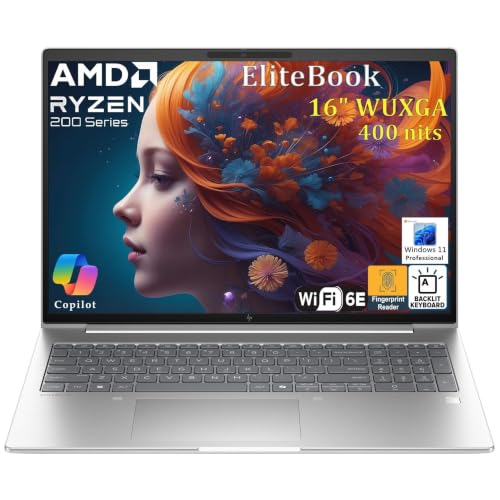
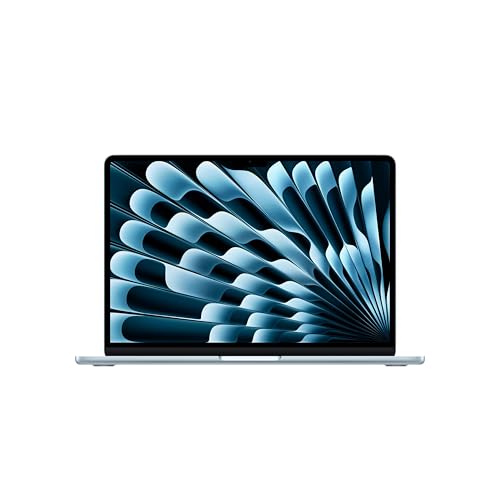
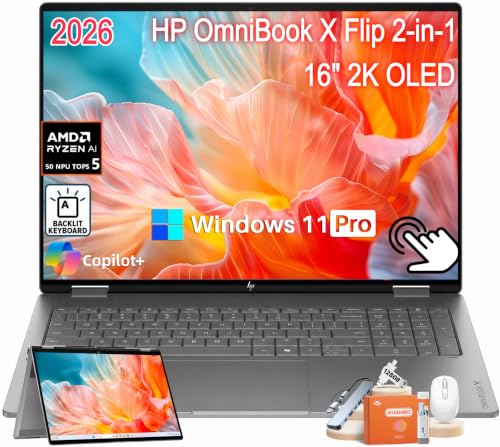
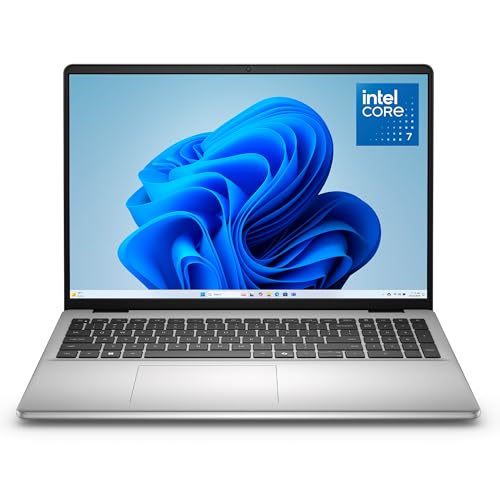
The product table shows laptops across screen sizes and price levels, all described with 16 GB of memory in the listing. Use the sections below to look past the memory number and find the laptop that fits your work.

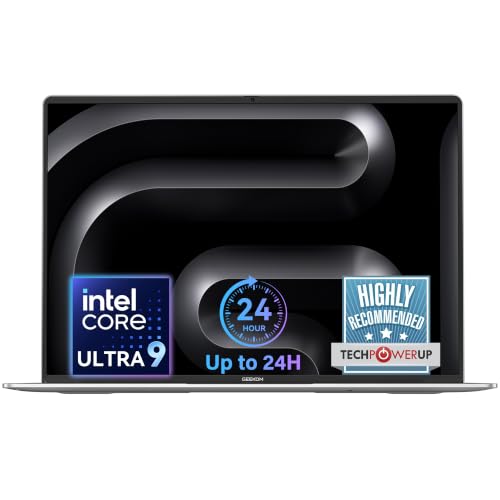
Why 16 GB Is the Practical Baseline
Eight gigabytes still runs a laptop, but today's browsers, chat apps and cloud tools use a lot. When memory fills, the system swaps data to the drive and everything slows. Sixteen gigabytes gives room for multitasking and helps the laptop stay responsive for years as software grows. If you are choosing between an eight and a sixteen gigabyte model at a modest price difference, sixteen is usually the wiser buy. See our guide to 8 GB RAM laptops if your budget is tighter.
More than 16 GB matters for specific jobs: large video timelines, heavy photo stacks, virtual machines, big spreadsheets and some games. If you do any of these regularly, consider a model that lets you add memory later.
Soldered, Upgradeable and Unified Memory
How memory is attached decides your upgrade options. Many thin laptops solder memory to the board, so you cannot change it and must choose the right amount at purchase. Some laptops use slots, which lets you add or replace modules. Certain gaming and business models offer one or two slots, and a few use a mix of soldered and slotted memory.
Unified memory, used in some current laptops, shares one pool between the processor and the graphics. It is fast and efficient, but it is also fixed at purchase. If a listing does not say whether memory is upgradeable, assume it is not, and choose the larger size if you may need it.
Dual Channel and Memory Speed
Two memory modules working together, called dual channel, deliver more bandwidth than a single module of the same total size. For laptops with integrated graphics, this can noticeably improve graphics performance. A listing that says 16 GB as two 8 GB modules is usually better for performance than a single 16 GB module, if the laptop supports it.
Speed is also stated in the listing as a number followed by MT/s or MHz. Faster memory helps, but the effect is smaller than adding capacity. Do not choose a laptop only for a higher memory speed if it sacrifices a better processor or display.
Match the Rest of the Laptop to the Memory
Memory only helps if the other parts keep up. Look at the processor class, the type of storage and the display. A solid state drive is essential, and 512 GB is a sensible starting size. A good display with accurate color and brightness matters if you edit photos or read text for long hours, and a numeric keypad and comfortable keyboard matter if you type all day.
- Processor: choose a current generation chip suited to your tasks, such as a standard class for office work or a high performance class for creative work.
- Storage: prefer a fast NVMe drive and check whether a second slot exists.
- Battery: look at the watt hour rating and read real world comments.
- Ports: check for USB C with charging and display output, plus HDMI if you present.
- Weight: a lighter laptop is easier to carry, which matters if you travel.
Which Type of 16 GB Laptop Fits You
Students and office workers do well with a thin and light laptop, usually in the 13 to 15 inch range, with 16 GB, a fast drive and a long battery. Creators benefit from a brighter, color accurate screen and a stronger processor or dedicated graphics. Gamers should look at the graphics card and cooling more than the memory number, and Linux users should check driver support. For wider comparisons, see our guides to notebook laptops and 16 inch laptops.
Reading a Listing for Memory Details
Listings often mix several numbers, so read them carefully. The memory size is usually shown near the processor name, followed by the memory type such as DDR5 or LPDDR5X. LPDDR types are low power and almost always soldered, while a full size DDR type with a slot hints at an upgradeable laptop. If the product page lists a maximum supported memory, that is a good sign that slots exist.
Be careful with listings that show a larger memory number than the manufacturer's page. Some sellers reconfigure laptops with extra memory or storage, which can affect the warranty. Check the seller's return policy and confirm what is included. A listing with clear details, photos of the ports and a named model number is easier to trust than one filled with vague marketing words.
Mistakes to Avoid
The most common mistake is paying for memory while accepting a weak processor or a poor screen. A laptop with 16 GB and an old, slow processor will still feel sluggish. Another mistake is ignoring storage: a laptop with 128 GB of space fills up quickly, no matter how much memory it has. Finally, avoid buying the thinnest model if you do heavy work, because thin laptops can slow down under load to keep temperatures in check.
Frequently Asked Questions
Is 16 GB of RAM enough for a laptop?
For most people yes. It handles office work, many browser tabs, video calls and light creative work. Heavy video editing and large virtual machines benefit from more.
Can I upgrade the memory later?
Only if the laptop has memory slots. Many thin models solder the memory, so check the listing and choose the capacity you need at purchase.
Is 16 GB better than 8 GB for gaming?
Yes. Many current games run better with 16 GB, and the extra headroom helps with background apps and streaming.
Does more RAM make a laptop faster?
Only when you would otherwise run out. Extra memory prevents slowdowns during multitasking, but it does not speed up a task that already fits in memory.
Final Thoughts
The best 16 GB laptops pair that memory with a good processor, a fast drive and a screen you enjoy looking at. Check whether memory is soldered, prefer dual channel where it is listed and match the weight and battery to your daily routine. Use the product table to compare models, and choose the one that suits your work rather than the one with the longest feature list.


