Best 16 Inch Laptops in 2026: Size and Value Guide
Disclosure: We may earn a commission when you buy through links on this page, at no extra cost to you. As an Amazon Associate I earn from qualifying purchases. Learn more

Is a 16 inch screen right for you? Compare the best 16 inch laptops by weight, battery, keyboard, ports and who each type suits.
A 16 inch laptop gives you more screen than the common 14 or 15 inch sizes without a jump to a heavy 17 inch machine. It suits people who work with spreadsheets, code, design files or video and who want room to spread out. This guide looks at who benefits from the size, what to check in each model and how to find the best 16 inch laptops without guesswork.
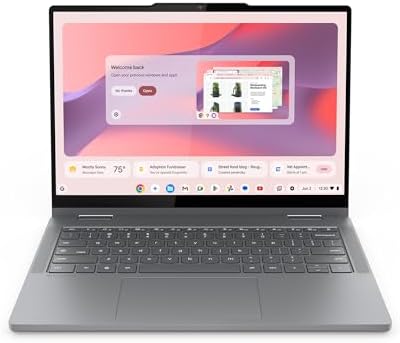
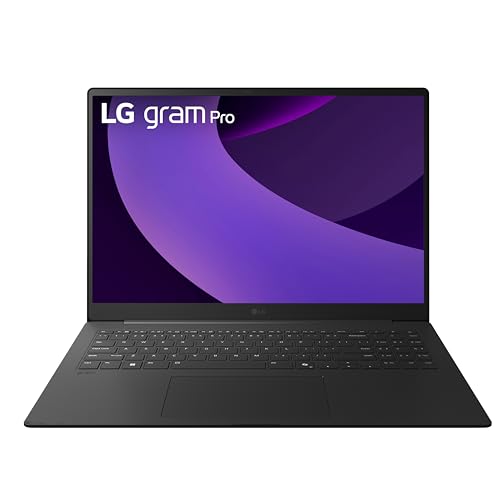
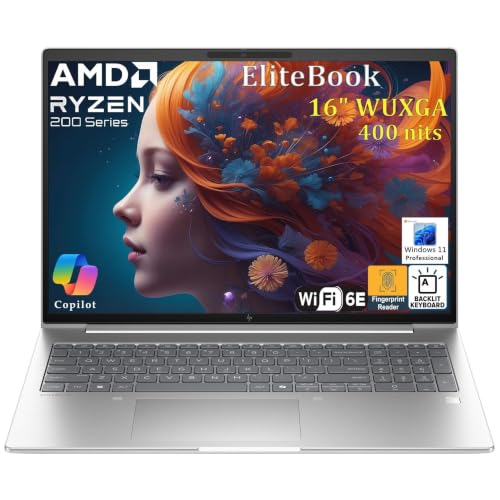
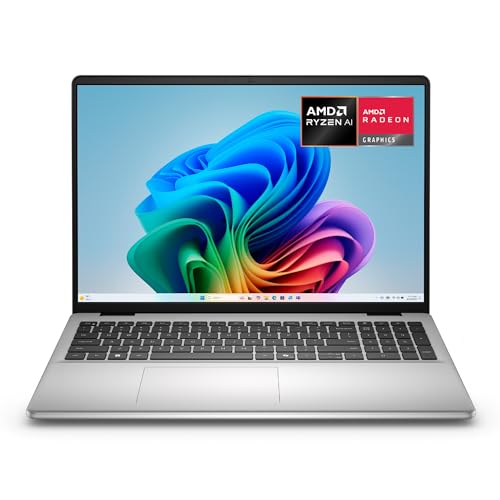
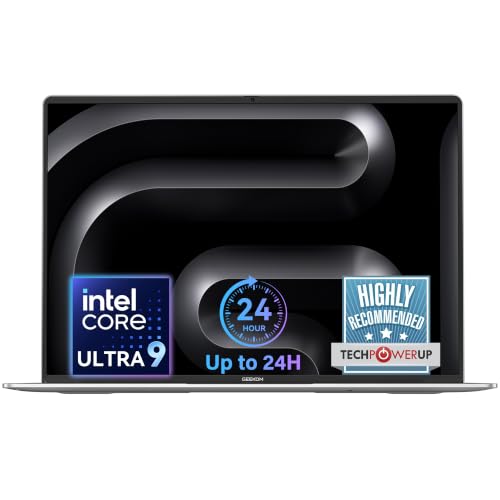
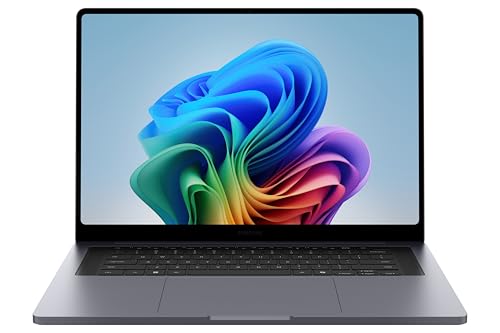
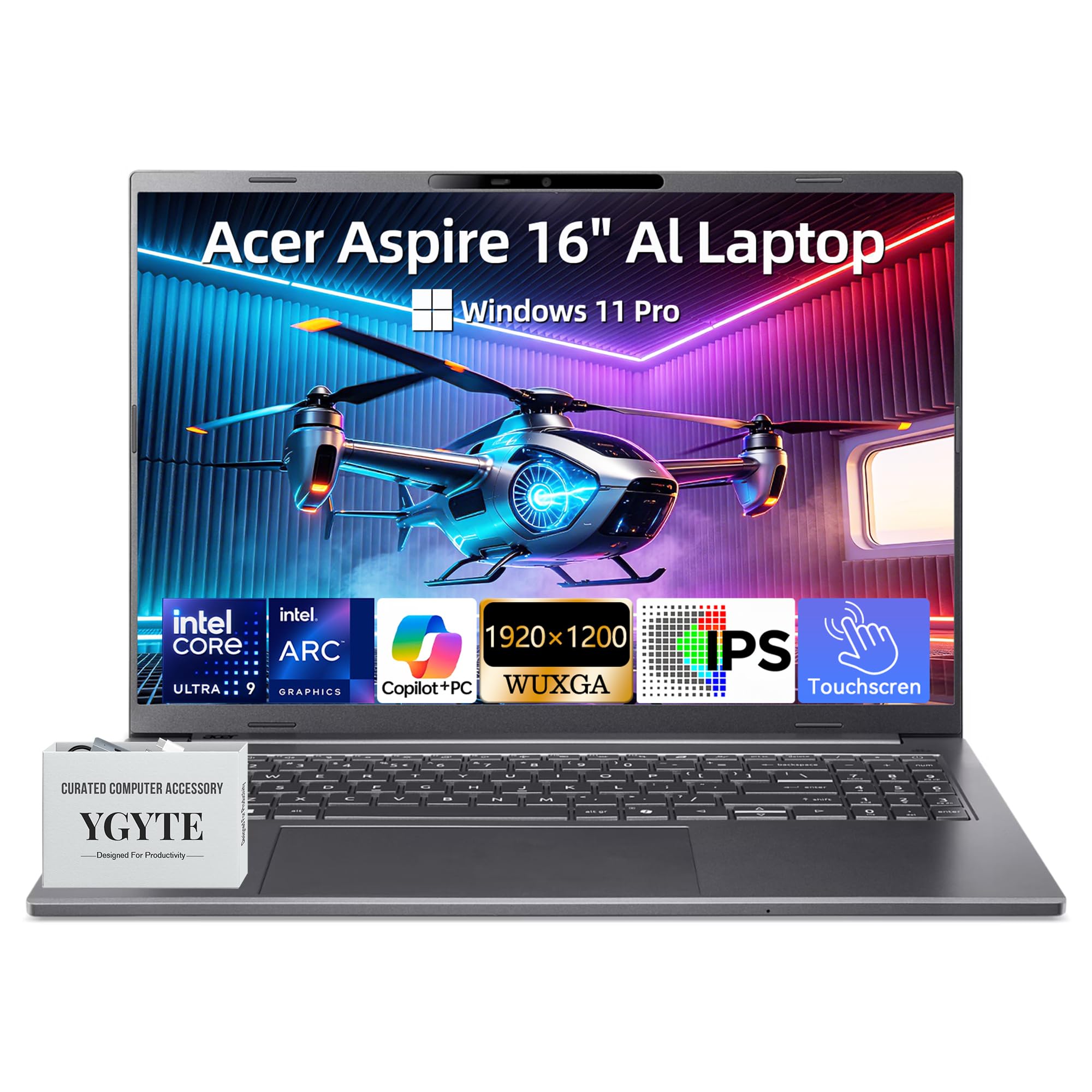
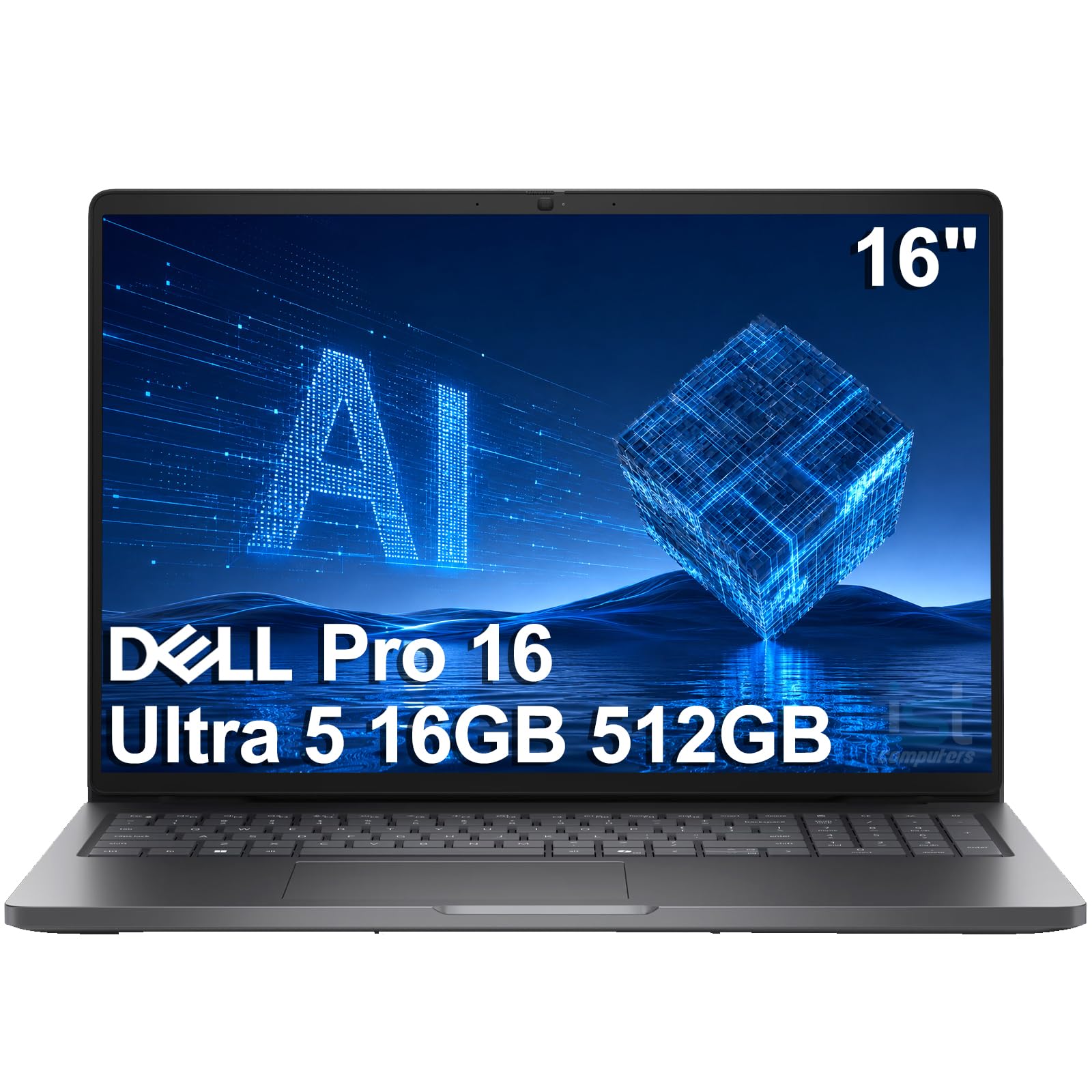
The product table lists thin and light, business and creative models. Read the sections below to decide whether 16 inches fits the way you work.


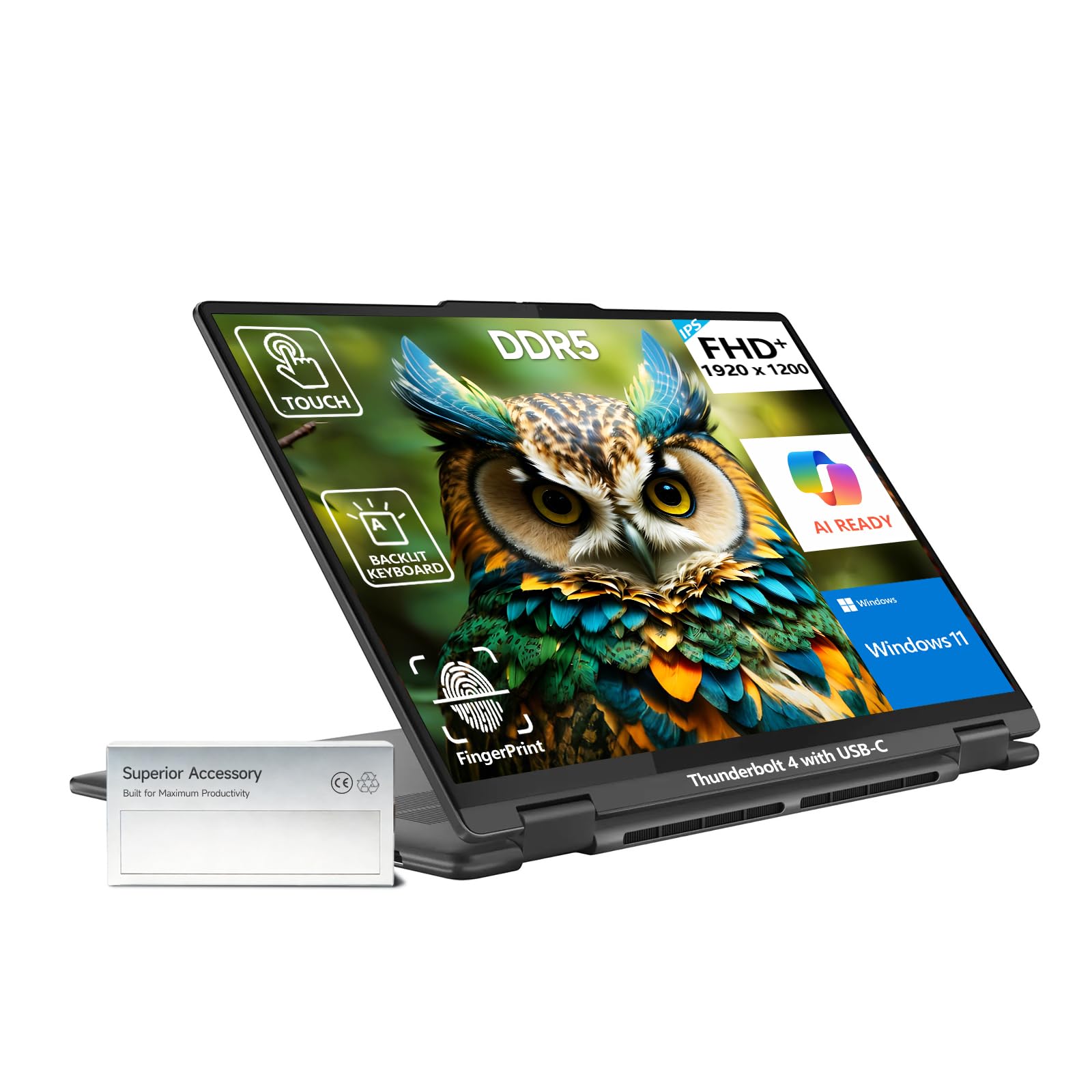
Who Should Buy a 16 Inch Laptop
People who sit at a desk for most of the day, or who move between a home office and a few other places, get the most from this size. The screen shows more rows in a spreadsheet, more lines of code or a bigger canvas for editing. Split screen work, with two windows side by side, is more comfortable than on a smaller display.
If you commute daily or carry your laptop between classes, the extra size and weight may be a nuisance. Many 16 inch models weigh around the same as a 15 inch laptop, but some are heavier. For a smaller option, compare with the how to choose a laptop advice, which explains how size, weight and battery fit different routines.
Screen Shape and Quality
Many 16 inch laptops use a 16:10 aspect ratio, which is taller than the usual widescreen. The extra height gives more room for documents and web pages and makes the laptop feel less cramped. Resolution should be at least full HD plus, and a 2K panel gives sharper text at this size.
Check brightness, color coverage and finish. A bright, color accurate panel is important if you edit photos. A matte coating cuts reflections in bright rooms. Touch support is common on larger convertibles and is a nice bonus if you use a stylus. OLED panels give rich color and contrast but can reduce battery life.
Performance and Cooling
The larger body gives engineers room for better cooling, which means these laptops can sustain higher performance than very thin models. For office work and browsing, an efficient processor is plenty. For design and video work, choose a stronger processor and consider dedicated graphics.
Check how the manufacturer describes the cooling system and the power limits. Reviews that measure fan noise and temperature give a better picture than a feature list. If you plan to use the laptop for gaming, see our dedicated 16 inch gaming laptop guide.
Battery, Weight and Portability
A bigger laptop has room for a bigger battery, but the larger screen also uses more power. Look at the battery capacity in watt hours and at reviews that describe real use. Weight is listed in the specifications and matters if you carry the laptop often. Thin and light 16 inch models trade some cooling for portability.
Charging matters too. USB C charging is handy because one charger can power your laptop and phone, but high power models may need a dedicated adapter. A fast charge feature saves time between meetings.
Keyboard, Trackpad and Ports
Typing comfort is a big part of daily use. A 16 inch laptop often has room for a full keyboard with a number pad, which helps with spreadsheets and accounting. Look for good key travel, a backlight and a smooth, large trackpad. Speakers are often better too, because the chassis has space for them.
- USB C ports with display output and charging.
- HDMI for presentations and external monitors.
- A card reader if you work with photos.
- Wi-Fi 6 or newer and Bluetooth for current accessories.
Choosing Between Platforms
Laptops come with Windows, macOS or ChromeOS, and the right choice depends on the software you use. Windows laptops give the widest range of models and prices. Apple laptops offer strong battery life and a consistent experience, and our comparison of MacBook Air versus MacBook Pro explains the differences. Chromebooks are simpler and cheaper, and our Chromebook versus laptop guide helps you decide whether one fits your needs.
Setting Up a 16 Inch Laptop as a Desk Machine
Many owners use a 16 inch laptop as their main computer and plug it into an external monitor, keyboard and mouse at a desk. A laptop stand raises the screen to eye level, and a dock gives you one cable for charging, display and accessories. When you disconnect, the laptop is a complete machine you can take to a meeting or a cafe.
Because the screen is large, a few habits help. Raise the display so the top edge sits at or slightly below eye level, keep the laptop on a hard surface for airflow, and use the display scaling setting to make text comfortable instead of leaning in. If you work in bright rooms, a matte screen or a hood can reduce glare and eye strain.
What to Check Before You Order
Confirm the exact configuration in the listing, since the same model name can come with different processors, memory sizes and drives. Check the return policy and keep the packaging until you are happy. Read the comments about screen quality, because panels vary even within a single model line. Finally, check the warranty and whether accidental damage cover is offered, which is valuable for a laptop that travels.
Weigh the total cost of ownership too. A good bag, a spare charger for the office and a dock add to the price, but they also make a bigger laptop easier to live with. If you plan to keep the machine for four or five years, spending a little more on build quality and a better screen is usually worthwhile.
Frequently Asked Questions
Is a 16 inch laptop too big?
For a desk based routine it is comfortable, and for travel it can be bulky. Check the weight and the dimensions before you buy.
Are 16 inch laptops good for students?
They suit students who stay on campus and need a big screen for projects. Students who carry a laptop all day may prefer a smaller one.
Do 16 inch laptops have better battery life?
They have bigger batteries, but the larger screen uses more power. Battery life depends on the model and the workload.
What aspect ratio is best?
A 16:10 ratio gives extra vertical space for documents and web pages, so it is a popular choice for productivity.
Final Thoughts
The best 16 inch laptops offer a roomy, sharp screen, a comfortable keyboard and enough battery and cooling for your work. Decide how portable you need the laptop to be, check the screen and ports and compare options in the product table. Choose the size for the way you work, and let the rest of the specifications follow from that.