
Best 2in1 Laptops: Tablet Mode, Stylus and Battery Life Explained for 2026
Disclosure: We may earn a commission when you buy through links on this page, at no extra cost to you. As an Amazon Associate I earn from qualifying purchases. Learn more

Flip it into a tablet for notes or sketches, then back to a laptop for work: the best 2in1 laptops make that switch easy and keep battery and weight reasonable.
A 2 in 1 laptop is a computer with a touchscreen and a hinge that turns it into something else. Fold the screen back 360 degrees and it becomes a tablet, a tent for video or a stand for a presentation. The idea suits students who take handwritten notes, travelers who want one device, and artists who sketch. The best 2in1 laptops do the laptop job well and the extras without too many compromises.
This guide explains the two main designs, what to look for in the screen, stylus support and hinge, how battery life and weight change with the form, and which operating system suits you.

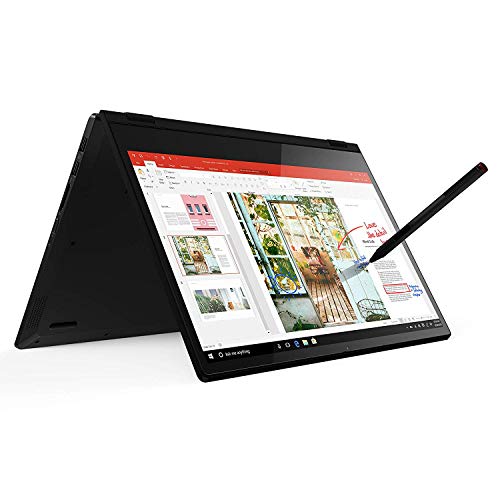


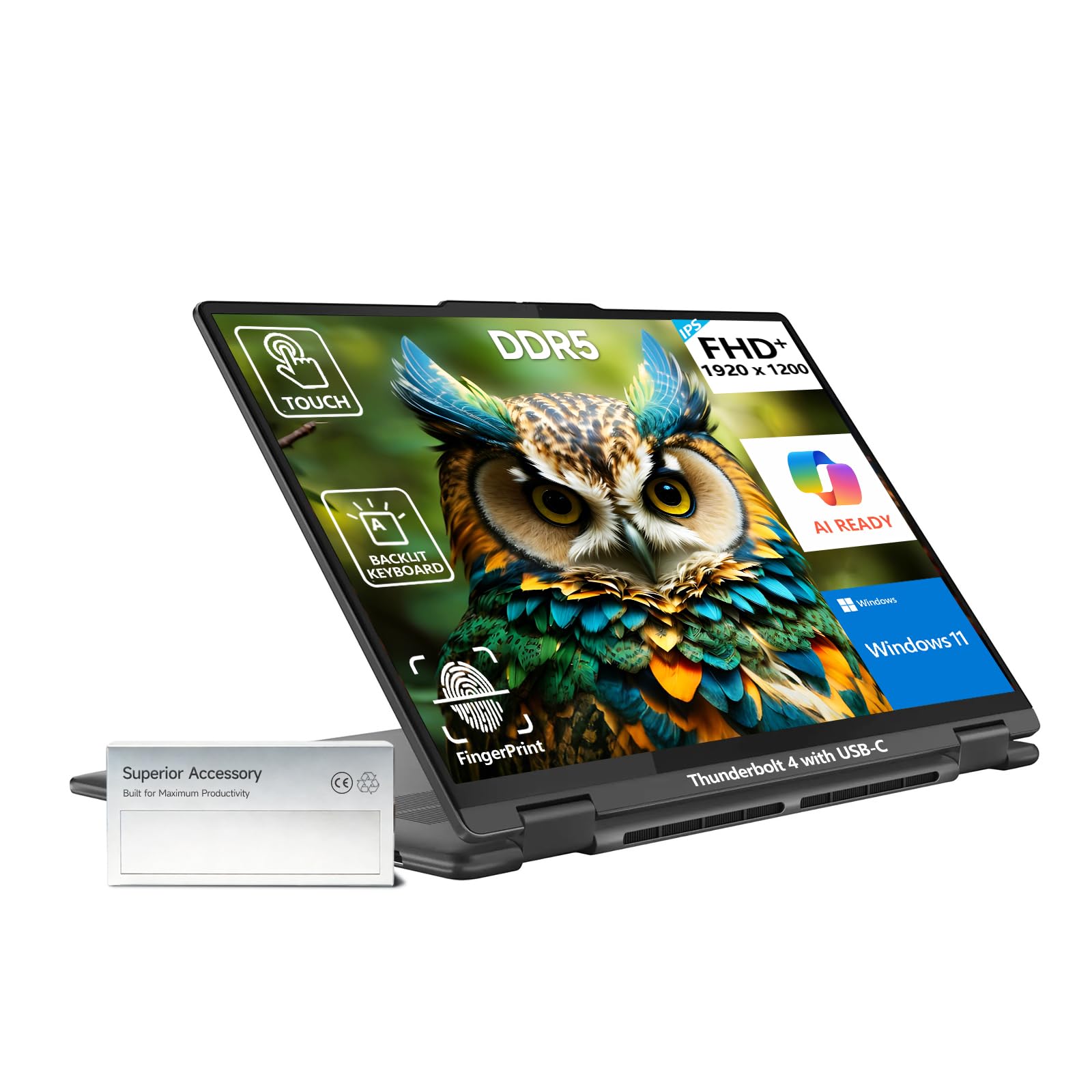


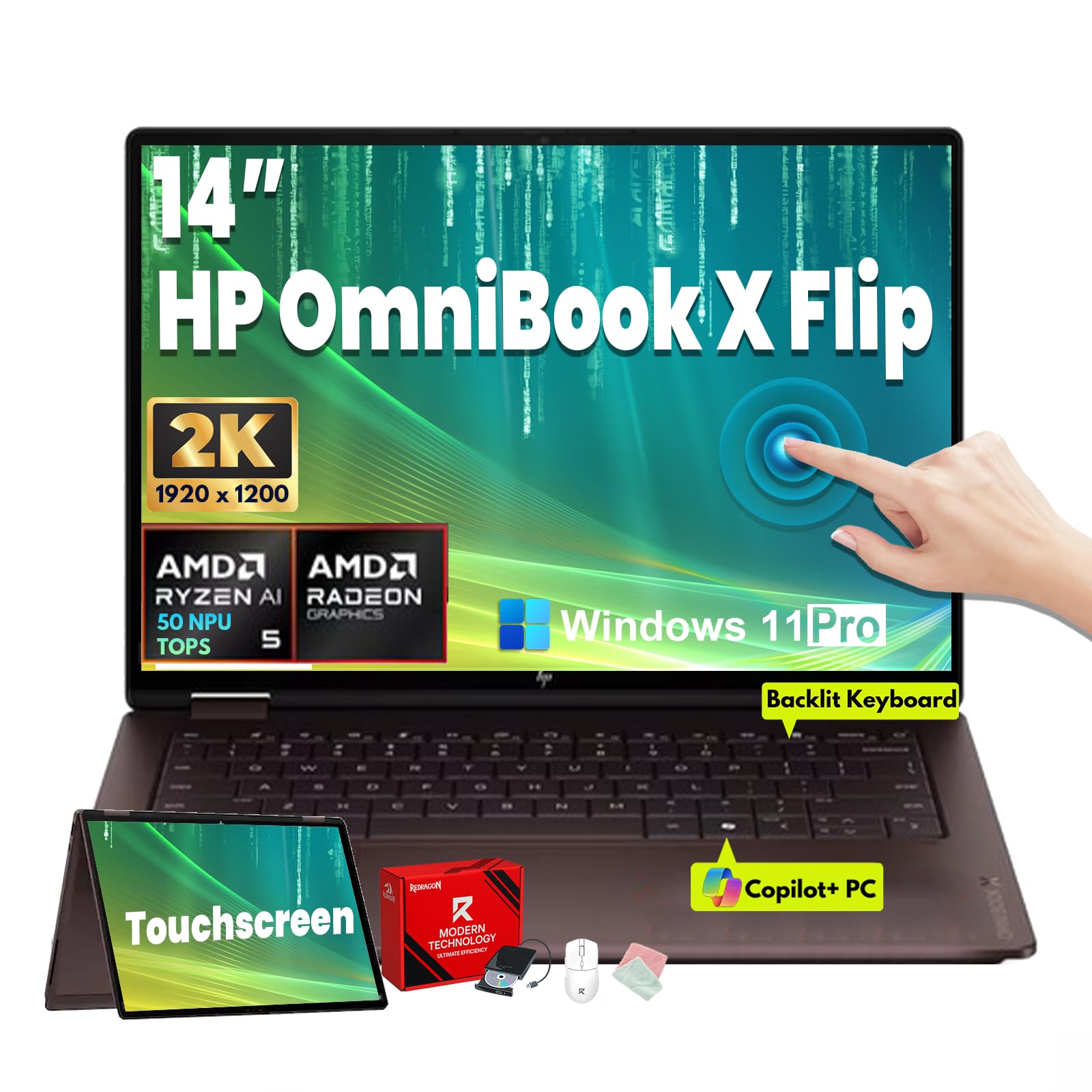
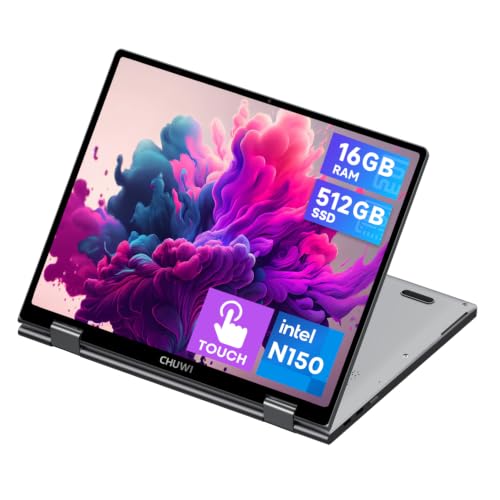
Convertible or Detachable
A convertible has a hinge that flips the screen all the way around, and the keyboard stays attached. It feels like a normal laptop with a bonus mode. A detachable has a tablet that separates from the keyboard, so it is lighter in tablet form but the keyboard dock is less stable on a lap.
For most people a convertible is the better choice if the device is mostly a laptop. If you want a tablet that sometimes becomes a laptop, a detachable is the better fit. Our guide to the reasonable laptops helps compare prices.
The Screen and Touch
A 2 in 1 screen needs good touch response and a bright, readable panel. Look for 16:10 or 3:2 shapes that give more height, which makes tablet mode more comfortable. Brightness above typical office levels helps outdoors, and a glossy touch coating shows reflections, so a model with an anti-glare coating is a plus.
Resolution matters for sharp text. A full HD panel is fine on 13 and 14 inch laptops, and higher resolution OLED screens give richer color and deeper black for media and sketching. Remember that OLED panels use more power with bright white backgrounds.
Stylus and Handwriting
Check whether the device supports an active pen and whether a pen is included. Active pens detect pressure and let you write or draw naturally. Palm rejection means you can rest your hand on the screen. A magnetic or built in pen holder stops the pen from vanishing in a bag.
If you plan to take handwritten notes, check that the screen surface feels right under the pen and that the software supports your note taking app. Our guide to notebook laptops gives other options for plain note takers.
Weight, Hinge and Build
Flipping a laptop into a tablet is less comfortable if it is heavy. Look for a weight that you can hold in one hand for a short time, and a hinge that holds the screen steady but turns smoothly. A stiff hinge makes the screen wobble when you tap, and a loose one flops in tent mode.
Metal lids are sturdier than plastic ones, but they add weight. Keep an eye on the rubber feet, since a keyboard that touches a table in tablet mode can feel odd.
Battery Life and Performance
Battery life depends on the processor, screen and use. A modest processor gives long battery life and is enough for browsing, documents and video. A powerful processor suits creators but drains the battery faster and adds fan noise. Be realistic: choose by what you do most.
Charging by USB-C is convenient and lets you share a charger with your phone. Fast charging helps between classes. For a wider look at the laptop market, see the page on laptops for college.
Windows or Chromebook
Windows 2 in 1s run full desktop programs, so they suit people who need specialist software. Chromebooks are simpler, cheaper and fast to start up, and they run web apps and Android apps. Think about the programs you need before choosing the system.
Mistakes to Avoid
- Buying a heavy 2 in 1 and then never using tablet mode.
- Ignoring the pen: some models do not include one.
- Choosing a glossy screen for use in bright rooms.
- Forgetting about battery life when you pick a powerful processor.
- Overlooking hinge strength in a cheap model.
Using Tablet Mode Day to Day
Tablet mode is best for reading, sketching and handwritten notes, and tent mode suits video and presentations. Put the laptop on a stable surface and flip the screen so the keyboard faces down. In many models the keys are disabled when the screen is flipped, so you do not type by accident.
A few habits help: use a screen cover or protector if you write on the screen daily, keep the pen charged or know how to replace its battery, and clean fingerprints with a soft cloth. If you read a lot, set the display to a warmer color in the evening and increase the text size so you do not strain your eyes.
Ports and Extras
Look for at least one USB-C port that supports charging and video output, and a USB-A port for older accessories. A headphone jack, a card reader and HDMI are useful extras, though thin models drop them. A fingerprint reader or face unlock speeds up logging in when you switch between modes.
Check the webcam quality if you attend video calls, and look for a privacy shutter. Wifi and Bluetooth versions matter for connecting headphones and a mouse. If you travel, a model with a USB-C charger that also works with your phone is lighter to carry.
Frequently Asked Questions
Are 2 in 1 laptops good for students?
Yes, especially for note taking and reading. Choose a light model with a pen.
Do I need a stylus?
Only if you write or draw. Without one, a touch screen still helps with scrolling and reading.
Is a Chromebook 2 in 1 enough for school?
For web based work, yes. If you need specialist software, a Windows model is safer.
How long should the battery last?
Many models last a full school or work day. Check the stated hours and real world user notes.
Final Thoughts
The best 2in1 laptops let you switch modes without feeling the compromises. Choose a convertible for laptop first use, a detachable for tablet first use, and check the pen, screen and weight. Match the processor to your work so that battery life holds up.
Prices and availability can change, so check the product page before ordering.


