
Best Laptops for Colleges: What Actually Matters Before You Buy
Disclosure: We may earn a commission when you buy through links on this page, at no extra cost to you. As an Amazon Associate I earn from qualifying purchases. Learn more

Our checklist for the best laptops for colleges and three picks that pass it, from value Windows to MacBook Air.
A college laptop has a tougher job than most. It goes to lectures, libraries and coffee shops every day, runs a browser with 30 tabs alongside a video call, survives being stuffed into a backpack and needs to last all four years. Choosing one is confusing, with processors, memory, screens and operating systems all marketed as essential. The best laptops for colleges balance all day battery life, enough memory for multitasking, a light build and a price that leaves room for textbooks.
Instead of a long list, we built a checklist of what actually matters for students, then picked three laptops that pass it. Use the same checklist to judge any laptop on your shortlist.




How We Evaluate Laptops for Colleges
We score laptops for college on six criteria: student fit, processor tier, real world battery life, RAM and storage, weight and ports. Each criterion below explains what good and poor look like.
What Students Should Look For
Good: a 13 to 14 inch screen for portability or a 15 to 16 inch screen for students who mostly work at a desk, a comfortable keyboard for long essays, a webcam of at least 1080p for online classes and a build that survives daily commuting. Poor: heavy 17 inch laptops, dim screens below about 250 nits and flimsy hinges.
Also check your major. Engineering, architecture and film programs often publish minimum specs, and some software runs only on Windows.
Processor and Performance Tier
Good: Apple M series chips, Intel Core Ultra 5 or 7, Intel Core i5 or i7 from recent generations or AMD Ryzen 5 or 7. These handle note taking, research, spreadsheets, coding and light photo editing smoothly. Poor: entry level Celeron, Pentium or Intel N series chips for anything beyond browsing and documents.
Students in engineering, data science or video editing benefit from higher tier processors and, for some programs, a dedicated GPU.
Battery Life in Real World Use
Good: 10 or more hours of mixed real world use, enough for a full day of classes without hunting for an outlet. Apple's M series laptops lead here. Poor: under about 6 hours, which forces you to carry a charger everywhere.
USB C charging is a big plus, since one charger can top up your laptop, phone and tablet, and fast charging restores hours of use in about 30 to 60 minutes.
RAM and Storage
Good: 16GB of RAM for smooth multitasking through four years, and 512GB SSD storage for software, projects and media. Poor: 8GB of RAM, which can slow down with many tabs and apps, and 128GB to 256GB storage that fills quickly.
Cloud storage helps, but local space still matters for offline work and large files. RAM is often soldered and cannot be upgraded later, so buy enough upfront.
Weight and Portability
Good: under about 3 pounds for students who walk across campus daily, with a slim profile that fits in a backpack sleeve. Poor: 5 pounds or more, which becomes a burden over a semester.
A 15 to 16 inch laptop around 3.5 to 4 pounds is fine for students who mainly work in a dorm or library.
Ports and Connectivity
Good: at least two USB C ports, ideally with Thunderbolt or USB4, plus HDMI or a USB A port for older accessories, and WiFi 6, 6E or 7 for crowded campus networks. Poor: a single port that forces you to carry dongles everywhere.
A headphone jack is still useful for lectures and language labs.
3 Picks That Pass Our Checklist
The Apple MacBook Air 13 with M4 is our best overall laptop for college for its long battery life, light build and 16GB of memory, the Acer Aspire Go 15 with Ryzen 7 is the best value Windows laptop, and the Dell XPS 13 9350 is the best premium Windows pick for students who want a compact, high end machine. Check the product table above for current prices.
| Award | Product | Key Spec | Best For |
|---|---|---|---|
| Best Overall | Apple MacBook Air 13 (M4) | M4 chip, 16GB unified memory, 13.6 inch display | Most students, all day battery |
| Best Value | Acer Aspire Go 15 (Ryzen 7 7730U) | 16GB RAM, 512GB SSD, 15.6 inch FHD, WiFi 6 | Students on a budget who want Windows |
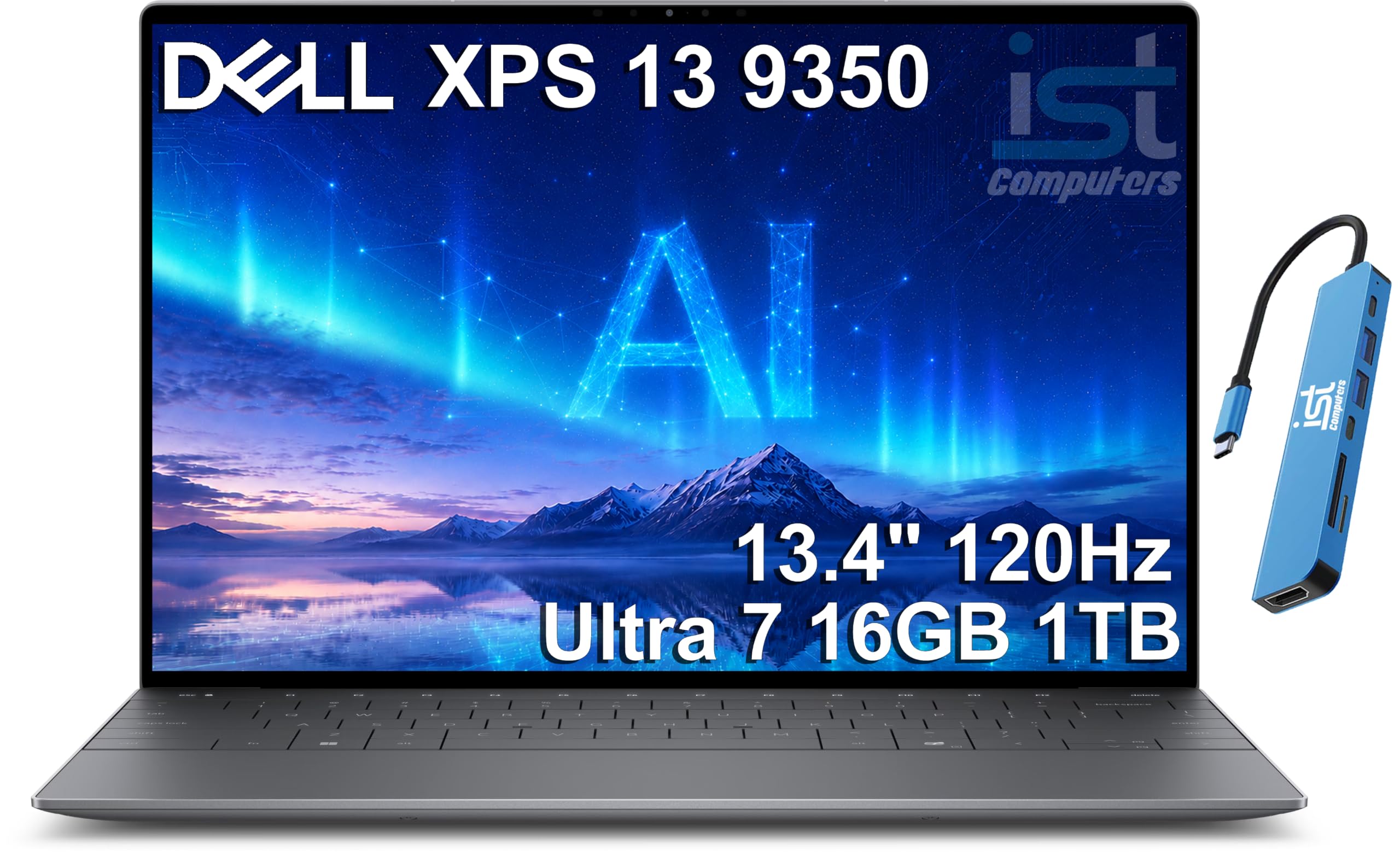
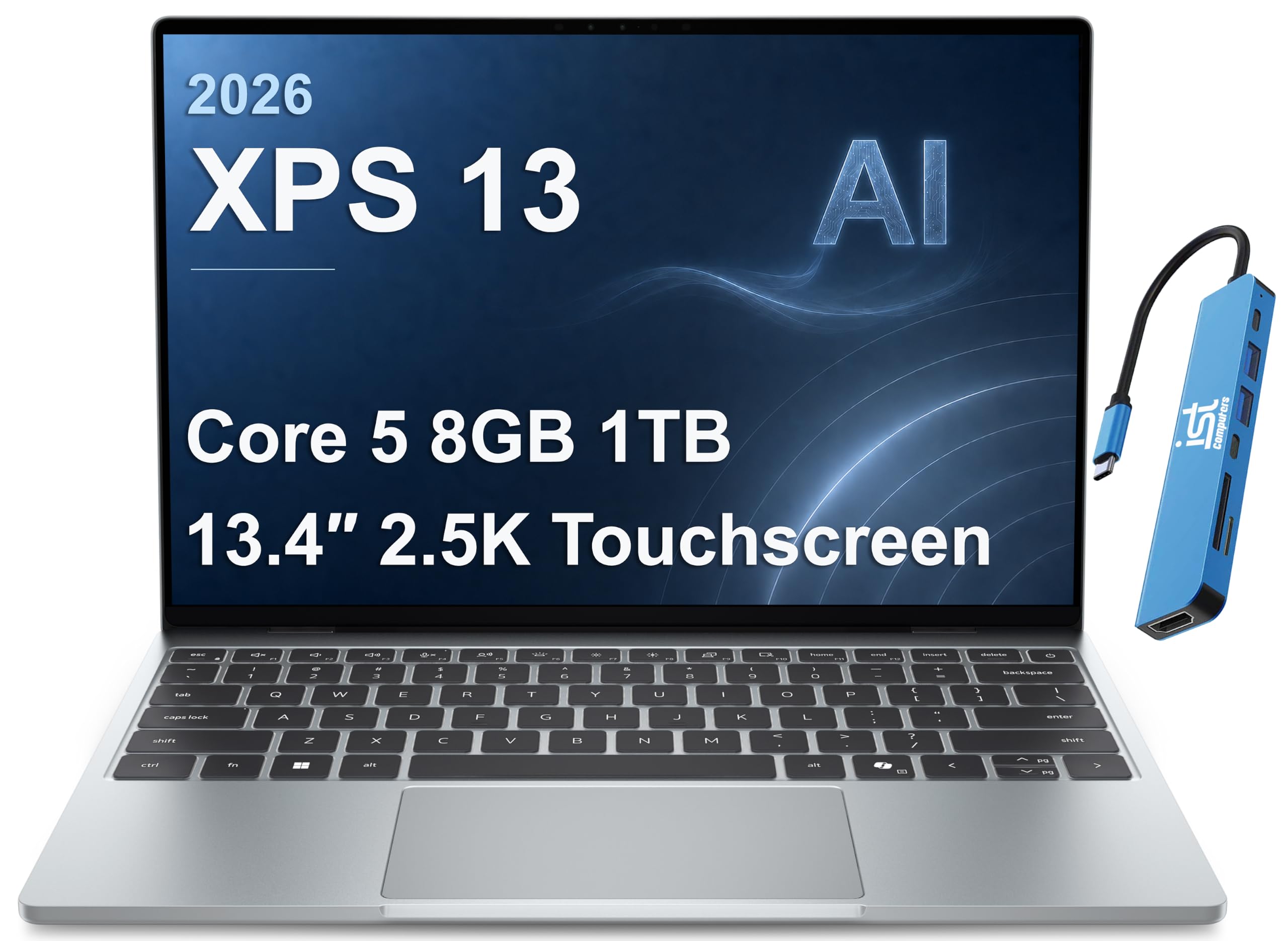
| Best Premium Pick | Dell XPS 13 9350 | Intel Core Ultra 7 256V, 16GB DDR5, 1TB SSD | Windows users who want premium portability |
Best Overall: Apple MacBook Air 13 with M4
The MacBook Air 13 with M4 is the best laptop for college for most students, at around $990. It is thin, light and built for long days on campus.
- Why it passes: the M4 chip with 16GB of unified memory handles research, writing, coding and light creative work smoothly, and it runs silently because it has no fan.
- Student friendly: a 13.6 inch Liquid Retina display, a 12MP Center Stage camera that keeps you framed in video classes and Touch ID for quick logins.
- Trade off: the base model's 256GB SSD fills up quickly with large projects, so plan on cloud storage or an external drive, and some engineering software runs only on Windows.
Best for: students in most majors who want long battery life and a light machine. Skip it if your program requires Windows only software.

Best Value: Acer Aspire Go 15 with Ryzen 7
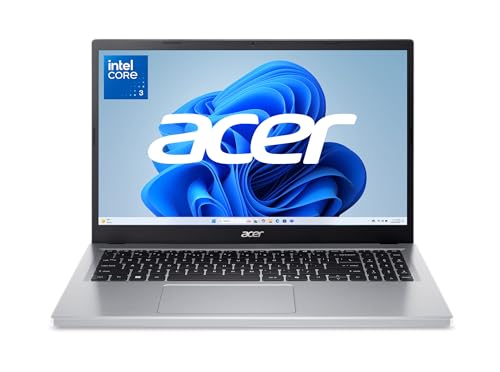
The Acer Aspire Go 15 is the best value laptop for college, at around $550. It delivers specs that pass our checklist at a budget friendly price.
- Why it passes: an AMD Ryzen 7 7730U processor, 16GB of RAM and a 512GB PCIe Gen4 SSD give room for multitasking and files through several years of classes.
- Useful features: a 15.6 inch Full HD IPS display, WiFi 6, a full function USB C port, HDMI 2.1 and a Copilot key for Windows AI tools.
- Trade off: its larger 15.6 inch body is heavier than ultraportables, and the display is less bright and color accurate than premium screens.
Best for: budget conscious students who need Windows for coursework. Skip it if you carry your laptop across campus all day.

Best Premium Pick: Dell XPS 13 9350
The Dell XPS 13 9350 is the best premium Windows laptop for college, at around $1,500. It packs high end hardware into a compact 13.4 inch chassis.
- Why it passes: an Intel Core Ultra 7 256V processor, 16GB of DDR5 memory and a 1TB SSD cover demanding coursework, coding and media with plenty of storage.
- Premium portability: the 13.4 inch FHD+ display and small footprint suit students who carry their laptop between classes.
- Trade off: the price is high for a student budget, and the slim design limits port selection, so you may need a USB C hub.
Best for: Windows users in business, computer science and other demanding programs who value portability. Skip it if budget is tight.

Quick Buyer Checklist
- Does it have at least 16GB of RAM?
- Is the SSD at least 256GB, ideally 512GB?
- Does the battery last 10 hours or more in real world reviews?
- Is it light enough to carry all day, ideally under 3 to 4 pounds?
- Does it run the software your major requires?
- Does it charge over USB C?
- Does it support WiFi 6 or newer?
- Is there a student discount, warranty or accidental damage plan available?
Red Flags to Watch For
- Vague processor names: listings that say "quad core processor" without a model often hide slow chips.
- "Beats i5" claims: comparisons to older chips can mislead; check the actual model and generation.
- Tiny storage disguised as large: some laptops pair 64GB or 128GB of slow eMMC storage with "docking" storage bundles.
- Unknown brands with very few reviews: support, warranty and replacement parts may be hard to get.
- Short warranties: 90 days or less is a warning sign for a device you need for four years.
Choosing Laptops for Your Situation
Different majors and lifestyles call for different priorities.
Best Laptops for College and Why
The best laptops for college and why they work come down to three things: long battery life for full days on campus, 16GB of RAM to stay fast through four years and a light build you will actually carry. A MacBook Air or a quality 14 inch Windows ultrabook meets all three for most students.
Best Laptops for College IT Students: What to Check
The best laptops for college IT students need a strong processor, 16GB to 32GB of RAM for virtual machines and containers and at least 512GB of storage. Check that it can run Linux or Windows tools your courses use, and look for multiple ports for networking gear and external monitors.
Best Laptops for Colleges Students on a Budget
The best laptops for colleges students on a budget keep 16GB of RAM and an SSD while saving on screen brightness, build materials and weight. Expect to pay around $450 to $650 for a Windows laptop that lasts several years, and avoid models with 4GB of RAM or eMMC storage.
Best Small Laptops for College
The best small laptops for college have 13 to 14 inch screens and weigh about 2.5 to 3 pounds. They slide into small bags and fit on lecture hall desks. Make sure the keyboard remains comfortable and that you are not sacrificing too many ports.
Best Windows Laptops for College: What to Check
The best Windows laptops for college should run every program your department requires, including engineering and statistics software that may not support macOS. Check battery life carefully, since Windows laptops vary widely, and look for USB C charging, a 1080p webcam and a backlit keyboard.
Mac vs Windows vs Chromebook for College
A Mac is the best choice for most students who want long battery life, strong build quality and easy integration with iPhones. Windows laptops offer the widest software compatibility and price range, which matters for engineering, business and gaming. Chromebooks are inexpensive and simple, but they depend on web apps and may not run required software. Check your program's requirements before choosing.
How Much Should a College Laptop Cost?
Most students get the best mix of performance and longevity from a laptop priced around $550 to $1,100.
- Under $500: Chromebooks and basic Windows laptops for writing and browsing. Watch for 8GB RAM and small storage.
- Around $500 to $800: Windows laptops with 16GB of RAM and 512GB SSDs. Good value for most majors.
- Around $900 to $1,200: MacBook Air and premium ultrabooks with long battery life and better screens.
- Over $1,200: high end ultrabooks and creator or gaming laptops for demanding programs.
Essential Accessories for a College Laptop
A few inexpensive accessories protect your laptop and make dorm and library work easier.
- Padded sleeve or backpack compartment: protects the screen from pressure and drops between classes.
- Compact USB C charger: a 65W to 100W GaN charger can power your laptop, phone and tablet from one outlet.
- External SSD or cloud plan: keeps backups of essays, projects and photos in case of theft or failure.
- USB C hub: adds HDMI, USB A and SD card ports for presentations and older accessories.
- Laptop stand and external keyboard: raise the screen to eye level for long study sessions in your room.
- Noise cancelling headphones: help you focus in busy libraries and shared dorms.
When and Where to Buy a College Laptop
The best time to buy a college laptop is during back to school sales from July through early September, or during Black Friday and Cyber Monday deals in late November. Many manufacturers offer education discounts, often 5 to 10 percent off, plus seasonal promotions with free accessories or gift cards.
Check whether your college bookstore or IT department offers discounted models, on campus repair or recommended configurations. Compare accidental damage protection plans carefully; for a device carried every day, coverage for drops and spills can be worth it.
How to Make Your Laptop Last Longer
- Keep the OS and firmware updated: updates fix security issues and improve battery life.
- Avoid running at 100% charge all the time: use battery protection or optimized charging settings.
- Use a padded sleeve when commuting: it prevents screen pressure and scratches in a backpack.
- Keep drinks away: spills are a leading cause of laptop failure in dorms.
- Clean vents and keyboard: dust buildup causes overheating and slowdowns.
- Back up regularly: use cloud storage and an external drive so a failure does not cost you a semester of work.
Laptops: Your Questions Answered
What makes laptops for students different?
Student laptops prioritize battery life, portability, durability and value over raw power. They need to last through a full day of classes, survive daily commuting and stay fast for four years, while costing less than high end creator or gaming machines.
Is a Chromebook enough for school?
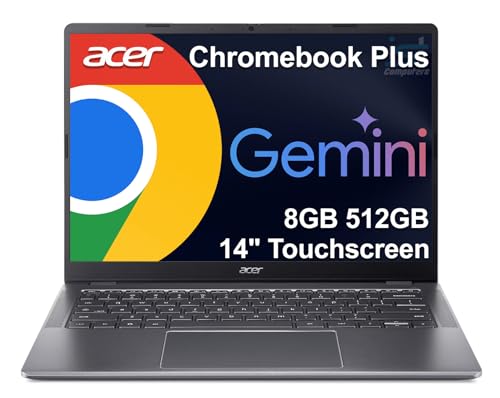
For many liberal arts and general studies students, yes. Chromebooks handle Google Docs, web research and online classes well. They are not enough for majors that require Windows or macOS software, such as engineering, architecture or video production.
Should I buy a laptop or a tablet?
A laptop is better for most college students because of its keyboard, multitasking and full software support. A tablet with a keyboard case works for note taking and reading, but it can struggle with long essays, coding and specialized programs.
How long should a laptop last?
A quality college laptop should last at least four years. Buying 16GB of RAM, an SSD and a reputable brand helps it stay fast through graduation. Battery capacity declines over time, so battery replacement may be needed in year three or four.
Is a dedicated GPU worth it?
Only for certain majors and hobbies. Engineering, 3D design, video editing, machine learning and gaming benefit from a dedicated GPU. For writing, research and most coursework, integrated graphics are enough and give better battery life.
How much RAM do I need?
16GB is the recommended amount for college students, keeping browsers, video calls and apps running smoothly for years. 8GB works for light use but may slow down with heavy multitasking. Computer science and creative students may want 32GB.
Should I get a 2 in 1 laptop for college?
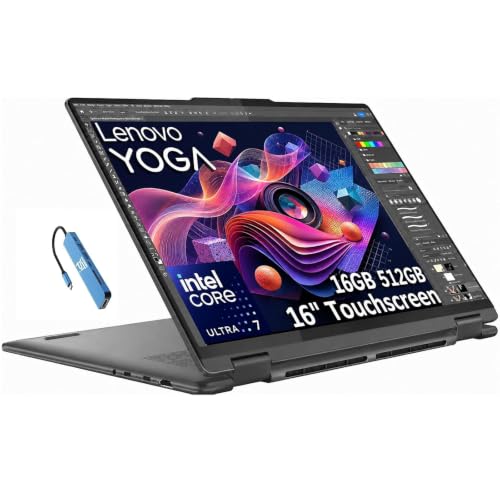
A 2 in 1 laptop is worth it if you take handwritten notes, annotate PDFs or sketch diagrams with a stylus. The touchscreen and fold back hinge add flexibility for STEM and art students. The trade off is extra weight and cost compared with a standard laptop of similar performance.
Is it better to buy a laptop before or after starting college?
Check your program's requirements first, then buy before classes begin so you have time to set it up. Many departments list recommended specs or software, and some offer discounts through the campus store. Back to school sales in late summer usually bring the best prices.
The Bottom Line
Choose a college laptop by battery life, memory and portability first, then confirm it runs your major's software. The MacBook Air 13 with M4 is our all around pick, the Acer Aspire Go 15 is the value Windows choice and the Dell XPS 13 is the premium Windows option. Buy enough RAM and storage to last four years, and the best laptops for colleges will carry you from orientation to graduation. Check the product table above for current prices.


