
Best 2K Laptops for 2026: Sharper Screens, Battery Life and the Power to Match
Disclosure: We may earn a commission when you buy through links on this page, at no extra cost to you. As an Amazon Associate I earn from qualifying purchases. Learn more

A sharper screen makes text and photos easier on the eyes, and the best 2k laptops balance that detail against battery life, brightness and processor power.
A laptop display that is merely adequate is easy to find. A sharp one makes a difference every time you read an email or edit a photo. A 2K laptop screen, usually 2560 by 1440 or a 16:10 version such as 2560 by 1600, packs more pixels than full HD and renders text and images with greater clarity. The best 2k laptops pair that screen with enough battery life and processor power to make the extra sharpness worthwhile.
This guide explains what 2K means on a laptop, how screen size and panel type change the picture, why battery life drops, and which other specifications deserve attention.
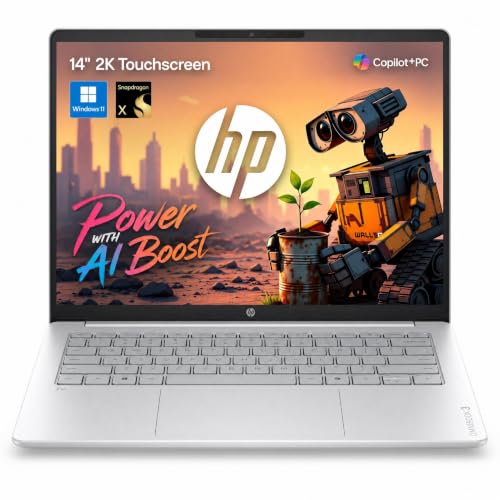

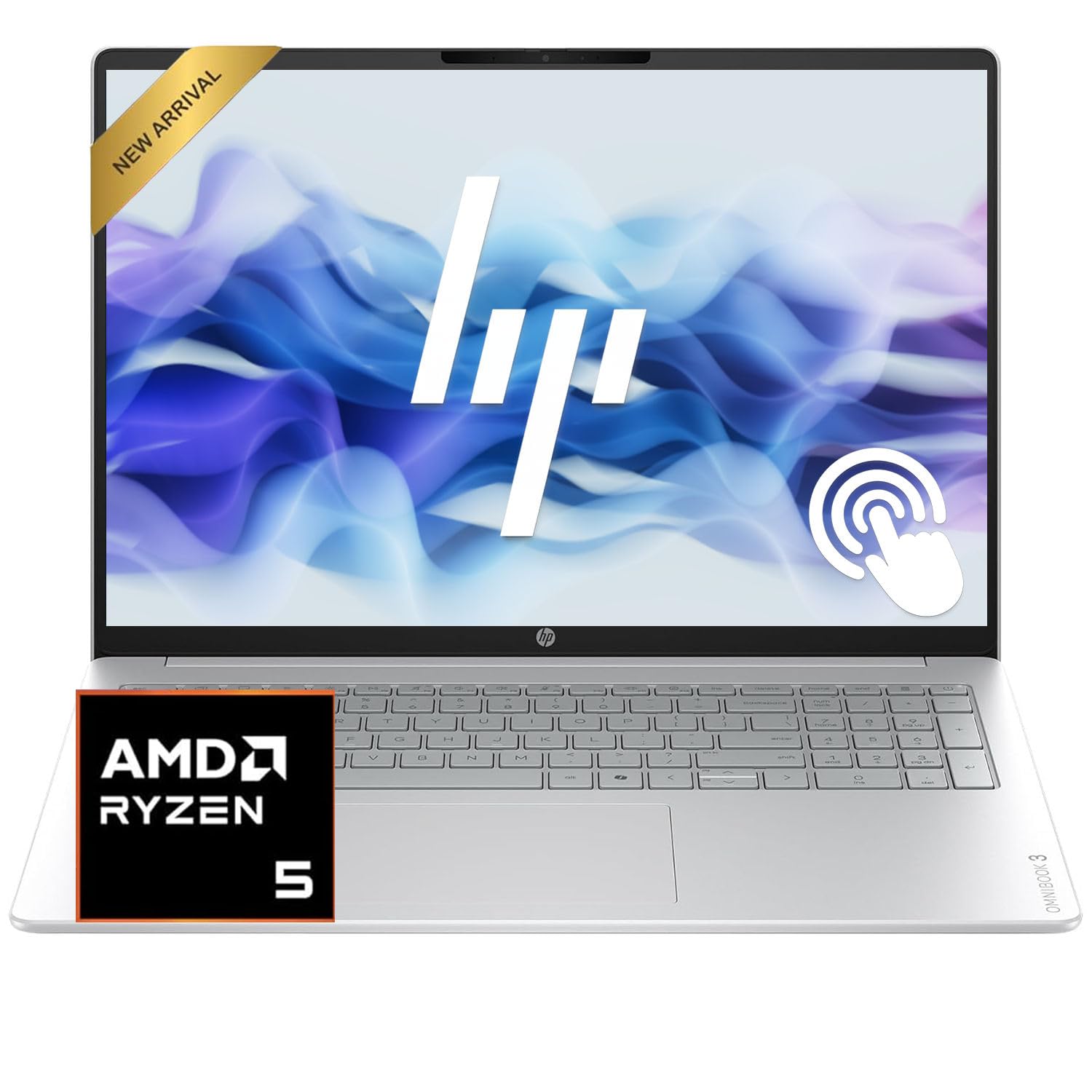
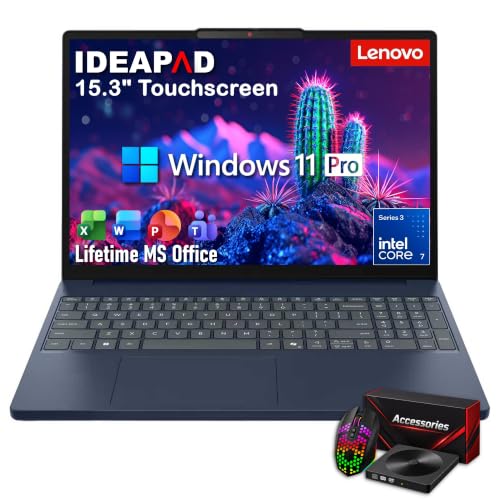
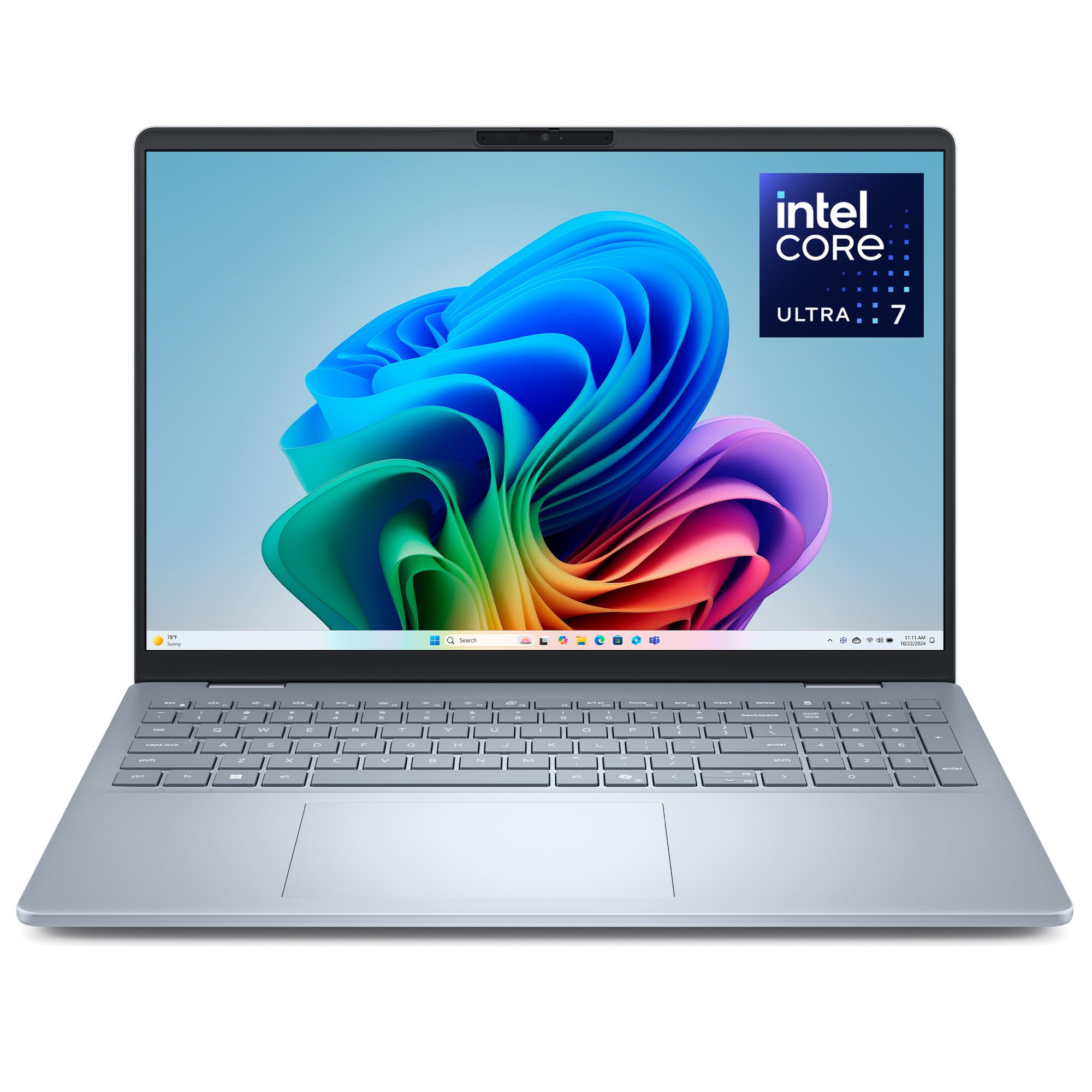

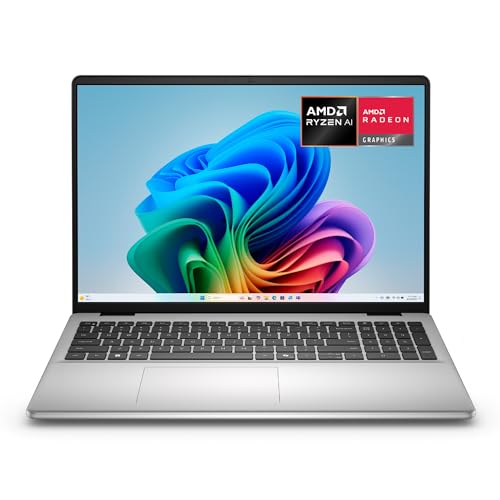
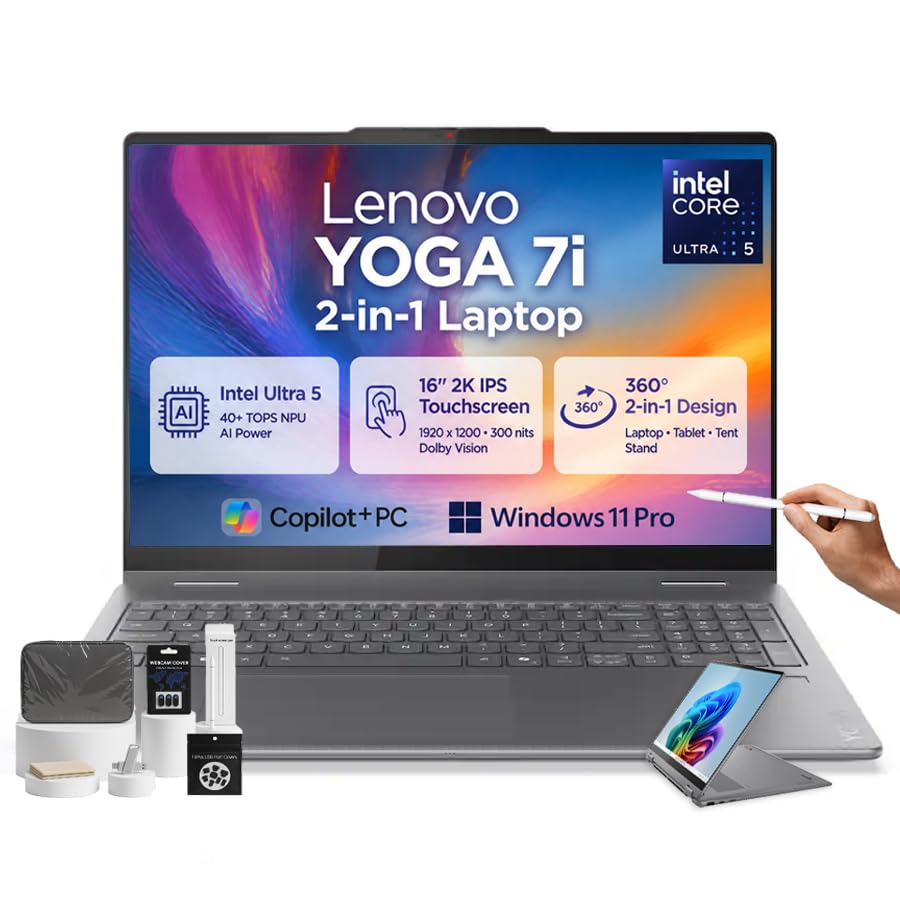
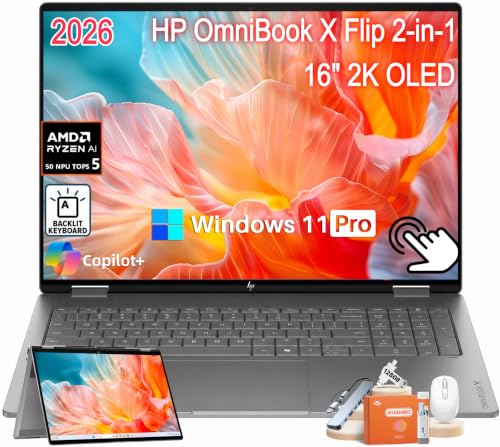
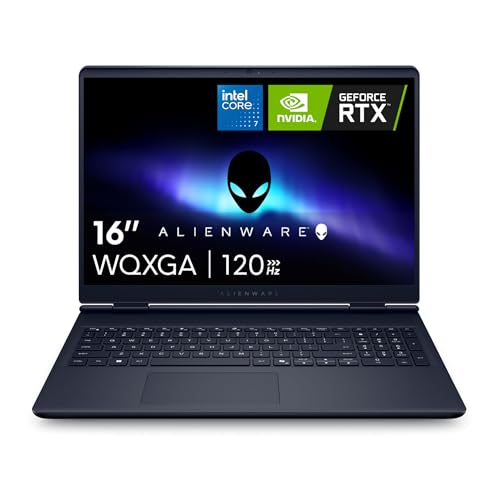
What 2K Means on a Laptop
On a 14 to 16 inch screen, 2K resolutions give a pixel density of roughly 190 to 220 pixels per inch, much higher than a desktop monitor. Text looks smooth and photos show fine detail. The screen is usually 16:10, a taller shape than a standard widescreen, which gives you more vertical space for documents and web pages.
Compared with full HD, the difference is clearly visible at arm's length, especially in text. Compared with 4K, 2K is less demanding for the processor and graphics, and it keeps battery drain lower. Our guide to laptops under 2K dollars looks at price instead of resolution.
Panel Types: IPS and OLED
Most 2K laptop screens use IPS panels, with good color and viewing angles. Some models offer OLED, which gives deep black and rich color, and is excellent for media and photo work. OLED uses more power with bright white content and has a small risk of image retention, though laptop use rarely causes problems.
Check the brightness. Many screens reach around 300 candelas per square meter, enough for indoors. For outdoor use or a sunny window, higher brightness and an anti-glare coating help. Touch screens add convenience but are more reflective.
Refresh Rate
Many 2K laptops now offer 90 or 120 hertz displays, which make scrolling and cursor movement feel smoother. A higher refresh rate uses more power, so some systems lower it on battery. For gaming laptops, a high refresh rate pairs well with a strong graphics card.
If you mostly write and browse, 60 hertz is fine. If you value smoothness, 120 hertz is a nice upgrade.
Battery Life and Power
Sharper screens consume more power because the backlight and the processor work harder. Look at real world battery tests and the battery capacity in watt hours. A thin laptop with a high resolution screen may last fewer hours than the same model with full HD.
Use the display settings to lower the refresh rate and brightness on battery. Charging by USB-C is convenient, and a charger that also works with your phone saves weight when you travel.
Processor, Memory and Graphics
For everyday use, a mid-range processor with 16 gigabytes of memory is comfortable at 2K. Photo and video editing benefit from stronger parts and more memory. For gaming at 2K, you need a dedicated graphics card; a laptop with integrated graphics can play lighter games but may struggle with modern titles at native resolution.
Size, Weight and Ports
14 inch models are easy to carry, 16 inch models give more screen and often better cooling. Look at the weight and the thickness, and at the ports: USB-C, HDMI and a headphone jack are useful. A good keyboard and trackpad are as important as the screen. For comparisons across the laptop market, see the best time to buy a laptop and laptops for college.
Mistakes to Avoid
- Paying for 2K and then keeping the screen at a low scale that wastes the detail.
- Ignoring battery capacity on a thin model.
- Choosing a glossy touch screen for a bright room.
- Buying a laptop for gaming with integrated graphics.
- Skipping the memory: eight gigabytes is tight at this resolution.
Scaling and Everyday Settings
At this pixel density, Windows usually sets the scale to 150 percent automatically, and macOS uses a Retina style setting. That keeps text readable while making it very sharp. If text looks too small or too large, adjust the scale in the display settings in steps of 25 percent until it feels comfortable at your normal sitting distance.
Remember to calibrate brightness for the room and switch on a night mode in the evening. For long writing sessions, a larger font in your editor reduces strain. If you connect to an external screen, set each display's scale separately so windows do not jump in size as you drag them across.
Who Benefits Most from a 2K Laptop
Writers, students and analysts spend hours reading text, so a sharp screen reduces fatigue. Photographers and designers appreciate fine detail and, with OLED or wide gamut panels, better color. Travelers who use their laptop on trains and in cafes enjoy a bright, crisp picture, and casual users simply like how everything looks.
If you mainly stream video, browse and use office apps, a full HD screen is adequate and saves money and battery life. Choose 2K when you can see the benefit and plan to keep the laptop for several years.
Frequently Asked Questions
Is 2K worth it on a laptop?
For reading, writing and photos, yes. The sharper text is easy to see, even on a small screen.
Does a 2K screen drain the battery?
Somewhat. Look at real world battery results and use a lower refresh rate on battery.
Do I need 4K instead?
For most people, no. 4K uses more power and offers a smaller visible gain on a laptop.
Is OLED better than IPS?
OLED gives richer color and black, but uses more power with bright content. IPS is a safe all rounder.
Final Thoughts
The best 2k laptops give you a sharper picture with enough battery and power to support it. Pick the panel type that suits your work, check real battery life and choose enough memory. Then set the scale to match your eyes.
Prices and availability can change, so check the product page before ordering.


