
Best 15 Inch Laptops for Writers in 2026: Buying Guide
Disclosure: We may earn a commission when you buy through links on this page, at no extra cost to you. As an Amazon Associate I earn from qualifying purchases. Learn more

What to check before choosing the best 15 inch laptops for writers: keyboard, screen comfort, battery and quiet operation for long sessions.
A writer's laptop is judged by different standards than a gamer's or a designer's: how the keyboard feels at hour three, whether the screen stays easy to read, how long the battery lasts in a cafe and whether the machine stays quiet while you think. The best 15 inch laptops for writers put those things first and treat raw speed as a secondary concern.
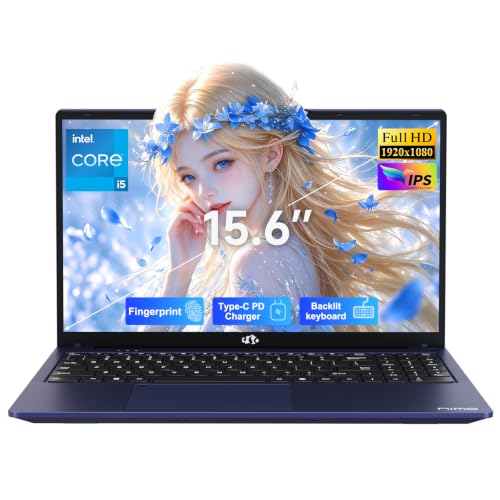
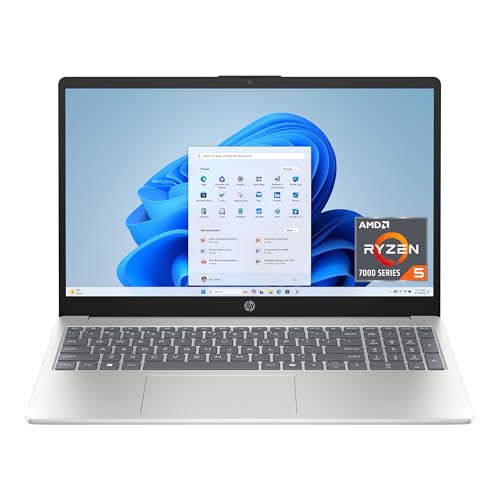
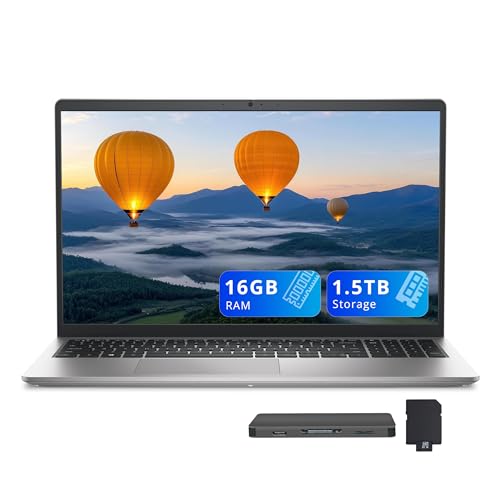
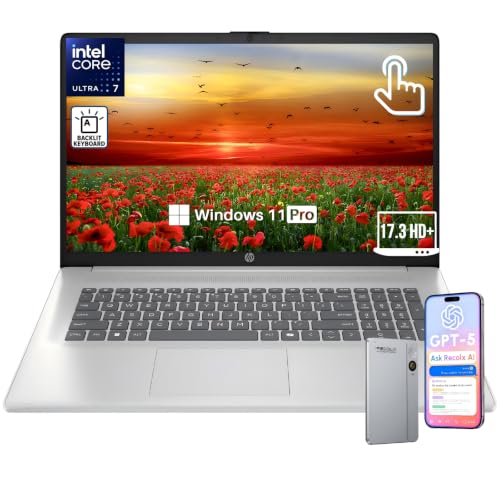
A 15 inch screen adds a real advantage for writing work, because you can keep research notes beside a manuscript without squinting. This guide covers what matters for a writer's daily routine, from keyboard travel to battery life, so the product table above is easier to read.



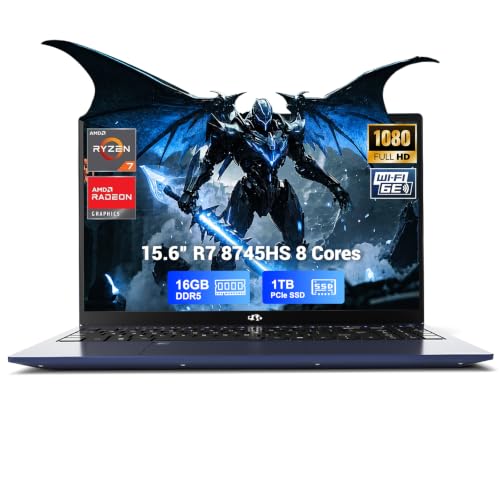

The Keyboard Comes First
You may type tens of thousands of words on a single laptop, so keyboard feel matters more than almost any other feature. Look for comfortable key travel, a firm and quiet action, clear spacing and a backlight for evening sessions. A layout with a full number pad is helpful if you also manage word counts, budgets or research data.
Buyer comments are the best guide here, because specifications say little about feel. A keyboard that flexes or feels mushy becomes tiring quickly, and no processor upgrade makes up for it.
A Screen That Is Easy on the Eyes
Long sessions demand a screen that is comfortable to read. A Full HD or sharper IPS panel gives crisp text and wide viewing angles, and a matte finish cuts reflections from windows and lamps. Brightness should be enough for a bright room without being harsh in the evening.
Features such as a night or low blue light mode, a screen that handles scaling gracefully and a good aspect ratio for documents help you work longer with less strain.
Memory, Storage and Speed for Writing Work
Writing software does not need a powerful processor, but modern writing workflows often involve many browser tabs, reference managers, cloud documents and sometimes audio transcription. Sixteen gigabytes of memory keeps all of that smooth, while eight is workable for lighter use. A solid state drive of 256GB or more keeps files and projects close at hand.
Fast storage matters because it makes the laptop wake and open files instantly, which keeps you in the flow of work.
Battery Life for Cafes and Travel
A writer who works away from the desk needs a laptop that lasts through a long session. Efficient processors and moderate brightness give the best runtimes, so a laptop with a powerful graphics card is a poor choice if you never use it. Check buyer comments about real battery life in daily use.
Carry the charger anyway, but a laptop that lasts a day of light use frees you from searching for outlets in crowded places.
Quiet Operation and Cooling
Fan noise is distracting when you are trying to concentrate. Laptops with efficient processors run cooler and quieter, and many stay silent for most of a writing session. Buyer comments on fan noise reveal how a laptop behaves when you open many tabs or run a video call.
A laptop that stays cool also feels better on your lap or on a table, which matters during long sessions.
Weight, Build and Ports
A 15 inch laptop is heavier than smaller models, so weight matters if you carry it often. Look for a sturdy hinge and body that survive a bag, and the ports you need, such as USB-C for charging and an external display, USB-A for older accessories and a headphone jack for focused work.
Software and Operating System
Choose the operating system that runs your writing tools, whether that is a word processor, a manuscript manager or a note-taking app. Windows and macOS both support the main writing applications, and some writers prefer the simplicity of a Chromebook with cloud-based tools. Check compatibility with the tools you already use.
Mistakes Writers Make When Choosing a Laptop
The most common mistake is paying for graphics power that a writer never uses, which adds weight, fan noise and cost without improving the work. Another is judging a laptop by its processor alone and ignoring the keyboard, even though that is where a writer spends all day. A third is skipping the backup plan: a laptop can fail at any time, and a manuscript with no copy is a risk nobody wants.
Choose a laptop you enjoy typing on, set up automatic cloud backup on day one and keep a second copy of important projects on an external drive.
Setting Up a Distraction-Free Writing Space
Use full-screen writing modes and turn off notifications while you work. Keep a clean desktop, adjust the screen brightness to the room and enable the night mode in the evening. A small stand and an external keyboard at a desk make long sessions more comfortable, and the 15 inch screen leaves room for a notes window beside your draft.
Many writers find that a simple setup, with one writing app, one research window and a cloud backup, works better than a complicated toolbox.
Accessories That Help Writers
A padded sleeve protects the laptop in a bag. A compact mouse is useful for editing, and a laptop stand lifts the screen to a comfortable height. Noise-cancelling headphones help in cafes, and a portable power bank keeps the laptop going on long travel days.
Spend on the keyboard and the stand before anything else, because they affect comfort and posture during the hours you write.
You may also find our guides to best 15 inch windows laptops, best thin laptops 15 inch and best backpacks for 15 inch laptops useful.
Frequently Asked Questions
Do writers need a powerful laptop?
No. A comfortable keyboard, a good screen and long battery life matter more than raw speed.
Is a 15 inch screen better for writing?
It gives more room for notes and research next to a manuscript.
How much memory do I need?
Sixteen gigabytes is comfortable for many tabs and apps.
Should I get a touch screen?
Not necessarily. It helps if you annotate with a stylus.
Final Thoughts on the Best 15 Inch Laptops for Writers
The best 15 inch laptops for writers offer a great keyboard, a comfortable screen and quiet, long-lasting operation. Choose the software ecosystem you prefer, check the keyboard feel in buyer comments and use the table above to compare current prices. Prices and availability can change, so check the product page before ordering.


