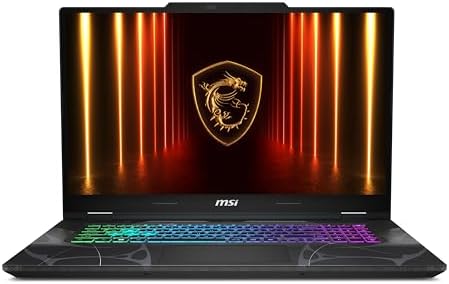
Best 17 Inch Laptops Under 500 in 2026: Honest Buying Guide
Disclosure: We may earn a commission when you buy through links on this page, at no extra cost to you. As an Amazon Associate I earn from qualifying purchases. Learn more

What to expect from the best 17 inch laptops under 500, which compromises are acceptable and how to avoid dim screens and slow storage.
Getting a 17 inch screen for under 500 is possible, but the budget forces trade-offs. The panel size takes a large part of the cost, so the processor, storage and materials are modest. This guide explains what to expect, what to avoid and how to find the best 17 inch laptops under 500 for simple everyday work.
The product table lists a short range of laptops at this price, because only a limited number of right sized models fit the budget. Read the sections below to judge them well.
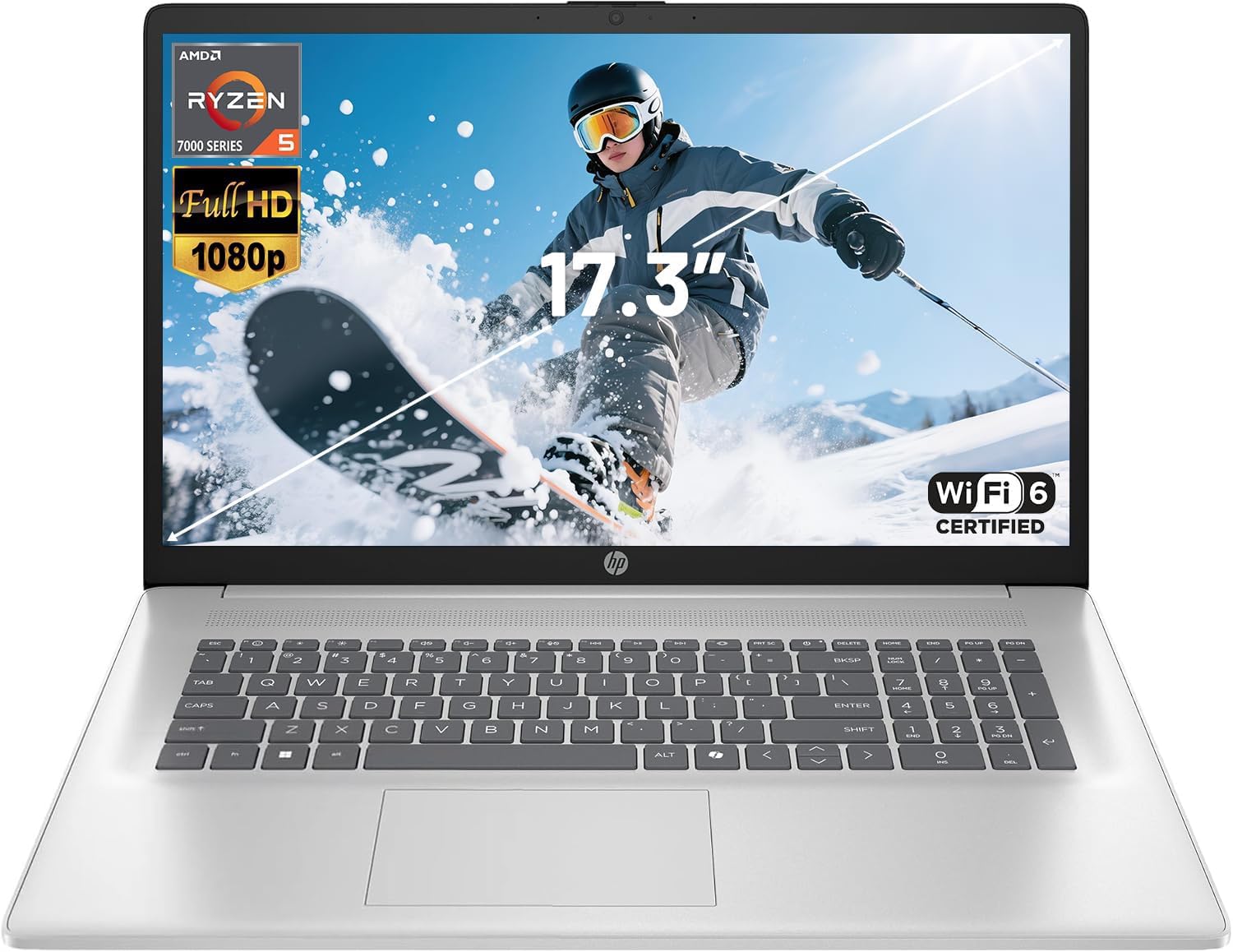
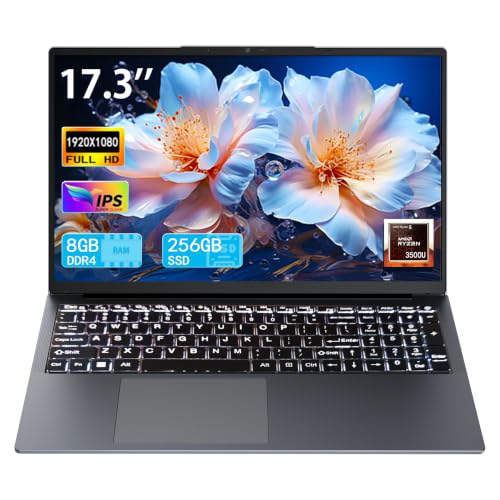
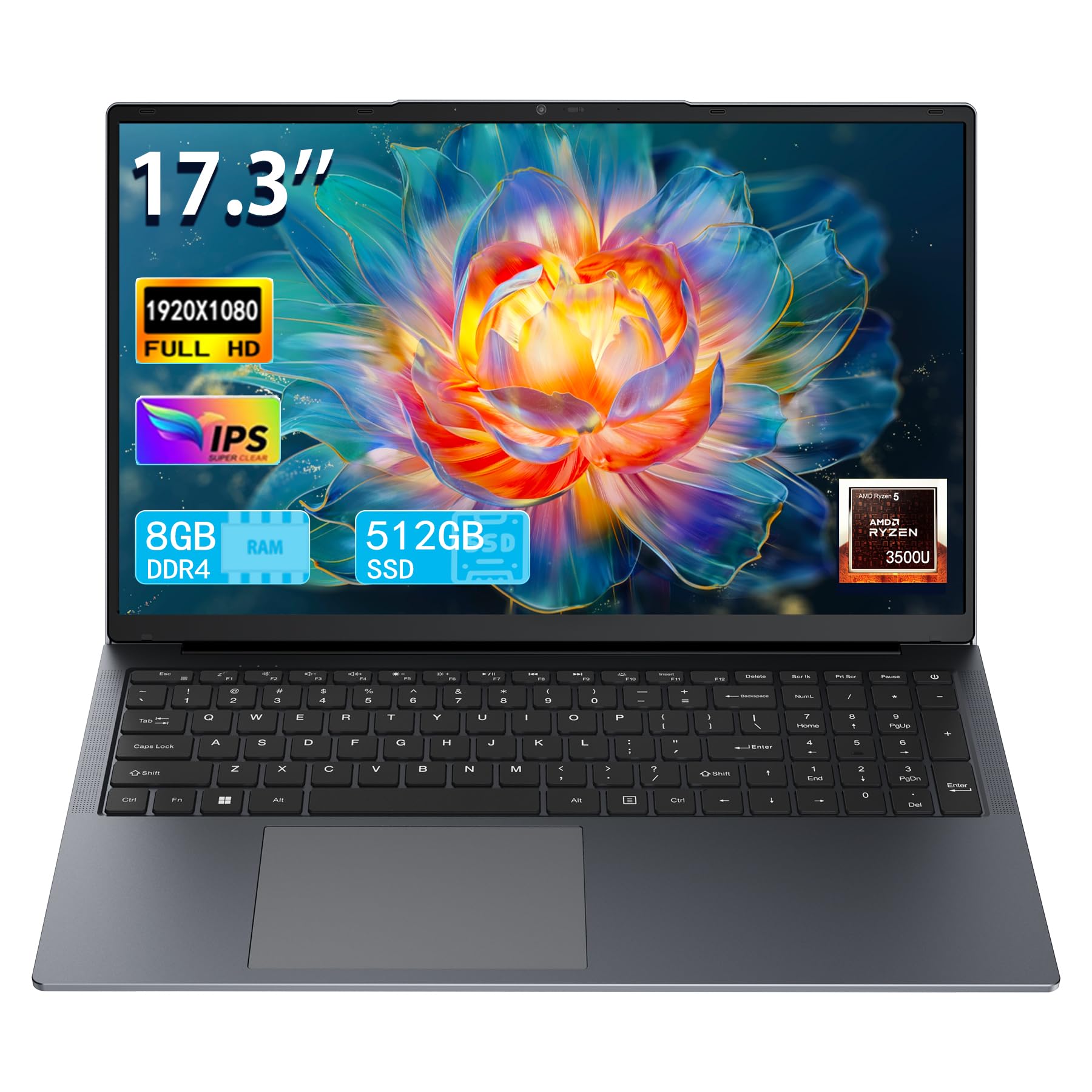
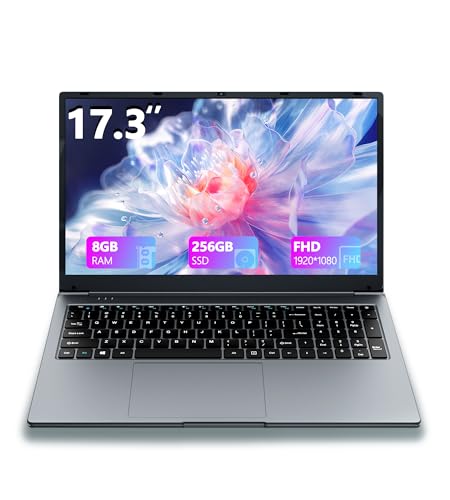
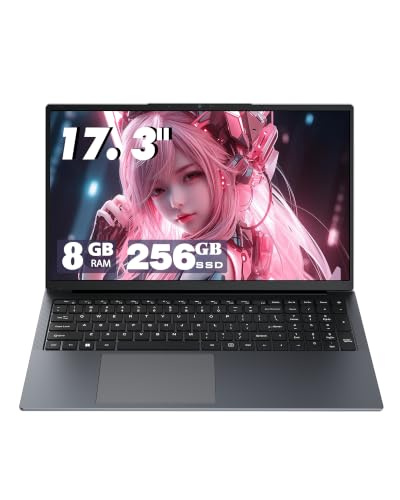
What You Get for Under 500
At this price, expect an entry level processor, 8GB of memory on many models and a solid state drive of modest size. The screen is large and usually full HD, though brightness may be limited. Build quality is mostly plastic, and the speakers are basic.
These laptops handle web browsing, document editing, streaming video, video calls and homework. They are not made for gaming, heavy photo editing or large spreadsheets. If you can stretch the budget, our guide to 17 inch laptops under 600 often brings a clear step up in speed.
Why Right Sized Models Are Scarce
Large laptops cost more to make, so few models at this size reach the lowest prices. When you do find one, it may use an older processor or a lower resolution display to keep the cost down. That is why the product table is shorter than in higher price guides. Read each listing carefully and compare the exact specifications.
If you do not need a 17 inch screen, a 15 inch laptop offers more choice at this price. See our guides to 15 inch laptops under 500 and 14 inch laptops under 500 for comparison. You can also pair a smaller laptop with an external monitor for a big screen at home.
Processor, Memory and Storage Priorities
With a limited budget, choose the best balance of parts. A modest processor is fine if the laptop has a solid state drive and enough memory. Avoid models with a mechanical hard drive, which will feel slow. If the choice is between more storage and more memory, take memory, because you can always plug in an external drive for storage.
Check whether the memory is upgradeable. A laptop with 8GB and a free slot lets you add memory later for a modest cost. Many cheap laptops solder the memory, so read the listing or look up the model. Storage upgrades are also easy if the laptop has an extra slot.
The Screen: Make It Count
The reason you chose 17 inches is the display, so check its quality. Full HD is the minimum to look for. An IPS panel gives better viewing angles than older panel types. Reviews can tell you about brightness and color. If the screen is too dim to use near a window, the large size is wasted.
Anti glare finishes help in bright rooms. If the laptop has a glossy screen, position it away from direct light. An external monitor can supplement a weak panel if you use the laptop at a desk.
Battery, Weight and Use at Home
Large budget laptops are heavy and usually have modest battery life, so plan to use them near a power outlet. A good place for one is a desk or a kitchen table. Carry it in a padded bag if you move it, and keep the charger with it.
Use the laptop on a hard surface so the fans can breathe, and keep the vents clean. Heat and dust shorten the life of any laptop, especially cheap ones with limited cooling.
Ways to Make a Cheap Large Laptop Feel Faster
A few simple steps help an entry level laptop run well. Start by removing software that came pre installed and that you do not use, because background programs eat memory and processor time. Turn off startup apps you do not need, keep the web browser lean with a few extensions at most and use a lightweight antivirus setup built into the operating system.
Keep at least a fifth of the drive free, since a nearly full drive slows down. Restart the laptop regularly, install updates in the evening and keep the vents clear so the processor does not throttle from heat. If you have an old laptop at home, comparing the two will show whether a memory or drive upgrade would help more than replacing the machine.
Refurbished and Older Models
If the new price range feels limiting, some buyers look at refurbished business laptops, which can offer a better keyboard and a sturdier build for the same money. Check the seller's warranty and return policy, the battery health and the processor generation. A refurbished laptop with a good warranty can outlast a cheap new one. If you stay with new laptops, be sure the listing is clear that the product is new and that the seller offers returns.
When to Spend a Bit More
If you plan to use the laptop for several years, a small increase in budget often pays off. The step from an entry level processor to a mid range one improves daily speed, and the step from 8GB to 16GB of memory makes multitasking smoother. A better screen reduces eye strain. Compare prices over a few weeks and watch for sales, since laptops often drop in price around holidays and back to school periods.
Frequently Asked Questions
Is a 17 inch laptop under 500 good for school?
It works for homework, research and video classes. It is heavy for carrying to school every day, so it suits home use best.
Can I upgrade a cheap laptop later?
Often yes. Memory and storage upgrades are the most common, but check whether the laptop allows them.
Is 8GB of memory enough?
For light use it works. Keep browser tabs under control, and add memory later if possible.
What should I avoid?
Avoid laptops with a mechanical hard drive, a dim low resolution screen or unclear processor details in the listing.
Final Thoughts
The best 17 inch laptops under 500 offer a large screen, a solid state drive and enough memory for everyday tasks. Accept modest processors and plain builds, check the display carefully and use the product table to compare the few models available. If your budget allows, a little extra money improves the experience a lot.