
Best 17 Inch Laptops Under 1000 in 2026: Value Guide
Disclosure: We may earn a commission when you buy through links on this page, at no extra cost to you. As an Amazon Associate I earn from qualifying purchases. Learn more

Choosing the best 17 inch laptops under 1000: where the budget should go, what to expect from the screen and which compromises are acceptable.
A budget of 1000 puts a 17 inch laptop within reach of students, home office workers and casual gamers. The challenge is that large screens use up a lot of the budget, so makers trim somewhere else. This guide shows where compromises usually appear and how to find the best 17 inch laptops under 1000 without ending up with a machine that frustrates you.
The product table lists options from the middle to the top of the budget. Read the sections below to decide where to spend and where to save.
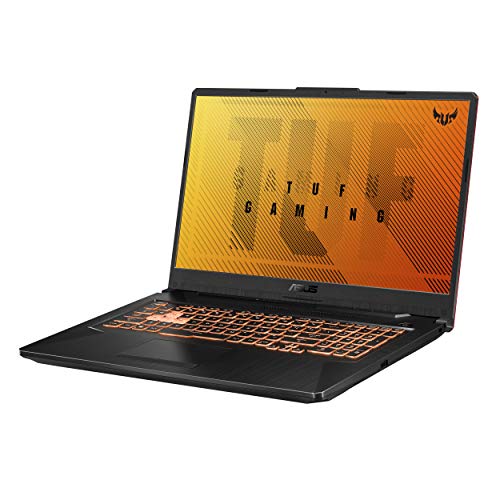
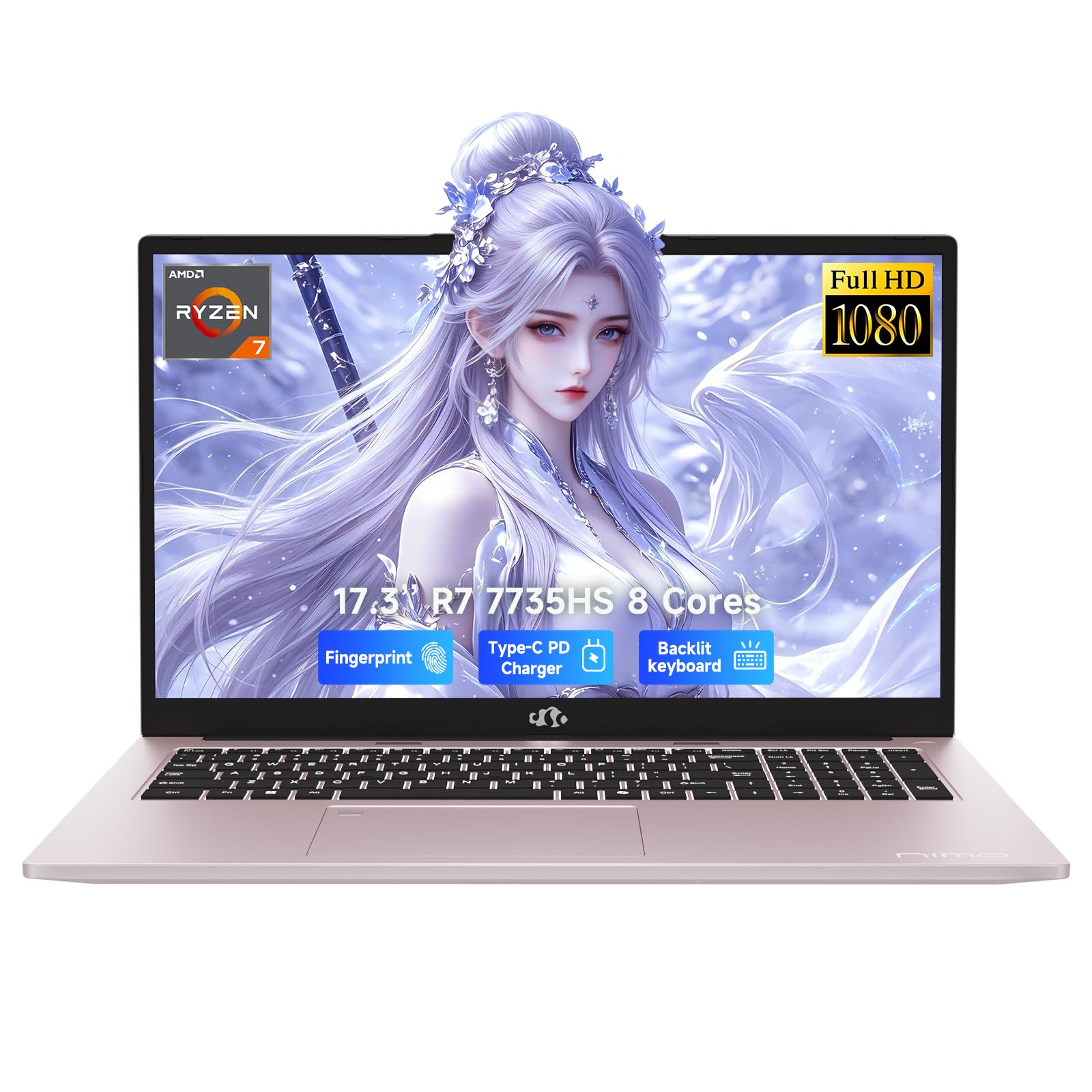
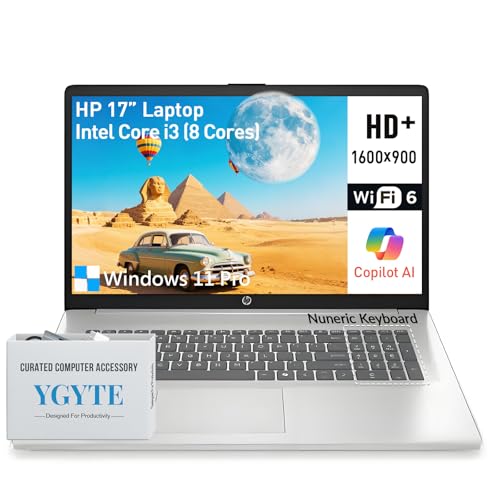
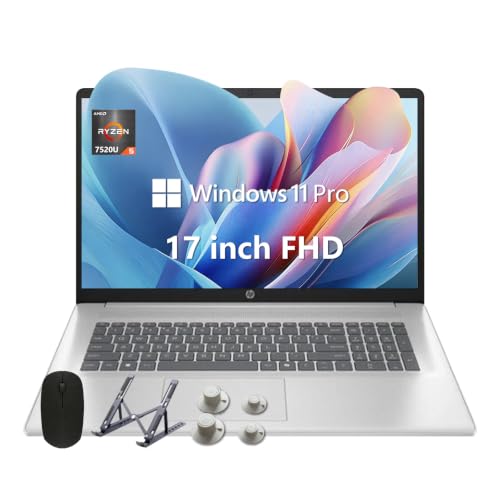
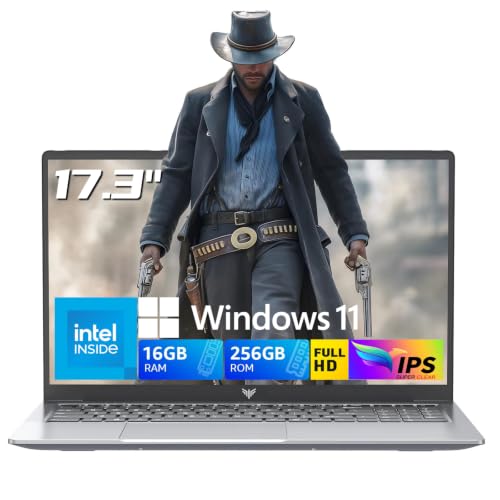

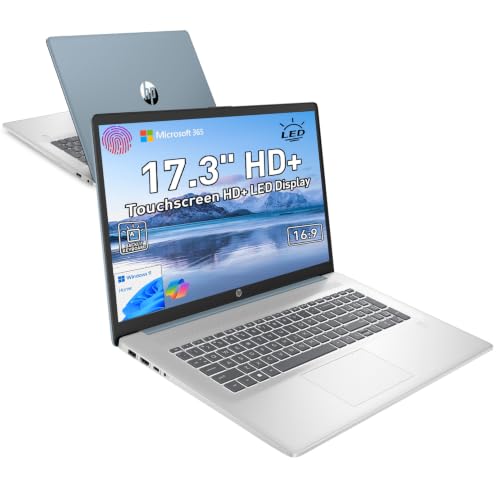
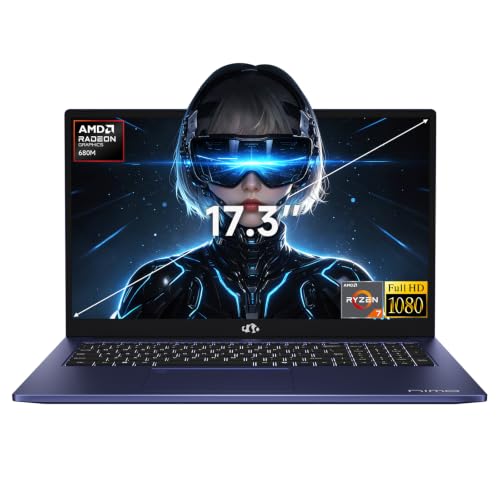
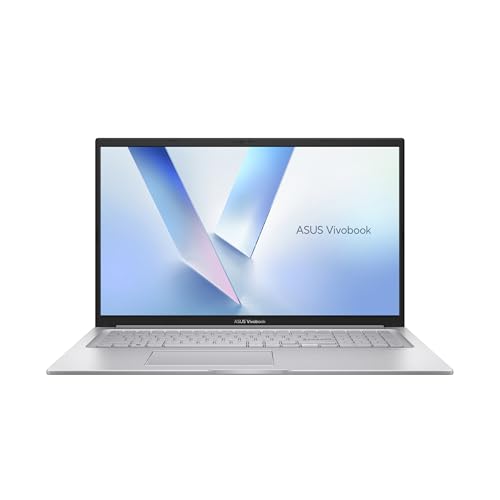
What 1000 Buys in a Large Laptop
At this price you can find 17 inch laptops with mid range processors, 16GB of memory and a fast drive. Some models include entry level graphics for casual gaming, and some offer high refresh rate displays. Business style laptops at the same price tend to emphasize keyboards, ports and battery life instead of graphics.
You will not find the very best build materials, brightest displays or strongest graphics at this price. Plastic bodies and moderate screens are common. Choose a laptop that gets the basics right and avoid paying extra for flashy features you will not use.
Prioritizing the Processor and Memory
A processor sets how quickly the laptop feels in daily use. A mid range chip from a recent generation is a good target. Avoid very old chips even if the price is low, because they use more power and may lose software support sooner. For memory, 16GB is a comfortable baseline at this price, and 8GB is the minimum for a smooth experience.
Storage should be a solid state drive of at least 512GB. A large hard drive in a budget laptop slows everything down, and a small 128GB drive fills up fast. Check whether there is a free slot for another drive later.
Gaming Versus Productivity
Decide how you will use the laptop. Gaming laptops under 1000 usually have entry level graphics, which handle esports and many games at medium settings. They are heavier, have shorter battery life and run louder. Productivity laptops skip dedicated graphics, weigh less and last longer on battery, and they are better for office work, study and streaming.
If you want both, look for a model with a mid range graphics card and a good cooling system. Our guide to the 15 inch laptops under 1000 shows how smaller models compare on weight, and the 14 inch laptops under 1000 list covers more portable choices.
Screen Quality on a Budget
The display is where budget laptops cut corners. Look for a full HD IPS panel as a minimum, and avoid very low resolution screens. Brightness should be adequate for indoor use, and an anti glare finish helps. For gaming, a high refresh rate of 120 Hz or more is a nice feature.
Because the screen is large, resolution and brightness show up as flaws if they are poor. Read reviews for comments on color, brightness and uniformity. A decent screen matters more than a faster processor for many people, since you look at it all day.
Build, Keyboard and Ports
A large laptop has room for a full keyboard with a number pad. Check reviews for key feel and flex in the keyboard deck. A solid hinge keeps the large lid steady. Ports are usually generous: look for USB C, USB A, HDMI and an SD card reader. Ethernet is a plus for stable connections.
Where to Save and Where to Spend
Save on extras such as RGB lighting, a fingerprint reader and a premium case. Spend on the screen, the drive and the processor. If you can, stretch the budget a little for a better panel or for 16GB of memory. Compare with the 17 inch laptops under 600 and under 500 guides to see what the extra money buys.
Cooling, Noise and Battery at This Price
Thermal design is easy to overlook in a listing, but it decides how a laptop behaves under load. A well cooled model keeps the processor and graphics running at speed and stays reasonably quiet. A poorly cooled one slows down or runs loud. Read reviews for fan noise and surface temperature, and check whether the vents are at the sides and rear rather than underneath, which suits use on a bed or sofa.
Battery size varies widely. Productivity models often last a long workday of light use, while gaming models last only a couple of hours away from the charger. Look at the watt hour rating and user feedback. Charging over USB C is handy because it lets you use a smaller travel charger for light work.
Checking a Listing Before You Order
Verify the model number, the processor name, the memory and storage sizes and the display details. Some sellers list a laptop under a general name that covers several different configurations, and the cheapest version may not be the one in the photos. Look at the return window, the warranty and the seller's reputation, and keep the packaging until you are sure the machine suits you.
When the laptop arrives, check the screen for dead pixels and uneven backlight, make sure all ports work and run the manufacturer's update tool for firmware and drivers. If you plan to game, install the latest graphics driver and check temperatures during a long session. Early checks make returns simple if something is wrong.
Frequently Asked Questions
Can I get a gaming laptop with a 17 inch screen under 1000?
Yes, with entry level graphics. Expect medium settings in demanding games and good performance in lighter ones.
Is 16GB of memory necessary?
It is a comfortable amount. 8GB works for light use but may feel limiting over time.
How long will a laptop at this price last?
With care, four to five years of use is realistic. Keep it cool and clean.
What is the best screen resolution?
Full HD is standard at this price. A higher resolution is a bonus if you find one.
Final Thoughts
The best 17 inch laptops under 1000 balance the processor, memory, drive and screen instead of chasing one big number. Decide whether you need gaming graphics or a lighter productivity machine, put your money into the display and storage and compare models in the product table. Check the seller and return policy for peace of mind.


