
Best 2 in 1 Laptop for 2026: Convertibles and Tablets Compared
Disclosure: We may earn a commission when you buy through links on this page, at no extra cost to you. As an Amazon Associate I earn from qualifying purchases. Learn more

Best 2 in 1 laptop explained: convertible versus detachable, Windows versus ChromeOS and the features that matter for daily use.
A 2-in-1 laptop is two devices in one body: a normal laptop with a keyboard and trackpad, and a touchscreen tablet when you fold the screen back or pull the keyboard away. It suits people who want to type reports in the morning, sketch on the train and watch a film on the sofa without carrying three gadgets. This guide to the best 2 in 1 laptop options explains how the designs differ and which compromises are worth making.
The product table lists convertible and detachable models available new, from Chromebook style machines to premium Windows laptops. The sections below help you choose the features that matter in daily use.

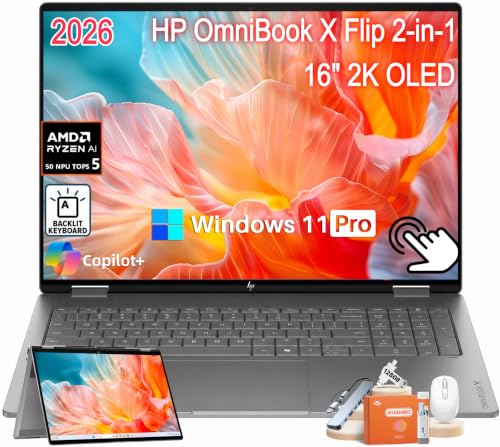
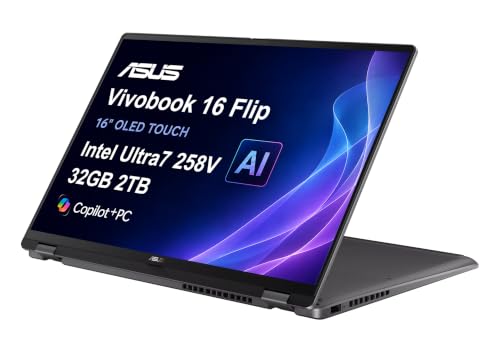
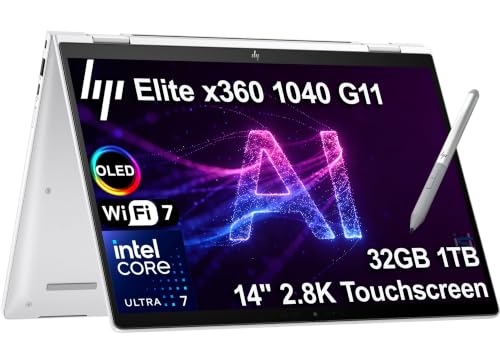
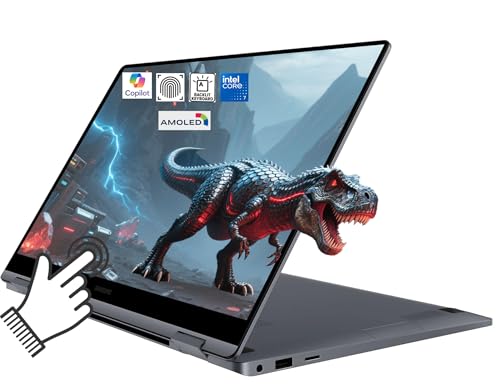

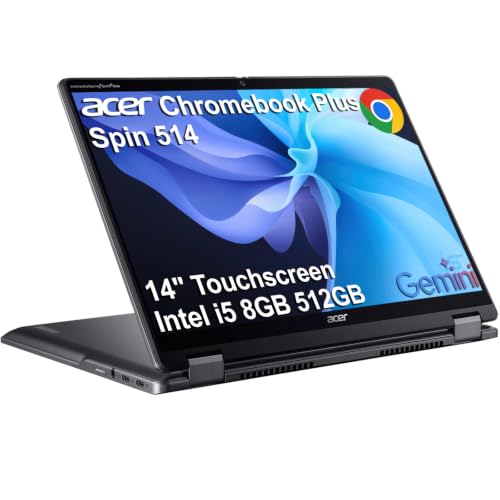

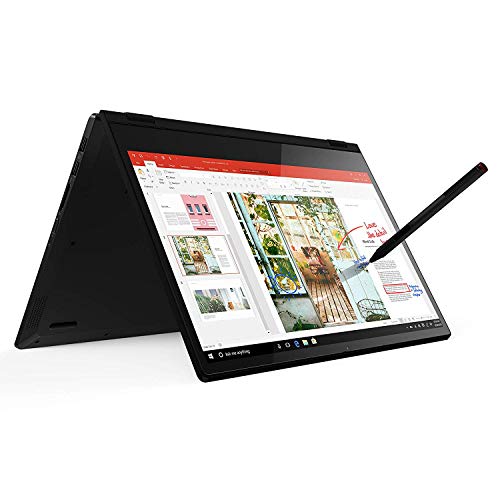
Convertible or Detachable
A convertible laptop has a hinge that rotates 360 degrees, so the keyboard stays attached and sits behind the screen in tablet mode. These models feel like proper laptops with solid keyboards and ports, but they are heavy as tablets. A detachable has a screen that separates from the keyboard, which makes it lighter as a tablet but a bit top heavy on your lap and often more expensive once you add the keyboard.
Pick the shape that matches how you will really use it. If you type more than you draw, a convertible is the more comfortable laptop.
Operating System: Windows or ChromeOS
Windows convertibles run full desktop software, which matters for professional apps, games and older programs. ChromeOS models are simpler, boot fast, run web apps and Android apps and cost less. Choose Windows if you need specialist software, and ChromeOS if your work lives in a browser.
Performance: Processor and Memory
For basic office and browsing, a recent entry level processor and eight gigabytes of memory are enough. Multitasking, photo editing and long video calls feel better with sixteen gigabytes. Thin 2-in-1 laptops often use efficient chips that sip power and run quietly, but they do not match a gaming laptop for heavy work.
Screen Size and Display Quality
A 13 or 14 inch screen is easy to carry and works well as a tablet. A 16 inch screen gives more room for documents and drawing, but weighs more. Look for a bright screen with good colour, and read about glare: a glossy screen looks vivid but reflects in bright rooms.
Pen Support
Many 2-in-1 laptops work with a pen. Some include one in the box, while others sell it separately or bundle a simple stylus that works like a finger. If you plan to draw or take handwritten notes, check which pen type the listing names, since pressure and tilt support need an active pen that the screen is built for.
Battery Life and Charging
Battery life varies widely. Efficient designs run a full day of light work, while powerful models with bright screens drain faster. USB-C charging is convenient, since you can use one charger for a phone and a laptop. Check that the charger is included.
Hinge and Build Quality
Check the hinge feel if you can: a good one holds the screen steady at any angle without wobble when you touch it. Metal bodies feel sturdier, but plastic keeps cost and weight lower. A backlit keyboard with decent key travel makes a laptop more pleasant for long typing sessions.
Ports and Extras
Count the ports you use: USB-C, USB-A, HDMI, a headphone jack and a card reader. Some thin models carry only two USB-C ports, so you may need a small hub. A webcam with a privacy shutter and a fingerprint reader are useful extras.
Tent, Stand and Tablet Modes
A flip hinge gives four ways to use the screen. Laptop mode is for typing. Stand mode folds the keyboard flat behind the screen, which is good for video and for reading recipes on a counter. Tent mode stands the machine on its edges, which suits a shared screen on a small table. Tablet mode folds fully for reading and sketching. Because the keyboard faces outward in tablet mode, keys are exposed to hands and surfaces, so a clean desk and a sleeve help.
Who Gains Most From a Convertible
People who read and annotate documents, students who hand write notes, designers who sketch ideas and travellers who share a screen on a plane all get real use from the flip. If you will never fold the screen, a standard laptop is lighter and often cheaper, so be honest about how you will use the extra mode.
Setup Tips
- Install system updates and pen drivers when you first start the laptop.
- Calibrate the pen in the settings and adjust palm rejection.
- Use a protective sleeve, since the screen is a touch surface that sees more contact.
- Keep the charger and hinge area free of strain when you travel.
Choosing for Your Daily Routine
If your day is mostly typing, a convertible with a comfortable keyboard and a standard battery is the best fit. If you read, sketch and annotate on the go, a lighter model with a bright screen and a bundled stylus helps more. If you present or share your screen, the tent and stand modes are handy. Choose the mode you will use most, and treat the rest as bonus.
Frequently Asked Questions
Is a 2-in-1 laptop as good as a normal laptop?
For most tasks yes. You trade a little weight and sometimes battery life for the flexibility of a touchscreen.
Do I need a pen?
Only if you plan to draw or take handwritten notes. Many people use touch alone.
Windows or ChromeOS?
Choose Windows for desktop software, and ChromeOS for simple browser based use.
Are 2-in-1 laptops durable?
Good hinges and solid bodies last for years, but the hinge is the part to check.
How heavy are they?
Most models are slightly heavier than a standard laptop of the same screen size, because of the stronger hinge. Check the weight in the listing, since a heavy tablet gets tiring to hold.
Can I play games on one?
Light games, yes. Demanding games need a dedicated graphics card.
How do I choose the best 2 in 1 laptop?
Choose the shape and the operating system that match your work, then compare memory, screen, pen support and battery life.
Final Verdict
The best 2 in 1 laptop for you balances the shape, the operating system and the pen support with the way you work. Compare the options in the product table, and read our guides on the best touchscreen 2-in-1 laptop and the best budget 2-in-1 laptop for more help. Prices and availability change, so check the product page before ordering.


