
Best 2 in 1 Laptop for Artists for 2026: Screens and Pens for Digital Drawing
Disclosure: We may earn a commission when you buy through links on this page, at no extra cost to you. As an Amazon Associate I earn from qualifying purchases. Learn more

Best 2 in 1 laptop for artists explained: screen, pen type, latency and memory for digital illustration on a convertible.
Digital artists want three things from a laptop: a screen that shows colour honestly, a pen that follows the hand without lag, and enough power that brushes and layers do not stutter. A convertible with a touchscreen gives all three in one body, and you can fold it flat to draw like on a sketchbook. This guide to the best 2 in 1 laptop for artists explains what to prioritise and where a modest machine is fine.
The product table lists convertibles that are sold with a stylus or work with pens, from large 16 inch models to compact 14 inch laptops. The sections below help you judge them like an artist, not like an office buyer.
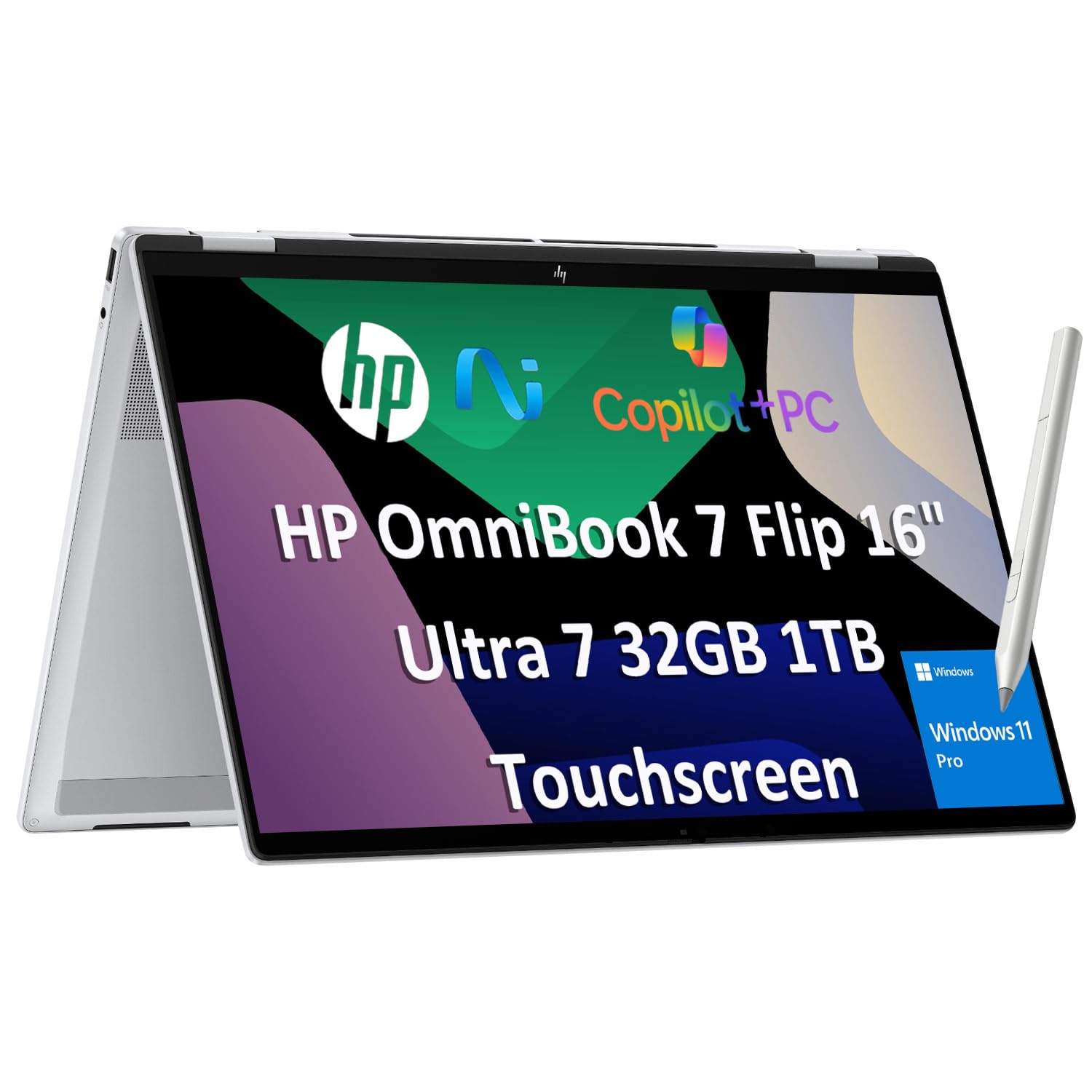
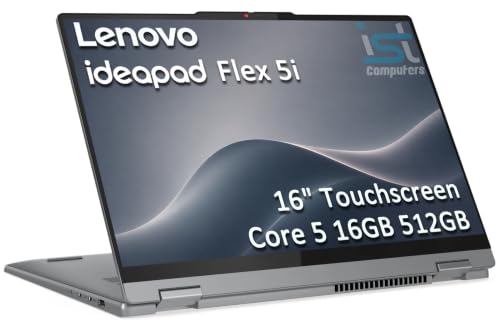

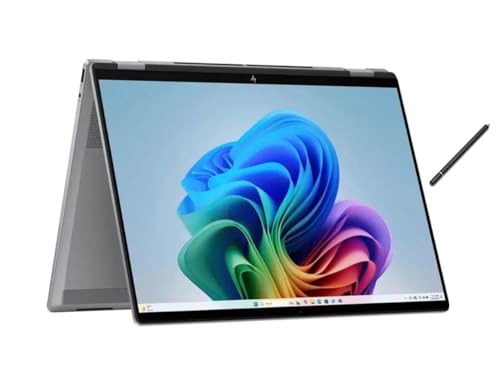
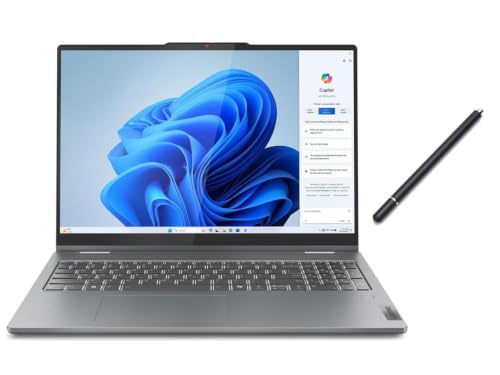

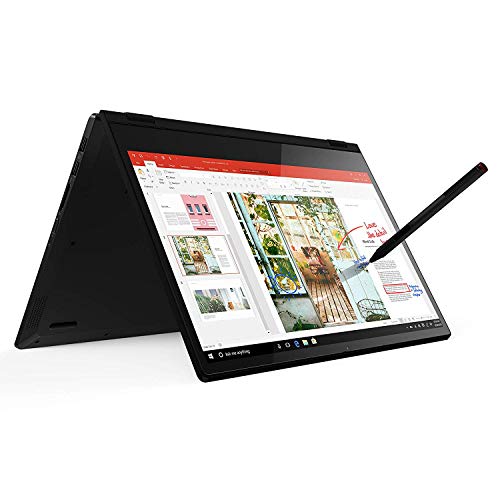
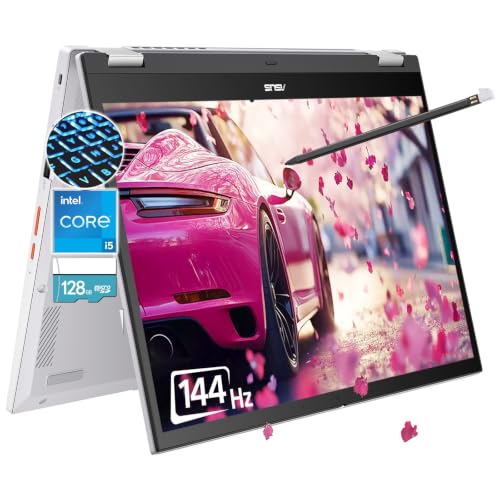
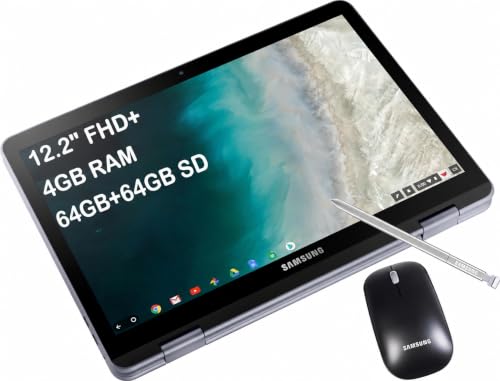
Screen Size and Drawing Area
A larger screen gives more canvas and room for panels. A 16 inch convertible feels closer to a drawing tablet, while a 14 inch model is easier to carry and still comfortable on a desk. Think about where you draw: on a lap, a desk or in a studio. A larger screen is heavy to hold as a tablet for hours, so many artists use a stand or rest the machine on the desk.
Colour and Brightness
Look for a screen that covers a wide colour range and has good brightness. OLED panels show deep blacks and vivid colour, and IPS panels give accurate colour and wide viewing angles. For print work, check that the listing mentions colour coverage such as sRGB or DCI-P3. A glossy finish looks vivid but reflects light, while a matte finish helps in bright rooms.
Pen Type and Pressure
An active pen reads pressure and often tilt, so lines get thicker with force. Some 2-in-1 listings bundle a simple capacitive stylus, which acts like a finger and does not read pressure. For serious illustration, look for the words active pen, MPP or a named pen standard, and check which pen the screen supports. The right pen turns a laptop into a real drawing tool.
Latency and Palm Rejection
Latency is the delay between the pen moving and the line appearing. Lower is better, and a good screen and processor reduce it. Palm rejection lets you rest your hand on the screen while drawing. Buyer comments about lag and palm problems are useful, so read them before ordering.
Processor, Memory and Graphics
Illustration apps run well on modern mid range processors with sixteen gigabytes of memory. Large canvases, many layers and 3D tools benefit from more memory and a stronger graphics chip. If you only sketch and paint in simple apps, an efficient laptop is enough.
Storage
Artwork files get large quickly. A 512 gigabyte drive works for a start, and a one terabyte drive gives more room for a growing library of projects. Plan a backup drive and cloud storage for finished work.
Hinge and Tablet Mode
The hinge should hold the screen at a drawing angle without wobble. A flat or slightly raised angle helps your wrist. In tablet mode the keyboard faces the table, so check that the underside is stable and that the laptop does not rock as you draw.
Software and Pen Features
Look for pen features in the system: pressure curves, shortcut buttons and quick note tools. Check that your preferred drawing app runs on the operating system. Many tools run on Windows, while ChromeOS supports a smaller set of apps.
Setup Tips
- Install the pen driver and calibrate the pen in the system settings.
- Choose your drawing app, set the pressure curve and draw a few practice strokes.
- Use a matte screen protector if you want a paper like texture.
- Keep the screen clean with a soft cloth.
Budget Planning for an Art Laptop
Artists often overspend on processor power and underspend on the screen and the pen. A mid range convertible with a good display and a proper active pen usually beats a faster machine with a dull screen and a basic stylus. Decide the minimum screen size and pen type you accept, then compare price within that group. If you plan to grow into heavier work, spend a little more on memory, since it cannot be upgraded on many thin laptops.
Colour Workflow and Print
If your work ends up in print or in a client file, you need a screen you can trust. Use a hardware colour tool or at least the built in calibration setting, and work in a colour profile that matches your output. For web and social media art, an everyday panel with good coverage of the common colour range is enough. Keep brightness moderate while you paint, since a very bright screen makes colours look weaker than they print.
Pairing the Laptop With Accessories
A small stand, a glove for your drawing hand and a spare pen tip are inexpensive additions. A second screen or monitor turns the laptop into a studio when you are at a desk, with tools on one side and the canvas on the other. Keep a fast external drive for backups, because art projects grow quickly.
Frequently Asked Questions
Do I need an expensive laptop to draw?
No. Beginners do well on a mid range convertible with a good pen. Professionals benefit from more power and better screens.
Is a capacitive stylus enough?
For casual sketching yes. For pressure sensitive illustration, use an active pen.
What size should I choose?
Choose by where you draw. Sixteen inches suits a desk, fourteen inches suits travel.
Do I need a graphics card?
Not for 2D art. 3D work and heavy filters benefit from one.
Can I use ChromeOS for art?
Yes for simple apps, but check app support for your tools.
How do I choose the best 2 in 1 laptop for artists?
Prioritise the screen and the pen type, then check memory and storage for your files.
Final Verdict
The best 2 in 1 laptop for artists has a screen you trust, a pen that suits your style and enough memory for your files. Compare the options in the product table, read the listing for pen type and display notes, and see our guides on how to choose a 2-in-1 laptop and budget 2-in-1 laptops for more help. Prices and availability change, so check the product page before ordering.


