
Best 14 Inch Gaming Laptops: Portable Power and Its Trade Offs in 2026
Disclosure: We may earn a commission when you buy through links on this page, at no extra cost to you. As an Amazon Associate I earn from qualifying purchases. Learn more
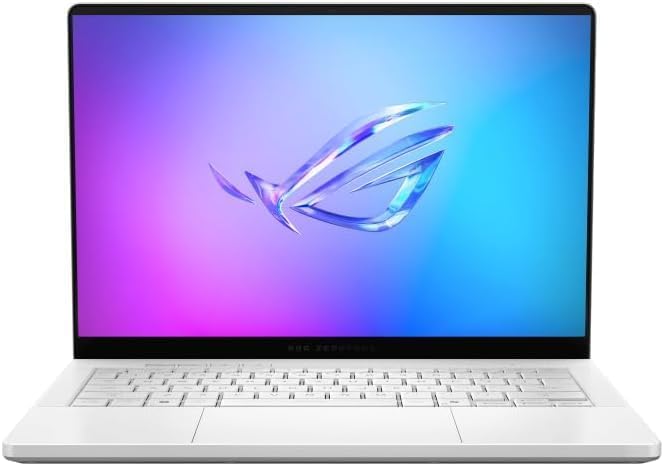
The best 14 inch gaming laptops trade some speed for portability. See how graphics, screen and cooling compare before you spend.
The best 14 inch gaming laptops trade a little raw speed for a lot of portability, and that trade suits a growing number of players. A 14 inch frame fits in a normal backpack, weighs far less than the 16 and 17 inch bricks, and still carries a dedicated graphics card that runs modern games well.
This guide explains where the compromises sit, how to read the graphics card, screen and cooling in a listing, and what the price tiers buy you. The product table after the introduction shows the in-stock models, and the supply is smaller than for bigger gaming laptops, so the shortlist is short.


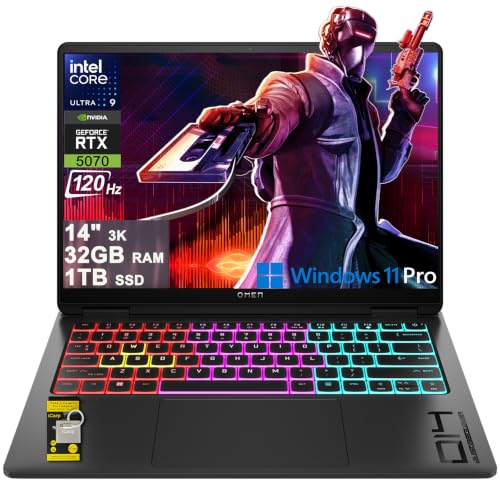

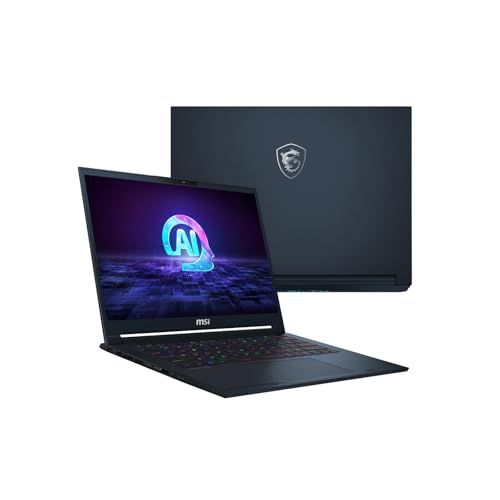
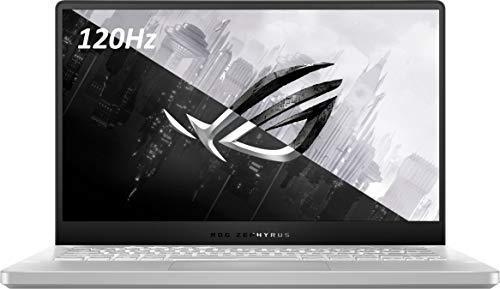
Why Choose 14 Inch Gaming Laptops
That is why the best 14 inch gaming laptops appeal to people who pick this size because the laptop has to be a daily carry machine first and a gaming rig second. Students bring it to class, travelers fit it in a carry on, and creators use the same graphics card for video and 3D work. If your laptop stays on one desk, a 16 inch model gives better cooling and more speed for the money, so be honest about how often it will move.
The cost of the small body is heat. A slim chassis has less room for fans and heat pipes, so the same graphics chip runs at lower power than in a thick 16 inch machine. Expect somewhat lower frame rates than a bigger laptop with the same label on the card, and fans that get louder under load.
Graphics Card and Processor
The graphics card sets your frame rates, so start there. In the table you will see Nvidia RTX cards across several generations. A mid tier card handles most games at the screen's native resolution with sensible settings, while the top card in a 14 inch body is a luxury for those who want maximum detail.
Read the video memory in the listing. Lower tier cards carry less of it and suit moderate texture settings, while newer titles with high texture settings use more, which is one reason higher tier cards cost extra. Processors in these laptops are efficient 8 to 16 core chips that rarely hold back the graphics card, so spend your money on the card and screen before the processor.
Screen, Refresh Rate and Panel Type
OLED or IPS
Many 14 inch models now use OLED panels, with deep blacks, fast response and wide color, which makes games and films look striking. IPS panels are less dramatic but run cooler and avoid the burn in concerns some people have about OLED. Either way, look for a 16:10 shape for extra vertical space in work apps.
Refresh rate and resolution
A 120Hz or 165Hz display feels clearly smoother than a 60Hz panel in fast shooters and racing games. The sharper 2.8K or 3K screens look better but ask more of the graphics card, so you may lower settings or use upscaling to keep frame rates high. A QHD+ panel often hits the best balance on a laptop this size.
Cooling, Noise and Battery
Cooling decides whether the laptop sustains its speed or throttles after twenty minutes. Look for a vapor chamber or several heat pipes, vents on the base and rear, and a performance mode switch that lets you choose between quiet and fast. Read buyer comments about fan noise under load, because that is the complaint owners raise most often.
Battery life on a gaming laptop depends heavily on the mode. In light work such as browsing or documents, thin 14 inch models can last a long time because the graphics card sleeps. When you play unplugged, expect a sharp drop and lower performance, so keep the large charger in your bag for any long session. A USB-C charging port is a bonus for topping up on the go with a smaller adapter.
What Each Price Tier Buys
The listed models start around $1,400 and rise above $3,000 for the top card and a large OLED panel. At the lower end you get a capable mid range graphics card, a fast screen and a sturdy build. In the middle you add better cooling, brighter displays and more memory. The top tier adds the strongest card, premium materials and extras like a better webcam and speakers.
Because supply is limited, some buyers also compare against the bigger cheap gaming laptops. Before you spend, read is a gaming laptop worth it and how long a gaming laptop lasts to set realistic expectations.
Ports, Upgrades and Extras
Thin laptops give up some ports, so list what you plug in every day. HDMI, USB-A for a mouse, USB-C or Thunderbolt for a dock and a headphone jack cover most setups. Memory is often soldered in 14 inch models, while the SSD is usually replaceable, so buy the memory you need now and treat storage as the upgradeable part. A cooling pad is rarely necessary for a good 14 inch model, but a sturdy stand improves airflow.
FAQs
Can a 14 inch gaming laptop run new games?
Yes. With a current RTX graphics card it plays modern games at good settings, though frame rates sit a little lower than in a bigger laptop with the same card.
Are 14 inch gaming laptops loud?
Under heavy load the fans spin up, since there is less room for cooling. Using a quieter performance mode lowers the noise at the cost of some frame rate.
Is OLED safe for a gaming laptop?
For most owners, yes. Varying what is on screen and using a dark theme for static desktops reduces the burn in risk further.
How much memory should I get?
Sixteen gigabytes is the minimum for gaming today, and 32GB gives room for streaming and creative apps at the same time.
Final Verdict
The best 14 inch gaming laptops belong to buyers who want one machine for class, travel and play. Pick the strongest graphics card your budget allows, choose a screen with a smooth refresh rate, and check cooling comments before you buy from the product table.
Prices and availability can change, so check the product page before ordering.


