
Best 15 Inch Laptops Under 600 in 2026: A Practical Buyer's Guide
Disclosure: We may earn a commission when you buy through links on this page, at no extra cost to you. As an Amazon Associate I earn from qualifying purchases. Learn more

What to check before choosing the best 15 inch laptops under 600: what the extra money buys over cheaper models.
Six hundred dollars is where a 15 inch laptop starts to feel less like a compromise. The best 15 inch laptops under 600 dollars bring better processors, Full HD screens as standard and more reliable builds than machines a hundred dollars cheaper, which makes this one of the most sensible price points for everyday buyers.
This guide explains what the extra money buys, which choices matter most and how to avoid false economies. Use it with the product table above.
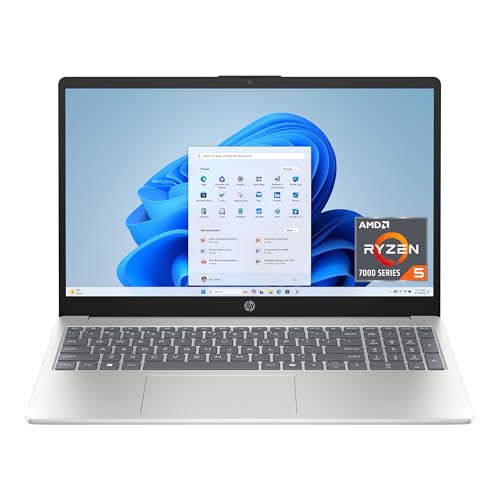

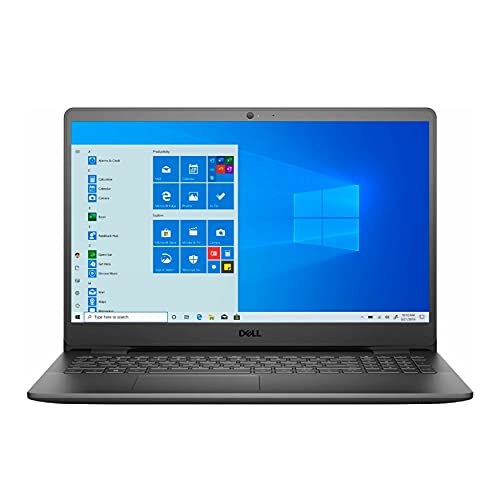
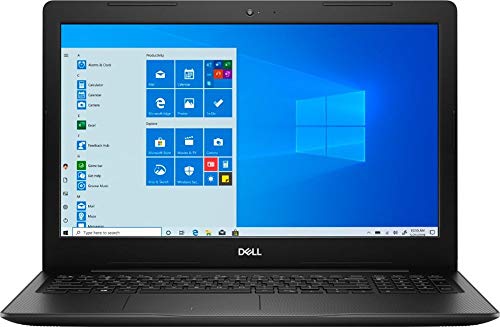
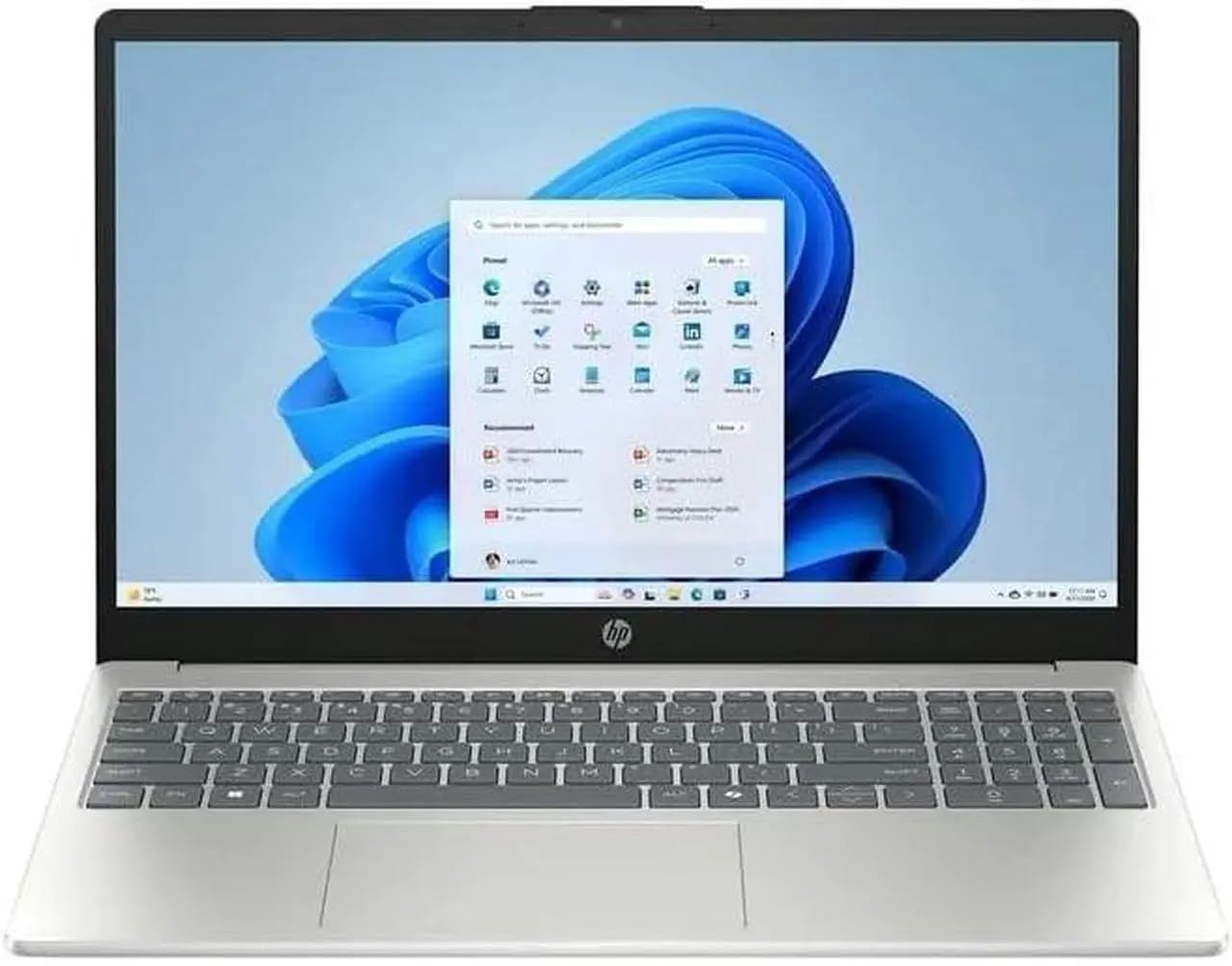


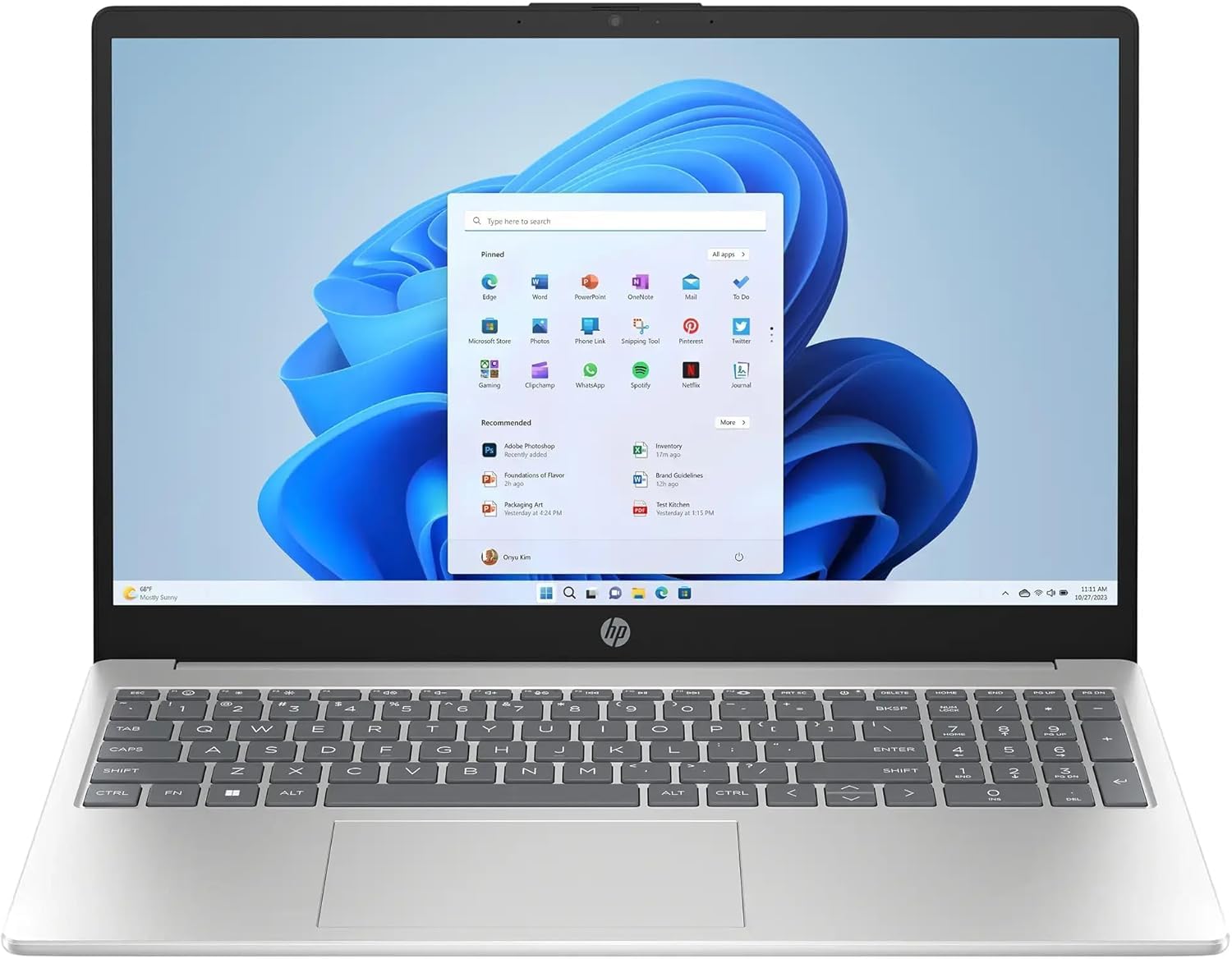
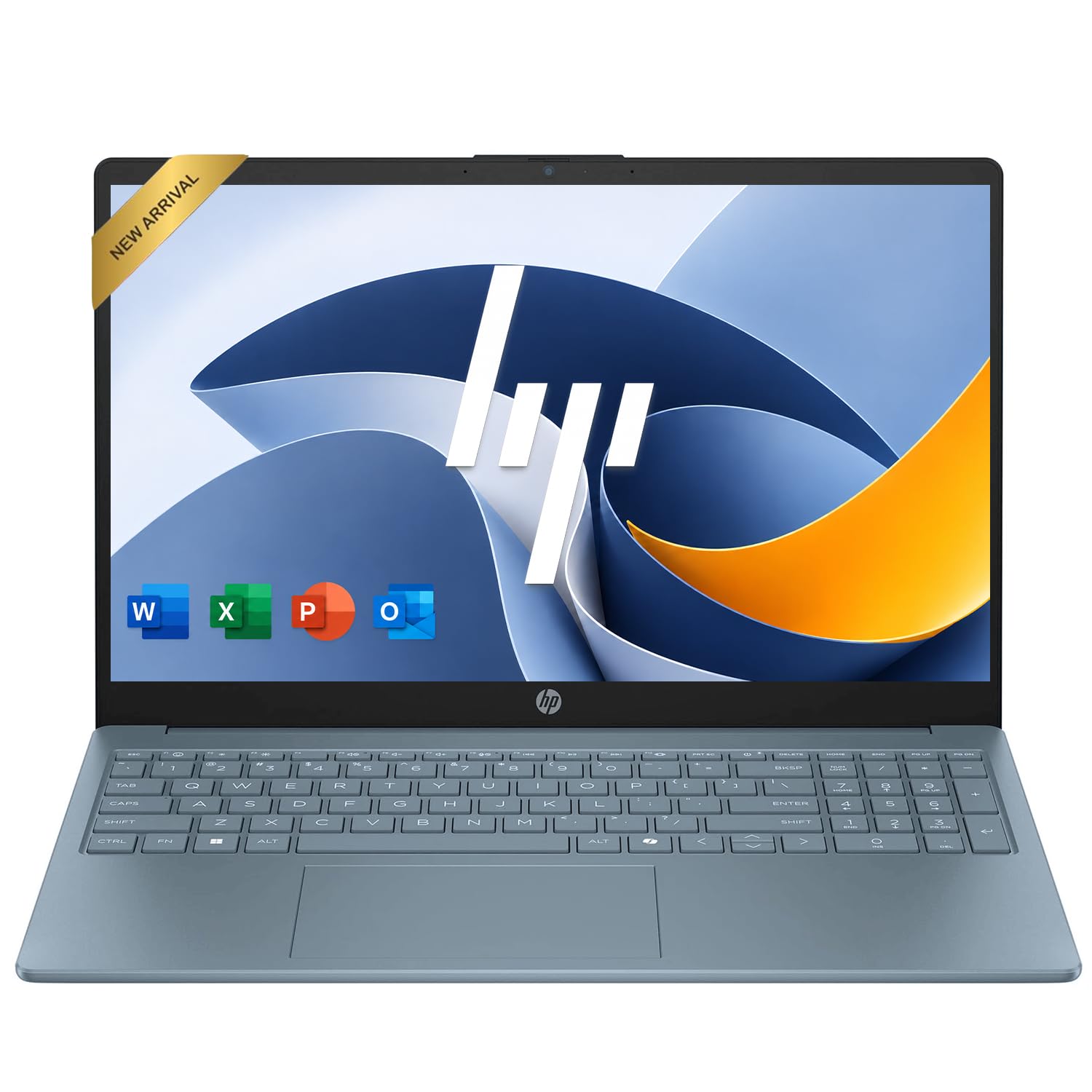

What You Gain Over a 500 Dollar Laptop
Models near 600 dollars more often include sixteen gigabytes of memory or an easy upgrade path, a 512GB solid state drive, a Full HD IPS screen and a processor from a more recent generation. Keyboards and trackpads improve, and battery life tends to be better.
The result is a laptop that feels fast for longer, so the extra spending often pays back by delaying a replacement.
Processor Tiers and What They Mean
At this budget you will see midrange processors from both major makers, with six or eight cores in some cases. These handle multitasking, video calls and light photo editing comfortably. Older models sold at the same price may use outdated chips that are slower and less efficient, so check the generation in the listing.
Do not chase the highest core count. A well-balanced machine with a solid drive and enough memory beats an unbalanced one with a bigger processor.
Memory, Storage and Upgrade Options
Sixteen gigabytes of memory is the sweet spot, and eight gigabytes is acceptable if the laptop allows an upgrade. A 512GB solid state drive gives comfortable space. Check for a second drive slot or an accessible memory slot, which stretches the laptop's useful life.
Soldered memory cannot be upgraded, so buy the amount you will need for several years.
Screen: Brightness, Color and Finish
A Full HD IPS screen should be the standard here. Look at brightness, since dim panels are hard to use near windows. A matte finish helps in bright rooms. Touch screens add convenience for note-taking, but they can reduce brightness and battery life.
If you do photo work, look for models with wider color coverage, though these are less common at this price.
Build, Keyboard and Everyday Comfort
Better builds mean sturdier hinges, firmer decks and keyboards with real key travel. A backlit keyboard helps in dim spaces, and a trackpad with a smooth surface makes daily use more pleasant. Read buyer comments on flex and noise, which a specification list will not show.
Battery Life and Charging
Look for laptops that buyers say last a full day of light use. Fast charging and USB-C charging add convenience. A big battery adds weight, so balance it against how often you carry the laptop.
Light Gaming and Creative Use
Some models near this price include entry graphics, which handle esports games and light photo and video editing. Expect modest settings and lower frame rates. If gaming matters, pick a model with dedicated graphics and accept the weight and shorter battery life.
For general use, integrated graphics are enough and keep the laptop cooler and lighter.
Mistakes to Avoid at This Price
A common mistake is paying extra for a high-refresh gaming screen on a laptop that cannot reach high frame rates, which wastes money and battery. Another is choosing the biggest processor name while accepting eight gigabytes of soldered memory that cannot grow. A third is ignoring the charger: very small chargers can slow a laptop under load.
Look at the balance of memory, storage, screen and build, and read buyer comments about heat and noise before you decide.
Comparing Two Similar Models
When two laptops list the same processor and memory, compare the weight, brightness, port selection and warranty, and check what buyers say about the keyboard and hinge. A laptop with a slightly slower chip and a better screen often feels like the better computer. Keep an eye on the return window as well, since problems usually appear within days.
If one model includes a second drive slot or an upgradeable memory slot, that flexibility adds value that a specification list does not show.
Setting Up for Good Performance
Run system updates, remove preinstalled trial software and turn on the battery care feature if available. Set up automatic backups, check that the refresh rate and resolution are set correctly and install a reliable security tool. If the laptop has both integrated and dedicated graphics, confirm that demanding apps use the dedicated chip.
A little setup effort in the first hour pays back with better speed and a longer-lived machine.
Who Should Spend Slightly More or Less
If you only browse and write, you may save by choosing a cheaper model with sixteen gigabytes of memory. If you game or edit photos regularly, stretching to a model with dedicated graphics may be worth it. For everyone else, this price band offers a sound balance of speed, screen and build.
Decide what you will use the laptop for over the next three years, then pick the cheapest model that handles those tasks comfortably.
Warranty, Support and Returns
At this price, the warranty and the return process matter almost as much as the hardware. Read how long the warranty lasts, whether it covers the battery and what counts as a covered defect. A clear return window of a few weeks lets you check the keyboard, screen and fans during real use, which is when most problems appear.
Keep the packaging, register the product if the maker offers it and save the receipt so a claim is simple if something fails later.
You may also find our guides to best 15 inch laptops under 700 and best 15 inch laptops under 500 useful.
Frequently Asked Questions
Is 600 dollars a good budget for a laptop?
Yes. It buys a clear step up from the cheapest models.
Do I need sixteen gigabytes of memory?
It is the comfortable target, though eight works for light use if it can be upgraded.
Can these laptops handle light gaming?
Models with dedicated graphics can. Others handle only casual games.
Should I choose a touch screen?
Only if you use it.
Final Thoughts on the Best 15 Inch Laptops under 600
The best 15 inch laptops under 600 dollars bring faster processors, better screens and sturdier builds than cheaper models. Choose enough memory and storage, check buyer comments and use the table above to compare current prices. Prices and availability can change, so check the product page before ordering.


