
Asus ROG Crosshair X870E Hero Review for 2026: AM5 Board
Disclosure: We may earn a commission when you buy through links on this page, at no extra cost to you. As an Amazon Associate I earn from qualifying purchases. Learn more

This asus rog crosshair x870e hero review covers the AM5 board's power stages, five M.2 slots, USB4, WiFi 7 and how it compares with cheaper X870E boards.
Enthusiast Ryzen builds deserve a board that does not hold the processor back, and this asus rog crosshair x870e hero review shows what you get for the money. The Crosshair X870E Hero is an ATX board for AM5 with 18+2+2 power stages, PCIe 5.0, five M.2 slots, WiFi 7 and USB4. It costs about $540, which puts it in the premium tier of the X870E range.
The product table lists the Hero with other X870E boards, including cheaper and pricier siblings, so you can compare features and price.

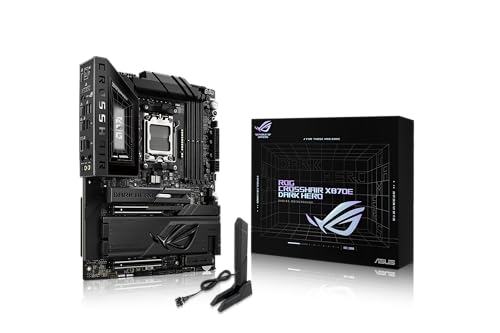
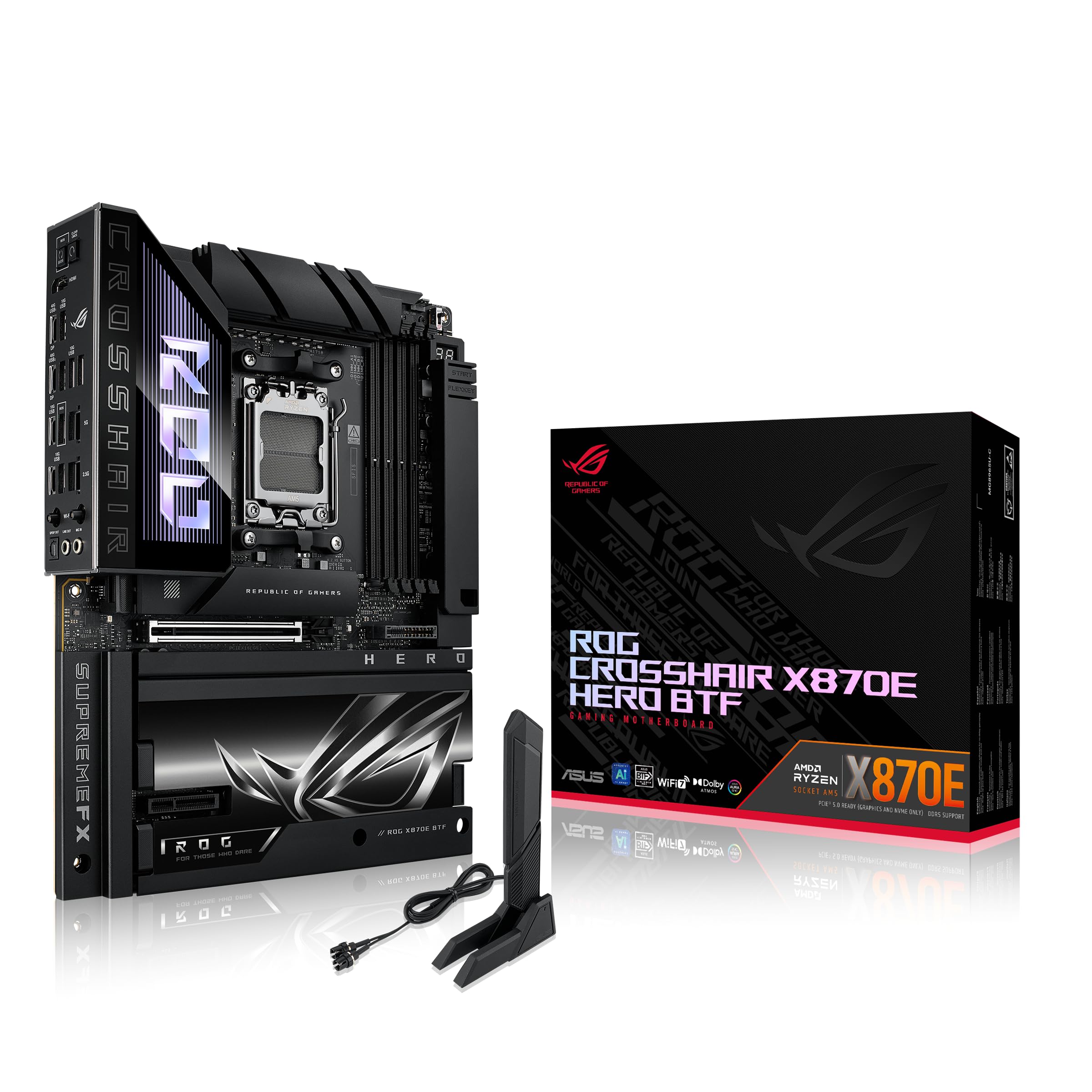


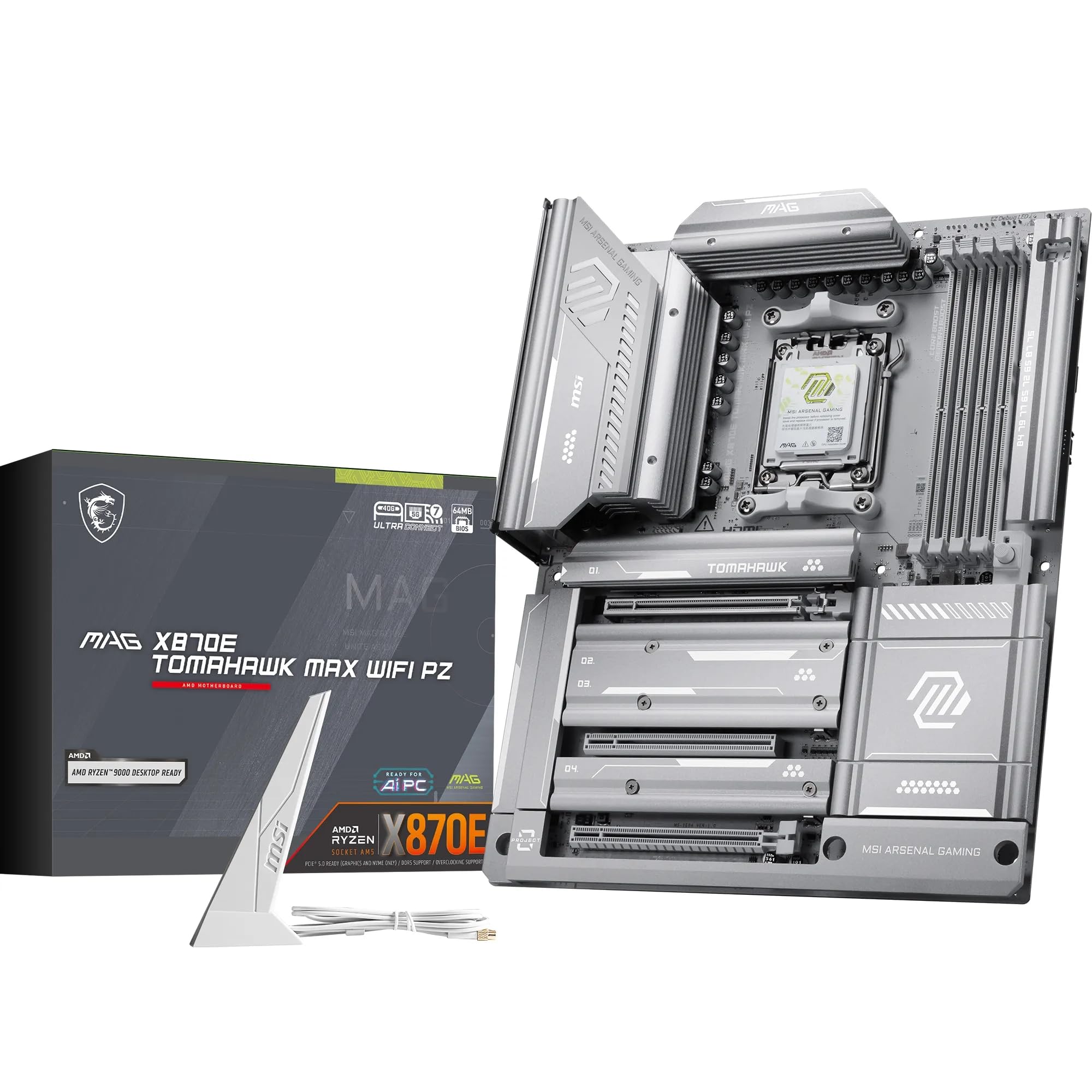


Asus Rog Crosshair X870e Hero Review: Power and Platform
The listing describes an AMD AM5 socket ready for Ryzen 9000, 8000 and 7000 processors and a power solution with 18 plus 2 plus 2 stages rated at 110A. ProCool II power connectors, alloy chokes and premium capacitors support the stage design. That level of power delivery is far above what mainstream processors need, and it gives headroom for the highest end chips and manual tuning.
The X870E chipset adds extra PCIe 5.0 lanes and USB4 support over the earlier boards. The result is a platform with room for a fast graphics card, several drives and a pile of fast peripherals.
Overclocking and Tuning Tools
ASUS puts a lot of effort into automatic tuning. The listing names AI Overclocking, AI Cooling II, AI Networking and AEMP for easier memory profiles. ROG exclusive tools such as Dynamic OC Switcher, Core Flex, Asynchronous Clock and PBO Enhancement help tune a processor for both single and multi core loads.
These tools make tuning less intimidating. A beginner can accept the automatic profile, while an expert can step into manual controls. Either way, save a stable profile and keep the default one as a fallback.
Cooling and stability
High power boards need good airflow around the power stages. A case with front intake fans and a top exhaust keeps the temperature in check. Overclocking raises heat quickly, so pair the board with a quality cooler.
Storage, Slots and Connectivity
Five M.2 slots give you room for a fast boot drive and large game libraries. A PCIe Slot Q Release Slim design makes removing a graphics card easier. WiFi 7 and USB4 are included, which means the board is ready for new routers and fast external drives.
Check the manual to see which slots share bandwidth. Populating every M.2 slot may disable a SATA port or reduce a lane count. A short plan before you buy the drives avoids surprises.
Memory and Processor Pairing
An enthusiast board pairs naturally with a high core count Ryzen and a fast DDR5 kit. The AEMP feature in the listing helps you load memory profiles that are not officially listed for AMD. Start with the automatic profile, check stability with a long gaming session and only then try manual timings.
Pairing a flagship board with a budget processor wastes money. If your chip is a midrange part, a board one tier below delivers the same gaming results and leaves more budget for the graphics card, which matters more in games.
First Boot and BIOS Updates
Update the BIOS before you push the processor hard. New releases improve memory compatibility and add support for newer chips, and the process takes only a few minutes from a USB stick. Read the release notes, and avoid updating in the middle of an unstable overclock.
After the first boot, set a fan curve for the cooler and the case fans. A quiet, steady curve keeps the system pleasant to live with. Then save your settings to a profile slot so you can restore them after a CMOS reset.
Cable and case planning
An ATX board needs an ATX case with room for the cooler and the graphics card. Plan the cables before you start, and use the included brackets and connectors to keep them tidy. A clean build also improves airflow.
Is It Worth the Price?
At about $540 the Hero costs far more than a mainstream B850 board that runs the same processors. The extra cost buys stronger power delivery, tuning tools, more storage and premium touches. If you overclock or want a platform that you will keep for several upgrades, it is a strong choice.
If you plan to run the processor at stock settings, a cheaper X870E or B850 board gives you most of the experience. Many gamers put the saved money into a better graphics card.
Hero Versus Its Siblings
The Crosshair family has several versions. A Dark Hero version sits above and costs more, and a BTF version moves the connectors to the back for cleaner cabling. The Strix X870E boards below offer a lower cost entry into the same chipset.
- Dark Hero: for the highest end builds and extreme tuning.
- Hero BTF: for builders who want hidden connectors and a tidy case.
- Strix X870E boards: lower cost with the same chipset features.
For broader advice, the best motherboard guide covers options across chipsets. The MSI MAG X870 Tomahawk WiFi review and the Gigabyte B850 Aorus Elite WiFi7 review show alternatives.
Who Should Skip It
Builders on a tight budget, small form factor fans and anyone who never changes BIOS settings can skip this board. Its strengths show up under heavy tuning and in builds with many drives. For a simple gaming PC, the extra cost is better spent on the processor or the graphics card.
Frequently Asked Questions
Which CPUs does the Crosshair X870E Hero support?
AMD Ryzen 9000, 8000 and 7000 series for the AM5 socket.
Does it have WiFi 7?
Yes, WiFi 7 is listed along with USB4.
How many M.2 slots does it have?
Five, according to the listing.
Is it good for overclocking?
Yes, the 18+2+2 power stages and ROG tuning tools are designed for it.
Do I need a premium board for a Ryzen 9?
Not necessarily. A good mid range board runs it well at stock settings.
Final Verdict
This asus rog crosshair x870e hero review concludes that the board is a premium, feature rich platform for enthusiasts. Buy it for strong power delivery, many drives and tuning tools. For stock builds, compare cheaper boards in the product table and spend the savings elsewhere.
Prices and availability can change, so check the product page before ordering.


