
Best 12 Inch Tablets: Large-Screen Picks for Work, Study and Streaming
Disclosure: We may earn a commission when you buy through links on this page, at no extra cost to you. As an Amazon Associate I earn from qualifying purchases. Learn more

Best 12 inch tablets compared for display, real memory, keyboard and stylus support, battery and software updates before you spend.
A twelve inch tablet sits in a useful middle ground, and that is why more buyers now treat it as a second computer. The screen is big enough for split-screen work, drawing, reading comics and watching video comfortably, yet the whole device still weighs less than most laptops. The best 12 inch tablets make that size feel purposeful instead of bulky.
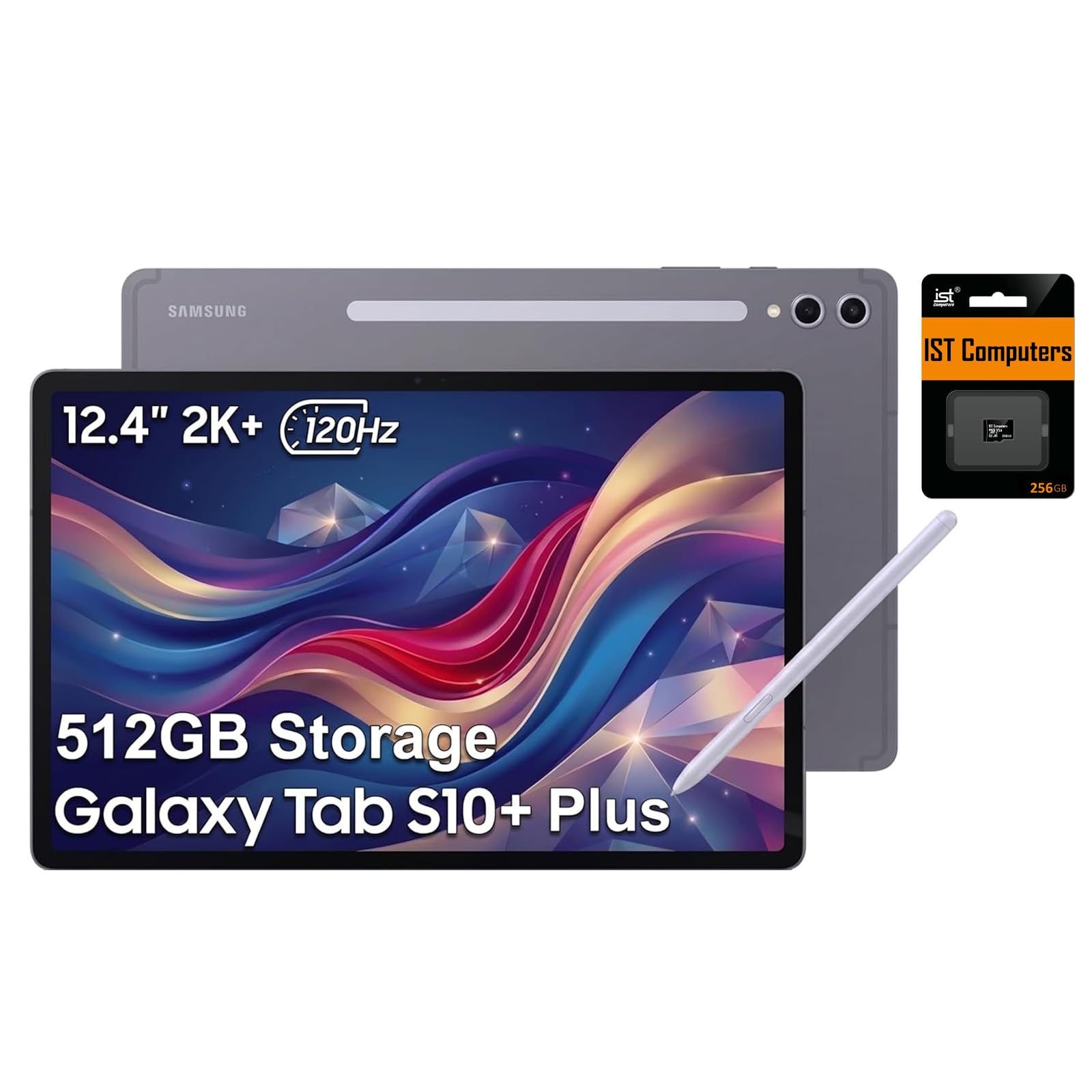
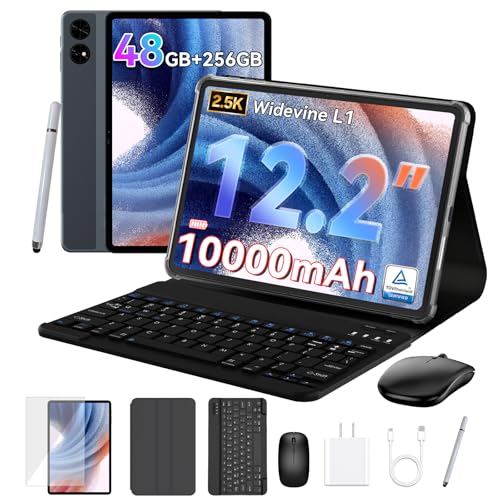
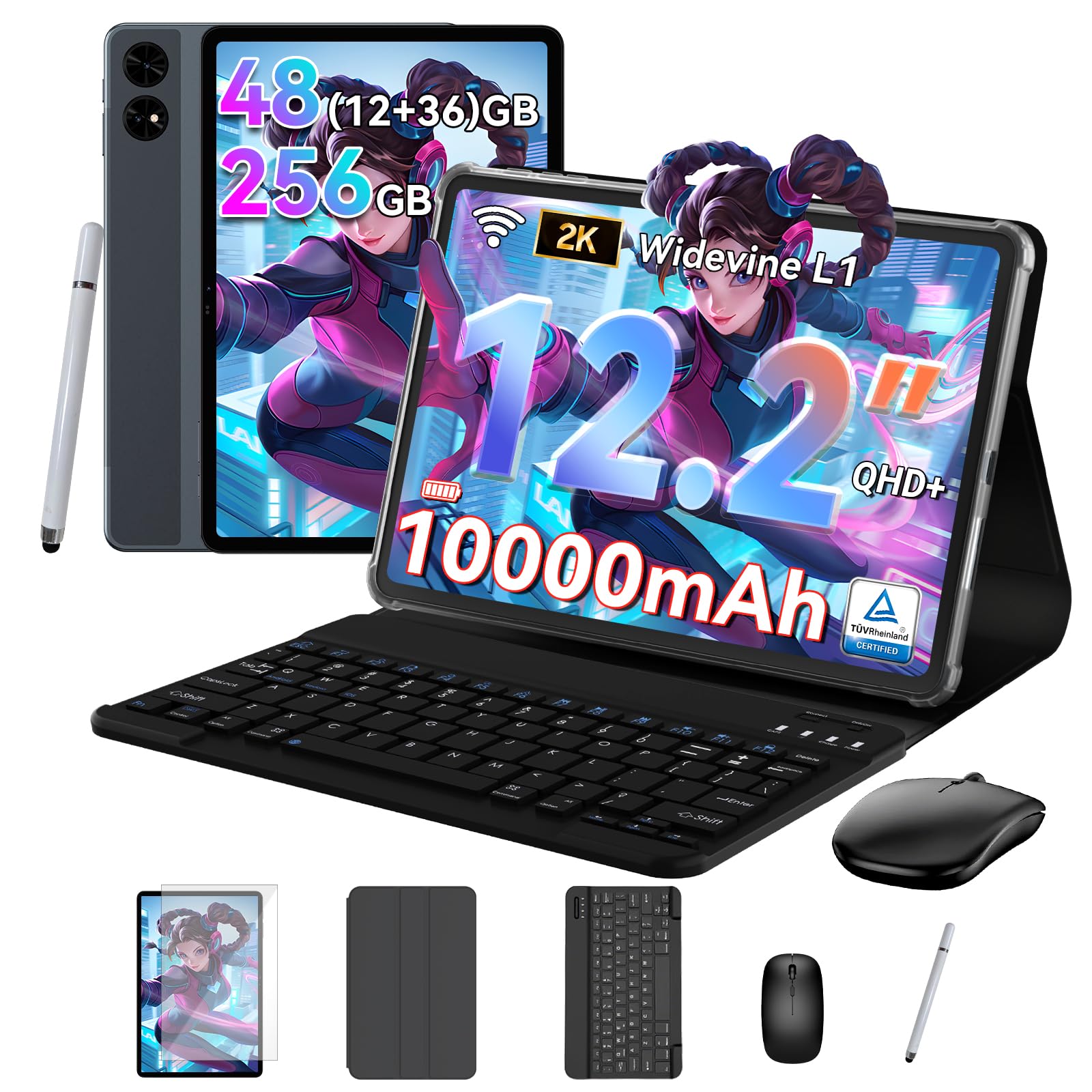
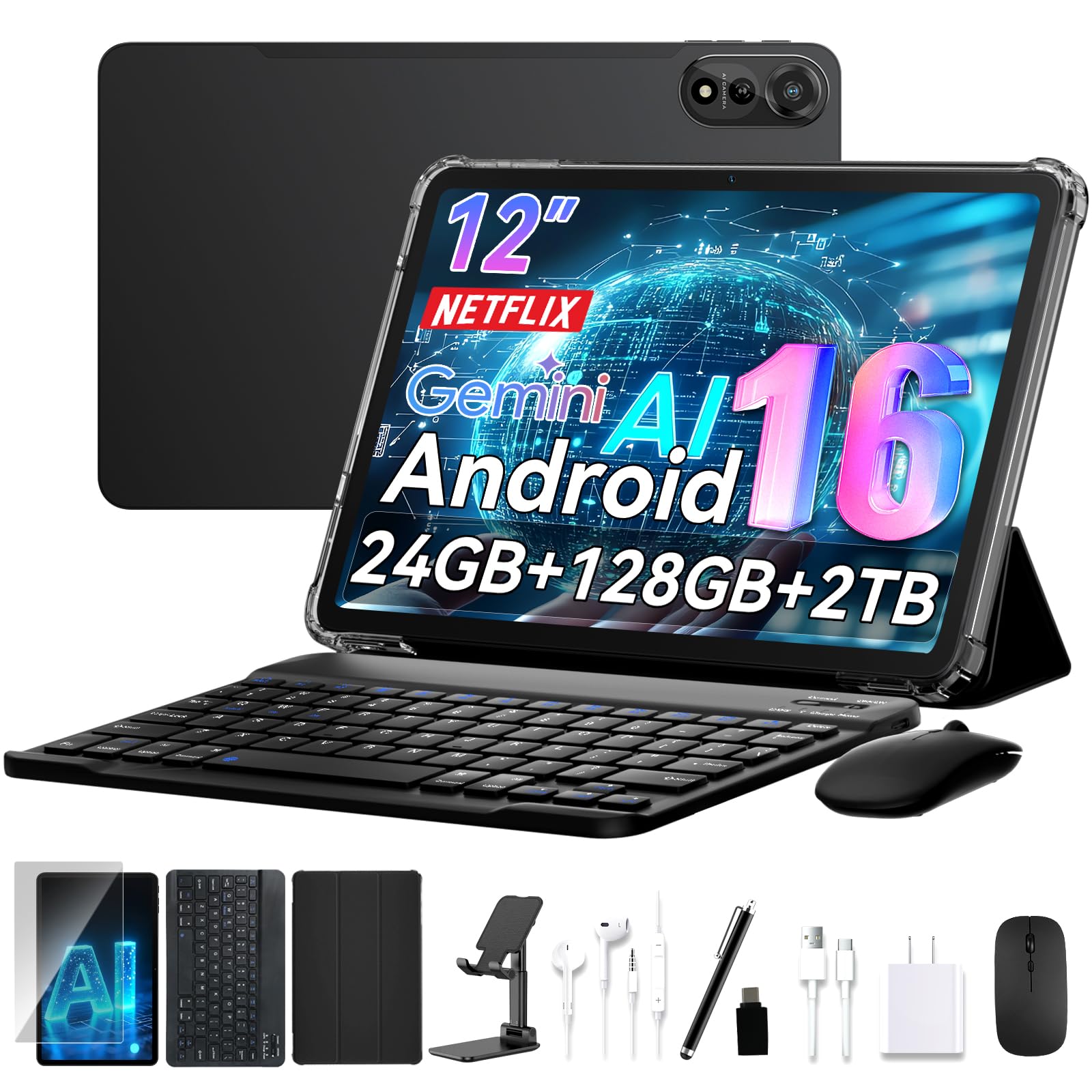
This guide covers what to check on the display, how to read the memory and storage claims in listings, which accessories matter and where cheaper models cut corners. The product table above lists a spread of models from premium to budget so you can compare them directly.



Why Choose the Best 12 Inch Tablets Over Smaller Ones
Smaller tablets are easy to carry but cramped for multitasking. Twelve inches gives you room for two apps side by side, a full-width document or a sketching canvas with space around it. It is also large enough that a detachable keyboard becomes genuinely usable for typing emails and notes.
The trade-off is weight and price. These tablets are less comfortable to hold one-handed in bed than an 8 inch model, and the screens add cost. If portability matters more than space, our guide to 7 inch tablets covers the opposite end, and tablets over 12 inches covers the other.
Display Quality Comes First
Since you will stare at this screen for hours, resolution, brightness and anti-glare treatment matter most. Look for a panel with enough resolution to keep text sharp at this size, and a refresh rate above the basic level if you scroll a lot or sketch with a stylus. OLED panels give deeper blacks for video, while good LCD panels are brighter and often cheaper.
Aspect ratio also affects use. A taller, more square screen suits documents and reading; a wider one suits video. Check whether the listing names a laminated display, because that reduces the gap under the glass and makes pen input feel more direct.
Reading Memory and Storage Claims
Many budget listings advertise very large RAM totals by adding virtual memory carved from storage. That extra figure does not behave like real RAM. Look for the physical memory number and judge performance from the processor class and reviews, not the headline total.
Storage deserves the same scrutiny. Decide how much you need for apps, downloads and offline video, and check whether a microSD slot lets you expand later. Expandable storage is a real advantage on Android tablets, but it is slower than built-in storage, so keep apps on internal memory.
Operating System, Updates and Apps
Android tablets run the same app store as phones, but tablet-optimized apps vary in quality. Premium models from established makers promise longer software and security support, which protects the device for years. Many unbranded budget models ship with an older Android version and few updates.
Check the operating system version in the listing, whether Google services are included and what the maker says about updates. For work and school tasks, a model with desktop-style windowing makes the larger screen far more productive.
Keyboards, Stylus and Accessories
Some 12 inch tablets include a keyboard cover in the box, which saves money but can have a cramped layout. Trackpad quality and key travel vary widely. If you plan to write a lot, check that the keyboard is detachable and that the kickstand angle is stable on your lap.
For note-taking or drawing, confirm whether a stylus is included or sold separately and which pen is supported. Magnetic charging and pen storage on the tablet's edge are small conveniences that you will appreciate daily.
Battery, Charging and Weight
Battery claims come from video playback, so expect less when gaming or multitasking. A larger tablet usually has a larger battery, but the bright screen uses it quickly. Look for fast charging support and check whether a charger is in the box.
Weight matters on commutes. Handle a model in a store if you can, or compare listed weights against a device you already own. A thin tablet that feels light is easier to use on a train than a heavier one with a long list of extras.
Choosing the Best 12 Inch Tablets by Budget
Under a modest budget, expect a usable screen and enough power for streaming, reading and light office work, with compromises on speakers, cameras and update support. In the middle of the price range you gain better processors, brighter panels and more reliable software promises. At the top you get premium build, strong stylus support and several years of updates.
Match spending to use. A student writing essays benefits most from a good keyboard and a long update policy, while a movie fan should spend on the display and speakers. Skip features you will never touch, such as large camera arrays on a device you will rarely use for photos.
Smart Buying Tips
Read the full listing for the exact model name, because near-identical products often differ in storage or memory. Check what accessories are included and whether a case, screen protector and charger are extra. Confirm the return window so you can try the tablet with your own apps.
Compare buyer reviews for patterns rather than single opinions. Repeated comments about screen quality, battery life or software glitches are far more useful than one-off praise. Finally, set up the tablet within the first week and check every feature, so any fault shows up while you can still return it.
Frequently Asked Questions
Can a 12 inch tablet replace a laptop?
For browsing, email, writing and video calls, often yes, especially with a keyboard. For heavy software, programming or large spreadsheets, a laptop is still more capable.
Is more RAM always better on a tablet?
Real memory helps multitasking, but listings that add virtual memory to the number overstate it. Check the physical amount and the processor.
Do I need a stylus?
Only if you draw, annotate documents or take handwritten notes. Check which pens the tablet supports before buying one.
Are cheap 12 inch tablets worth it?
They can work for streaming and reading, but screens, updates and speakers are where savings show. Weigh the discount against the missing support.
How long do tablets last?
With regular software updates and a healthy battery, three to five years is common. Update policy is the biggest factor.
Wrapping Up
Start with the screen, read memory claims carefully and confirm what is in the box. The best 12 inch tablets are the ones whose display, keyboard and software support match your daily routine. Use the product table above to compare your shortlist, then check the return window before you order.
Prices and availability can change, so check the product page before ordering.


