
Beelink vs Minisforum: Which Mini PC Brand Is Better in 2026?
Disclosure: We may earn a commission when you buy through links on this page, at no extra cost to you. As an Amazon Associate I earn from qualifying purchases. Learn more

A beelink vs minisforum guide to range, performance, ports, cooling, and warranty, with models from both brands to compare.
Minisforum and Beelink are two of the best known mini PC makers, and their lineups overlap more than their marketing suggests. This beelink vs minisforum guide compares range, performance, ports, cooling, and value so you can choose the right brand for your desk.
The product table near the top shows models from both brands. Pick a budget, then read the sections below to decide which strengths matter to you.

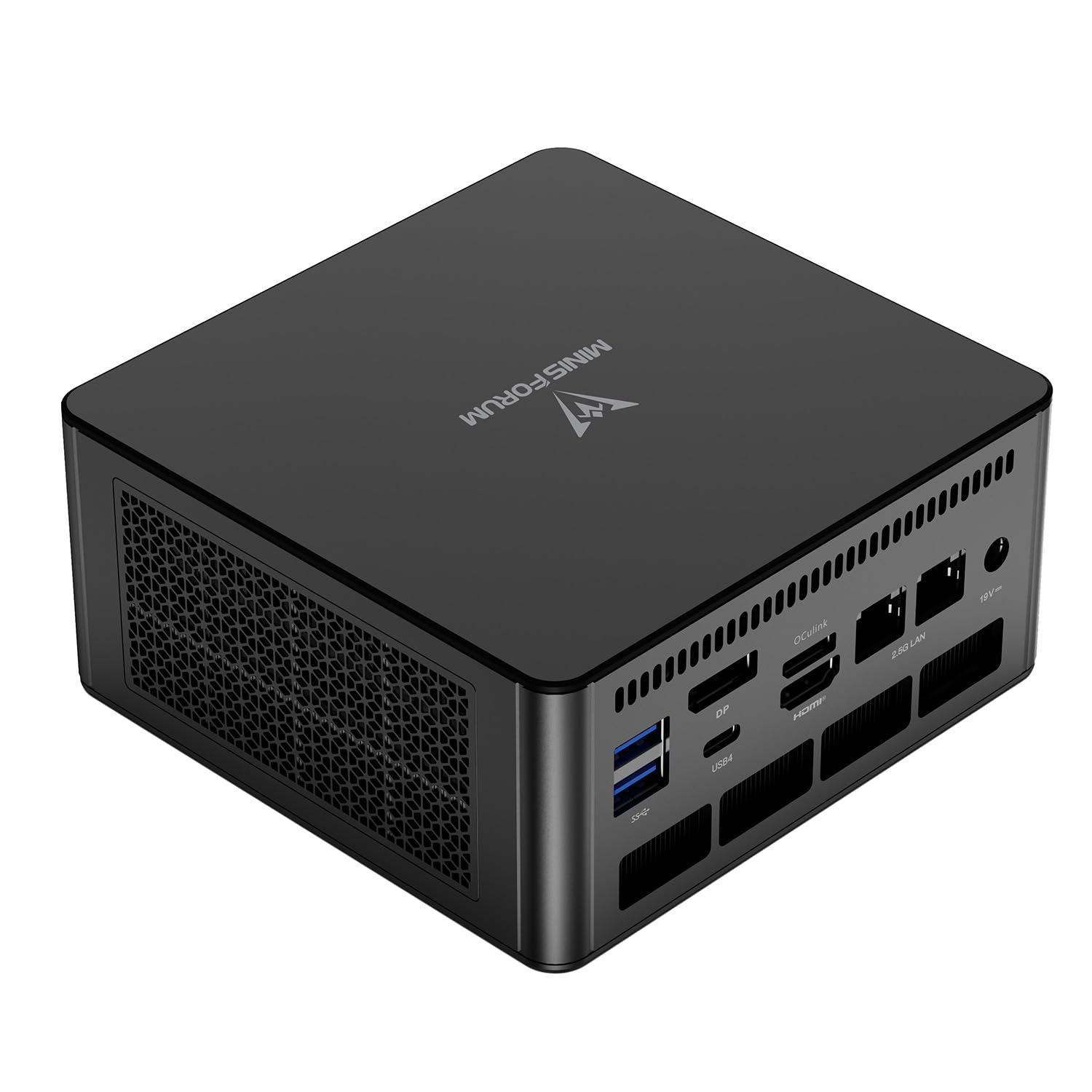


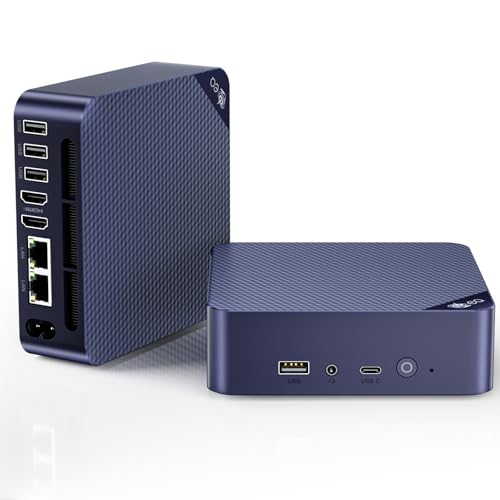


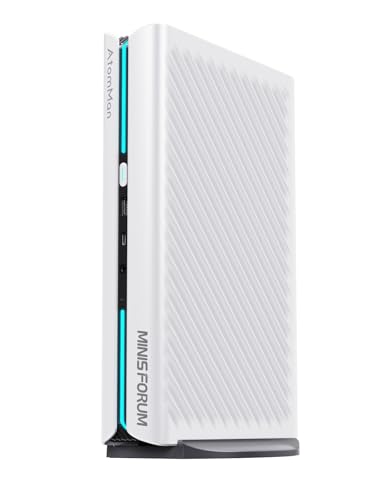
Beelink vs Minisforum: Product Range
Beelink sells everything from low power Intel N series machines to Ryzen 7 and Ryzen AI models, with lines such as the EQ14, EQR7, SER8, and SER9 Pro in the hub. Minisforum leans toward the performance end, with the UM870, UM890 Pro, UM790 Pro, and a gaming focused G1 Pro in the list.
If you want the cheapest quiet box, Beelink has more choices. If you want the fastest mini PC your money can buy, Minisforum has more high end options.
Performance and Processors
Minisforum frequently uses Ryzen 9 chips and mobile workstation processors, such as the Ryzen 9 8945HS in the UM890 Pro and the Ryzen 9 7940HS in the UM790 Pro. Beelink more often picks efficient Ryzen 7 and Intel parts, which cost less and run cooler.
For office work, programming, and browsing, the difference is small. For heavy editing, compiling, and local models, the Minisforum machines have more headroom, provided the cooling keeps up.
Ports and Connectivity
Minisforum models often include dual USB4 ports, several video outputs, and dual Ethernet. Beelink models vary, with some offering dual LAN and others keeping the port count lean to hold the price down.
Check the ports against your monitors, storage, and network. A single missing port can be an annoying reason to return a machine, so read the exact list.
Cooling and Noise
High power chips need good cooling. Minisforum designs use larger fans and heat pipes on performance models, and Beelink designs focus on a compact footprint. Both get audible under load, and neither is silent when pushed.
Leave space around the vents and avoid stacking items on the case. Clean dust every few months to keep temperatures low.
Software, Support, and Warranty
Both brands ship with Windows or as barebone kits, and both are available through major retailers. Read the warranty period, confirm who handles repairs, and keep your invoice.
Update the BIOS and drivers after setup. If a model has recent buyer comments about failures or noise, treat that as the clearest signal, whatever the brand.
Which Brand Wins for Which Buyer
- Choose Beelink for budget friendly, efficient everyday machines.
- Choose Minisforum for maximum performance and a strong port selection.
- Choose by exact model, since both brands sell both good and weaker machines.
For broader comparisons see the best mini PC guide, the Apple Mac mini M4 review, the Framework Desktop review, and the NVIDIA DGX Spark review.
Gaming, Creative Work, and Home Labs
Gamers should look at the Minisforum models with stronger graphics, while casual players will be fine with integrated graphics on either brand. Creators who edit video benefit from the faster chips and more memory, and home server users like dual Ethernet and plenty of USB ports.
For a small server that never sleeps, power use matters, and an efficient Beelink Intel model uses less energy than a Ryzen 9 machine at idle.
Examples: Picking by Workload
A buyer who types, browses, and watches video all day will be happy with an efficient Beelink at a modest price. Someone who compiles code, edits large photo sets, or runs several virtual machines should lean toward the faster Minisforum chips and plenty of memory. A small business that wants a quiet desk machine for each employee can save money by choosing a mid range Beelink in bulk.
Enthusiasts who like to tinker should check which models allow easy access to memory and storage, and which ship with a licence for Windows. The difference between a full kit and a barebone version can add or remove a meaningful amount of money and setup time.
Write down your heaviest task and your must have ports, and then filter the table above to the models that tick both boxes. That short list is usually two or three machines, and the final choice often comes down to price and warranty.
Reading Listings Carefully
Mini PC listings can be confusing because several configurations share one name. Confirm the processor, memory size and type, storage size, and operating system for the exact price you see. Check whether the quoted price includes a power adapter and a mounting bracket, and look at the return window.
Take your time with the comparison and keep notes. A careful hour of reading beats a hurried order, and it protects you from paying for features you do not need.
Choosing a Seller and Reading the Fine Print
Both brands appear from the maker's own store and from third party sellers. Look at who ships the unit, whether the warranty is honored, and how returns work. A confusing listing that mixes several configurations under one price is a reason to look elsewhere.
Take screenshots of the listing when you order, so you can prove the configuration you bought. If the machine arrives with the wrong memory or storage, contact the seller immediately and ask for a replacement.
Software, Drivers, and First Boot
On first boot, let Windows finish its updates and install the chipset and graphics drivers from the maker or from AMD or Intel. Check that the memory runs at its rated speed, and update the BIOS if the maker offers a newer version. Create a recovery drive and a backup image so a future problem takes minutes to fix.
If you plan to use Linux, check the compatibility notes for the chip and the network adapter first. Most mainstream Ryzen machines work well, though very new chips sometimes need a newer kernel.
FAQs
Is Minisforum faster than Beelink?
Its top models usually are, because they use stronger chips. Beelink's mid range models are close for everyday work.
Which brand is cheaper?
Beelink has more low priced models. Prices overlap in the middle, so compare exact configurations.
Are they good for gaming?
Light gaming works on both. Minisforum's gaming focused models are stronger for modern titles.
Do they come with Windows?
Many listings include it, while barebone models do not. Check each listing.
The answer to beelink vs minisforum depends on how much performance you need, so compare processors and ports in the table above before you order. Prices and availability can change, so check the product page before ordering.


