
Beelink SER8 Alternatives for 2026: Cheaper and Comparable Mini PCs
Disclosure: We may earn a commission when you buy through links on this page, at no extra cost to you. As an Amazon Associate I earn from qualifying purchases. Learn more

A beelink ser8 alternative guide: what to match on chip, memory, and ports, plus Minisforum, Geekom, and Beelink mini PCs worth comparing.
The SER8 is a popular Ryzen mini PC, but it is not always the best fit for every budget or workload. If you are searching for a beelink ser8 alternative, this guide explains what to compare and where other makers offer a better deal.
Below you will find the reasons to look elsewhere, the main features to compare, and the trade offs of each approach. The product table near the top lists mini PCs from Beelink, Minisforum, and Geekom for a quick price check.


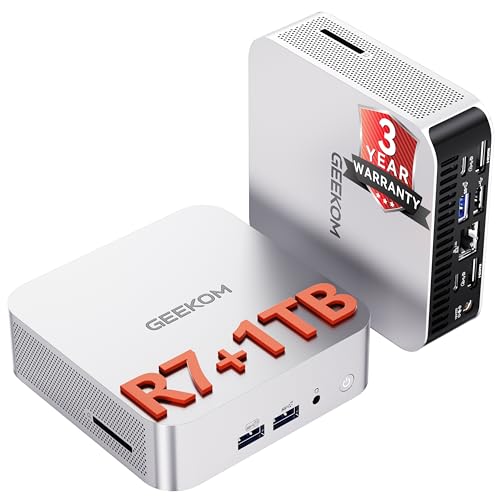


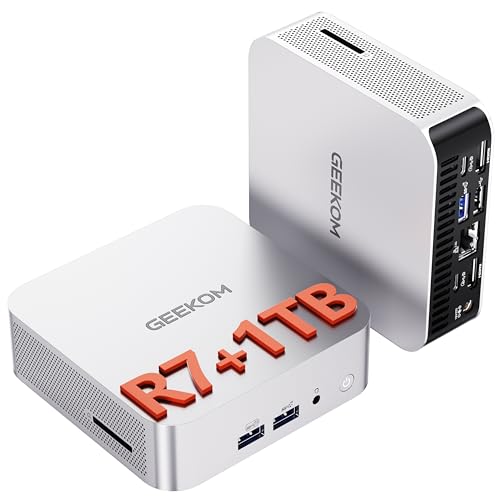
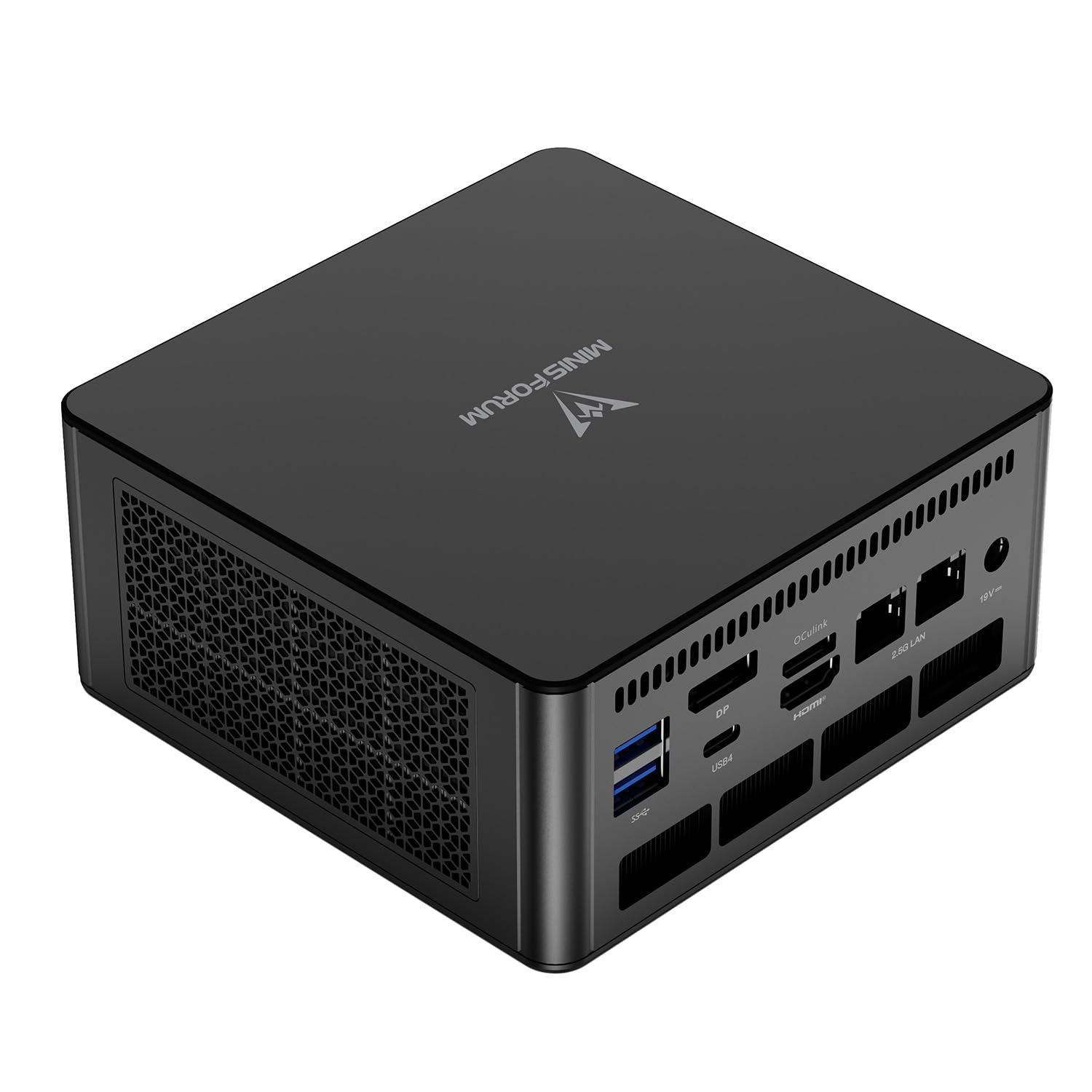
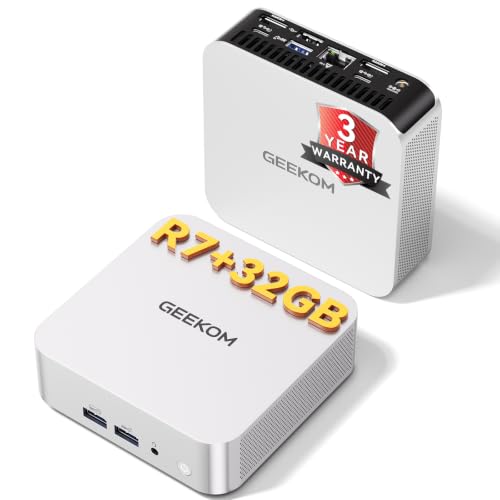
Why Shop for a Beelink SER8 Alternative
Some buyers want a cheaper machine, others want a newer chip or stronger graphics, and some simply cannot find the SER8 configuration they want. A few have also run into availability swings, because mini PC stock and prices move often.
Start by writing down what the SER8 would have done for you, such as running office apps, light editing, or a home server, and then check which alternative covers the same ground at a lower price.
What to Compare First
Processor generation and core count come first, because they set the ceiling for speed. Check the memory type and capacity next, since DDR5 or LPDDR5X helps integrated graphics, and capacity decides how many tasks you can run at once.
Storage speed and size, display outputs, network ports, and USB4 support complete the picture. A machine that is slightly faster on paper but lacks the ports you need is a worse buy than a modest machine with exactly the right set.
Same Class Options
Several makers sell Ryzen 7 and Ryzen 9 mini PCs close to the SER8 in size and price. Minisforum and Geekom both offer models with similar processors, some with extra USB4 ports or two Ethernet jacks. Beelink's own SER9 line is a step up if you want a newer chip.
When you compare, look at the cooling design and the warranty as well. Two machines with similar chips can behave very differently once the fan has to work. See the Beelink SER8 review for what to expect from the original.
Cheaper Alternatives
If the SER8 is more power than you need, a Ryzen 5 or an efficient Intel based mini PC costs much less and handles office work with ease. These machines are quieter and use less electricity, which suits a home office or a small server.
The trade off is slower editing, weaker graphics, and less room for demanding tasks later. If your workload may grow, spend a little more now so you do not have to buy again in a year.
When a Different Form Factor Wins
A mini PC is not the only small computer. A compact desktop such as the one in the Framework Desktop review offers more upgrade room, while an Apple model covered in the Apple Mac mini M4 review prioritizes efficiency and software integration.
Very different machines, like the one in the NVIDIA DGX Spark review, serve machine learning rather than daily computing. Choose by task, not by size alone.
How to Decide in Three Steps
- Set a budget and the heaviest task you expect.
- Filter the table by processor family, then by memory and storage.
- Check ports, warranty, and the return policy before you order.
Keep notes on each candidate so you can compare them calmly. The best mini PC guide gives a wider ranking if the shortlist grows too long.
Buying Tips for Any Mini PC
Verify what is included in the box, such as a power adapter, a mounting bracket, and cables. Read recent buyer comments for patterns about noise, Wi-Fi drops, or returns, and keep the packaging for the first month in case you need to send it back.
Plan your backup before you migrate files. A mini PC is only as safe as the data on it, so copy important folders to an external drive or a cloud account.
Real World Scenarios
A student who writes papers and streams video will be happy with a mini PC that costs half as much as a Ryzen 7 model. A freelancer who edits photos all day benefits from the stronger chip, and a home lab fan wants more memory slots and extra Ethernet ports, which only certain models offer.
Think about the machine you will want in two years rather than the one you need today. If the shortlist includes two similar prices, pick the model with more memory capacity and better ports, because those are the features you cannot easily change later.
Red Flags in Mini PC Listings
Watch for listings that do not state the exact processor, that show only a generic photo, or that mix several configurations under one price. Be careful with refurbished or renewed units unless the seller offers a clear warranty.
Extremely low prices for high end chips are another warning sign. If a deal seems too good, check the seller name and recent comments before you order.
A Quick Checklist Before You Order
Confirm the exact processor name, the memory type and size, and the storage size in the listing. Verify the number of display outputs and network ports, and check whether Windows is included. Read the warranty terms and note the return window, and keep the receipt in a safe place.
Final Tips Before You Buy
Take a day to compare after you shortlist, and look again at the memory size and the warranty. Prices shift with sales, so a slightly higher model today can become the better value tomorrow. Keep the original packaging for the first weeks, in case a fan noise or a port problem shows up.
FAQs
Is there a cheaper machine as fast as the SER8?
Sometimes, during sales, but a much cheaper machine usually has a slower chip or less memory. Compare configurations, not just prices.
Do Minisforum and Geekom machines have good support?
Both sell through major retailers with a warranty. Read the warranty terms and recent buyer comments before choosing.
Should I wait for a newer model?
If prices are close, a newer chip is usually the better long term buy. If you need a machine now, an older model at a lower price can still be a smart purchase.
Do I need a barebone or a full kit?
Choose a full kit unless you are comfortable installing memory, storage, and an operating system yourself.
When you weigh a beelink ser8 alternative, put processor, memory, ports, and warranty first, and use the table above to check prices. Prices and availability can change, so check the product page before ordering.


